table of contents
Teams find vulnerabilities faster than ever. But fixing them? That’s where most programs stall. You see piles of open issues, missed SLAs, and risk piling up because vulnerability remediation velocity stays too low.
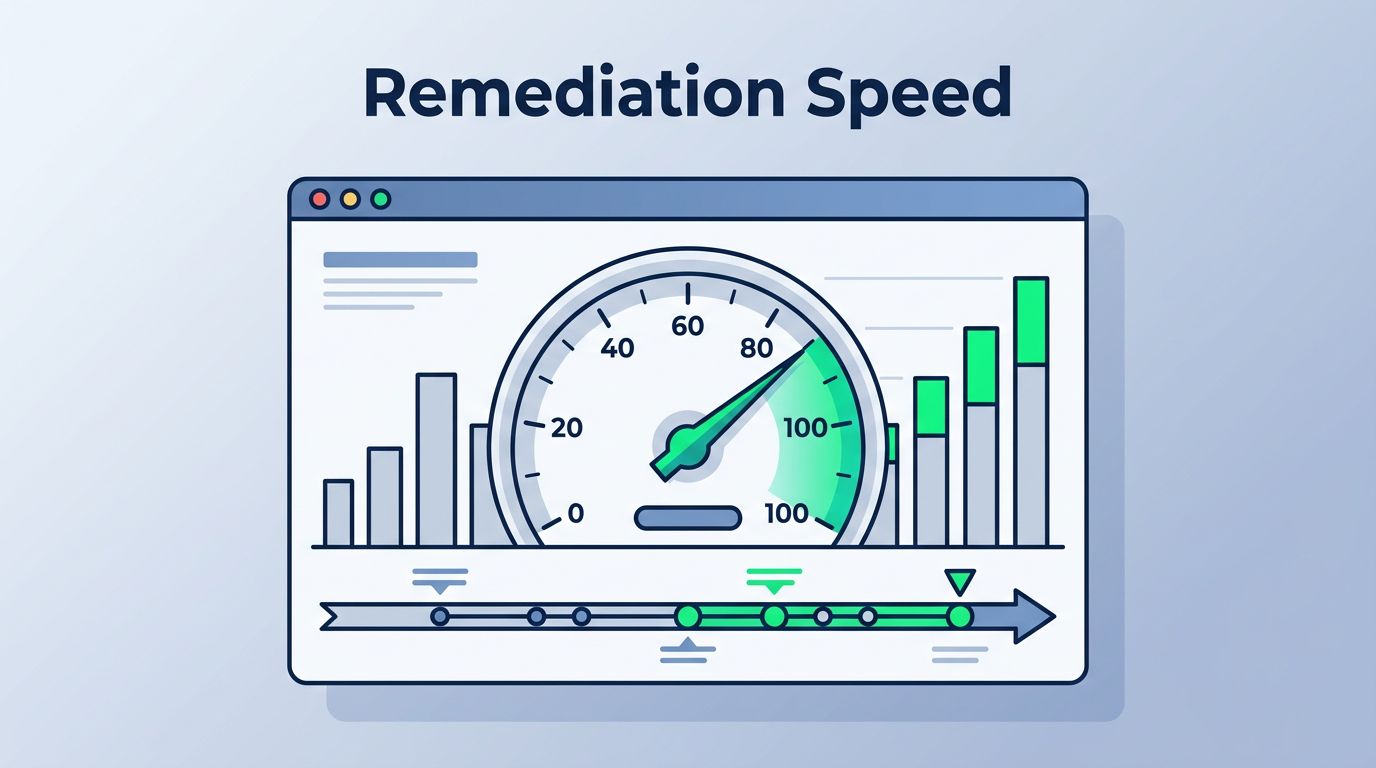
Vulnerability remediation velocity measures how quickly your team spots flaws and patches them. Slow velocity means attackers have more time to strike. Good dashboards change that. They spotlight key metrics so you act fast.
This post covers the metrics you need. You’ll learn to build dashboards that track speed, backlogs, and risk. Plus, tips to handle data hurdles. Let’s start with core metrics.
Define Vulnerability Remediation Velocity First
Vulnerability remediation velocity tracks the pace from detection to fix. It goes beyond raw counts. Think time from scan to patch, not just ticket volume.
Why focus here? High velocity cuts exposure. A critical flaw sits for weeks in slow teams. Fast ones close it in days. Dashboards make this visible across teams and assets.
Start with basics. Velocity ties to your process: scan, prioritize, assign, remediate, verify. Measure each step. That shows bottlenecks.
For example, if scans find 100 flaws weekly but you fix 50, velocity lags. Dashboards reveal if prioritization or resources cause the gap.
Tools like Jira or ServiceNow feed these views. Pull data daily. Set baselines from past quarters. Then watch trends.
CISOs love this. It links ops to business risk. One study shows teams with velocity dashboards reduce critical open days by 40%. You get that too with right setup.
Essential Metrics for Remediation Speed
Pick metrics that predict and prove speed. Mean time to remediate (MTTR) tops the list. It clocks hours or days from alert to verified fix.
Break MTTR by severity. Critical flaws need under 7 days. High ones, 30 days. Track medians, not averages. Outliers skew those.

Remediation throughput counts fixes per week. Aim for steady rises as teams mature. Pair it with discovery rate. If fixes lag finds, scale up.
Time-to-remediate by severity adds detail. Use bar charts. Green for on-time, red for overdue. This spots patterns, like cloud assets taking longer.
For a full view, check Wiz’s vulnerability management metrics. They cover MTTR and coverage well.
These metrics drive action. Weekly reviews flag slips early.
Track Backlogs and Open Findings
Backlogs kill velocity. Dashboards must show open critical findings. Limit to top 10 by CVSS score. Pie charts work here.
Aging backlog measures days open per vuln. Buckets help: 0-7, 8-30, over 30. Trends upward? Your capacity can’t keep up.
Open criticals over 90 days signal major risk. Fix that first.
Asset coverage tracks scanned versus total. Miss 20% of servers? Blind spots grow. Aim for 95% weekly.
Exception volume flags approved skips. High numbers mean weak prioritization. Review them quarterly.
Use line graphs for aging trends. Thresholds turn bars red at 14 days for highs.
SecPortal’s CISO metrics guide suggests grouping by risk categories. It fits ops and board views.
These keep backlogs in check. Teams triage better.
Measure SLA Attainment and Throughput
SLAs set targets. Like criticals in 72 hours. Dashboards show attainment rates. Percent on-time builds trust.
Calculate as (fixed on-time / total due) x 100. Monthly trends matter. Dips mean process tweaks.
Remediation throughput by team shines light on balance. DevOps fixes fast; endpoints lag. Reassign or train.
| Metric | Target | Why It Matters |
|---|---|---|
| SLA Attainment (Critical) | 90% | Proves response speed |
| Throughput (Fixes/Week) | 200+ | Gauges team capacity |
| On-Time Rate (High) | 85% | Spots severity gaps |
This table summarizes quick wins. After, drill into details.
Gradum’s CIS Controls dashboard example uses similar for execs. Adapt it.
SLAs align efforts. Celebrate hits; fix misses.
Spot Leading Versus Lagging Indicators
Lagging metrics confirm past actions. Like closed vulns last month. They prove results but arrive late.
Leading ones predict. Pending assignments or queue wait times. High queues warn of future slips.
Mix them. 60% leading for foresight. Lagging for proof.
Examples:
Throughput leads; MTTR lags.
Backlog age leads; attainment lags.
Use sparklines next to numbers. Trends tell stories.
This balance shifts focus proactive. You prevent pileups.
Tackle Data Quality and Normalization Hurdles
Data messes dashboards. Scanners like Nessus and Qualys score differently. Normalize CVSS to 0-10 scale.
Ticketing systems vary. Map fields: “fixed” in one equals “resolved” in another. Scripts unify them.
Common issues: duplicates from scans. Dedupe by asset and CVE. Misses this, metrics inflate.
Asset tags help. Group by cloud, on-prem. Coverage gaps show clear.
Test feeds weekly. Bad data fools everyone.
Automation tools like Vulcan or DefectDojo clean this. Start small; scale out.
Clean data makes metrics reliable. Trust follows.
Align Metrics to Risk-Based Priorities
Risk trumps volume. Weight vulns by exploitability, not just score. EPSS scores predict attacks.
Dashboards filter by asset criticality. Crown jewels first.
Prioritization tiers: critical (P0), high (P1). Velocity per tier.
Exceptions tie to risk. Approve only with compensating controls.
Board views roll up: velocity score from weighted MTTR.
This focuses fire. Risk drops fastest.
Conclusion
Strong dashboards track MTTR, backlogs, SLAs, and more. They blend leading and lagging signals. Clean data and risk alignment make them shine.
You now have the blueprint. Build one; watch velocity climb. Risk shrinks as fixes speed up.
Need help scaling? Book a Discovery Call with Bud Consulting. They specialize in SecOps setups.