table of contents
In third-party risk management, your vendors handle sensitive data. One breach in their chain can hit your operations hard. In 2026, with supply chains stretching to fourth and fifth parties, static spreadsheets won’t cut it.
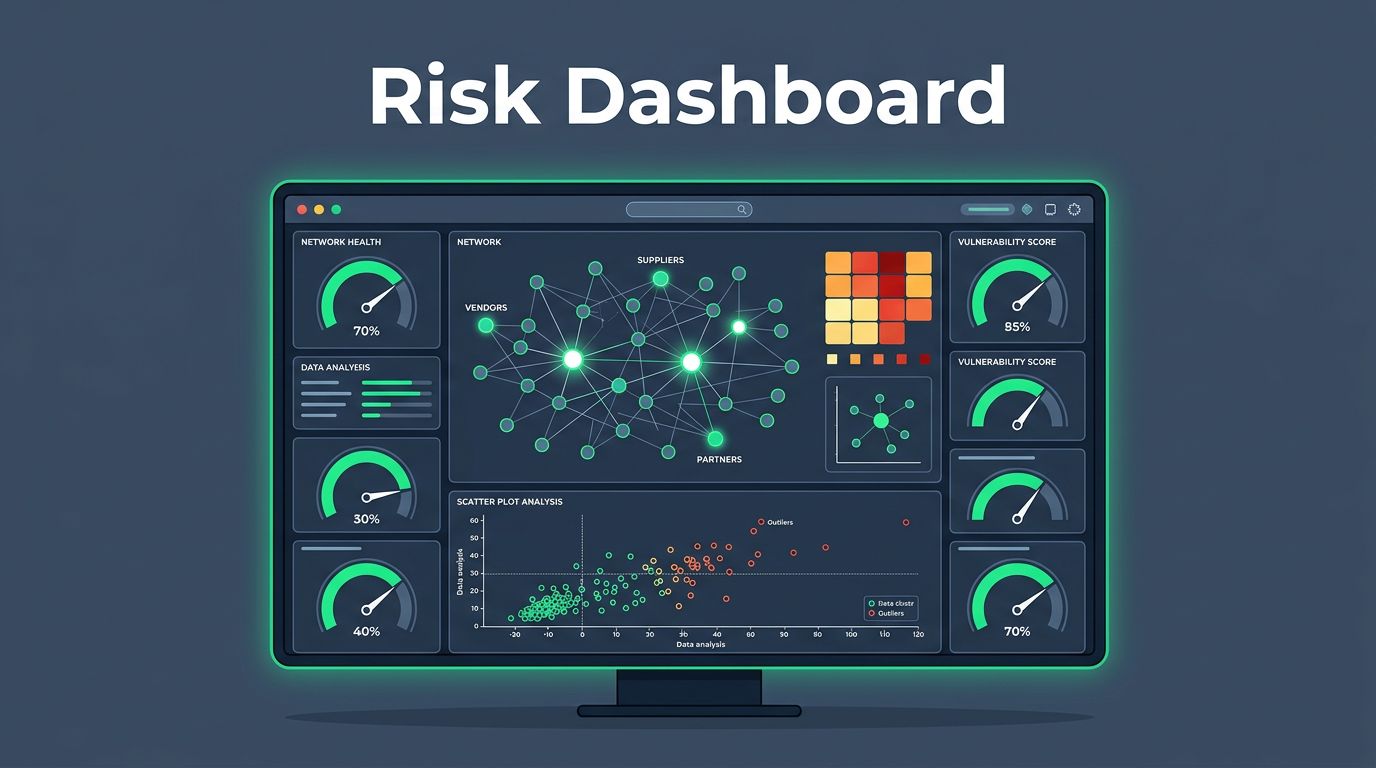
Third-party risk dashboards give you live views of threats. They spot issues before they escalate. You’ll see vendor concentration, control gaps, and SLA slips at a glance.
This guide shows you how to build dashboards that matter. It covers key metrics, visuals, and team-specific views. Let’s start with why these tools make a difference now.
Key Takeaways
- Third-party risk dashboards deliver real-time visibility into vendor threats, concentration risks, SLA slips, and nth-party chains, replacing outdated spreadsheets.
- Distinguish inherent and residual risks with scoring to prioritize critical vendors and close control gaps faster.
- Choose visuals like heat maps, scatter plots, network graphs, and gauges to reveal patterns; customize views for execs, security, and procurement teams.
- In 2026, AI automation, continuous monitoring, and dedicated platforms dominate, cutting exposure and driving strategic TPRM success.
Monitor Vendor Risks with Live Dashboards
Teams track hundreds of vendors these days. Manual reviews happen once a year at best. TPRM dashboards change that by offering real-time visibility through continuous monitoring.
They watch for cyber threats, financial dips, and compliance slips. Alerts fire when a critical vendor’s security score drops, triggering automated workflows. You act fast instead of reacting to headlines.
Consider incident exposure. A dashboard flags vendors linked to recent breaches. It ties those events to your data flows. No more digging through emails.
In 2026, 87% of teams use platforms with continuous monitoring, up from last year. Spreadsheets? Down to 10%. These tools integrate news feeds, APIs, and vendor updates.
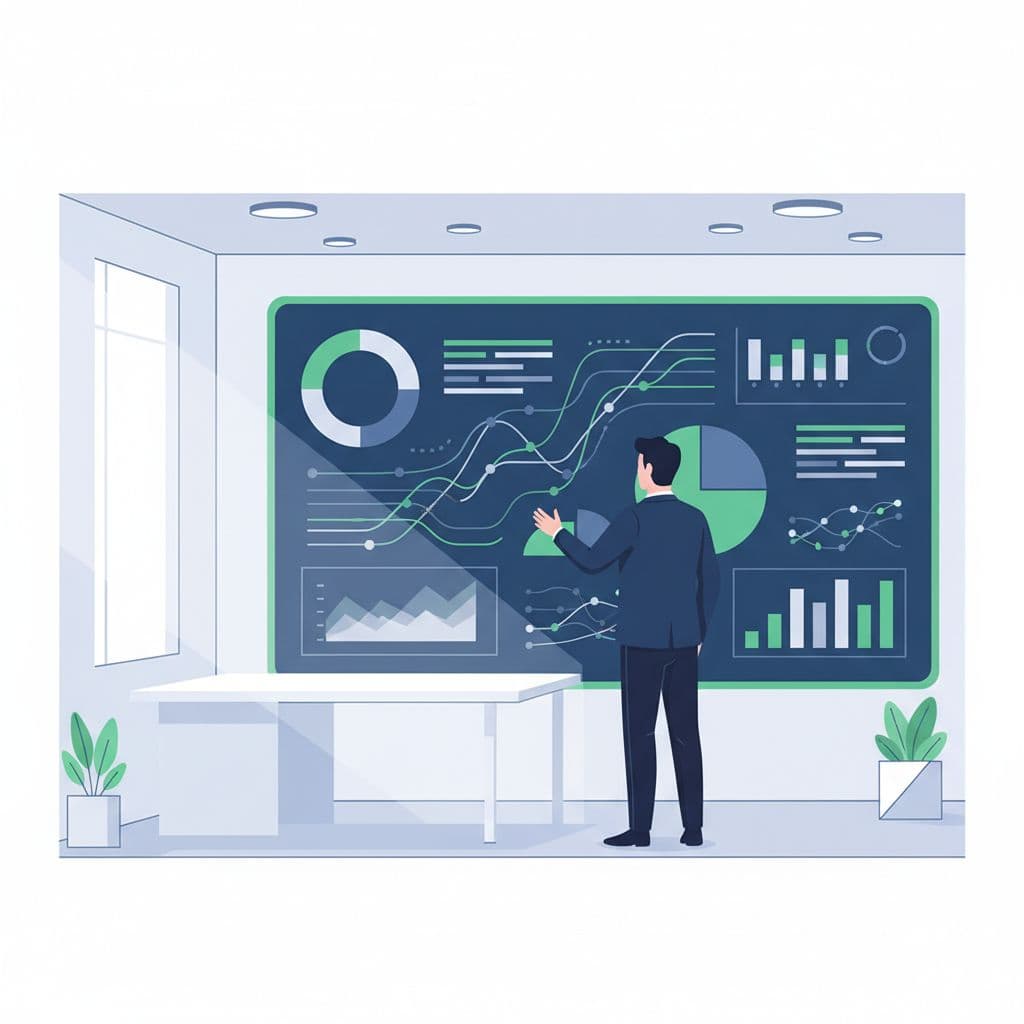
A security team reviews trends on a shared screen. This setup keeps everyone aligned.
Concentration risk stands out here. If 40% of your cloud spend sits with one provider, that’s a red flag. Dashboards calculate spend share and flag over-reliance. They also map nth-party links across the supply chain, so you see subs under subs.
Remediation status gets its own tile. Open issues show by priority: high, medium, low. Percent complete rolls up across vendors. Teams close gaps faster when progress is visible.
Define Vendor Risk Levels Clearly
Risk isn’t one size fits all. You split it into inherent and residual through risk assessments and due diligence. Inherent risk looks at the vendor’s base threat: data volume, industry, location. Residual risk subtracts their controls.
Dashboards score both with risk scoring and risk rating. A high-inherent vendor with strong controls drops to medium residual. This split helps prioritize.
Critical vendors get special attention. Define them by spend, data access, or outage impact. A dashboard filters to show top 10. Metrics include uptime history and breach proximity.
Control gaps appear as heat maps. Red for missing encryption; yellow for weak access reviews. Open issues count by type: 15 SOC 2 gaps, 8 contract renewals overdue.

Bars represent risk tiers without labels. Height shows severity at a glance.
SLA performance tracks contract promises and regulatory compliance. Uptake: 95% on time? Green. Misses trigger digs into root causes. Incident exposure layers in: vendors near recent attacks get dinged based on incident frequency and security posture.
Tailor scores to your world. Weight cyber 40%, ops 30%, financial 30%. Update quarterly as threats shift.
Choose Charts That Reveal Risk Patterns
Data visualization simplifies third-party risk management. Pick visuals that match the story. Bar charts suit vendor comparisons. Stack spend by category to spot concentration.
For inherent vs. residual, use a scatter plot. X-axis: inherent score. Y-axis: residual. Bubbles size by spend. Clusters show where controls fail.
Here’s a simple table for SLA tracking:
| Vendor Tier | On-Time Delivery % | Breach Incidents | Action Needed |
|---|---|---|---|
| Critical | 92 | 2 | Review Q2 |
| High | 87 | 1 | Remediate |
| Medium | 95 | 0 | Monitor |
This table summarizes performance and enables audit-ready dashboards. Critical vendors need eyes first because misses cost more.
Line charts track remediation over time. One line per issue type. Spikes signal process flaws.
Nth-party risks call for network graphs. Nodes link your firm to vendors, then subs, across the third-party ecosystem. Color by risk score. Paths highlight weak spots.
Gauge charts work for overall exposure and Key Performance Indicators. A single dial: your portfolio’s average residual risk. Green under 30; red over 60.
Test views on sample data. Do trends pop? Can you drill down? Good TPRM dashboards let you filter by region or contract end date.
Customize Views for Your Teams
One dashboard fits no one. Execs want high-level summaries. GRC managers seek oversight. Security teams dive into controls. Procurement checks contracts.
Exec view: Top risks only. Risk heat map, concentration pie chart, remediation % complete. Add forward look: vendors up for renewal. They scan in five minutes.
Board reports boil to four numbers: coverage %, timeliness, incidents this quarter, watch list. For details, see Visualping’s 2026 guide on board metrics.
Security view: Control gaps affecting security posture, open issues, remediation actions, incident links. Filter by cyber score drops or fourth-party alerts. AI predictions flag rising threats.
Procurement view: SLA breaches, spend concentration, financial health. Tables show overdue assessments and contract risks.
Hybrid setups rule in 2026: centralized platform with central rules, unit tweaks. 52% run this way. TPRM dashboards enforce standards while allowing filters in third-party risk management.
Build with tools that export views. Share links, not files. Teams stay current.
Spot Nth-Party and Concentration Risks
Vendor chains grow complex. One main supplier feeds five subs. A glitch there ripples back.
Dashboards map these links in the third-party ecosystem, bolstering operational resilience. Start with your core vendors. Branch to their subs. Risk scores propagate up.
Concentration hits when few vendors dominate. Track % spend or transaction volume. Over 20% in one? Alert.

Connected nodes show supply chain depth. Central green node is your firm.
AI scans for changes in third-party risk management: new subs, ownership shifts. In 2026, 51% check vendor AI use. Dashboards predict failures from model risks.
KRIs drive alerts based on security ratings. Vendor security dips, SLA misses, financial instability. Set thresholds: amber at 70 score, red below 50. See Risk Publishing’s framework for KRI setup.
ESG factors join: labor issues, emissions. Regs push compliance status checks. Quantitative scores tie to business impact, like $4.91M breach average.
2026 Trends to Watch
Dashboards evolve fast as vendor risk management matures. AI automates scoring, predicts risks, and speeds up the onboarding process. 46% use it for sourcing.
Continuous monitoring is baseline for strategic success in third-party risk management. Real-time feeds beat annual checks. Nth-party maps merge cyber, ops, ESG.
64% run dedicated software, up 19%. Teams grow: 80% hire more staff.
Must-haves: alerts, AI scores, chain views. From checkbox to strategy.
Check UpGuard’s dashboard build tips for robust starts.
Frequently Asked Questions
What are third-party risk dashboards?
Third-party risk dashboards provide live views of vendor threats, including cyber risks, financial dips, compliance issues, and supply chain links. They integrate news feeds, APIs, and updates for continuous monitoring with alerts and automated workflows. Teams spot issues like concentration or SLA breaches at a glance.
Why replace spreadsheets with dashboards in 2026?
Spreadsheets limit teams to annual manual reviews, missing real-time threats in complex chains. Dashboards offer 87% adoption for continuous monitoring, flagging risks like vendor breaches or over-reliance before they hit. They drive faster remediation and align teams with shared, audit-ready views.
How do you define and score vendor risks?
Split risks into inherent (base threats like data volume) and residual (after controls). Score both, weighting cyber, ops, and financial factors; use heat maps for gaps and filters for critical vendors by spend or impact. Update quarterly as threats evolve.
What charts best reveal TPRM patterns?
Bar charts compare vendors, scatter plots show inherent vs. residual, network graphs map nth-parties, and gauges track KPIs. Tables summarize SLAs; line charts monitor remediation trends. Test for drill-downs by region or date.
What 2026 trends shape TPRM dashboards?
AI automates scoring and predicts risks; 64% use dedicated software with chain maps for cyber, ops, and ESG. Continuous monitoring is baseline, with 51% checking vendor AI use and KRIs for alerts. Hybrid setups enforce standards across teams.
Build Better Risk Oversight
Dashboards turn vendor chaos into clear action in vendor risk management. Track concentration, gaps, SLAs, and more with live metrics. Tailor views so teams use them.
In 2026, real-time wins. AI and chain maps close blind spots. Start simple: pick five metrics, test charts. This drives effective risk mitigation.
Strong dashboards cut exposure. Your next step? Review your current setup with a TPRM dashboard for ongoing oversight and visibility.
Ready to strengthen your program? Book a Discovery Call with Bud Consulting.