table of contents
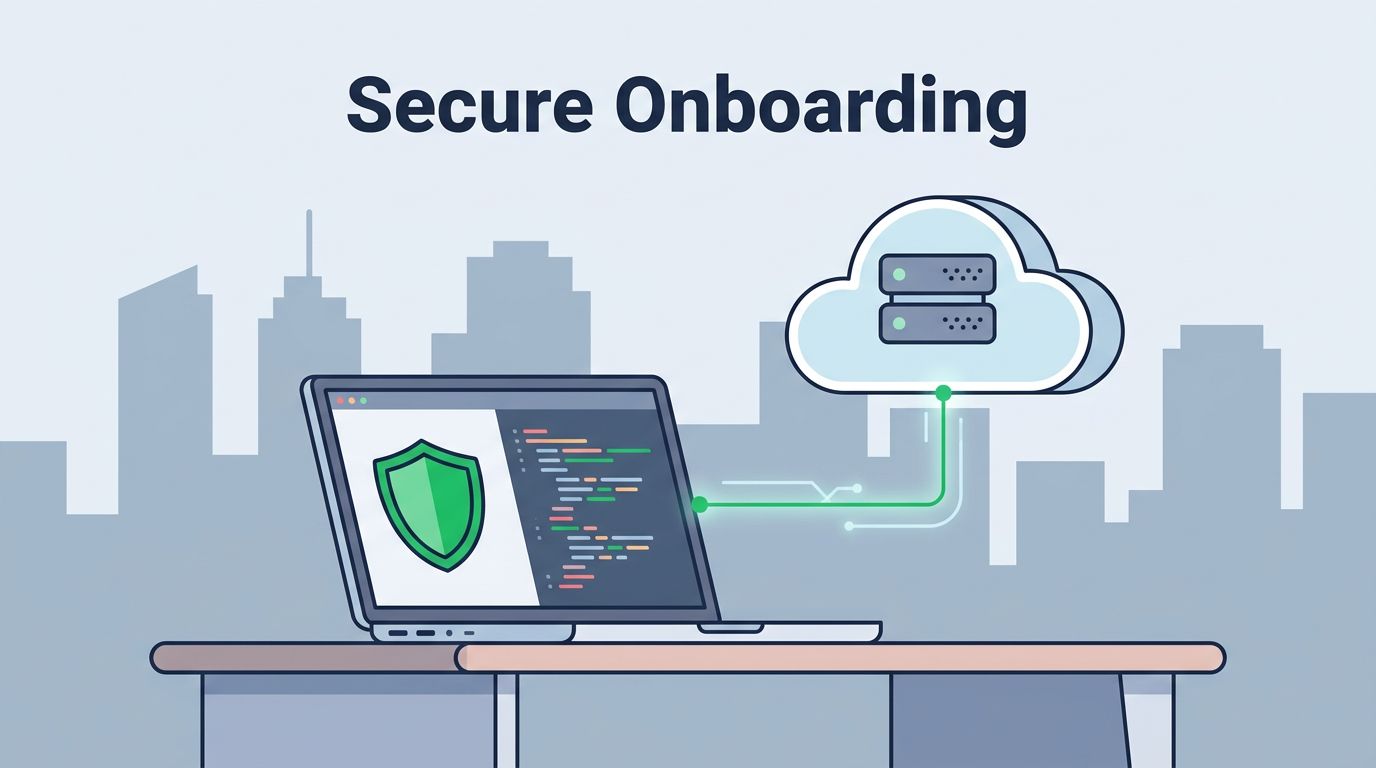
When you hire a new developer to work from a remote location, the first few days set the tone for their entire tenure. If your security protocols are absent or poorly enforced, you aren’t just slowing them down; you are opening the door to unnecessary risk. A robust remote developer onboarding process prioritizes both productivity and protection from the very first login.
You cannot afford to treat security as an afterthought or a series of late-stage configuration steps. By building security into the foundation of your hiring workflow, you ensure that new team members are set up to contribute safely without friction. If you are struggling to balance rapid deployment with strict compliance, you can Book a Discovery Call with Bud Consulting to refine your strategy.
Building Secure Foundations for Remote Work
Security starts long before a new developer joins your team. Most security breaches involving remote staff occur due to misconfigured devices or shared credentials that were never properly audited. You should ship company-managed hardware to the developer at least 5 days before their start date. This timeframe allows for troubleshooting, software updates, and the initial application of security policies before the user ever accesses sensitive repositories.

Standardize your hardware setup using mobile device management (MDM) tools to enforce disk encryption, password complexity requirements, and automatic updates. By controlling the endpoint, you remove the reliance on unmanaged personal machines, which frequently serve as entry points for attackers. Ensure every device is ready to go, pre-loaded with the necessary security agents and communication tools, so the developer can focus on their initial tasks rather than setting up local firewall rules.
Automating Access with Zero Trust Principles
Manual account provisioning is a security liability. It often leads to overprovisioned access where a developer retains permissions long after they no longer need them. Instead, adopt a Zero Trust approach to onboarding, where access is granted based on identity and project requirements rather than default role permissions. Automation handles this by linking the developer’s identity provider (IdP) directly to your resource management tools.

When a developer joins your team, they should only receive the minimum level of access required to perform their immediate tasks. This principle of least privilege limits potential blast radius if a credential is compromised. Implement single sign-on (SSO) with mandatory multi-factor authentication (MFA) across every platform, from code repositories to cloud service dashboards. This simple step forces a layer of verification at every access point, which is essential for protecting remote environments.
Securing Endpoints and Personal Devices
Endpoint security is a major challenge when you cannot physically inspect every device. If your organization allows a bring-your-own-device policy, you must enforce strict compliance checks through a unified endpoint management system. Without this, your developers might work from outdated operating systems or compromised home networks. Use conditional access policies to verify device health status before granting access to internal resources.

If a developer’s device fails a health check—such as missing an critical OS patch or running unapproved software—the system should automatically restrict access until the issue is addressed. This keeps the burden of security off the developer and shifts it toward your automated backend systems. Provide clear, step-by-step documentation on how to resolve these compliance flags, ensuring the developer can quickly get back to work while maintaining the security posture of the entire company.
Managing Secrets and Repository Access
Hard-coded secrets in your codebase are a primary target for attackers. Never share passwords or API keys over insecure channels like Slack or email. Instead, use a centralized secrets manager like HashiCorp Vault or a dedicated enterprise password manager. This allows you to rotate credentials automatically and track who accessed which secret, providing a clear audit trail.

Repository access should be granular. Use team-based permissions that automatically grant access to the repositories required for their role, and nothing more. When a new developer arrives, verify their access during the first week. By keeping these permissions dynamic and tied to your internal team management systems, you ensure that access is automatically revoked when a team member moves to a different project or leaves the organization.
Audit Trails and Monitoring Activity
You cannot defend what you cannot see. Robust logging and monitoring are necessary for detecting unusual behavior in a remote environment. Every access request, code push, and cloud configuration change should be logged to a centralized location. Configure automated alerts for suspicious events, such as logins from unexpected locations or bulk data exports.

These logs do more than just provide security oversight; they also help troubleshoot issues quickly during the initial onboarding weeks. When a developer cannot access a resource, your security or DevOps team can check the logs to see if a permission is blocked or if a policy is preventing the connection. This visibility is vital for securing remote and hybrid work while keeping your team efficient and focused on their deliverables.
Establishing Secure Communication Norms
Your security culture is only as strong as the communication habits of your team. Onboarding must include explicit training on how to handle sensitive information and how to report security incidents. When new remote developers understand that reporting a mistake—such as accidentally pasting a key into a public chat—is rewarded rather than punished, you create a stronger safety net.
Use secure, encrypted messaging platforms for all work-related conversations. Establish clear expectations regarding the use of VPNs or other secure network access points when working from public locations like coffee shops or airports. These guidelines should be clearly written in your onboarding documentation, which you should treat as a living resource rather than a static document. If you keep these guides updated, you significantly reduce the volume of repeat questions from new hires.
Fast Deprovisioning and Offboarding
The security lifecycle of a developer does not end when they leave the team. The ability to quickly and completely revoke access is just as important as the ability to grant it. If a developer leaves or if their onboarding requirements change, you must have a plan to remove access across all platforms within minutes.
Centralized identity management makes this possible. By revoking their access in your main identity provider, you should be able to instantly close doors to your cloud infrastructure, code repositories, and communication channels. This prevents orphaned accounts from lingering in your systems, which are often targets for attackers looking to gain a foothold in your network. Always test your deprovisioning process regularly to ensure that no backdoors remain active.
Common Mistakes to Avoid
Many organizations fall into the trap of prioritizing speed over security, often with disastrous results. One of the most frequent errors is overprovisioning access, where developers are given “admin” rights to cloud services because it is easier than managing specific roles. This approach is dangerous. Instead, invest the time to define clear, role-based access control policies that reflect the actual work a developer will perform.
Another mistake is relying on shared credentials. Whether it is a single account for a testing environment or a shared password for a tool, this practice makes auditing and accountability impossible. Every individual should have their own unique, audited identity. If your tools don’t support this, find alternatives that do. Using personal devices without security oversight is also a critical failing. If a developer uses a laptop that lacks modern protections, your entire development chain becomes vulnerable to compromise.
Creating a Resilient Security Culture
Ultimately, successful remote developer onboarding is about building trust through transparency and consistent policy. When security controls are applied uniformly and explained clearly, developers understand that these measures protect them and the work they contribute. This removes the “us versus them” mentality that often exists between engineering and security teams.
The best onboarding programs integrate security into the daily developer experience. By using automation, centralized identity, and clear documentation, you create an environment where security is a default state rather than an additional chore. Your goal is to make the secure way the easiest way to work. If you follow these guidelines, you will find that security doesn’t just prevent risks; it actually speeds up your team by providing a reliable and stable environment for growth.
Final Considerations for Remote Onboarding
Building a security-conscious program requires continuous improvement. Take feedback from new hires about their onboarding experience, especially regarding security friction. If your tools feel overly burdensome, look for ways to simplify the process without compromising protection. Regularly reviewing your access policies and testing your response to potential incidents will keep your team safe as you grow.
Remember that documentation is the backbone of your strategy. If the process isn’t written down, it isn’t repeatable or scalable. Maintain updated, clear documentation that guides developers through every step of their setup and access requirements. By investing in these foundations today, you protect your organization from tomorrow’s threats, ensuring that every new hire is a productive, secure asset to your mission.