table of contents
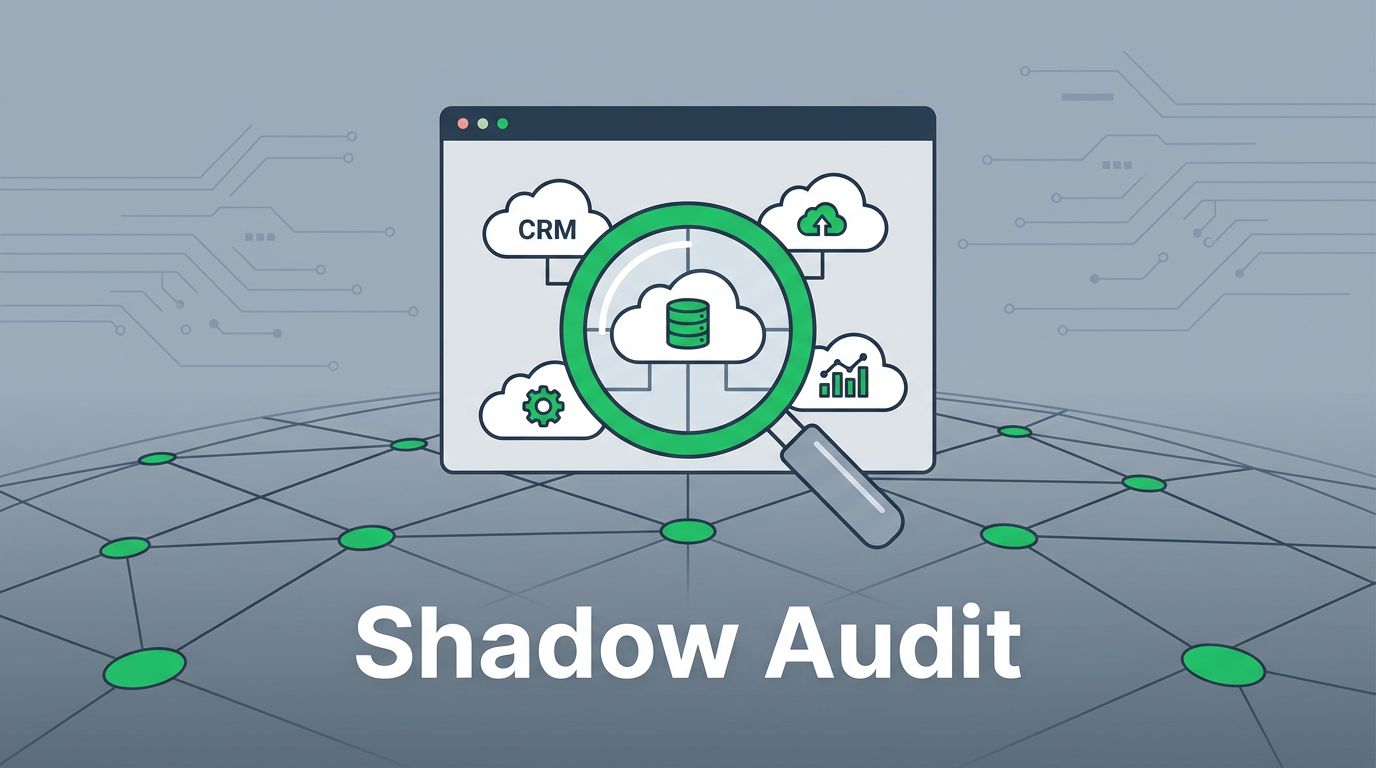
Shadow IT grows when employees prioritize speed over established procurement paths. When teams sign up for third-party tools without oversight, they introduce hidden risks to your environment. A well-planned shadow IT audit checklist helps you regain visibility, assess actual usage, and mitigate data exposure effectively.
The following guide outlines a repeatable quarterly audit process for IT and security teams. By establishing a standard cadence, you move away from reactive firefighting toward a managed security posture.
Understanding Your SaaS Footprint
Visibility is the foundation of any security program. If you cannot see the applications your employees access, you cannot protect the data those applications hold. You must collect telemetry from multiple sources to create an accurate map of your organization’s software footprint.

Begin your discovery phase by reviewing these data points:
- SSO and OAuth logs: Check your identity provider for new application connections. Look for OAuth grants that allow third-party apps to access sensitive mailboxes or cloud storage.
- Expense records: Review credit card and procurement logs for recurring SaaS subscriptions. This often reveals tools that have been running for months without IT knowledge.
- Browser and endpoint monitoring: Use browser management policies to identify extensions or web apps frequently accessed by employees.
- Network traffic: Examine CASB or SASE logs to see which domains your users visit most often.
- Direct feedback: Conduct brief departmental interviews. Ask managers which tools their teams rely on to get work done daily.
Modern shadow IT detection requires this multi-layered approach to catch everything from paid enterprise platforms to free, browser-based tools. Relying on a single source of truth often leaves gaps.
Categorizing Risk and Business Impact
Once you have a list of discovered applications, you need to sort them. Not every unauthorized tool represents a critical threat. Some apps are low-risk productivity aids, while others may hold sensitive customer or financial data.
Use a simple risk classification table to prioritize your remediation efforts.
| Risk Category | Examples | Security Controls |
|---|---|---|
| High Risk | CRM, Payroll, HR, Customer Data | Mandatory SSO, MFA, Data Loss Prevention |
| Medium Risk | Project management, Internal wikis | SSO, periodic access reviews |
| Low Risk | Personal productivity, public converters | Minimal, monitor for data leakage |
After classifying these tools, you can determine if they meet your security strategies for managing shadow IT. If an app handles high-risk data but lacks basic authentication controls, it becomes your top priority for removal or replacement.
Analyzing Access and Data Exposure
After identifying the applications, examine how they function within your network. Many modern SaaS tools allow users to sign up with company email addresses, creating an immediate entry point for potential attackers.
Focus your technical audit on these specific areas:
- Authentication methods: Does the tool support SAML or OIDC? If not, employees are likely reusing passwords, which creates a significant vulnerability.
- Data permissions: Review what information the app can access. Does it require read-write access to your entire document library or just a single folder?
- Sharing settings: Determine if users can share data with external parties. Many cloud apps default to “publicly available” for links, which is a major compliance risk.
- Lifecycle management: Check for dormant accounts. Employees often leave tools behind when they switch projects or departments.
Effective shadow IT discovery is about understanding the business need. Sometimes, users choose unauthorized tools because the official company software is difficult to use. If you identify a persistent need for a specific unauthorized tool, consider evaluating it for formal approval. You can Book a Discovery Call with Bud Consulting if you need help formalizing your vendor assessment process.
Building a Remediation Framework
After your assessment, you will have a clear list of actions. Remediation is rarely a simple “block all” operation. Instead, use a tiered approach to ensure you don’t disrupt business operations while you secure the environment.
Follow these steps to remediate effectively:
- Sanction necessary tools: If an app is safe and provides value, integrate it into your SSO stack. This provides centralized control and visibility.
- Restrict high-risk data: For tools that cannot be easily replaced, use your CASB or endpoint agents to restrict the movement of sensitive files into those specific applications.
- Phase out duplicative tools: If you have three different project management tools running, migrate teams to the sanctioned platform. This reduces cost and expands your security oversight.
- Educate the users: Explain why certain tools were removed. If users understand that the audit protects the company and their own data, they are less likely to seek workarounds.
- Automate ongoing monitoring: Move from manual point-in-time checks to continuous automated discovery. Most CASB tools provide alerts when a new application is connected to your environment.
Establishing a Quarterly Audit Cadence
Security is not a one-time project. New apps appear every week. By running a standard audit every quarter, you keep your inventory clean and ensure that security policies keep pace with team requirements.
Documenting your findings is a critical part of this cadence. Maintain a simple spreadsheet or a database that tracks the last audit date, the current risk score of each application, and the primary business owner for each tool.
This evidence is invaluable for compliance reporting and for demonstrating the maturity of your security program. When you show that you actively identify, assess, and manage SaaS usage, you gain credibility with stakeholders.
If you find that your team is overwhelmed by the volume of new tools, look for ways to automate the approval process. A fast, clear path for requesting new software reduces the incentive for employees to bypass IT.
Final Thoughts
Managing shadow IT is fundamentally about balancing security with productivity. When you provide clear, secure alternatives for common business needs, you reduce the reliance on unauthorized applications. Use your audit to start conversations with department heads, rather than just delivering lists of prohibited software.
By maintaining a consistent, transparent process, you turn IT from a roadblock into a partner. This visibility creates a stronger, more resilient organization that can adopt new technology safely. Focus on the tools that present the greatest risk first, and you will see immediate improvements in your security posture.