table of contents
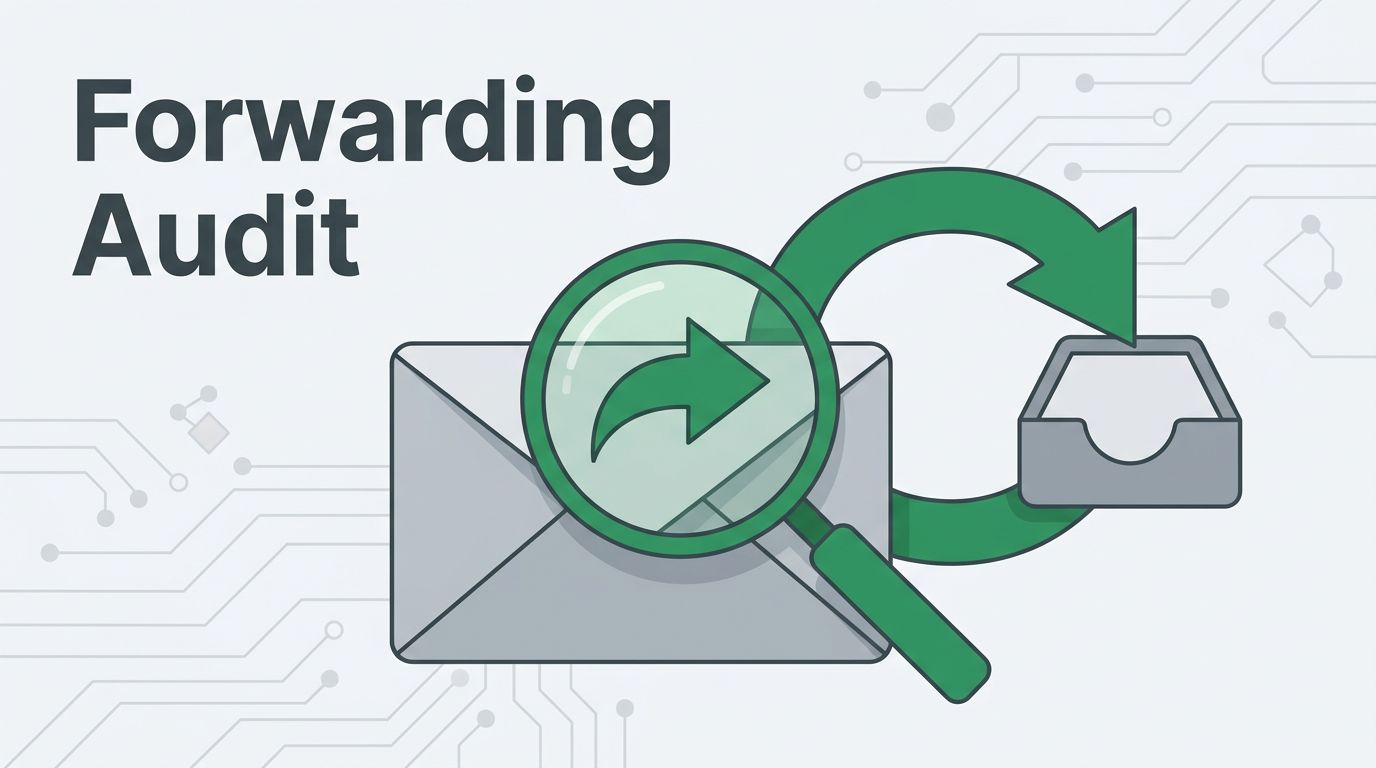
A hidden forwarding rule can keep an attacker inside a mailbox long after the login looks clean. That is why a mailbox forwarding audit belongs in every BEC response and every routine security review.
BEC crews care about emails with invoices, bank details, and executive requests. If they can read those threads quietly, they can time fraud, mimic tone, and wait for the right moment to act.
A good audit does more than look for one obvious forward to Gmail. It checks inbox rules, transport rules, admin settings, and signs that someone tried to hide the trail. The goal is simple, find the rules that should not be there before they help the attacker.
Why mailbox forwarding rules are a BEC favorite
A forwarding rule is a low-noise way to spy on a mailbox. The victim may keep working as usual, while someone else receives the same mail in another inbox. That makes it useful for attackers who want persistence after the first account takeover.
A forwarding rule can act like a quiet tap on the mailbox. The user keeps working, while someone else reads the same mail in the background.
That access matters most when money is at stake. Attackers watch for vendor invoices, payroll changes, wire requests, and executive approvals. They can copy the wording, the timing, and the pressure points. Then they send a fake message at the exact moment when it looks normal.
Microsoft tracks suspicious forwarding activity in its Defender alert classification playbook, and Red Canary has a solid guide to suspicious forwarding rules in Office 365. Both show the same pattern, forwarding is often part of a broader compromise, not a one-off oddity.

Because the rule sits inside the mailbox, it can be easy to miss in a fast incident review. That is why a mailbox forwarding audit should look at the rule itself, the destination, and the context around when it was created.
What risky forwarding rules look like in practice
A suspicious rule is often small and oddly specific. It may only forward mail with finance terms, or it may hide itself by moving messages to archive after sending them out.
Use this quick comparison during triage:
| Rule pattern | Why it stands out | What to verify |
|---|---|---|
| Forwards to a personal mailbox | Sends business mail outside the company | Business need, owner approval, destination domain |
| Triggers on “invoice”, “payment”, or “wire” | Focuses on money-related conversations | Search terms, scope, and whether the user created it |
| Marks messages as read or deletes them | Hides the mail from the user | Rule actions, creation time, and creator account |
| Redirects to an unknown alias | Can hide the real destination | Full target address, delegates, and related rules |
If a rule combines forwarding with delete or mark-as-read actions, treat it as high risk. Those are the moves that help a thief stay invisible.
A practical triage pass should also look for these signs:
- The forwarding target is outside the company and has no business reason.
- The rule only catches mail from specific executives, vendors, or finance staff.
- The mailbox owner says they never set up forwarding.
- The rule appeared right after a suspicious sign-in or MFA prompt.
- The rule was created outside normal hours, then hidden with other inbox actions.
One compromised mailbox can hide several rules. Check the entire rule set, not just the first suspicious item you find.
Logs, reports, and admin settings to review
A strong audit ties mailbox rules to the events around them. That means you need the rule data, the sign-in history, and the admin changes that made it possible.
In Microsoft 365, review mailbox auditing, mailbox inbox rules, mail flow rules, message trace, and sign-in logs. If Defender for Office 365 is in place, check alerts tied to forwarding activity and look for the related mailbox events. Microsoft’s alert classification playbook for email forwarding is useful when you need to judge whether the activity is truly malicious or part of an approved workflow.
In Google Workspace, review Gmail forwarding settings, filters, audit logs, delegated access, and any security alerts tied to the account. Pay close attention to filters that move mail, mark it read, or archive it after forwarding. Those details matter because attackers often try to hide the rule from the mailbox owner.
A fast review should include these checks:
- New forwarding targets that point to external domains.
- Inbox rules that delete, archive, or mark messages as read.
- Mail flow or transport rules that redirect sensitive mail.
- Rules created from unfamiliar IPs, devices, or locations.
- Changes to mailbox delegation, send-as access, or app passwords.
- Forwarding settings created right after a password reset or MFA change.

If your organization still allows external auto-forwarding, review that choice carefully. Push Security’s overview of external auto-forwarding risks is a helpful reference when you decide whether the policy should be blocked or limited.
A mailbox forwarding audit checklist that works
A good audit does not depend on one product screen. It follows the same logic every time, then checks the parts that attackers tend to abuse.
Use this simple workflow:
- Start with the mailbox owner and confirm whether any forwarding is approved.
- Pull the full rule list, including hidden or inherited rules.
- Check the destination for every external forward, alias, or redirect.
- Compare the rule creation time with sign-in logs and MFA events.
- Review related inbox actions, including delete, archive, and mark-as-read.
- Search for other mailboxes with the same rule pattern.
- Confirm whether finance, legal, or executives were exposed through the mailbox.
This is the point where a quick spot check turns into real threat hunting. If one mailbox has a bad rule, others may share the same account compromise or the same attacker method.
What to do after you find a malicious rule
Once you find a risky rule, move fast, but keep the evidence. Record the rule name, destination, creation time, and the account that made the change. Then preserve the surrounding logs before you remove anything.

A clean remediation sequence usually looks like this:
- Remove the forwarding rule and any matching inbox or transport rules.
- Revoke active sessions, reset the password, and re-check MFA enrollment.
- Review mailbox delegation, send-as access, and connected apps.
- Hunt for sent mail, deleted mail, and payment-related threads the attacker may have seen.
- Notify finance if vendor banking changes, invoice requests, or wire approvals may have been exposed.
- Watch for a second rule or a fresh sign-in after cleanup.
If the mailbox belongs to an executive, finance user, or service account, widen the review. Those accounts often give attackers the clearest path to fraud.
If your team wants help reviewing mailbox rules, sign-in traces, or a broader email compromise case, Book a Discovery Call with Bud Consulting.
Conclusion
A mailbox forwarding audit works because it looks for quiet abuse, not noisy alerts. Attackers like forwarding rules because they are simple, useful, and easy to miss in a busy inbox.
When you review the rule itself, the destination, the sign-in context, and the admin settings together, the pattern stands out faster. That is the difference between a mailbox that leaks for weeks and one that gets cleaned before the next wire request lands.
A mailbox should forward mail only when the business asked it to.