table of contents
The OAuth 2.0 protocol serves as the standard framework for granting secure access to your cloud environment, but it also creates significant security blind spots. A single consent decision can open the door to sensitive data within Gmail, Drive, Calendar, and contacts. If you manage Google Workspace, that risk often hides in plain sight because users frequently authorize third-party apps without fully evaluating the requested authorization scopes.
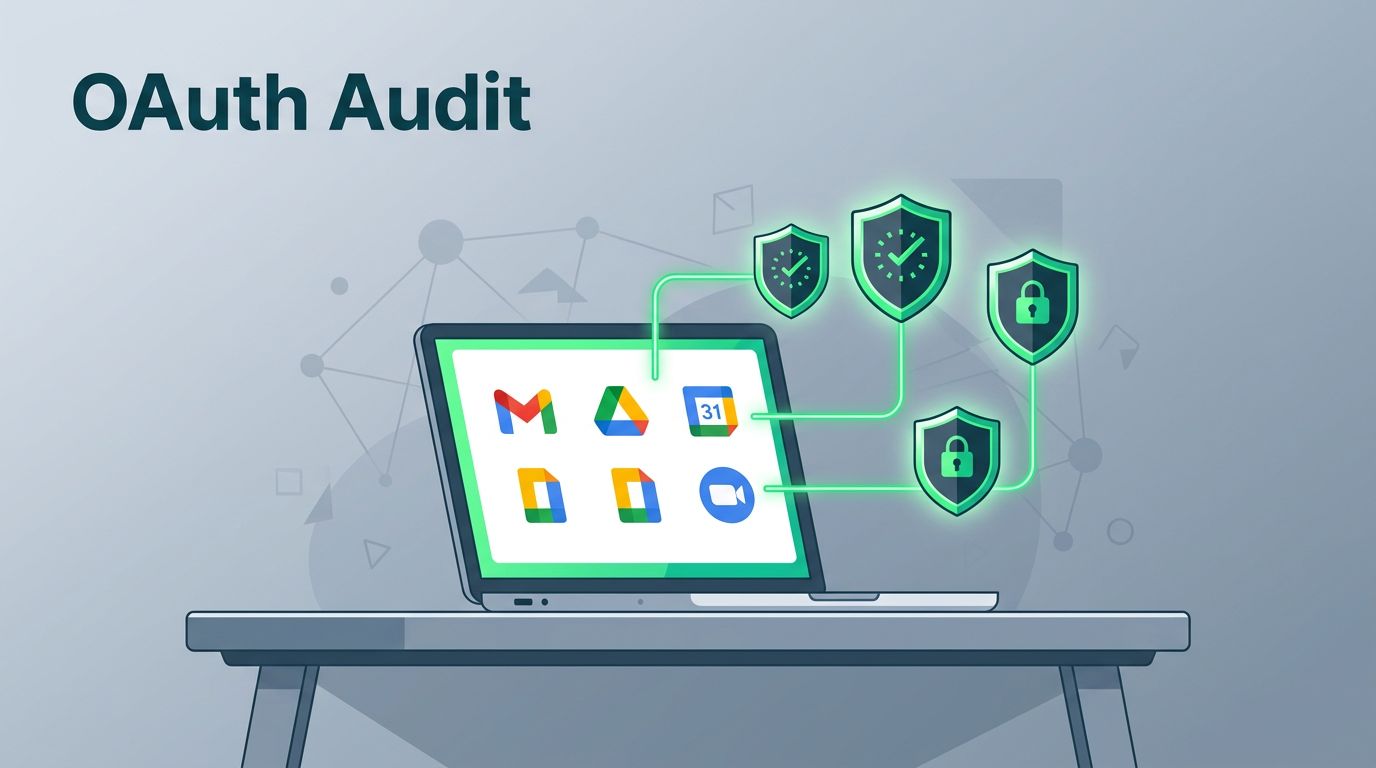
A comprehensive audit of Google Workspace OAuth apps provides a clear view of who approved these connections, which data each tool can reach, and which integrations must be blocked immediately. The goal is straightforward: identify applications that can access sensitive information without a legitimate business justification, then reduce that exposure before it evolves into a significant security incident.
Key Takeaways
- Conduct comprehensive audits: Regularly inventory all Google Workspace OAuth apps to identify which tools have access to your environment and ensure every integration serves a clear, documented business purpose.
- Prioritize by scope risk: Focus your review on apps with broad permissions—such as access to Gmail, Drive, or domain-wide settings—as these represent the most significant potential entry points for attackers.
- Verify publishers and consent: Do not rely on app display names; always validate the publisher’s reputation and ensure the requested OAuth scopes align strictly with the app’s actual functionality.
- Establish recurring monitoring: Implement a consistent review cycle to identify dormant or stale app connections and block unauthorized applications before they lead to data exposure.
Table of contents
- Why Google Workspace OAuth audits matter
- Build a clean inventory of Google Workspace apps
- Review OAuth scopes, publishers, and user consent
- Trace user-granted access and rank OAuth risk
- Revoke, restrict, and monitor OAuth apps continuously
- FAQs
- Conclusion
Why Google Workspace OAuth audits matter
OAuth apps are incredibly useful because they connect cloud tools without the need for manual passwords. By utilizing the OAuth 2.0 protocol, these integrations allow applications to interact with your data securely. However, that same convenience creates significant risk. When a user grants initial authorization, the app receives access tokens that permit it to interact with Workspace data. Often, these apps also obtain refresh tokens, which allow them to maintain that access indefinitely until an administrator or user explicitly removes it.
Google’s own guide to controlling which apps access Workspace data makes the core problem clear, as the list of permissions matters far more than the app name itself. A seemingly harmless scheduling tool can request sensitive scopes that allow it to access far more information than it actually needs to function.
If an app can read mail, read files, or send messages on a user’s behalf, treat it as high risk until a business owner proves otherwise.
The biggest mistake is checking only whether an app is installed. You also need to verify what it can do, who approved the connection, and whether that level of access still makes sense for your organization. That is where a comprehensive audit starts.
Build a clean inventory of app access
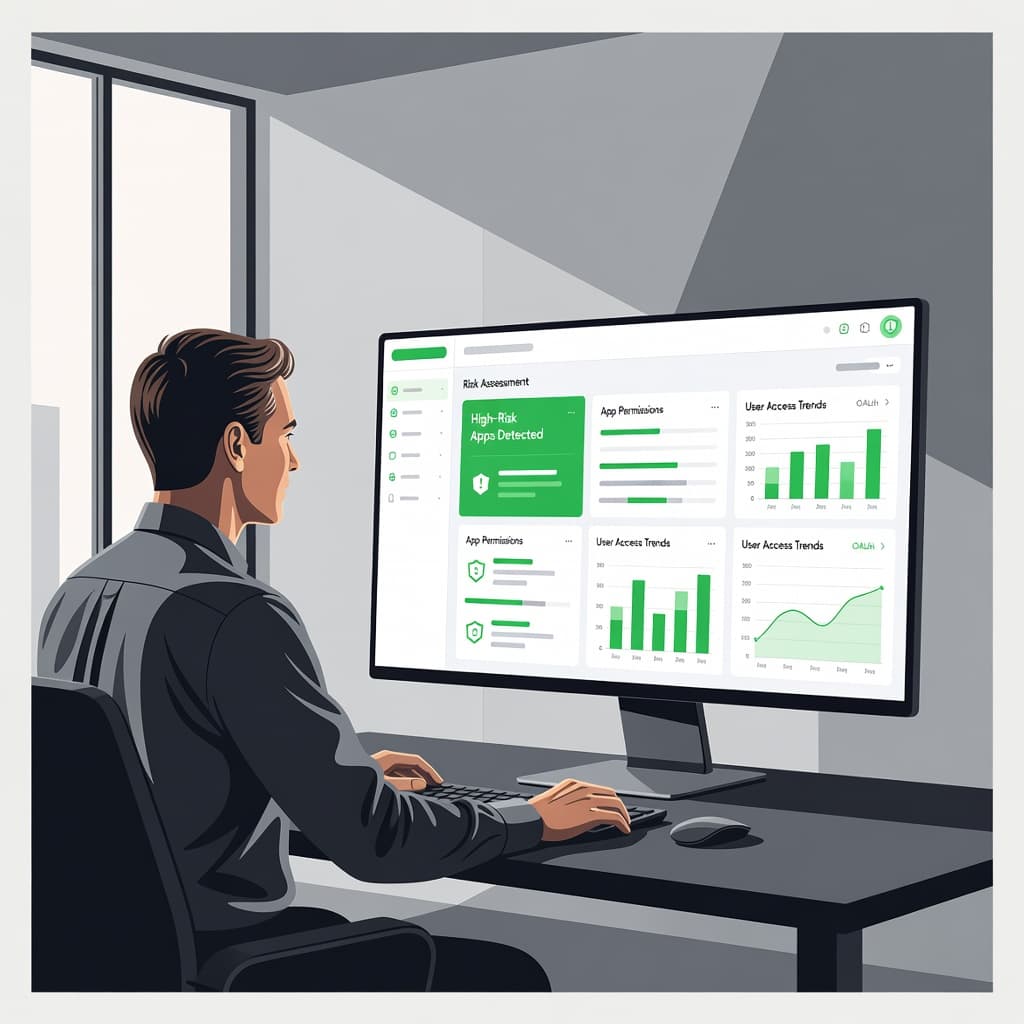
To begin, sign in to the Google Admin console and navigate to the security section that displays apps with access to your environment. Creating a comprehensive inventory requires you to distinguish between verified internal apps developed for your team and third-party apps integrated via the Marketplace SDK. Pull the full list of applications and perform a thorough review of every entry.
Do not rely solely on the display name. The client ID, publisher information, and support documentation help you separate a legitimate business tool from a potential threat. Because two apps can share a similar name while maintaining very different risk profiles, verifying the client ID against the originating Google Cloud project is essential for accuracy.
A fast inventory process looks like this:
- Open the list of accessed apps and sort the data by recent use or user count.
- Expand each entry to inspect the specific OAuth scopes requested.
- Note the client ID, publisher, and the initial date of authorization.
- Record the internal business owner if the app supports a legitimate workflow.
- Flag any apps that lack a clear owner, a valid support page, or an obvious business use case.
Old and dormant apps deserve extra attention. They often remain active in the background until a user triggers them, at which point they regain their original permissions.
Google security guidelines also emphasize that domain-wide delegation should be handled with extreme caution and prioritized during your audit. If an app possesses this level of access, it must have a documented business justification and regular oversight to prevent unauthorized data exposure.
Review scopes, publishers, and consent

Authorization scopes define exactly what an app can touch, and this is where security risk shows up first. A calendar app that only reads events is one thing. An app that reads, sends, and modifies Gmail is something else entirely.
The table below helps you spot high-risk scopes quickly to improve your security posture.
| Scope or access pattern | Why it matters | Common response |
|---|---|---|
| Full Gmail or Drive access | These represent restricted scopes that can expose data at scale | Block or limit unless there is a strong need |
| Send mail or act on behalf of a user | It can be used for phishing or fraud | Review urgently and restrict permissions |
| Calendar, contacts, or directory access | These authorization scopes can expose personal data | Confirm the business need |
| Domain-wide API access | It can affect many users at once | Escalate for security review |
| A new app with wide or restricted scopes | It may be approved by mistake | Investigate before more users connect it |
The safest habit is to compare the list of requested permissions against the app’s actual purpose. If the app helps with document signing, it should not need broad Gmail access. If it helps with scheduling, it should not need file-level Drive access.
You must also evaluate the publisher and the OAuth consent screen. A polished logo does not guarantee the app is safe. Always verify the publisher’s reputation, their privacy policy, and their support documentation. Furthermore, ensure that no client secret or sensitive credentials are being mishandled by the application during the authentication flow. Google recommends conducting this thorough vetting process before you allow any third-party app into your production environment.
Trace user-granted access and rank risk
A useful audit does more than list apps. It shows who granted access, when they granted it, and how many people use each app. That is the part that helps you prioritize.
If only one user approved an app, but that app can read mail and files, the risk is still high. If many users approved a low-scope app that supports a real workflow, the risk is lower, though it still needs monitoring.
Use the OAuth token audit logs to see which users authorized which apps. You should also check for service accounts, as these can provide automated access that bypasses standard user consent. These records help you answer three questions fast: who approved it, when did they approve it, and what data did the app access afterward?
A simple triage model works well for managing OAuth credentials:
- High priority: broad Gmail, Drive, or domain-wide access with a suspicious client ID.
- Medium priority: narrow app use, but weak publisher details, failed OAuth verification status, or an unclear business need.
- Lower priority: small-scope app with a known owner, a clear purpose, and a verified client ID.
Torii’s OAuth risk mapping framework uses a similar idea: build your inventory first, then correlate usage, authorization scopes, and the OAuth 2.0 protocol implementation to score the risk. That same order works well in Google Workspace.
One more thing matters here: dormant apps. If an app has been quiet for months and suddenly starts accessing data again, recheck it right away. Stale access often slips past normal review cycles.
Revoke, restrict, and monitor continuously
Once you identify which applications are risky, you must act decisively. Safe tools can be marked as trusted, while apps that provide value but request excessive permissions should have their API controls tightened to limit their reach. Apps that serve no clear purpose should be blocked entirely.
This decision-making process should be driven by genuine business needs rather than user convenience. If the owner cannot justify why an app requires access to sensitive data, the answer is usually no. By implementing a formal app review, you ensure that every permission granted aligns with your security posture.
A practical cleanup policy looks like this:
- Perform a recurring app review for all high-risk integrations on a fixed schedule, such as monthly or quarterly.
- Block new apps that request broad access until your security team completes a thorough verification process.
- Re-check domain-wide API controls during every review cycle to ensure configurations remain restricted.
- Alert security teams on new OAuth grants, especially for those requesting Gmail and Drive scopes.
- Require a business owner and a corresponding ticket number for any security exception.
To further harden your environment, consider leveraging Context-Aware Access to limit when and where apps can function based on user identity or device state. You should also publish a short internal rule for employees. If a third-party app asks for mail, file, or directory access, users should stop and consult the security team before they proceed with revoking access or approving the request. This small habit can prevent a significant amount of manual cleanup later.
If your team needs help building a review process or tightening app access controls, Book a Discovery Call with Bud Consulting.
FAQs
What OAuth scopes are the most risky in Google Workspace?
Authorization scopes that grant an app permission to read or modify Gmail, Drive, Calendar, contacts, or directory data require the most scrutiny. Specifically, look for broad mail or file access, as these represent the most significant potential security gaps in your OAuth 2.0 protocol implementation.
How often should admins audit OAuth apps?
Monthly reviews work well for smaller environments with few apps. Larger organizations should conduct quarterly audits while utilizing automated alerts for new grants and new scopes to maintain a clean permissions list.
What should I do if a user says an app is needed for work?
Verify the business case and investigate the publisher. You should also check the level of OAuth verification the app has undergone. If an app requests more access than the specific task requires, restrict its reach or identify a safer, more transparent alternative.
Is it better to block every third-party app?
No. Many third-party apps are useful and low risk. The goal is to approve applications that have a clear, documented business need while denying those with excessive requests for sensitive OAuth credentials.
What if an old app still shows up in the list?
Treat it as a live risk until you confirm the app is still active and necessary. Dormant access can turn into a significant entry point for attackers without much warning, so it is best to remove any app that is no longer being used.
Conclusion
A successful audit is not about chasing every individual application. It is about identifying the apps that can reach sensitive data, then deciding which ones still truly deserve that access.
Start by building a comprehensive inventory, reviewing the specific permissions granted, checking the publishers, and ranking high-risk scopes first to prioritize your efforts. By securing these programmatic connections, you ensure the OAuth 2.0 protocol remains a benefit rather than a vulnerability. Lock in a simple, consistent review cycle so risky Google Workspace OAuth apps do not stay hidden in your environment for months.
The fastest way to reduce your attack surface is to treat user consent as a critical security control, rather than a mere formality.