table of contents
When a break-glass account is needed, the pressure is already high. That is exactly why a break-glass account review has to be tight, documented, and repeatable.
If the owner is unclear, the password lives in the wrong place, or the alerts never fire, emergency access turns into an audit problem. Identity teams need a simple way to check the basics, confirm the controls still work, and prove the account is ready before anyone needs it.
What a break-glass review should prove
A strong review answers four questions fast. Who owns the account, where is the credential stored, who can use it, and how will the team know if someone touches it?
Those answers matter because emergency access is often exempt from normal workflows. That exception is fine when the account stays narrow, monitored, and tested. It becomes a problem when no one can explain why the account exists or when it was last used.
For a broader control set, Britive’s break-glass account management best practices are a solid reference point. The IDS Alliance discussion on break glass accounts also captures the tradeoff between resilience and risk.
If the account cannot be tested, logged, and rotated, it is not ready for an emergency.
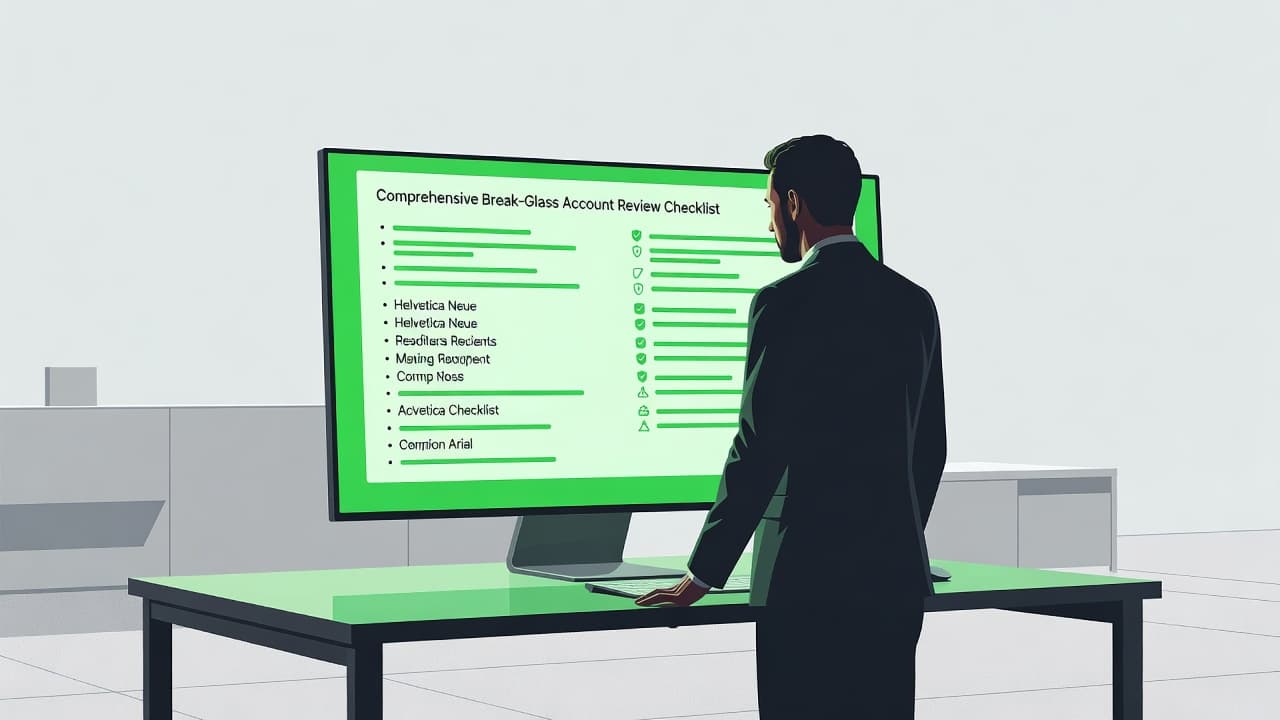
Break-glass account review checklist
Use this checklist as a working pass or fail review, not as a policy document.
| Review area | What to verify | Evidence to keep |
|---|---|---|
| Ownership | A named business owner and technical owner exist. A backup contact is listed too. | RACI, ticket, CMDB entry, or directory record |
| Credential storage | The password or key sits in an approved vault, not in email, chat, or notes. | Vault record, access policy, retrieval log |
| MFA status | MFA is enabled where the platform allows it. If not, the exception is documented and approved. | MFA policy, exception record, screenshots |
| Access scope | The account can only reach systems that support the emergency use case. | Role definition, scope statement, entitlement export |
| Least privilege | The account does not carry extra rights for convenience. | Permission review, admin group membership list |
| Password rotation | The secret rotates after use and on a fixed schedule. | Rotation report, change record, date stamp |
| Vaulting | Access to the credential is restricted and audited. | PAM configuration, vault audit log |
| Logging and monitoring | Every use creates an alert and lands in the SIEM or SOC queue. | SIEM rule, alert sample, log query |
| Testing | The team has tested retrieval and sign-in without breaking the process. | Test ticket, runbook result, timestamp |
| Incident use validation | Every real use maps back to an incident or approved change. | Incident ticket, approval trail, post-use notes |
| Documentation | The runbook explains when to use the account and what to do after use. | Runbook, SOP, knowledge base page |
| Approval workflow | New accounts, exceptions, and changes follow a defined approval path. | Workflow record, sign-off, CAB note |
| Compliance evidence | The team can hand over proof quickly during audit or review. | Evidence packet, export, screenshot set |
A review like this gives you a clean snapshot of control health. It also shows where the process depends on memory instead of systems.
How to run the review step by step
Start with inventory. List every break-glass account, then note the platform, owner, purpose, and last review date. If the team cannot produce that list in minutes, the first finding is already clear.
Next, confirm the reason each account exists. Some accounts support cloud admin recovery, some cover directory outages, and others support a specific SaaS or PAM fallback. Keep the purpose narrow and written in plain language.
Then inspect the credential path. The secret should sit in a vault with access logging, dual control where needed, and a rotation rule that triggers after use. MFA should stay on whenever the platform supports it, and any exception should carry an approval record.
After that, test the account. A test should cover retrieval, sign-in, access scope, logging, alerting, and lockout behavior. If the test only checks that the password works, the review is incomplete.
Finish by validating incident handling. Every real use needs a ticket, a timestamp, a reason, and a follow-up rotation. The post-use review should confirm whether the access was justified and whether the account was restored to its baseline state.
A clean workflow usually follows this sequence:
- Inventory the accounts and assign owners.
- Check storage, MFA, scope, and privilege.
- Verify logging, alerting, and SIEM routing.
- Run a retrieval and sign-in test.
- Record findings, approvals, and exceptions.
- Rotate credentials and close the loop after use.
What auditors want to see in the evidence package
An auditor does not want a promise. An auditor wants proof that the control exists, works, and leaves a trail.
A complete evidence packet should include the account inventory, the review date, the reviewer name, the approval record, and the control exceptions. It should also show the rotation history, the vault access log, and a sample of the alert that fires on use.
Keep the packet short enough to read and strong enough to defend. These artifacts usually cover the gap:
- A current list of break-glass accounts with owners and purposes
- The latest review sign-off with date and approver
- Vault and PAM exports that show storage and retrieval controls
- SIEM or SOC evidence that alerts fire on use
- A test record that proves retrieval, login, and rotation work
- An incident or change ticket for any real use
When the packet is ready before the audit starts, the team spends less time hunting for screenshots and more time explaining the control.
Common gaps that keep showing up
The same problems appear again and again. A shared account gets approved once, then no one revisits the owner field. A vault exists, but too many people can read the secret. A login test passes, yet no alert reaches the SOC. The control looks real until someone tries to prove it.
These are the weak points that deserve the most attention:
- No named owner for the account or the review
- Passwords stored in a general password manager folder with broad access
- MFA disabled because setup felt inconvenient
- Logs collected, but no alert tied to break-glass use
- Rotation done manually and delayed after incidents
- Runbooks that say what the account is for, but not what happens after use
The fix is usually simple. Tighten access, shorten the approval path, and make the system produce evidence by default.
When to review and what to save
Quarterly reviews work well for many enterprises, but the cadence should also reset after major IAM changes, privilege changes, incidents, and platform migrations. A new directory, PAM tool, or cloud tenant can break assumptions fast.
Save the review packet, the exception history, the test results, and the post-use tickets in one place. That makes the next review faster and gives compliance teams a clear trail.
If the process needs extra IAM capacity or a cleaner approval model, Book a Discovery Call with Bud Consulting can be a practical next step.
Conclusion
Break-glass accounts are supposed to buy time during a failure. They should not create a second failure in the audit trail.
A strong break-glass account review keeps ownership clear, storage controlled, MFA active where possible, and logging visible to the people who need it. When the account is tested, documented, and rotated on time, emergency access stays useful instead of risky.
The best time to find a weakness is before the account is needed.