table of contents
An access review that runs on the wrong schedule gives teams a false sense of control. A quarterly review may be fine for one SaaS app and far too slow for another, especially when admin rights, customer data, or production access are involved.
The right access review cadence depends on risk, not habit. If you need a cleaner way to support SOC 2, ISO 27001, HIPAA, or least-privilege controls, start with the systems that can hurt you fastest.
Table of contents
- How to set access review cadence by risk tier
- Risk tier to review cadence table
- How to run reviews that produce audit-ready evidence
- Common mistakes that weaken a risk-based cadence
- FAQ
How to set access review cadence by risk tier
Risk-based reviews start with a simple question: what happens if the access is wrong? A stale admin account in Okta, AWS, GitHub, or a production deployment tool can create a very different problem than an old login for an internal wiki. The first one can open the door to outages, data exposure, or privilege escalation. The second is usually an annoyance until it becomes an audit finding.
A useful access review cadence looks at four things. First is privilege level. Admin and owner roles need tighter review. Second is data sensitivity, especially customer data, HR records, payroll, and PHI. Third is change rate, because fast-moving teams create more permission drift. Fourth is blast radius, which is the number of systems or users affected if one account goes wrong.
Quarterly is a floor for many high-risk apps, not a universal standard.
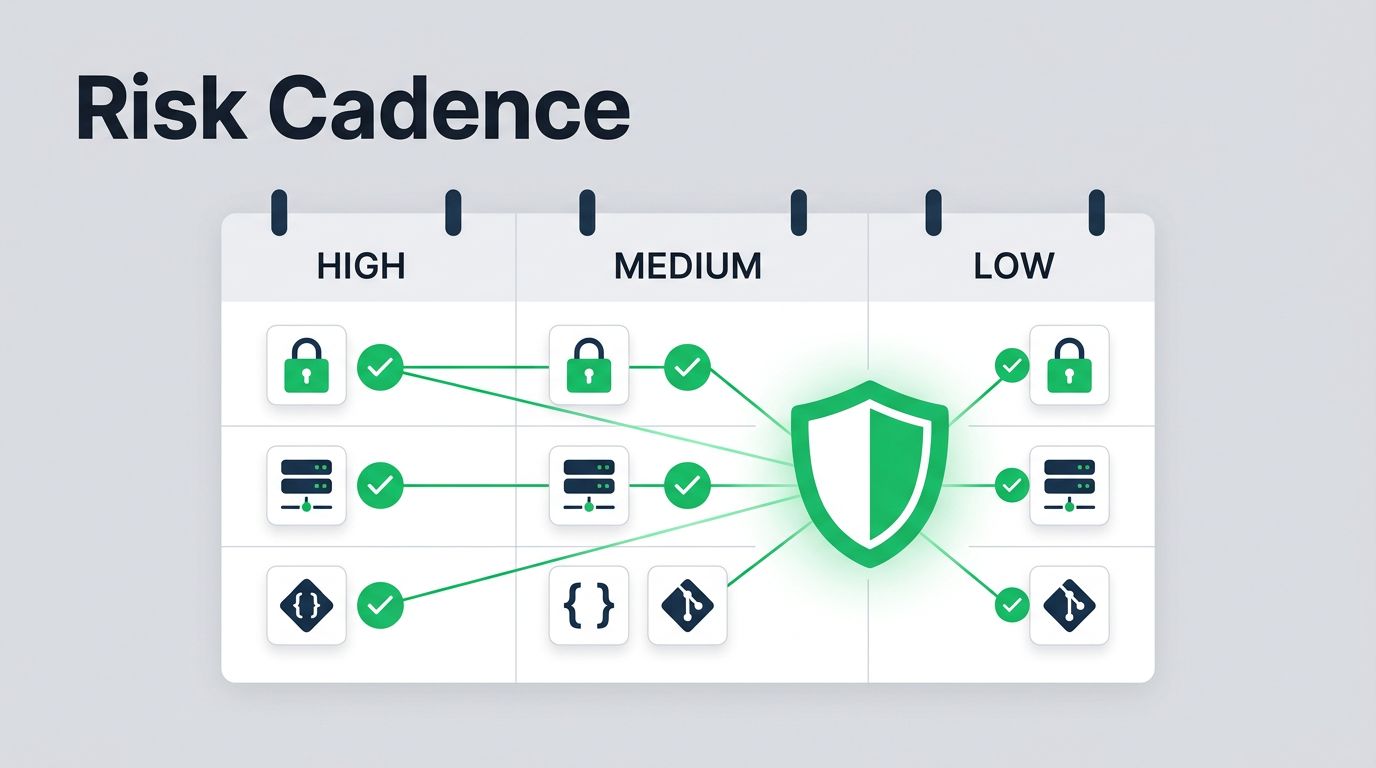
For many SaaS programs, a quarterly baseline works for medium-risk systems. BetterCloud’s overview of user access review frequency reflects that common pattern, while also noting that high-risk environments often need more frequent checks. Monthly reviews fit privileged roles far better than annual ones, especially when the system controls production access or financial approvals.
A good rule is easy to remember. The more power and sensitivity a system has, the shorter the cycle should be. If the team cannot explain why a user has access, the access review is already behind.
Risk tier to review cadence table
The table below gives a practical starting point for common SaaS environments.
| Risk tier | Suggested access review cadence | Common SaaS examples | Review owner |
|---|---|---|---|
| Critical | Monthly, and after major role changes | Okta super admins, AWS admins, payroll approvers, production deployment tools, direct customer export access | App owner plus IAM or security lead |
| High | Monthly or quarterly | Workday, NetSuite, Salesforce admins, Zendesk with PII, Snowflake analysts, GitHub org owners | Business system owner |
| Medium | Quarterly | Jira project admins, Confluence restricted spaces, marketing automation, internal analytics with limited PII | Department manager or app owner |
| Low | Semiannual or annual | Internal wiki, training portal, read-only collaboration tools | Team manager with spot checks |
The pattern is straightforward. Critical access gets the shortest cadence because the impact is immediate. Low-risk tools can wait longer, as long as you still remove dormant accounts and check for role creep.
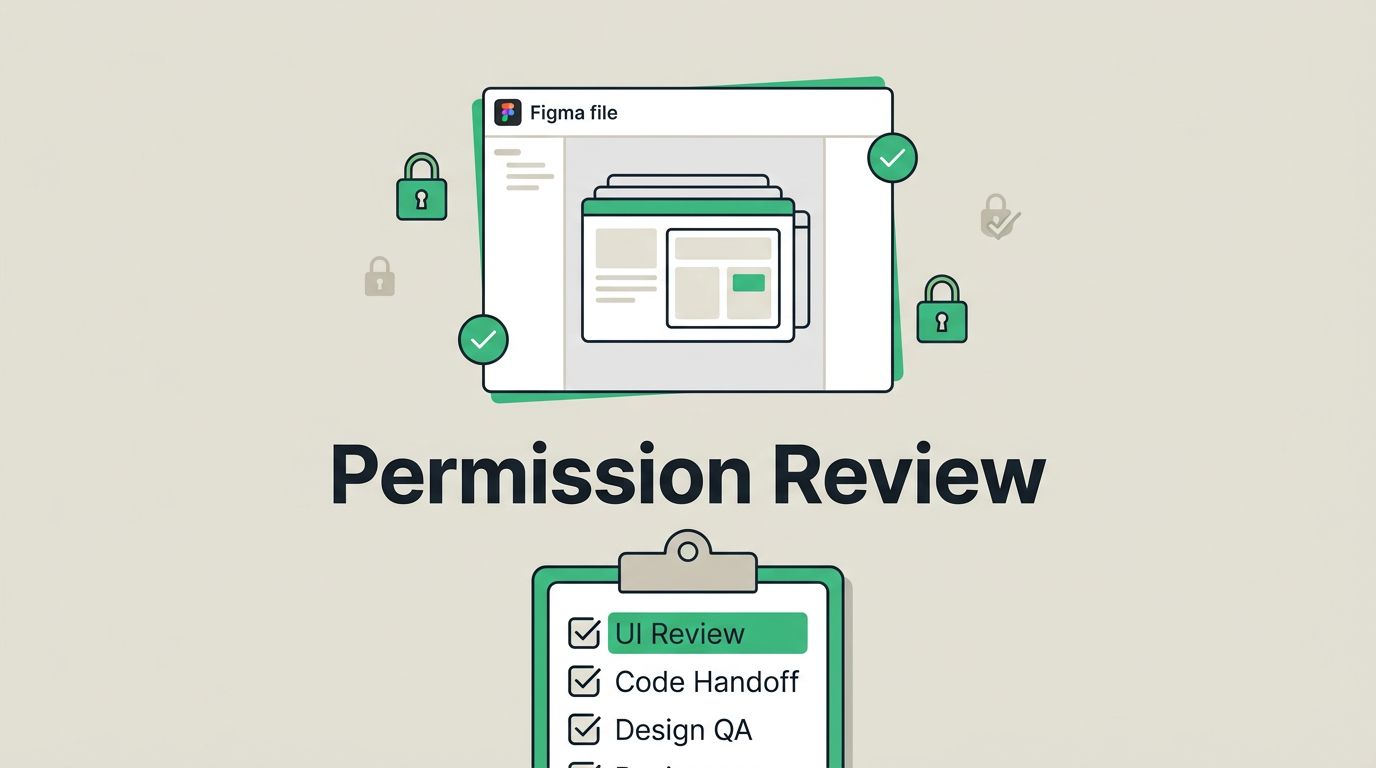
In HR and finance systems, the business owner usually knows whether an access path still makes sense. In production systems, the engineering or platform owner should confirm who can deploy, approve, or override controls. For customer data tools, the reviewer needs enough context to spot unnecessary visibility into exports, records, or support notes.
How to run reviews that produce audit-ready evidence
A strong schedule fails if the review process is sloppy. The best teams use the same cadence, the same owner map, and the same evidence format every time.
- Pull the authoritative access list. Use the identity provider or the SaaS admin export, not a spreadsheet someone updated last quarter. Include direct assignments, group-based access, and any privileged roles that sit outside normal provisioning.
- Assign the right reviewer. Finance access belongs with finance leadership. HR access belongs with HR. Production access belongs with the app or engineering owner. Customer data tools should go to the person who can judge business need, not just technical presence.
- Ask for a clear decision. Each access item should be approved, removed, or flagged for follow-up. A vague comment like “looks fine” does not help when an auditor asks why a role stayed active.
- Save evidence in one place. Keep the scope, date, reviewer, decisions, and removals together. For SOC 2 and ISO 27001, that record matters almost as much as the review itself.
If a reviewer cannot explain why a privilege exists, the privilege should probably not exist.
Teams that want a structured checklist can compare their process with user access review best practices. A related article on least-privilege role mapping would fit well beside this one, and a companion piece on access review evidence for SOC 2 audits would help turn review work into audit-ready proof. If your team needs help building the workflow or assigning owners, Book a Discovery Call with Bud Consulting.
Common mistakes that weaken a risk-based cadence
Some access review programs look complete on paper, but they miss the accounts that matter most. Common access review mistakes to avoid usually show up in the same few places.
- One schedule for every app. A single quarterly cycle for all systems hides real risk. A finance approver and a read-only wiki user do not need the same treatment.
- Reviewing names instead of permissions. A user might still be active while holding far more access than their current role needs. Always review role depth, not just account presence.
- Letting IT own business decisions alone. IT can run the process, but the business owner should decide whether access still makes sense.
- Ignoring temporary elevation. Break-glass access, contractor access, and emergency admin rights often slip through because teams treat them as exceptions.
- Skipping remediation tracking. If the review finds a problem, someone needs to confirm the removal happened. Otherwise the next review starts from the same weak spot.
SaaS environments change fast. New integrations, new managers, new project teams, and new customer data flows all create permission drift. A cadence that once fit the system can age badly in a few months.
Conclusion
The right access review cadence follows risk tier, not a fixed calendar habit. Critical admin access needs monthly attention, high-risk systems often need monthly or quarterly review, and low-risk tools can move slower without losing control.
What matters most is consistency. Tie the cadence to the system owner, keep the evidence clean, and tighten the schedule when the blast radius grows. When the review rhythm matches the risk, stale access gets caught sooner and audits get a lot less painful.
FAQ
How often should admin access be reviewed?
Monthly is the safest starting point for admin and privileged roles. If the system touches production, finance, HR, or customer data, monthly is usually easier to defend than quarterly.
Does quarterly access review work for SOC 2?
Yes, for many systems. SOC 2 cares about a defensible process, documented evidence, and appropriate frequency for the risk level. High-risk or privileged systems often need a shorter cycle.
Who should own SaaS access reviews?
The business or system owner should approve access. Security, IAM, or IT can coordinate the process, gather the data, and keep the evidence, but they should not be the only decision-maker.
Should inactive accounts be included in the review?
Yes. Dormant users, contractors, and temporary admin accounts can hide the easiest risk reduction. They should be part of the same review cycle, not a separate cleanup project that never happens.