table of contents
Hiring for technical roles feels like a constant battle. You sift through resumes, but few candidates match the skills your team needs. Generic templates from HR kits fall flat because they ignore the unique demands of engineers, architects, and security pros.
Technical role templates solve this. They bring structure to job descriptions, interviews, and evaluations tailored to tech specifics. Yet most teams lack them, leading to mismatched hires and wasted time.
Let’s break down why standard approaches fail and how custom templates make hiring smoother.
Why Generic Templates Don’t Cut It for Technical Roles
Generic templates work fine for sales or admin jobs. They list basic duties and soft skills. Technical roles demand more. Think about a cloud security engineer. A plain template might say “handle security tasks.” That skips details like AWS IAM policies or zero-trust models.
Recruiters waste hours rewriting from scratch. Hiring managers spot vague criteria that let underqualified folks slip through. As a result, you interview candidates who can’t code a simple script or explain threat vectors.
The frustration builds. One mismatched hire costs thousands in onboarding and lost productivity. Studies show tech turnover hits 20% higher without clear role definitions.
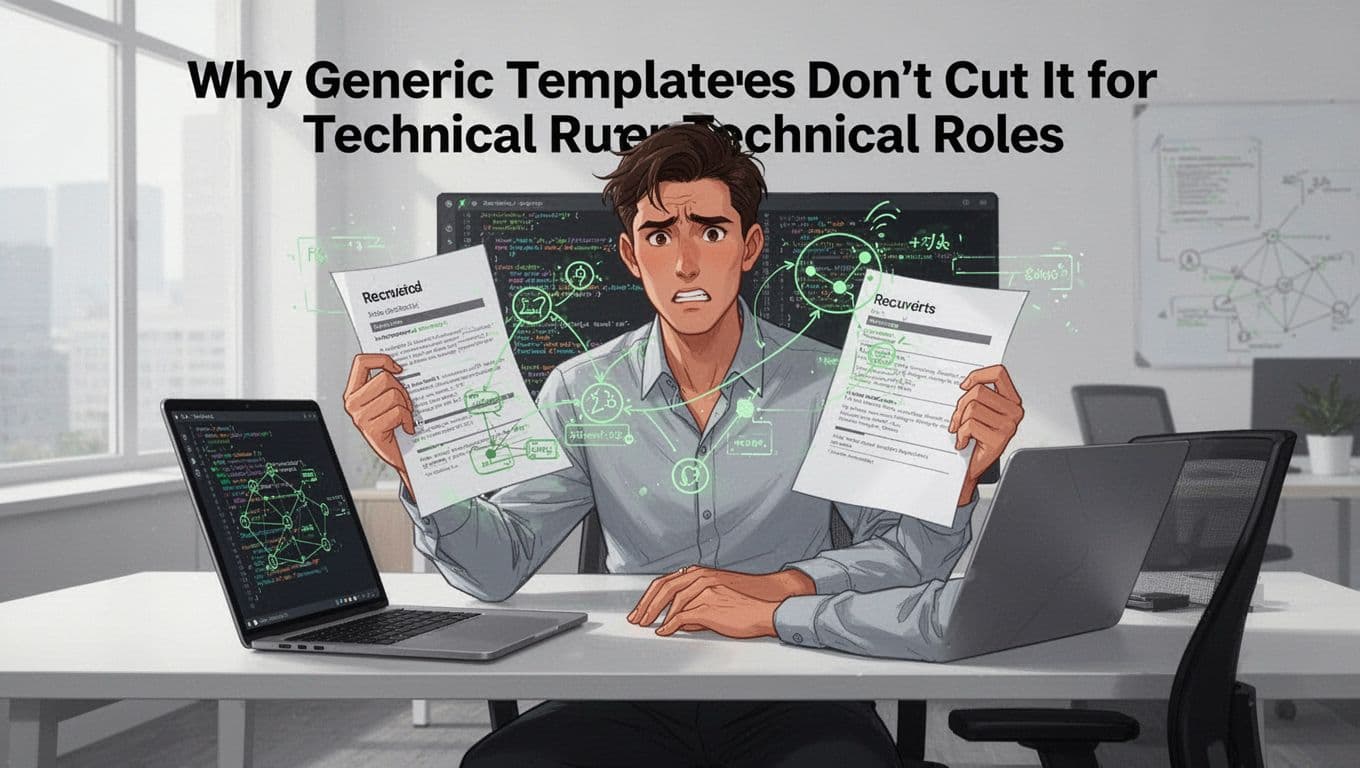
Picture this: a recruiter holds a bland form while staring at complex diagrams. That’s daily reality without technical role templates. They miss nuances like DevSecOps pipelines or PAM configurations. Therefore, teams chase ghosts instead of top talent.
In short, generic tools create chaos. Custom ones align expectations from day one.
Key Technical Role Templates Every Team Needs
Start with job description templates. They outline must-have skills like Kubernetes for engineers or SIEM tools for analysts. Next come interview guides. These include code challenges and scenario questions.
Evaluation scorecards rank candidates on technical depth. For example, a senior IAM specialist needs proven access control experience. Don’t forget onboarding checklists. They cover tool setups and security certs.
Most needed? Templates for cybersecurity niches. Cloud security roles require multi-cloud expertise. AppSec pros handle CI/CD integrations. Offensive security demands red-team simulations.
Without these, your process stays inconsistent. Hiring slows. Good candidates bail.
Teams that use tailored templates fill roles 30% faster. They also reduce bias by standardizing assessments. So, build a library now. Focus on your biggest gaps, like CISO hires or DevSecOps engineers.
Customizing Templates by Role and Seniority
One size never fits all in tech. Junior engineers need hands-on coding tests. Seniors handle architecture and mentorship.
Adapt templates like this. For juniors, emphasize learning potential. List skills such as basic Python or Docker basics. Mid-level roles add project leadership. Seniors get strategic items like risk modeling.
Here’s a quick progression:
- Junior: Execute tasks; follow protocols.
- Mid: Optimize systems; collaborate cross-team.
- Senior: Design frameworks; lead initiatives.
Cybersecurity examples fit perfectly. A junior cloud engineer troubleshoots VPCs. A senior architect builds zero-trust networks.
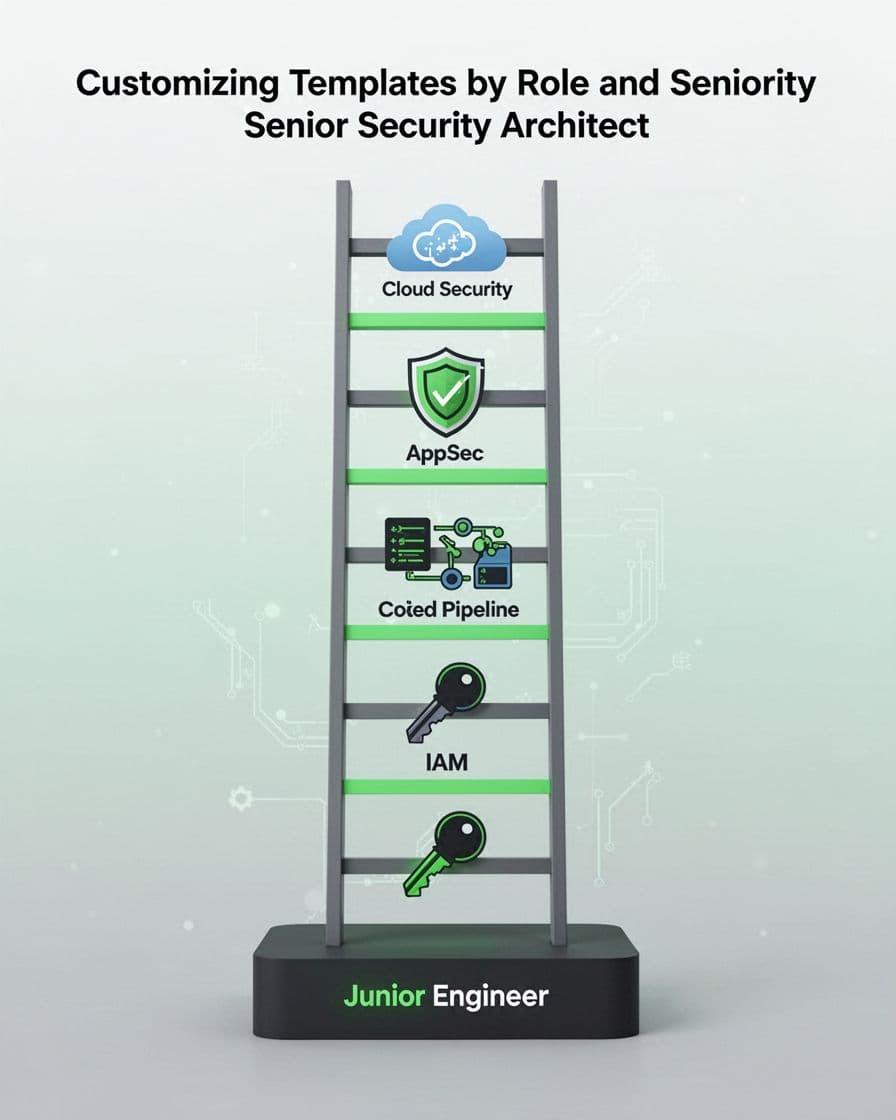
This ladder shows clear steps. Customize further by stack. IAM roles stress privilege escalation at senior levels. AppSec templates ramp up to automated scanning.
Balance specificity with flexibility. Core sections stay consistent. Tech details scale by level. As a result, you hire right-fit people every time.
Sample Sections for Effective Technical Role Templates
Strong templates share key sections. Start with role overview. It states goals and impact, like “Secure cloud infrastructure against breaches.”
Next, responsibilities. Use bullets sparingly: implement encryption; audit logs; respond to incidents.
Skills matrix follows. Divide into must-haves and nice-to-haves. Must: Terraform proficiency. Nice: Homomorphic encryption.
Then, interview criteria. Weight technical (60%), behavioral (30%), cultural (10%). Include pass-fail thresholds.
Finally, success metrics. Track first-90-day goals, such as reduced vulnerabilities by 20%.
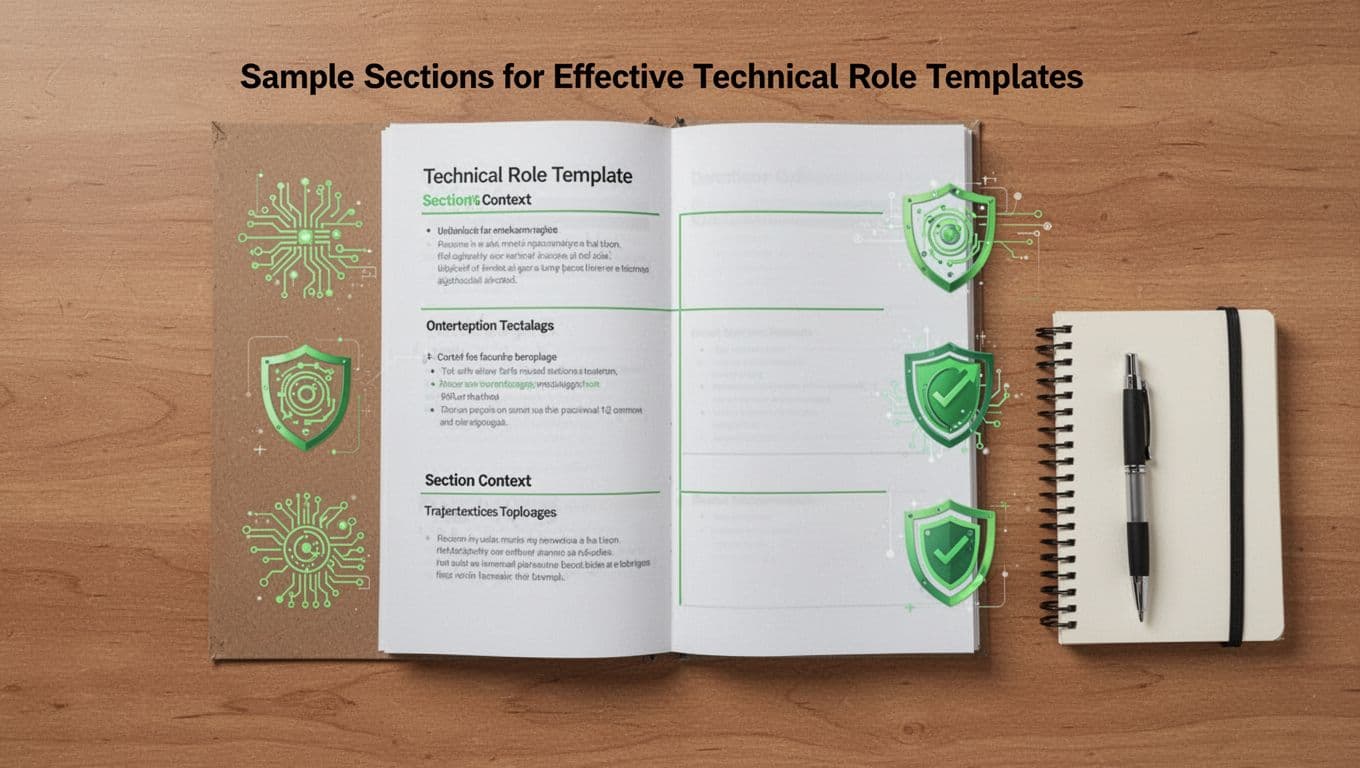
This layout keeps things organized. For a security architect template, add architecture diagrams in responsibilities. Best practice: Review yearly. Update for new threats like AI exploits.
Best Practices for Consistency and Specificity
Keep templates consistent across teams. Use shared drives or HR tools. Train recruiters on tech terms.
Balance detail with brevity. Avoid overload; focus on top 5-7 skills per role.
Test them. Run a mock interview. Refine based on feedback.
Involve engineers early. They flag missing skills, like GraphQL for AppSec.
Track outcomes. Measure hire quality and time-to-fill. Adjust as needed.
These steps ensure technical role templates boost your process without rigidity.
Hiring tech talent gets easier with solid templates. You cut mismatches and speed up decisions. Start by picking one role, like your next cloud security need, and build from there.
What template gap hurts your team most? Share in the comments. Grab our free cybersecurity role starter pack at Bud Consulting today.