
table of contents
Security role mapping fails when it starts with job titles. It works when it starts with business risk.
If access is granted by habit, you get hidden exposure fast. If it’s tied to risk, your controls make sense to both security teams and business owners.
That shift matters for least privilege, segregation of duties, and audit readiness. It also makes access reviews far easier to defend.
Why security role mapping belongs to risk management
A role is not just a label in an IAM tool. It’s a bundle of powers, limits, and obligations.
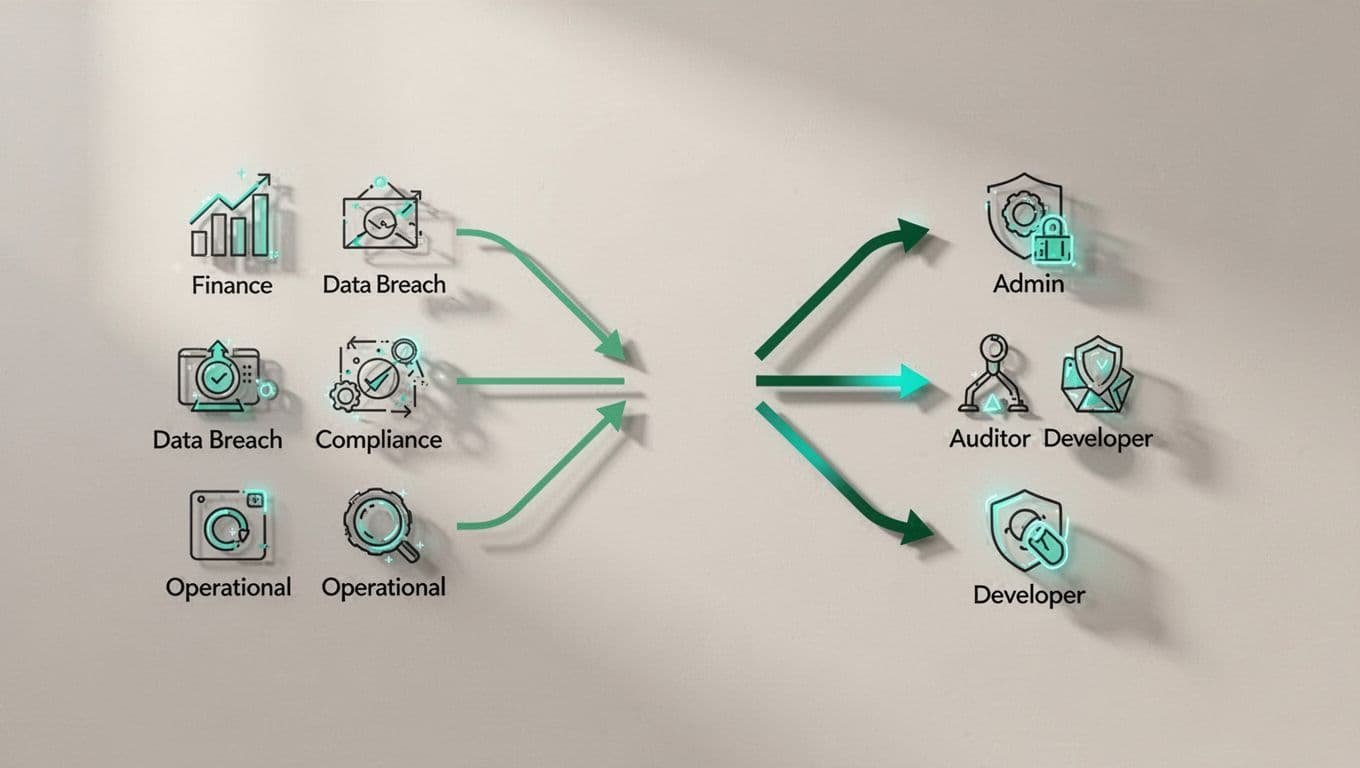
That’s why security role mapping should begin with the risk the business wants to avoid. Financial loss, data exposure, fraud, service outages, and compliance breaches all need different controls.
NIST’s access control guidance in PR.AA-05 says permissions should be defined, managed, enforced, and reviewed with least privilege and separation of duties. That’s the right model. You’re not assigning access because someone asked for it. You’re assigning it because the work requires it.
RBAC works best when roles mirror real tasks, not org charts. RBAC and least privilege guidance makes that point clearly. If a person only needs to view, approve, or reconcile, their role should stop there.
If one role can create, approve, and audit the same action, you don’t have control. You have concentration of risk.
A practical process for mapping roles to risk
Start with the business process, not the system. Then move from there to role design.
- List the risky business activities first.
Focus on the actions that could cause loss, fines, downtime, or data leaks. Examples include paying vendors, changing production settings, exporting customer records, and approving access. - Group users by what they actually do.
Look at real tasks, not job titles. A “manager” might need read access in one system and approval rights in another. Those are different roles. - Match each task to the smallest access set.
This is where least privilege becomes practical. Give users only what they need to complete the task, and nothing extra. - Mark conflicts that break segregation of duties.
For example, one person should not create a vendor and approve payments for that vendor. For a deeper SoD angle, see strategies for SoD and user access management. - Set review triggers before you roll it out.
Role changes, promotions, transfers, and exits should all trigger access review. So should system changes and audit findings.
Here’s the point to remember, the best role map is boring. It looks obvious because it matches how risk shows up in the business.
A sample role-to-risk matrix
A simple matrix helps teams see where access is too broad or too thin.
| Business risk | Role pattern | Access rule | Control check |
|---|---|---|---|
| Payment fraud | Accounts payable clerk | Can create invoices, cannot approve payments | Separate approver required |
| Data exposure | Customer support analyst | Can view ticket data, no bulk export | Monitor exports and downloads |
| Audit failure | Controller | Can review reports, cannot post journal entries | Quarterly review of access |
| Privilege abuse | System admin | Break-glass only, not daily use | MFA, ticket, and logging |
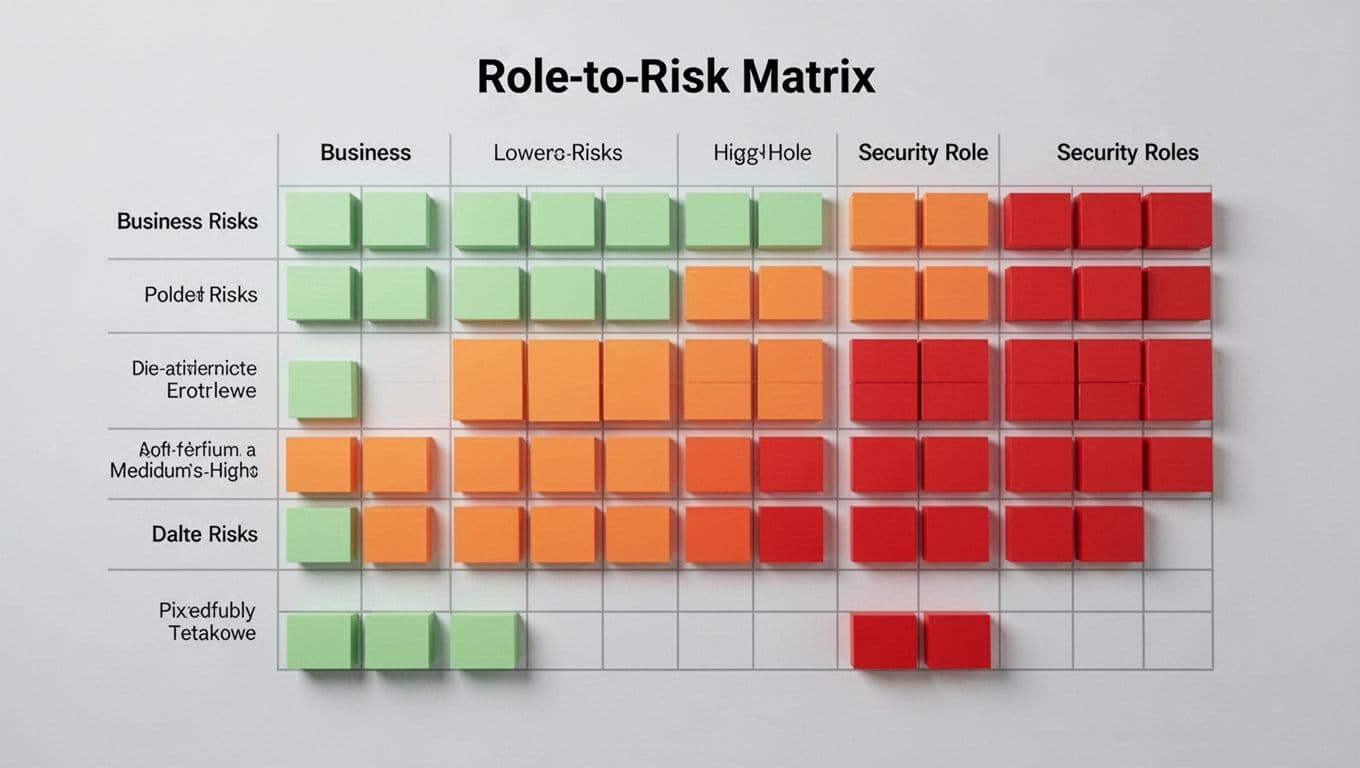
The table shows a simple pattern. The higher the risk, the narrower the access should be. The more sensitive the role, the more often it needs review.
Common mistakes that weaken the model
Even well-run teams slip into a few bad habits.
- Mapping to titles instead of tasks. A title tells you very little about actual access needs.
- Giving everyone a shared admin role. Convenience today becomes an incident tomorrow.
- Ignoring temporary access. Short-term access often lasts far longer than it should.
- Skipping service accounts and integrations. These accounts can carry more risk than people do.
Each of these mistakes breaks the link between role and risk. Once that link breaks, reviews become guesswork.
Best practices for ongoing review
Security role mapping is not a one-time project. It’s a control that has to age well.
Review high-risk roles more often than standard ones. Quarterly works for many teams. Trigger reviews sooner when someone changes teams, gets promoted, or leaves the company. Also check whether access still fits the current process, because business change often outpaces IAM updates.
Keep a close eye on toxic combinations. A user with both request and approval rights, or both create and delete rights, deserves scrutiny. So does anyone with broad privileged access who doesn’t need it every day.
The review itself should leave a clean trail. Auditors want to see who approved the role, why the access exists, and when it was last checked. That’s easier when your role map already ties permissions to business risk.
If you need help aligning IAM, PAM, and governance work with real-world risk, Book a Discovery Call with Bud Consulting.

Security role mapping works when risk leads the design. That’s what makes least privilege real, segregation of duties enforceable, and audits easier to pass.
When access reflects the business risk behind it, the model becomes clearer for everyone. That’s the kind of control that holds up when pressure rises.




