
table of contents
A monthly security update can fall flat fast when it reads like a log file. Executives don’t want raw alerts, they want the story behind them, what changed, why it matters, and what needs a decision.
A sharp monthly security update does that in one pass. It saves time, reduces back-and-forth, and keeps security tied to business risk.
What executives need in the first minute
Start with the answer, not the evidence trail. In the first few lines, show whether risk went up, down, or stayed flat, what changed the picture, and what support you need from leadership.
This simple order works because it respects time. It also keeps the report focused on outcomes, not tool output.
| Include | Leave out |
|---|---|
| Risk movement and business impact | Raw alert totals |
| Open incidents with owner and due date | Tool logs and scanner output |
| Top exposure areas like identity, cloud, third-party | Deep technical root-cause detail |
| Decisions needed from leadership | Every item in progress |
Read the table as a filter. If a line does not help a leader act, cut it or move it to an appendix.
A one-page structure that keeps attention
Most executive updates work best on one page, with a short appendix for detail. If the first page stands alone, you’ve done the hard part.
Use section headers that feel familiar and direct:
- Executive summary
- Risk movement
- Incidents and exposure
- Metrics snapshot
- Actions and decisions
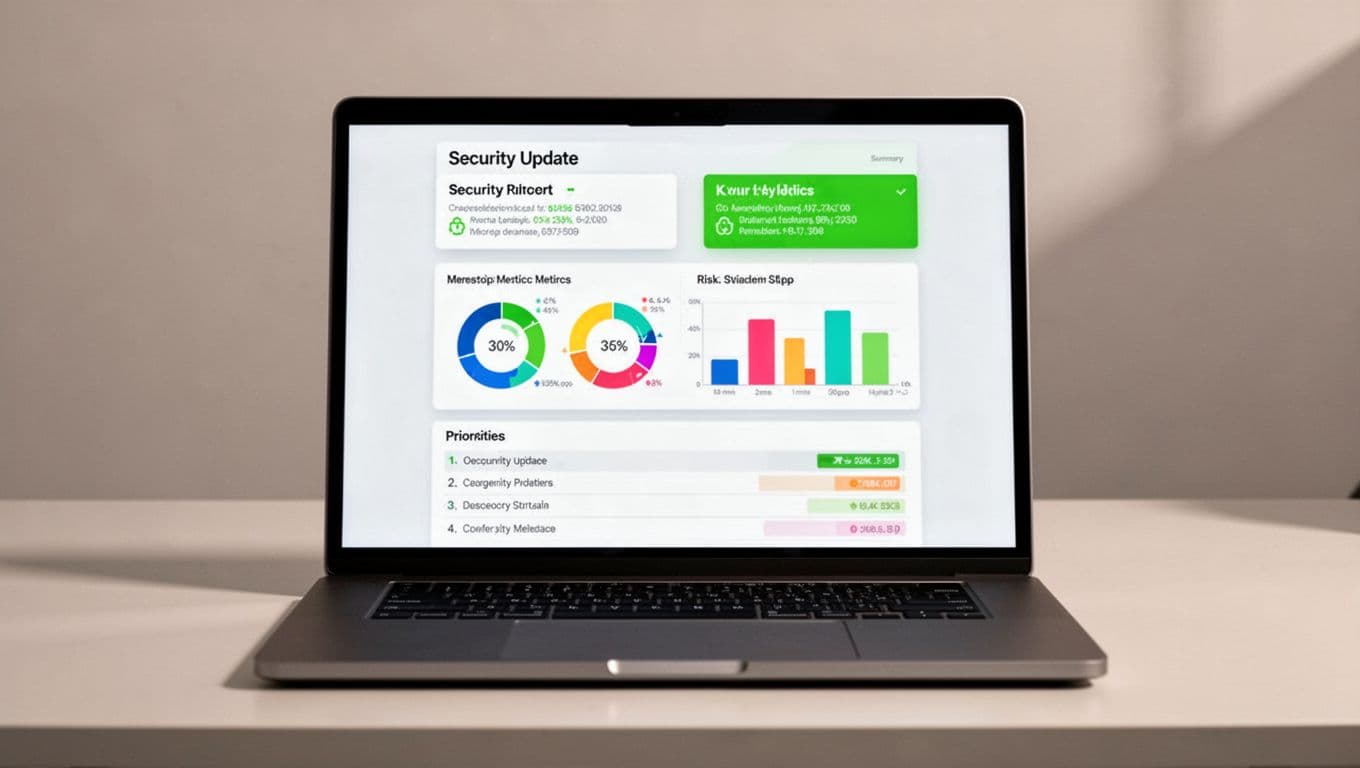
A clean layout helps each section land in the right order. It also makes the report easier to reuse every month.
Keep each section short. Two or three strong lines beat a long block of text. If a section starts to sprawl, move detail to the appendix and keep the headline on the main page.
Turn security data into business language
Executives don’t need every alert. They need trends that affect the company. So instead of saying, “alerts increased,” say what the increase means and where it came from.
For example, write, “Suspicious sign-ins rose 14% after a supplier account issue, and the affected accounts are under review.” That gives context, scale, and next steps.
Strong metrics show change, coverage, and exposure. Good choices include MFA coverage for privileged users, patch status on internet-facing assets, mean time to contain incidents, and the age of critical findings.
A chart can do a lot of heavy lifting here. Use trend lines and simple counts, not crowded graphs or dense tables. In 2026, leaders expect security reporting that is board-ready and easy to scan, not a wall of numbers.
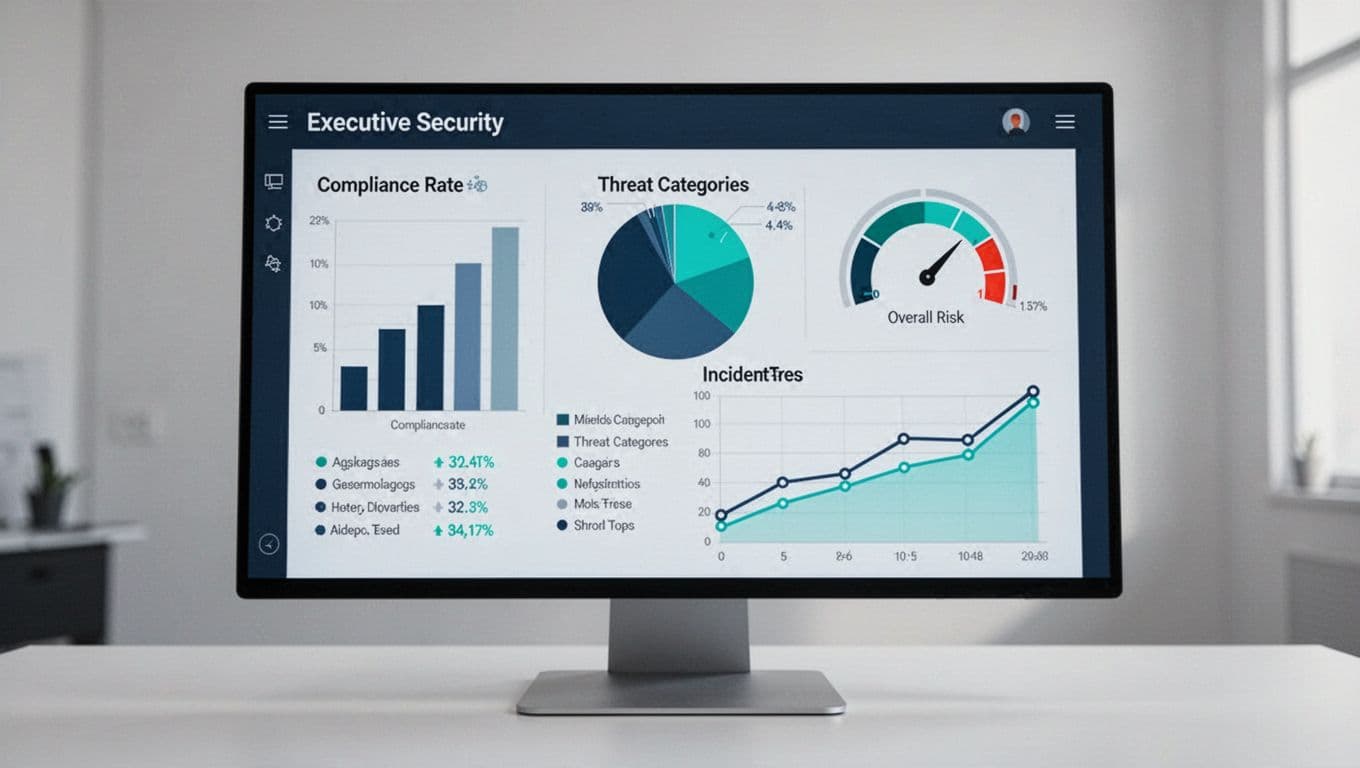
If a metric doesn’t change a decision, it belongs in a dashboard, not the monthly security update.
That rule keeps the report honest. It also stops you from burying the real message under noise.
Keep the report short, honest, and decision-ready
Monthly updates should surface problems early. If a control failed, say so plainly and explain the business effect.
Then add the owner, due date, and next step. That turns the note from a status update into a management tool.
Leave out packet captures, CVE lists, query strings, and deep root-cause notes. Those details matter, but they belong in the appendix or in a separate technical follow-up. If leaders need help making the story clear, Book a Discovery Call with Bud Consulting can be a useful next step.
Good executive reporting also names uncertainty. If you don’t know the full impact yet, say what’s confirmed and what’s still under review. That builds trust faster than polished language ever will.
Your reusable monthly security update template
Use the same shape every month so readers know where to look. Here is a simple format you can reuse without much editing.
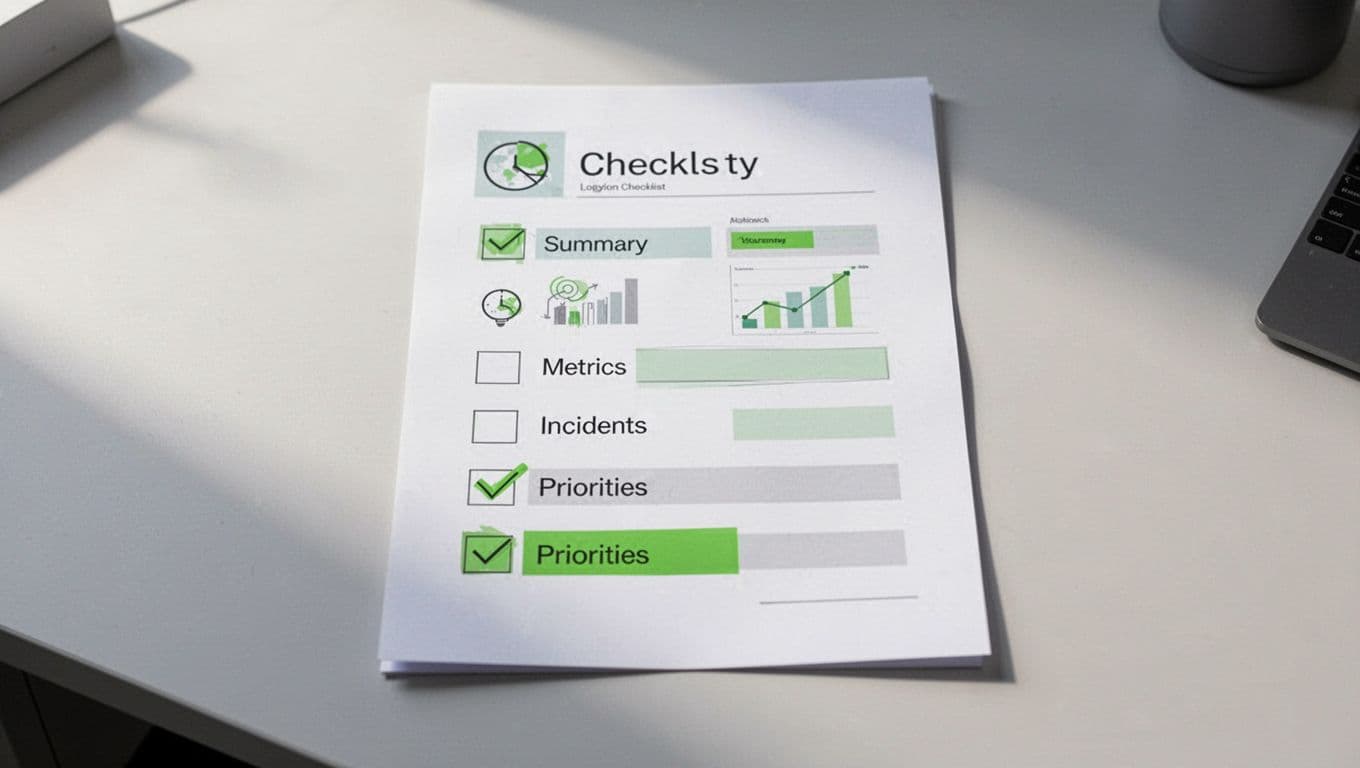
- Executive summary, three bullets max.
- Risk movement, what improved, worsened, or stayed the same.
- Incidents and exposure, only items with business impact.
- Metrics snapshot, four to six trend lines.
- Actions and owners, what’s due before next month.
- Decisions needed, where leadership input is required.
Use the same order every month. That consistency helps leaders compare reports without relearning the format.
A quick checklist helps before you send it:
- Each item has a business impact.
- Each metric shows a trend.
- Each risk has an owner.
- Each action has a due date.
- Anything technical sits in the appendix.
A monthly security update should feel like a briefing
A strong update doesn’t try to impress people with detail. It helps leaders see risk, understand movement, and act fast.
When executives can read the first page and know what changed, what matters, and what decision is needed, the report has done its job. That’s what makes a monthly security update worth reading, and worth using.




