
table of contents
User access breaks down in the gaps between HR, IT, and managers. A strong JML security checklist closes those gaps before they turn into shared passwords, stale accounts, or missed device returns.
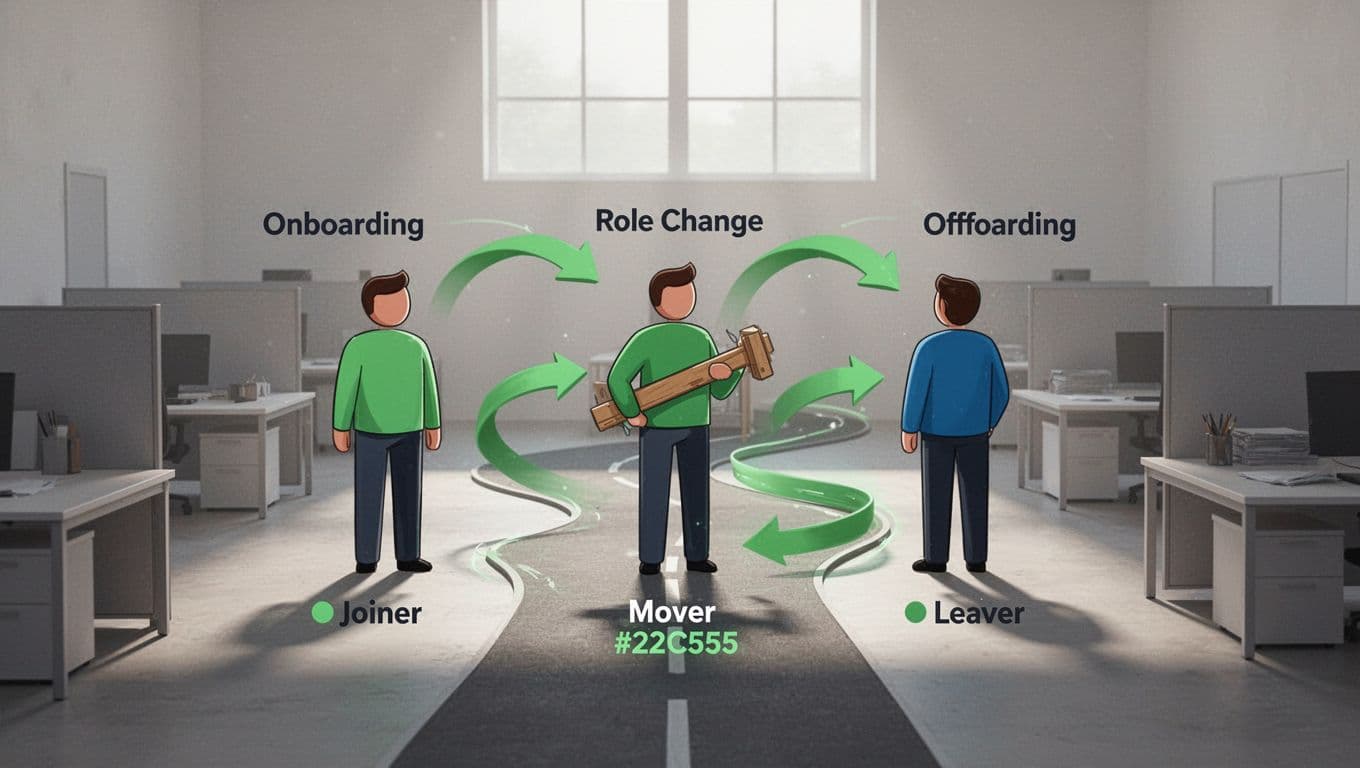
JML means joiner, mover, leaver. Some teams call it employee lifecycle access or identity lifecycle management, but the goal stays the same: give people the right access, update it when their role changes, and remove it fast when they leave. A simple checklist keeps that process clear, even for SMBs and mid-market teams.
Start with the workflow, not the paperwork
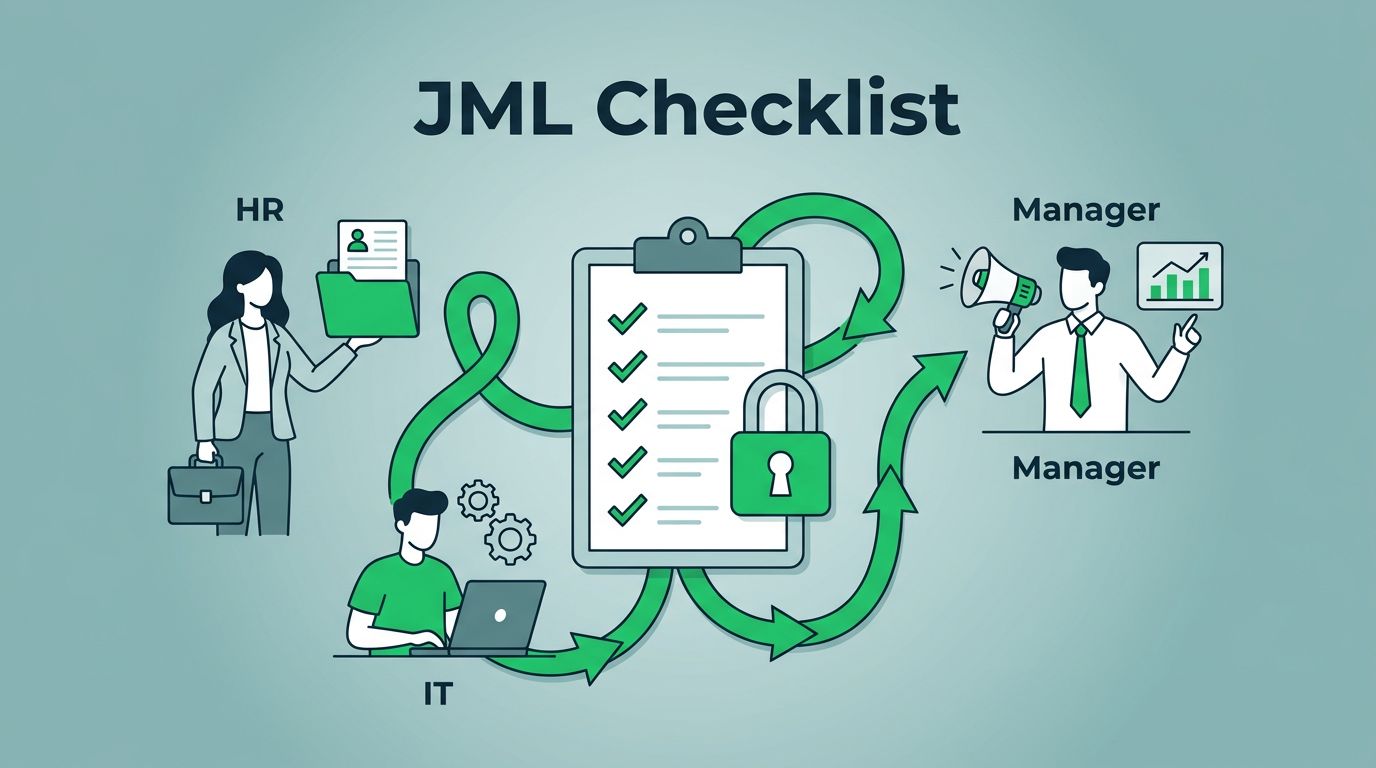
The best checklist starts with ownership. HR usually triggers the workflow, IT carries out the access changes, and managers approve role-based needs. Security sets the control points and reviews exceptions.
That matters because identity lifecycle management fails when handoffs are vague. If nobody knows who approves access, access grows by default. If nobody knows who removes it, old accounts stay alive far too long.
A JML checklist fails when ownership is vague. Assign each step to HR, IT, or the manager, and give it a deadline.
A good checklist also needs timing. New hires need access before day one. Internal movers need changes on the day their role changes. Leavers need revocation as soon as the exit is confirmed. For 2026, that also means keeping the process tied to zero trust, least privilege, MFA, and device management, not to a one-time onboarding email.
Build the joiner checklist around access, devices, and training
A joiner checklist should keep the first week clean and predictable. The new hire gets what they need, but only what they need. That balance is the heart of least privilege.
Start with role-based identity creation. Use a standard template tied to job title, department, manager, and location. Then create accounts in your core systems, not one-off tools. If you use SSO, put that account in the right groups first so access flows from policy, not from memory.
Your joiner checklist should include these tasks:
- Create the user identity from an approved role template.
- Turn on MFA before first login, and prefer phishing-resistant methods where possible.
- Enroll the device in MDM or endpoint management, then apply encryption and lock settings.
- Provision only the SaaS tools, shared drives, and groups tied to the job.
- Remove local admin rights unless a real exception exists.
- Assign security awareness training and collect policy signoff.
The last step matters more than many teams think. New staff often need clear guidance on password managers, file sharing, and reporting suspicious email. If your onboarding skips that, security habits form by accident.
For teams with SaaS sprawl, the joiner stage is also the time to control app requests. If a manager wants a new tool added, log the business reason, owner, and renewal date. That gives you cleaner audits later.

Build the mover checklist for role changes, not just promotions
Role changes are where access drift starts. A person may move teams, take on a new project, or inherit admin duties. Meanwhile, old permissions stay in place unless someone cleans them up.
A mover checklist should remove old access before new access expands. That sounds simple, yet it is easy to miss when the move happens fast. A strong checklist blocks privilege creep and keeps conditional access rules aligned with the new role.
Use this structure:
| Task | What to check | Why it matters |
|---|---|---|
| Role mapping | New title, team, manager, and location | Sets the access baseline |
| Access cleanup | Old groups, shared folders, SaaS tools, and badges | Stops stale access |
| Device policy | MDM profile, VPN rules, and endpoint settings | Keeps controls current |
| Secrets review | API keys, shared passwords, admin grants | Reduces hidden risk |
When a user moves into a sensitive role, review whether they need stronger MFA, different device checks, or tighter approval steps. In mid-market environments, that review can happen in the ticket itself. It does not need a heavy platform, but it does need a habit.
The mover checklist should also cover ownership transfers. Reports, shared inboxes, calendars, and workflow tools need a named owner. If that handoff slips, teams often keep using the old account by mistake.
Secure offboarding before access becomes a problem
Offboarding is where speed matters most. Once someone leaves, every hour of access creates risk. The safest approach is to revoke access the same day, then work through the cleanup.
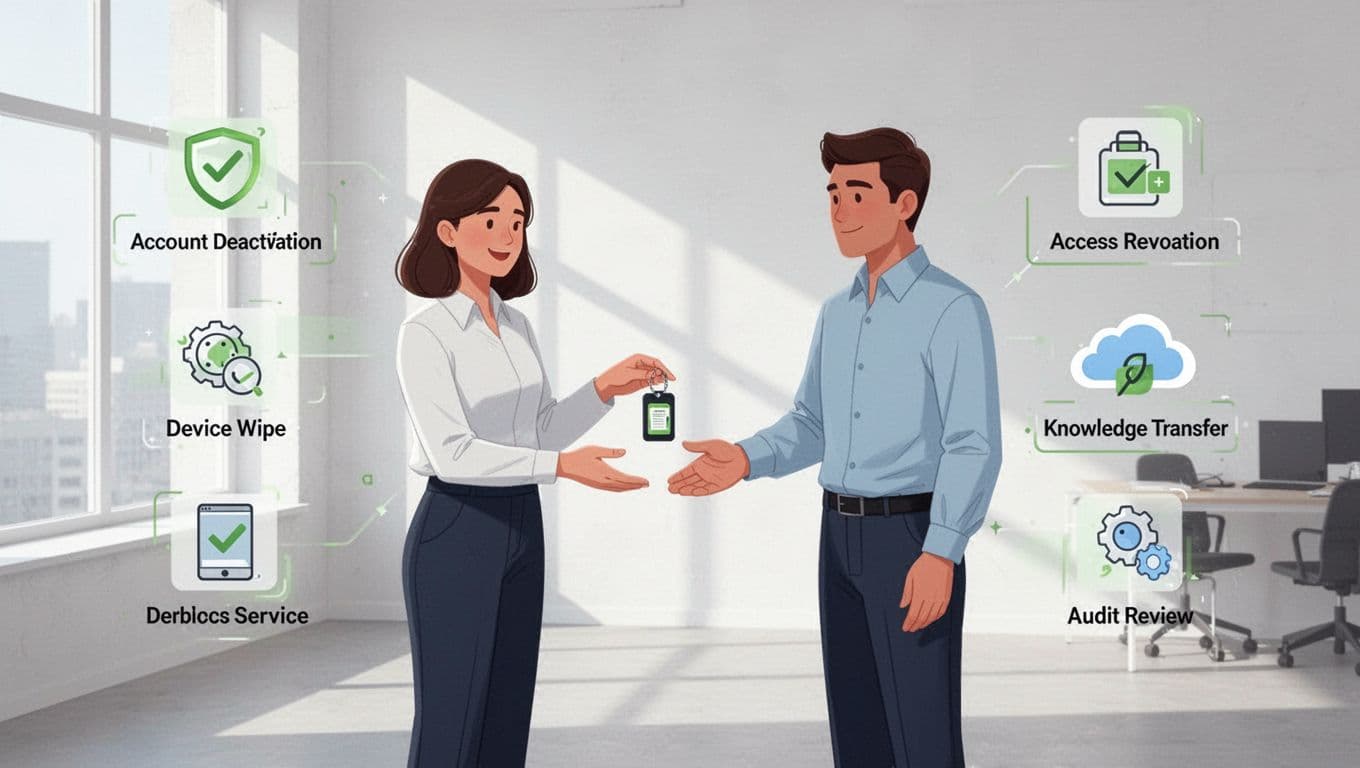
A leaver checklist should include these actions:
- Disable SSO, VPN, email, finance, code, and admin access at the same time.
- Remove MFA methods and recovery paths after the account is closed.
- Wipe, recover, or re-enroll company devices through your MDM tool.
- Transfer files, tickets, mailboxes, and calendars to the right owner.
- Capture audit evidence, including timestamps, approvals, and ticket numbers.
- Review SaaS sprawl for tools tied to the user and remove those links.
This stage is also where audit readiness pays off. If you keep clean records, you can show who approved the exit, when access ended, and what assets came back. That helps during compliance reviews and incident checks.
Same-day access removal should be the default target for leavers, especially for high-risk roles.
Keep the checklist alive with reviews and tests
A JML security checklist should change as your business changes. New apps get added. Teams reshuffle. Contractors come and go. If the checklist stays frozen, it turns into paper without control.
Review it on a schedule, then test it with real cases. Use one onboarding, one internal move, and one exit each month as samples. Check whether the steps happened on time and whether the evidence is complete. If a task keeps slipping, fix the owner, the trigger, or the system.
You do not need a giant enterprise stack to do this well. A shared workflow, role templates, and weekly reviews can carry a lot of weight. If your team needs help tightening identity controls, closing IAM gaps, or filling the skills behind the process, Book a Discovery Call with Bud Consulting.
A good JML checklist does one thing well, it keeps access tied to people, roles, and timing. That is how you stop drift before it becomes risk.




