
table of contents
Vendor exits move fast when the process is already built. If you wait until the last day to search for access, you lose time and miss things.
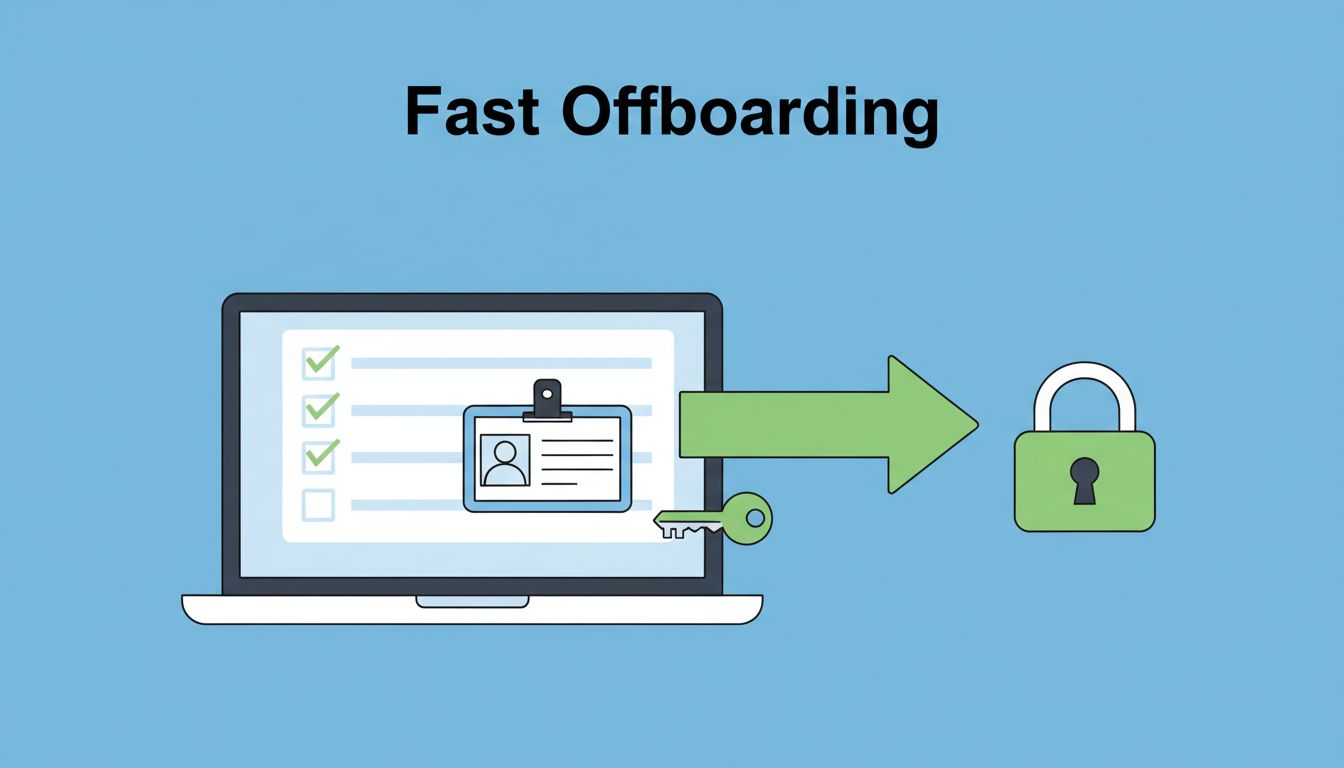
In 2026, the bar is higher. Vendor offboarding has to fit zero trust, least privilege, identity governance, and third-party risk management, while still keeping the business moving. That means every account, key, badge, and shared system needs a clear owner and a clean exit.
Start with a live access inventory, not a memory
The fastest offboarding starts with facts. Pull the current access list from your identity tools, cloud logs, ticketing records, and vendor contracts before you begin removal.

Use the list to confirm every access path, then assign each item to one owner. A quick way to sort the work is below.
| Access type | Fast removal move |
|---|---|
| SSO accounts | Disable the account in the identity provider and remove group access. |
| VPN access | Revoke the profile and block certificates or tokens. |
| Cloud platforms | Remove roles, service accounts, and console access in AWS, Azure, or GCP. |
| Ticketing systems | Close the account and remove project visibility. |
| Shared inboxes | Remove mailbox access and delegated permissions. |
| File storage | Cut access to shared drives, folders, and sync tools. |
| API keys | Revoke keys and rotate any shared secrets. |
| SSH keys | Remove keys from hosts and replace them if they were shared. |
| Badges | Recover physical badges and disable building access. |
| Privileged accounts | Disable elevated access first and review all linked rights. |
That list should map to your contract records too. If a vendor had access, there should be a reason on file. For a solid reference point, compare your process with a vendor offboarding checklist and align it to your own systems.
If you cannot name the access path, you probably have not removed it yet.
Run the offboarding in a fixed order
Speed gets better when the sequence never changes. The order below works well because it cuts the biggest risks first.
- Confirm the end date and scope. Verify whether the vendor is leaving fully or losing only one service line.
- Freeze new access changes. Stop fresh accounts, new group memberships, and temporary exceptions.
- Remove identity-based access first. Disable SSO, MFA sessions, VPN profiles, and privileged accounts before anything else.
- Revoke technical credentials. Kill API keys, SSH keys, service tokens, and cloud secrets.
- Close secondary paths. Remove shared inbox rights, ticketing access, and file storage permissions.
- Recover physical items. Get badges, laptops, and any other company property back.
This order matters because access spreads. One vendor account often links to many systems, so a delay in one place creates risk everywhere. CIS guidance on revoking access control also backs a fast disable-first model that preserves audit trails.

Coordinate IT, security, procurement, and facilities early
Vendor offboarding slows down when teams wait on each other. IT can remove accounts, but procurement knows the contract end date. Security knows which systems are sensitive. Facilities handles badges and site access.
A simple handoff saves time. Send one offboarding ticket with the vendor name, end date, systems involved, and the owner for each task. Then set a deadline for every team, not just IT.
This is where zero trust thinking helps. You treat every vendor account as temporary, visible, and easy to remove. That matches current zero-trust third-party access guidance and keeps the process tied to least privilege.
If the cleanup touches IAM, PAM, cloud access, or third-party risk workflows, Book a Discovery Call with Bud Consulting.
The fastest offboarding plan is the one every team already knows.
Verify removal and keep proof for audits
Removal is only half the job. You also need evidence that it happened on time.
Check each system and record the result. Look for disabled logins, revoked keys, closed sessions, and recovered badges. Then save the ticket trail, approval history, and final sign-off in one place.
A strong verification pass usually includes:
- Account status shows disabled, not pending.
- Privileged access is gone from every admin group.
- API and SSH keys no longer work.
- Shared mailboxes and file stores show no vendor access.
- Physical access is closed and badge return is logged.
This is where identity governance earns its keep. A vendor access management guide can help teams standardize approvals, expiration dates, and access reviews so offboarding does not start from zero every time.
Keep vendor offboarding fast the next time around
Fast offboarding is not about rushing. It is about having one clean path for every vendor account, key, badge, and shared tool. When you remove access in a fixed order and verify the result, you reduce risk and protect the audit trail.
The next vendor exit will move faster if the process is clear today. That is what good vendor offboarding looks like, quick action, clean records, and no loose access left behind.




