
table of contents
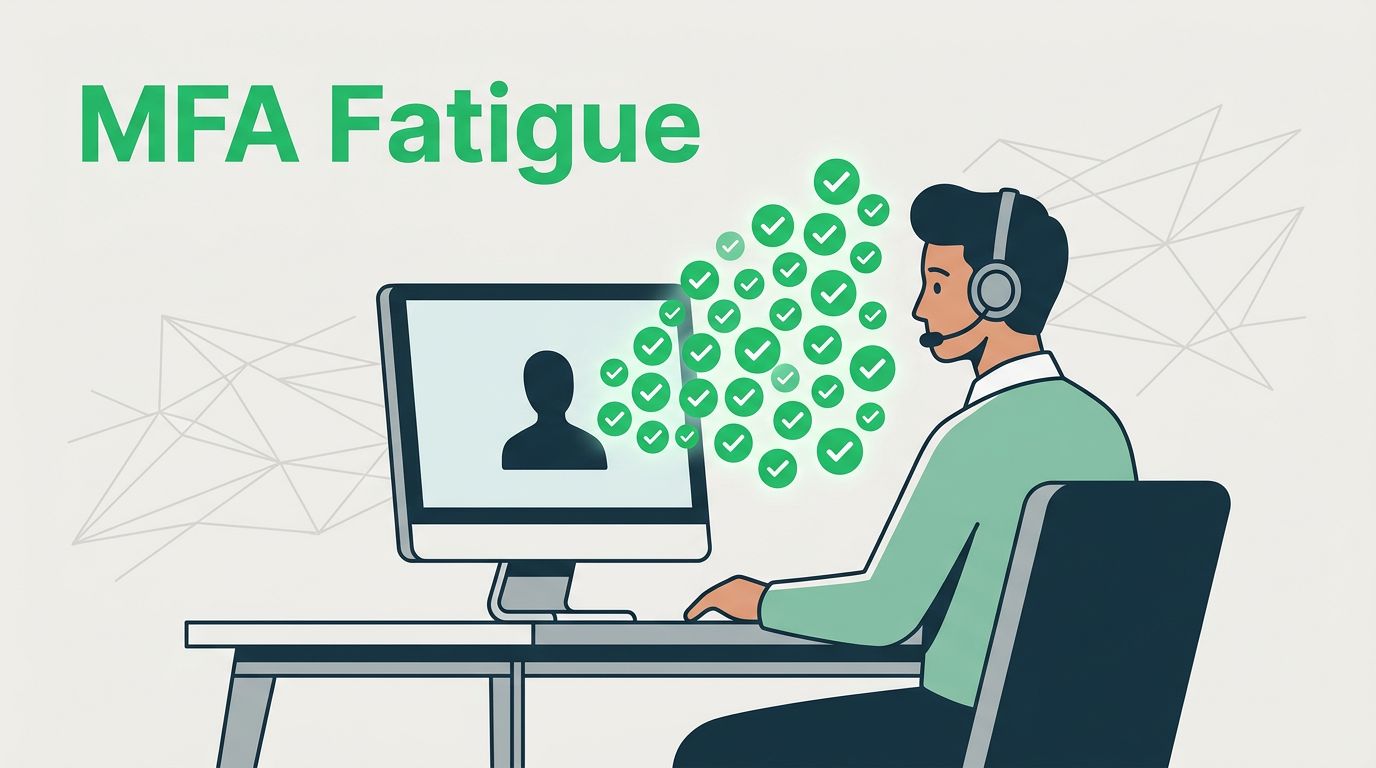
MFA fatigue attacks work because they turn a helpful control into a pressure test. A user gets hit with repeated push prompts, gets annoyed, and taps approve just to make it stop.
Help desk teams sit right in the middle of that moment. If they handle the call well, they can stop account takeover in minutes. If they rush, they can hand an attacker the last step they need.
Teach the attack pattern before the phone rings
Help desk staff need to know what MFA fatigue attacks look like in real life. The pattern usually starts with stolen credentials, then a flood of approval requests, then a user who is tired, confused, or embarrassed.
Ping Identity’s 2026 guidance on MFA fatigue attacks describes the common signs well, repeated prompts, odd login times, and sudden approvals after a string of denials. That’s the mindset to teach your team. The first alert is often a user report, not a security console.
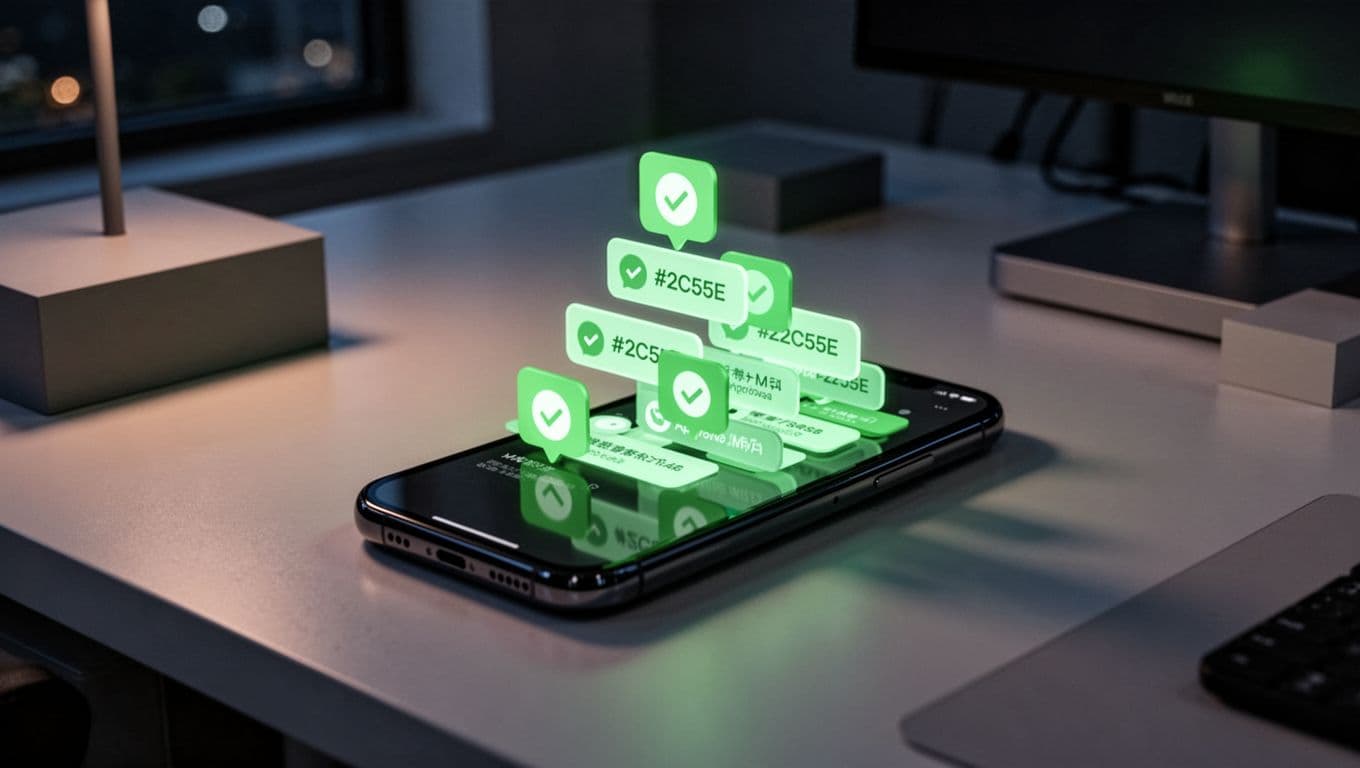
Make the team understand one simple rule: a burst of MFA prompts is not a nuisance ticket. It is a live incident until proven otherwise. In other words, the user is under pressure, and the attacker is counting on your staff to move too fast.
If a caller sounds rushed, that urgency should slow the process down, not speed it up.
A short training block works better than a long lecture. Show one real example, then ask the team to name the warning signs. The lesson should stick because the pattern is easy to miss when the phone is ringing.
Build a verification script that leaves no room for shortcuts
The safest help desk calls use a script. That script should sound calm, clear, and a little repetitive. Repetition helps because attackers hate structure.
Start with a line that sets the tone: “I can help, but I need to verify you first.” Then use a documented path that checks more than one factor of identity. If the caller pushes for speed, treat that as a red flag, not a reason to skip steps.
Use a short checklist during every sensitive request:
| Check | What to ask | What to avoid |
|---|---|---|
| Caller identity | Known callback number, manager validation, or verified case history | Trusting the phone number on the screen |
| Device proof | Confirm the registered device or recovery method | Accepting “I lost everything” as enough |
| Recent activity | Ask about the last successful login or support ticket | Resetting based on urgency alone |
| Change request | Confirm exactly what needs to change | Bundling password, MFA, and device changes together |
A strong script also protects the help desk agent. It removes guesswork and gives them language they can use under pressure. For example, “I can’t reset MFA until I complete the verification steps” is much better than an improvised excuse.
Never approve an identity change or MFA reset based solely on urgency, pressure, or incomplete verification. That one rule should appear in training, QA reviews, and escalation notes.

Train staff to spot the red flags and escalate fast
Help desk teams do not need to memorize attack theory. They need to recognize patterns that demand escalation.
Common red flags include repeated reports of push prompts, callers who say they are “locked out” but refuse full verification, pressure to bypass normal steps, and requests made outside normal hours. Another warning sign is a caller who knows enough about internal process to sound convincing, but misses basic details that a real user would know.
Use these signs as automatic triggers for escalation:
- multiple MFA prompts in a short time
- a request to reset MFA, move devices, or disable a factor
- a caller who asks for secrecy or speed
- signs of location mismatch, new device use, or unfamiliar login times
- resistance to callback or supervisor validation
When a team member sees one of these signs, the next move should be clear. Pause the ticket, notify the security contact or SOC, and record the details in the case notes. Include the time, the caller’s story, the verification steps used, and any device or location clues.
That handoff matters because incident response needs context. Security teams can review sign-in logs, revoke sessions, block the account, and look for related activity faster when the help desk gives them clean notes.

Make the training stick with drills, policy, and better MFA
Training fades if it stays theoretical. Run short role-play drills with realistic scripts, then grade the response. One exercise can show a user who is calm, another can show a caller who sounds angry, and a third can mimic an after-hours escalation.
Update the support playbook so the team knows what to do every time. That playbook should say when to escalate, who can approve account recovery, and which changes need security review. It should also spell out that push-only MFA is weaker than phishing-resistant options for high-risk users. Number matching, passkeys, and FIDO2 keys reduce the odds that a pressure campaign will work.
For a broader view of current attack trends and prevention ideas, CT Resources’ overview of MFA fatigue attacks is a useful reference point. The main takeaway is simple, though. Stronger tools help, but support habits decide what happens during the incident.
If your help desk scripts, escalation paths, or verification rules need work, Book a Discovery Call with Bud Consulting. Better process now saves hours later.
Help desk teams stop MFA fatigue attacks by staying calm, staying strict, and staying consistent. When staff know the pattern, follow a real verification script, and escalate fast, attackers lose their easiest path in.




