
table of contents
A shared mailbox can be useful, and it can also become a quiet security gap. The shared mailbox risk usually comes from wide access, weak oversight, and mailbox rules nobody reviews until something breaks.
Microsoft documents the basics of shared mailboxes in its shared mailbox guidance, but the real work starts after the mailbox is created. If you treat it like a normal user account, you invite unnecessary exposure.
Risky shared mailbox setups that create trouble fast
The biggest problems usually come from convenience. A support inbox or finance mailbox gets created once, then permissions grow over time without a clean owner.
| Risky setup | Safer alternative | Why it matters |
|---|---|---|
| The shared mailbox can sign in like a normal account | Block sign-in and use delegate access only | A live login gives attackers another path in |
| Dozens of users have Full Access | Use a small, named access group | Broad access makes abuse and mistakes harder to spot |
| Everyone gets Send As rights | Limit Send As to the people who need it | Spoofed replies can create fraud and trust issues |
| Mail forwards to personal inboxes or external addresses | Disable auto-forwarding unless approved | Forwarding can leak sensitive mail outside the tenant |

This table covers the common pattern, broad access grows fast and leaves little trace. A safer setup starts with a single business owner, a short access list, and a monthly review.
Lock down access before users ever open the mailbox
Start by blocking sign-in on the shared mailbox account itself. Microsoft calls out this step in its block-sign-in guidance for shared mailbox accounts. That matters because a shared mailbox should be accessed through permissions, not by direct login.
Next, assign access through groups where possible. In Exchange Online, grant Full Access only to the people who need to read and manage mail, then give Send As or Send on behalf only when the business need is clear. That keeps the mailbox usable without turning it into a free-for-all.
Conditional Access still matters here. Use it to protect the user accounts that open the mailbox. Require MFA, block legacy authentication, and tighten admin access with Entra ID roles and PIM. Shared mailbox access may feel simple, but the identities around it still need strong controls.
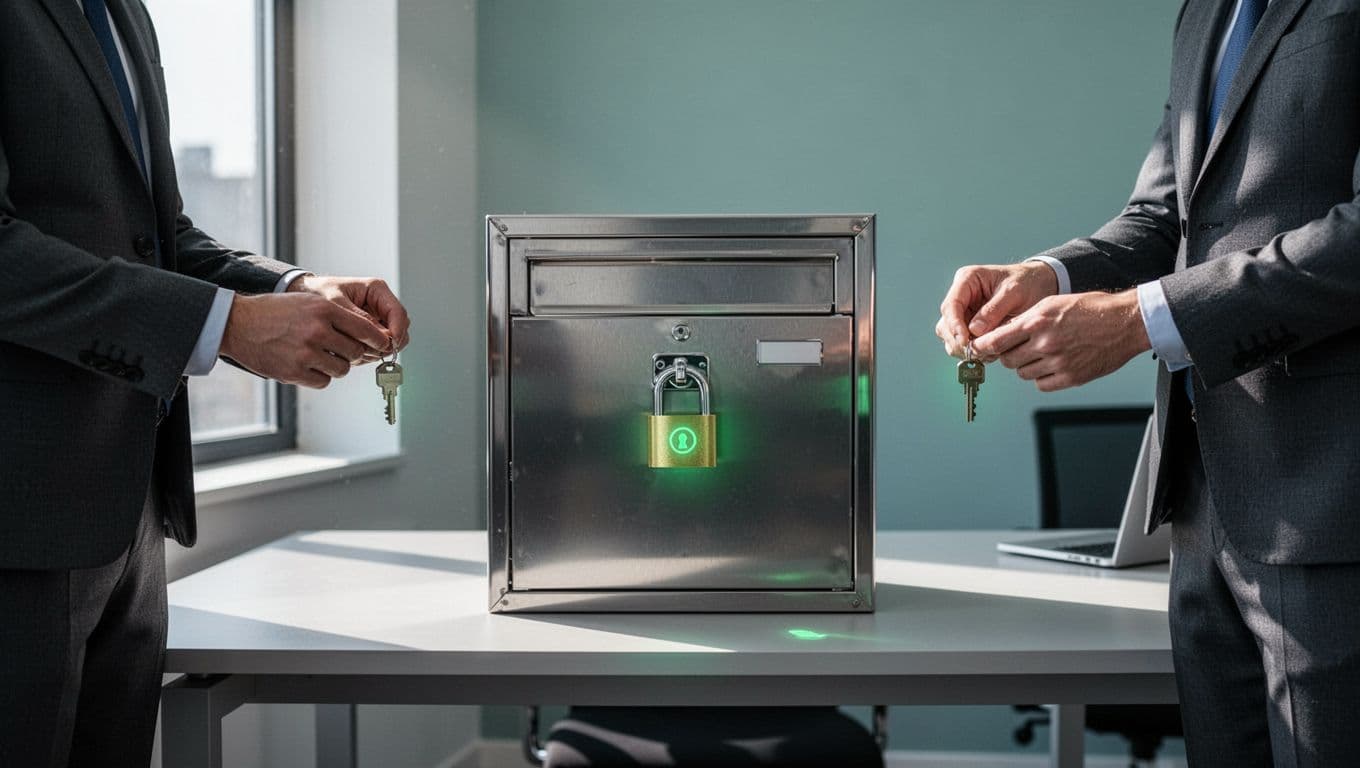
The tradeoff is clear. Tighter access can slow support teams at first, but loose access usually creates more work later. If the mailbox supports a busy function like help desk or billing, use a named group and review membership on a schedule.
Use Defender and retention controls to shrink the blast radius
Access control is only half the job. A shared mailbox also needs email protection, auditing, and retention.
Microsoft 365 Defender helps here. Defender for Office 365 scans for phishing and malware, while Safe Links and Safe Attachments reduce the risk from bad URLs and files. If your mailbox handles outside mail all day, those checks are worth the friction.
Mail flow rules matter too. Block automatic forwarding to external domains unless there is a documented exception. Review inbox rules, because attackers often hide exfiltration there after they gain access. Defender XDR is useful when you want mailbox alerts tied to sign-in, endpoint, and email activity in one place.
Encryption needs special care. Microsoft explains the behavior of protected content in its Exchange Team guidance on protected messages. If your team receives sensitive mail, test the user experience before rolling out labels or encryption broadly.
Protected mail can create support issues if you don’t test delegate access first. Security controls that block legitimate work tend to get bypassed later.
Retention is the other part of the picture. If the mailbox holds records that matter for compliance or legal review, confirm the right Microsoft Purview retention and hold settings are in place. Advanced needs can also change the licensing picture, so check those requirements before you promise long-term storage or legal hold.
If your environment has many shared mailboxes, a structured review can uncover hidden permission drift, stale access, and risky forwarding paths. Book a Discovery Call with Bud Consulting if you want help mapping those controls.
Shared mailbox best-practices checklist

Use this as a quick admin review:
- Block sign-in on every shared mailbox account.
- Limit Full Access to a small, named group.
- Restrict Send As and Send on behalf rights.
- Review mailbox permissions every month.
- Disable or tightly control external auto-forwarding.
- Turn on and monitor mailbox auditing.
- Use Defender for Office 365 for phishing and malware checks.
- Test encryption and protected messages with delegates.
- Confirm retention, hold, and licensing needs.
- Remove access quickly when staff change roles.
FAQ
Do shared mailboxes need MFA?
The mailbox account itself should not be used for sign-in, so MFA belongs on the user accounts that access it. That gives you stronger identity control without turning the shared mailbox into a login target.
What is the most common shared mailbox mistake?
Leaving sign-in enabled is a big one. Broad permissions and unreviewed forwarding rules usually follow close behind.
Can users safely send encrypted mail from a shared mailbox?
Sometimes, but it depends on the labels, permissions, and the recipient flow. Test protected messages with delegates before rolling it out, so you don’t block normal work.
Shared mailboxes are useful when access stays narrow and visible. Once sign-in is blocked, permissions are tight, and mail flow is monitored, the shared mailbox risk drops fast.
That matters more in 2026 than ever, because attackers love quiet, shared systems with weak ownership. Treat the mailbox like a controlled business asset, not a convenient inbox, and it will stay that way.




