
table of contents
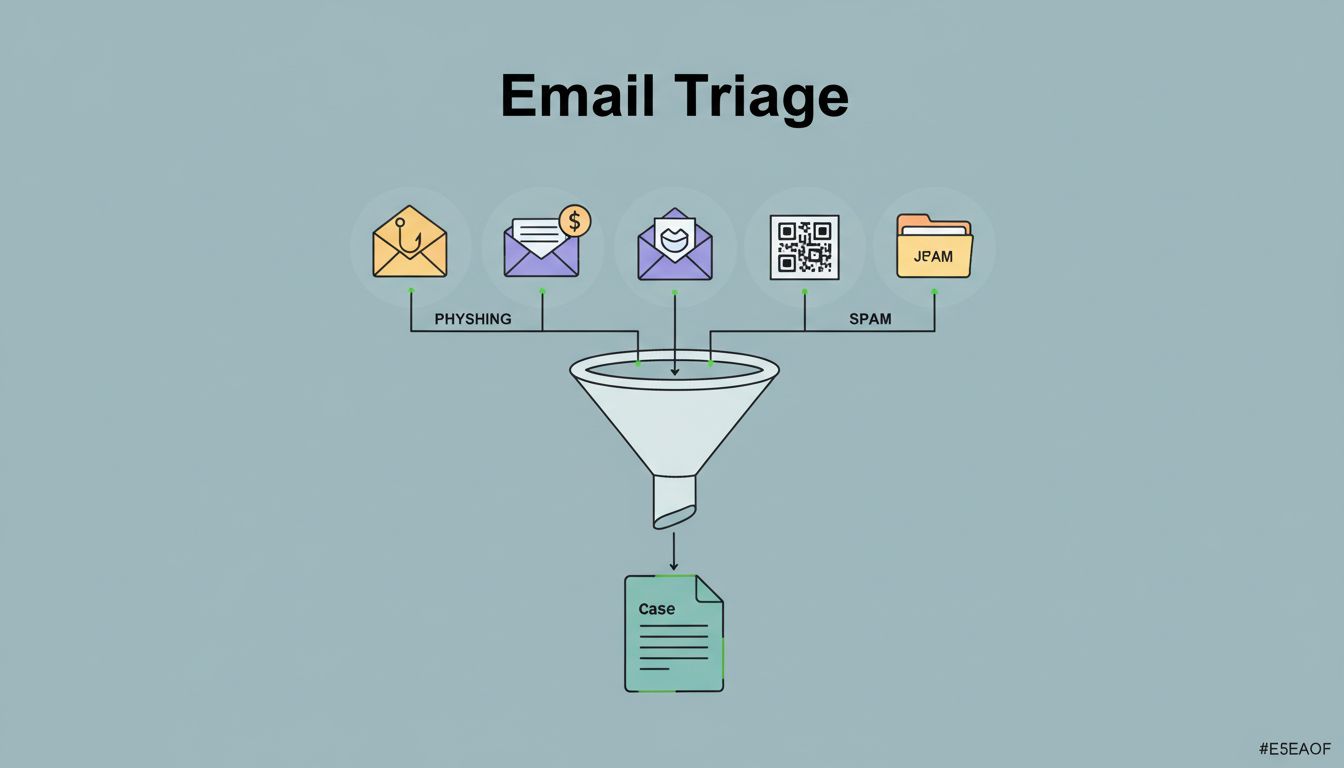
Suspicious email triage gets messy fast. In April 2026, AI-written phishing, BEC, QR-code lures, and inbox rule abuse can all land in the same queue. If your team handles each report by gut feel, response time slips and real threats get buried in noise.
A solid suspicious email triage process gives analysts one path, one set of records, and one decision point for every message. That matters when the same inbox can contain spam, credential theft, and a finance scam in the same hour.
Start with one clear intake path
The first problem is usually routing, not analysis. User reports come in through mailbox buttons, help desk tickets, forwarded messages, gateway alerts, and SIEM rules. If each path creates a different kind of case, your queue will drift.
Pick one intake format and force every report into it. At minimum, capture the original message, full headers, reporter name, reported mailbox, message ID, and any attachment or link data. Then let the ticketing system attach a unique case number and timestamp.
Keep the verdict path simple. Analysts should be able to map each report to one of four outcomes.
| Outcome | Meaning | Action |
|---|---|---|
| Malicious | Confirmed phish, BEC, malware, or credential theft | Quarantine, block, hunt, notify impacted users |
| Suspicious | Strong indicators, but not enough proof | Hold, enrich, search for related messages |
| Benign | Spam or legitimate mail | Close, tune filters, document why |
| Incident | Clicked link, entered creds, mailbox rule, or money request | Escalate to IR and IAM immediately |
That simple split keeps triage fast. It also gives you clean metrics later.
Build the review path the same way every time
A repeatable workflow keeps analysts from skipping steps when volume spikes. It also makes handoffs easier across shifts. The goal is not to stare at every email longer. The goal is to check the right things in the same order.
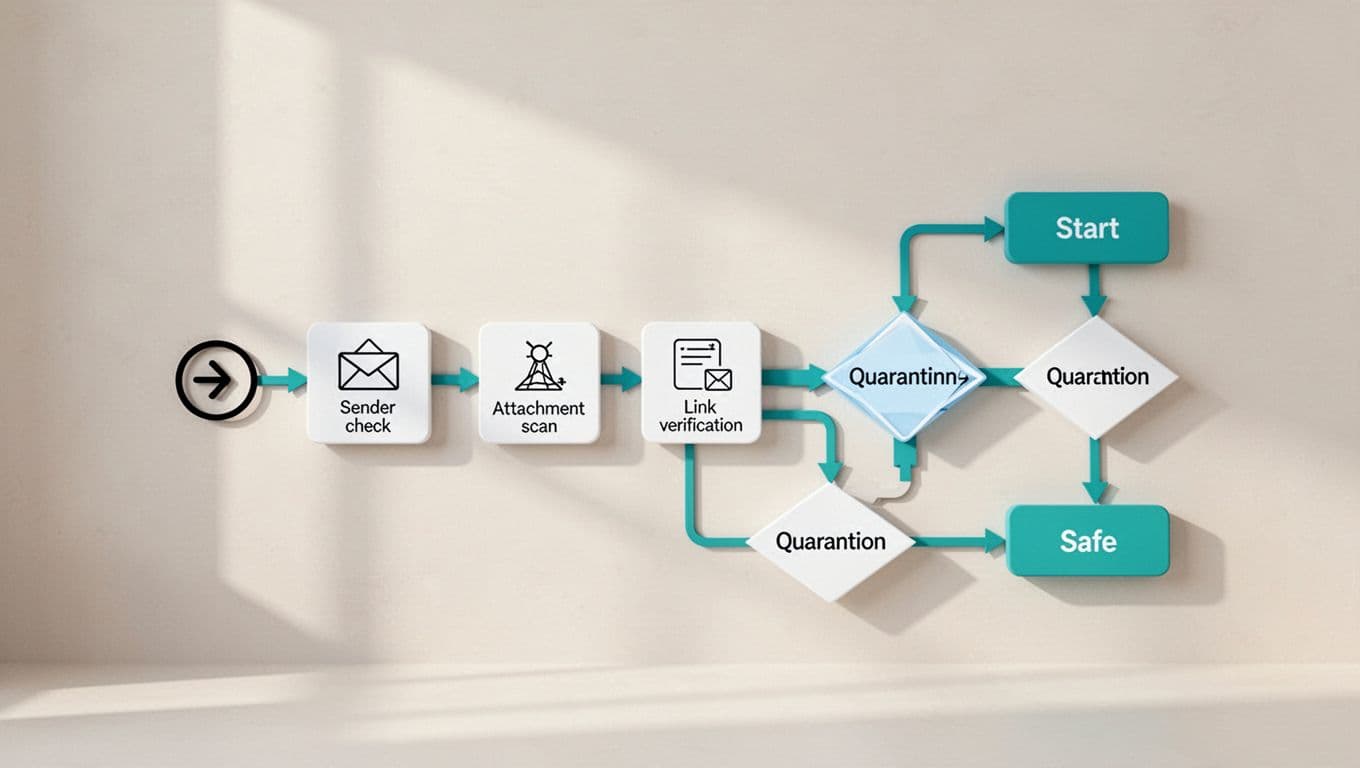
A practical sequence looks like this:
- Preserve the original message and headers before anyone edits or forwards it.
- Check sender identity, display-name mismatch, reply-to mismatch, and authentication results like SPF, DKIM, and DMARC.
- Inspect links and attachments in a sandbox or safe detonation tool.
- Search for the same indicators across the tenant, including other recipients and similar threads.
- Review mailbox rules, sign-in activity, and recent account changes if the message suggests BEC.
- Record the verdict, evidence, and next action in the case.
That flow works because it treats the email as one part of a wider attack chain. A fake invoice is one problem. A fake invoice plus a new forwarding rule is a very different one.
For automation ideas, Splunk’s phishing triage workflow shows how enrichment and routing can be tied together without forcing analysts to re-enter the same data.
Set decision rules that reduce false positives
False positives waste time, but they also make users stop reporting. That is why your team needs clear thresholds for common outcomes. A suspicious message should not stay in limbo because one analyst felt uneasy.
Document the facts that matter most:
- verdict and confidence
- sender, domain, and message ID
- indicators found, such as bad links, odd headers, or attachment type
- actions taken, such as quarantine, block, or hunt
- affected users, mailboxes, and time range
- analyst name, time, and any escalation notes
A verdict without evidence is hard to defend, and hard to tune.
Use that record to clean up false positives over time. If a newsletter keeps landing in the queue, tag it as benign and tune the filter. If an internal thread gets flagged because of an unusual sender pattern, document the reason before you whitelist anything. Permanent exceptions should be rare, approved, and reviewed on a schedule.
Recent 2026 phishing triage work also shows how much time teams save when repetitive review gets automated. Abnormal’s phishing triage analysis is a useful reference if you’re comparing manual review against AI-assisted enrichment.
Connect triage to your stack
A triage process breaks down when analysts have to swivel between tools. The better model is one case that pulls in data from email security, SIEM, SOAR, and your service desk. That way, every report becomes a trackable workflow instead of a loose inbox thread.

Use automation for the repeatable parts. A SOAR playbook can create the ticket, pull message headers, enrich the sender reputation, search the tenant for copies, and quarantine the message if the verdict is high confidence. The analyst then confirms the result and handles the edge cases.
For Microsoft 365 environments, the alert classification playbook for suspicious inbox forwarding rules is a useful model. It connects email review with account behavior, which matters when BEC is the real risk.
That is also where ownership matters. Help desk teams can collect reports, SOC analysts can validate them, and IR can take over when the message touches credentials, payments, or mailbox control. If your team needs help building that operating model, Book a Discovery Call with Bud Consulting.
Close the loop with users and metrics
The last step is feedback. Users need to know their report mattered, and your team needs signals that the process is improving. A short reply works well, especially when it says what happened and what changed.
Track a small set of metrics every month:
- time to acknowledge
- time to verdict
- malicious hit rate
- duplicate report rate
- reopen rate
- percentage of cases closed as spam or benign
- number of cases that exposed mailbox rules or account abuse
Those numbers tell you where the process is slow and where filters miss. They also show whether users trust the reporting path. If reports keep coming from the same team, that may mean the training is working. If reports drop off after a bad false-positive streak, your workflow needs a fix.
A good feedback loop turns triage into a learning system. The report is the start of the process, not the end.
A strong suspicious email triage process is boring in the best way. It gives every report the same path, captures the same facts, and pushes the right action fast. As phishing now blends email, BEC, QR codes, and account abuse, that kind of discipline matters more than heroic manual review.




