
table of contents
A security exception log can either protect your program or quietly bury it. The difference comes down to how current it stays.
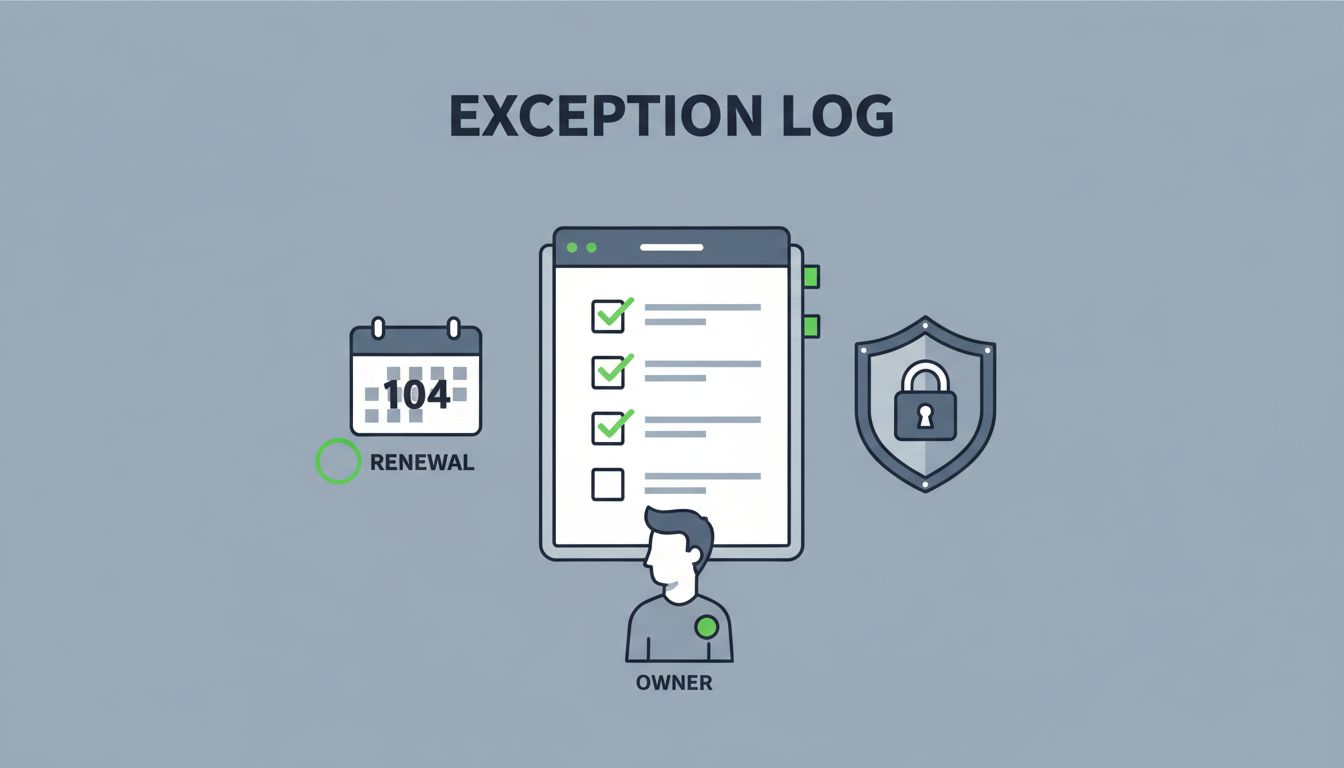
When exceptions sit in spreadsheets, inboxes, or old tickets, they stop being exceptions and become blind spots. A strong security exception log keeps every item tied to an owner, a business reason, compensating controls, and a renewal date.
Start with ownership, scope, and an end date
The first mistake is treating exceptions like one-time approvals. They aren’t. Every exception needs a clear path from request to review to closure.
A simple build process works best:
- Define what belongs in the log.
Cover policy waivers, control gaps, temporary technical limits, and accepted risks. If it changes your security baseline, it belongs here. - Assign one accountable owner.
One person should manage the exception, answer questions, and trigger the next review. Shared ownership often means no ownership. - Set an expiry date by default.
Open-ended exceptions age badly. Give each item a review date, even if the fix will take months. - Record the compensating control.
If a system cannot meet a standard, note what reduces the risk right now. That might be monitoring, extra approval, tighter access, or a manual check. - Put the log where people already work.
A separate spreadsheet on a shared drive rarely stays fresh. Tie the log to your GRC, ticketing, or workflow system so reminders and approvals happen in one place.

For logging and monitoring basics, the OWASP A09 logging guidance is a useful reminder that missing records make response harder. That same problem shows up in exception tracking when teams cannot prove who approved what, or why.
Build the log around fields people will actually use
A bloated log gets ignored. A useful one captures the facts reviewers need in seconds.
Use fields that answer five questions: what is the exception, why does it exist, who owns it, what reduces the risk, and when does it end?
| Field | Why it matters | What to capture |
|---|---|---|
| Exception ID | Gives each item a unique reference | Short ID or ticket number |
| Control or policy gap | Shows what standard is being bypassed | Policy name, control name, system affected |
| Business justification | Explains why the exception exists | Short plain-language reason |
| Owner and approver | Creates accountability | Named business owner and security approver |
| Compensating controls | Shows how risk is reduced now | Monitoring, manual checks, access limits |
| Renewal date | Prevents permanent exceptions | Start date, review date, expiry date |
| Current status | Shows where the item stands | Open, under review, renewed, closed |
| Evidence link | Supports audits and reviews | Ticket, test result, risk memo, approval record |

A good log makes trends visible. You should be able to see which controls fail often, which teams request the most waivers, and which exceptions keep getting renewed. If the same issue keeps returning, the real fix belongs in the control design, not in another approval.
2026 compliance work makes this even more important. Teams now need better evidence trails and faster risk review, which is why resources like the 2026 data security and privacy checklist matter when you shape your process.
Review, renew, or close each exception on schedule
A current log needs a rhythm. Without one, renewal dates slide past and old risks stay open forever.
Set review timing by risk. Many teams review high-risk exceptions monthly, medium-risk items quarterly, and lower-risk items at least twice a year. The exact cadence can change, but the rule stays the same: the higher the risk, the shorter the review cycle.
A stale exception is a control failure in slow motion.
During each review, confirm four things. The exception still needs to exist. The business reason is still valid. The compensating controls still work. The owner still wants to keep it open.
If one of those answers changes, act quickly. Close the exception when the issue is fixed. Renew it only with fresh approval. Escalate it if the risk has grown.
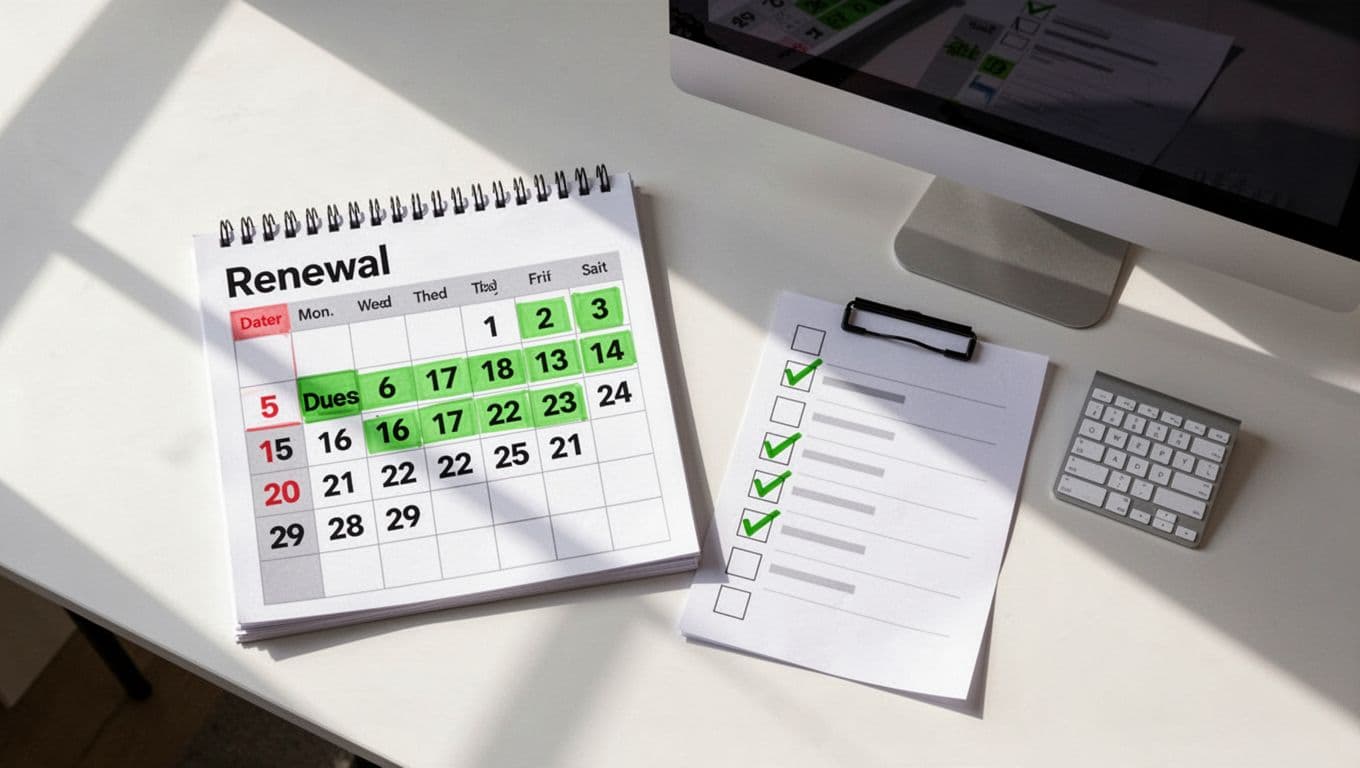
Keep the review notes short, but complete. Record who reviewed the item, what changed, and whether the expiry date moved. That history helps during audits and makes repeat issues easier to spot.
Report stale and expired exceptions before they spread
The log should do more than store data. It should tell you where risk is growing.
Track a few simple measures each month:
- Exceptions past their renewal date
- Exceptions due in the next 30 days
- Items renewed more than once
- Exceptions missing an owner or evidence link
- Exceptions where compensating controls were never tested
Share those numbers with security, IT, and business leaders. If the report shows too many stale items, the log is warning you that the process is slipping. That is the moment to tighten reminders, shorten approvals, or fix the control that keeps failing.
If your team needs help building a review process that people will actually follow, Book a Discovery Call with Bud Consulting.
A quick check that keeps the log honest
Use this short check before each review cycle:
- Every open exception has one named owner.
- Every item has a business reason and a renewal date.
- Every compensating control has been verified.
- Every expired item has a next step.
- Every report shows trends, not just counts.
A security exception log stays useful when it behaves like a living record, not a storage bin. Keep it tied to ownership, expiry, and review, and it will support audits, reduce guesswork, and expose repeated control gaps before they turn into bigger problems.




