table of contents
Remote executive MacBooks create a hard security problem. If you keep local admin rights in place, one stolen password or rushed install can open too much access. If you remove all flexibility, executives often find workarounds.
The best setup sits in the middle. Use standard accounts by default, short-lived elevation for real tasks, and logs that show what happened. As of April 2026, macOS Tahoe 26.4.1 is current, so patching should already be part of the baseline. Privilege control still needs its own plan.
Why local admin rights create risk on remote MacBooks
When local admin MacBooks leave the office, shared passwords and standing privileges become easy targets. A remote user can install unvetted software, change security settings, or weaken controls without a desk-side check from IT.
That matters for more than malware. Compliance teams also need a clean record of who changed what, when, and why. Permanent admin access makes that record messy.
A useful way to compare access models is below.
| Access model | Best use | Main weakness |
|---|---|---|
| Permanent local admin | Rarely, if ever | High risk, hard to audit |
| Rotating local admin with LAPS | Break-glass support | Still powerful if used too often |
| Just-in-time elevation | Approved installs and fixes | Needs good workflow and logging |
| Shared admin account | Last resort only | Easy to abuse, hard to trace |
The lesson is simple. Keep the power, but shrink the time window. If the account stays powerful all day, it stops being an exception.
Build a standard-user baseline first
Start with enrollment. Use Apple Business Manager and an MDM platform to make standard user accounts the default on every executive Mac. That removes a lot of risk before the device ever reaches the user.
Microsoft’s macOS LAPS guidance is a useful example of how local admin accounts can be created and managed inside an enrollment flow. Jamf’s local admin password management shows the same idea from a Mac admin angle. In both cases, the goal is the same, unique admin access, controlled by policy, not by memory or shared notes.
For executive devices, this usually means three things. First, the daily login should be a standard account. Second, the device should have a separate admin path for IT. Third, the admin password should rotate and live in the management system, not in a spreadsheet.
A shared local admin password is a support shortcut. It also becomes a hidden dependency that grows more dangerous over time.
Use this model for software installs, major settings changes, and break-glass support. Executives keep working, and IT keeps control of the keys.
Use just-in-time elevation for approved work
Just-in-time access fits remote executive work well because most admin needs are short and predictable. A user needs one app installed, one printer fixed, or one security setting changed. They do not need permanent admin rights for that.
Jamf’s privilege elevation model explains the Mac-friendly version of this approach. The broader category is often called privilege elevation and delegation management, or PEDM.
A simple remote support workflow
- The executive or assistant opens a ticket with a clear reason.
- The MDM or PAM tool checks identity, device health, and approval status.
- IT grants elevation for a short window, often 15 to 30 minutes.
- The tool revokes access automatically and sends the event to the log stack.

Keep the approval rules tight. For example, approve only a named app, a named package, or a single admin task. The more open the request is, the more it starts to look like standing access.
This workflow also helps in audits. You can tie the ticket number to the change, then show who approved it and when the privilege closed.
Log every privileged action
Admin control without logging is just guesswork. You need a record of the user, device, time, task, and result. If your tools support command logging or session recording, turn it on for elevated sessions.
Apple’s Remote Desktop access privileges guide is a good reminder that remote control rights and admin rights are separate. The person who can view or control a Mac should not automatically get full system privileges.
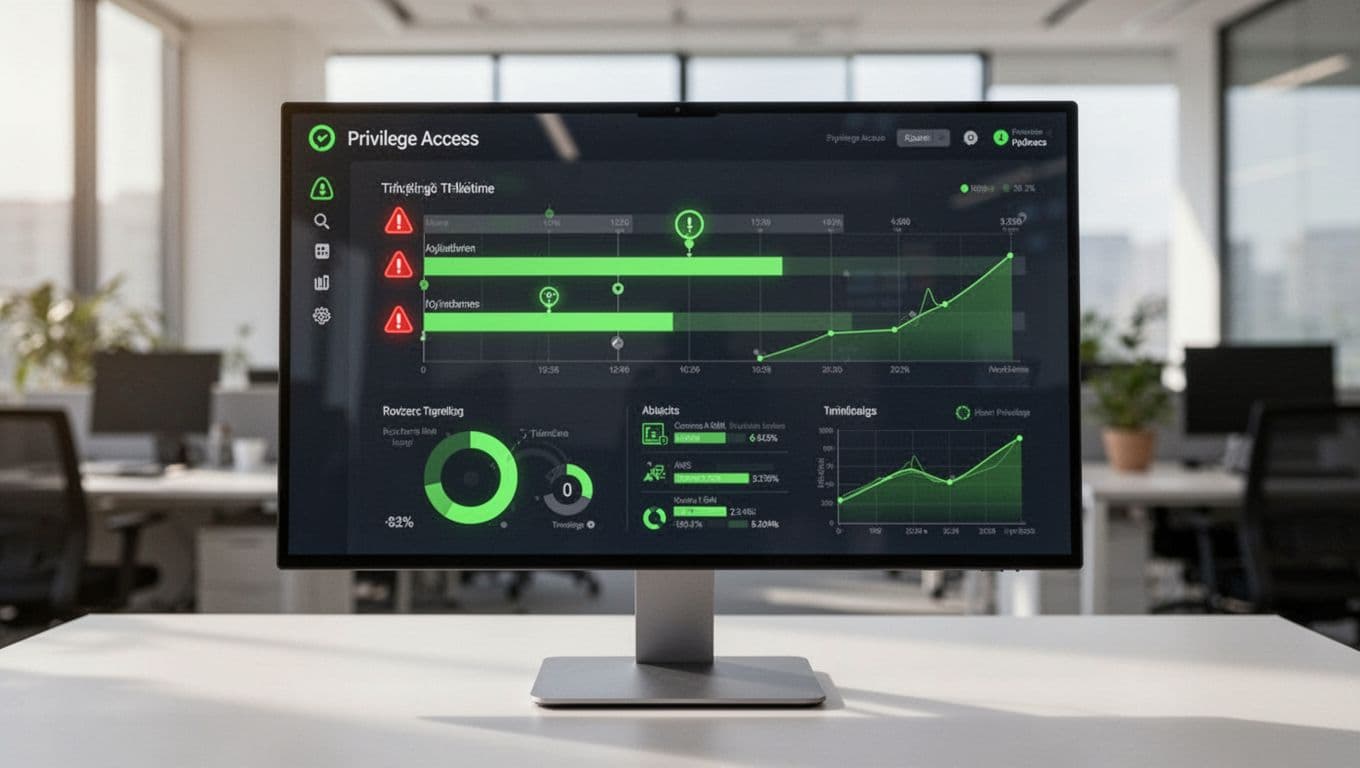
Feed those logs into your SIEM or compliance tooling. Then watch for patterns like repeated elevation requests, after-hours installs, or the same device asking for admin too often. Those patterns usually point to a process problem, not a user problem.
For teams that want a category reference, BeyondTrust’s PEDM overview is a clear example of how modern endpoint privilege management is framed in the market.
Set a policy executives can live with
A strong policy should make the secure path the easy path. If an executive has to hunt for a password, they will push for shortcuts. If the process is quick and predictable, they will follow it.
A practical policy for remote executive Macs usually includes:
- Standard user accounts for daily work.
- No shared admin credentials.
- A named support path for approved installs.
- Short, ticketed elevation windows.
- A break-glass admin account stored in a vault.
- Quarterly review of privileged accounts and exception logs.
That last point matters. Old exceptions pile up fast. A one-time install from six months ago should not turn into a permanent local admin right.
If your team needs help designing the policy, the support flow, or the staffing model around it, Book a Discovery Call with Bud Consulting.
Keep control tight without slowing the business
Remote executive Macs need speed, but they also need discipline. The safest model uses standard users first, then grants admin rights only when the task calls for it.
That balance is what makes local admin MacBooks manageable. You protect the device, you keep audits clean, and you still let people work.
When privilege is time-limited, logged, and tied to a real request, security stops being a blocker. It becomes part of normal support.