
table of contents
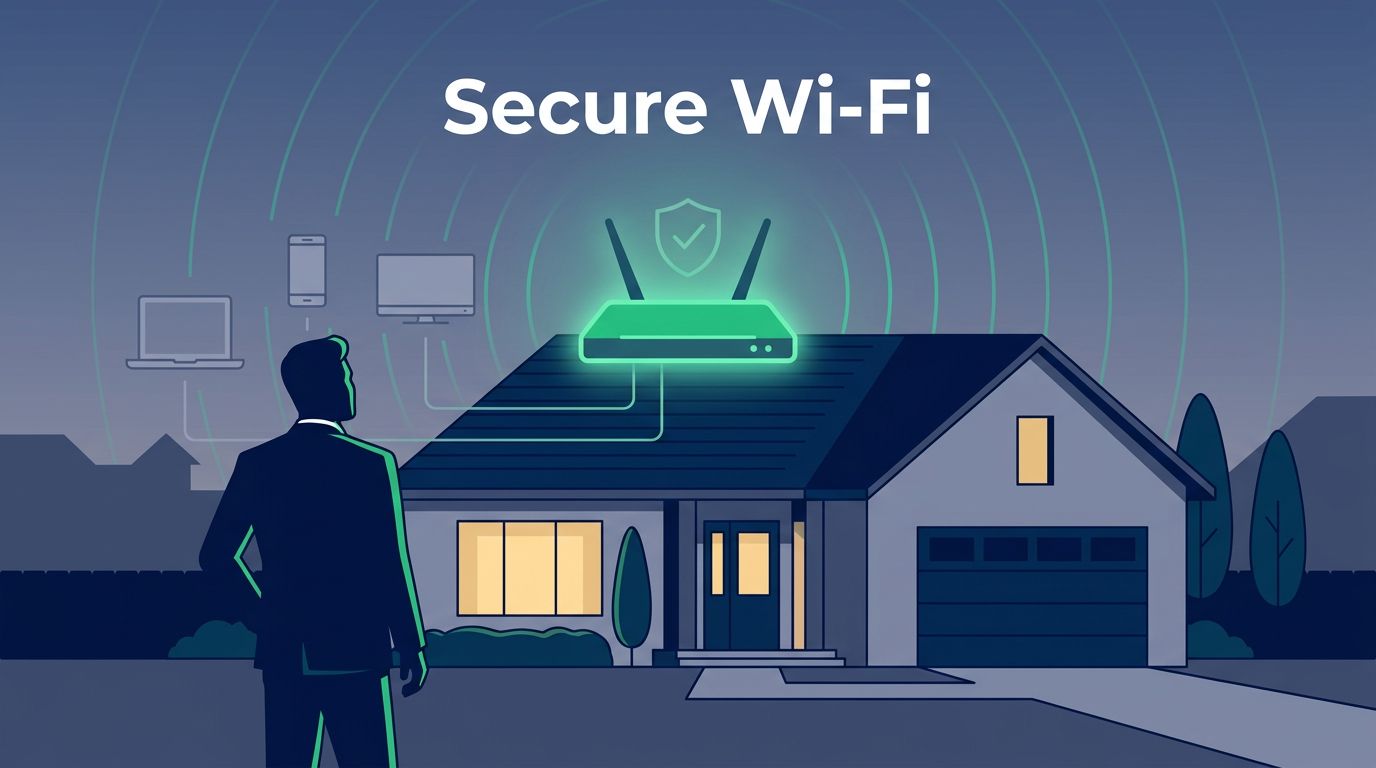
Executives do not get hit with random home Wi-Fi problems anymore. Attackers now aim at the home network because it can expose email, cloud apps, and trusted devices in one move.
That risk grows fast when a spouse, child, assistant, or contractor shares the same network. A fake router alert, a phishing email, or a compromised smart device can open the door. Good executive home wifi security starts with simple controls, then adds stronger protection where the risk is higher.
Why executive homes are a real attack surface
Targeted home attacks usually begin with trust, not malware. A leader gets a message that looks like a router notice, a meeting invite, or a password reset. Someone in the household clicks it, and the attacker steals credentials or drops a session token.
From there, the path can move in several directions. The router may be changed, a rogue access point may trick a device into connecting, or a smart TV, camera, or thermostat may give the attacker a foothold. ZeroFox’s take on why the family is the new attack surface makes the point clearly, and Executive Cyber Security: The Attack Surface Has Moved treats home and travel as one risk zone.
Social engineering matters here too. Attackers do not need deep technical skill if they can convince a household member to share a password, approve a login, or install a fake support app. In 2026, that is still one of the fastest ways in.
Build a baseline that stops common attacks
Start with controls that block the easy paths. These are the minimums for executives who access company systems from home.
A useful starting point is the 2026 Wi-Fi security checklist, but executive programs need more discipline than a consumer checklist alone.
Use this as the baseline:
- Change the router admin password and ISP account password.
- Turn on WPA3, or the strongest encryption the hardware supports.
- Disable WPS, remote admin, and unused services.
- Put IoT devices on a separate guest network or VLAN.
- Turn on auto-updates for the router and every endpoint.
- Add DNS filtering to block known malicious domains.
That setup closes off common credential theft and router compromise paths. It also makes phishing-assisted home intrusion harder, because the attacker has fewer places to land after a bad click.
Harden the router like a small office
The router is the front door. If it stays weak, the rest of the stack will carry more risk than it should.
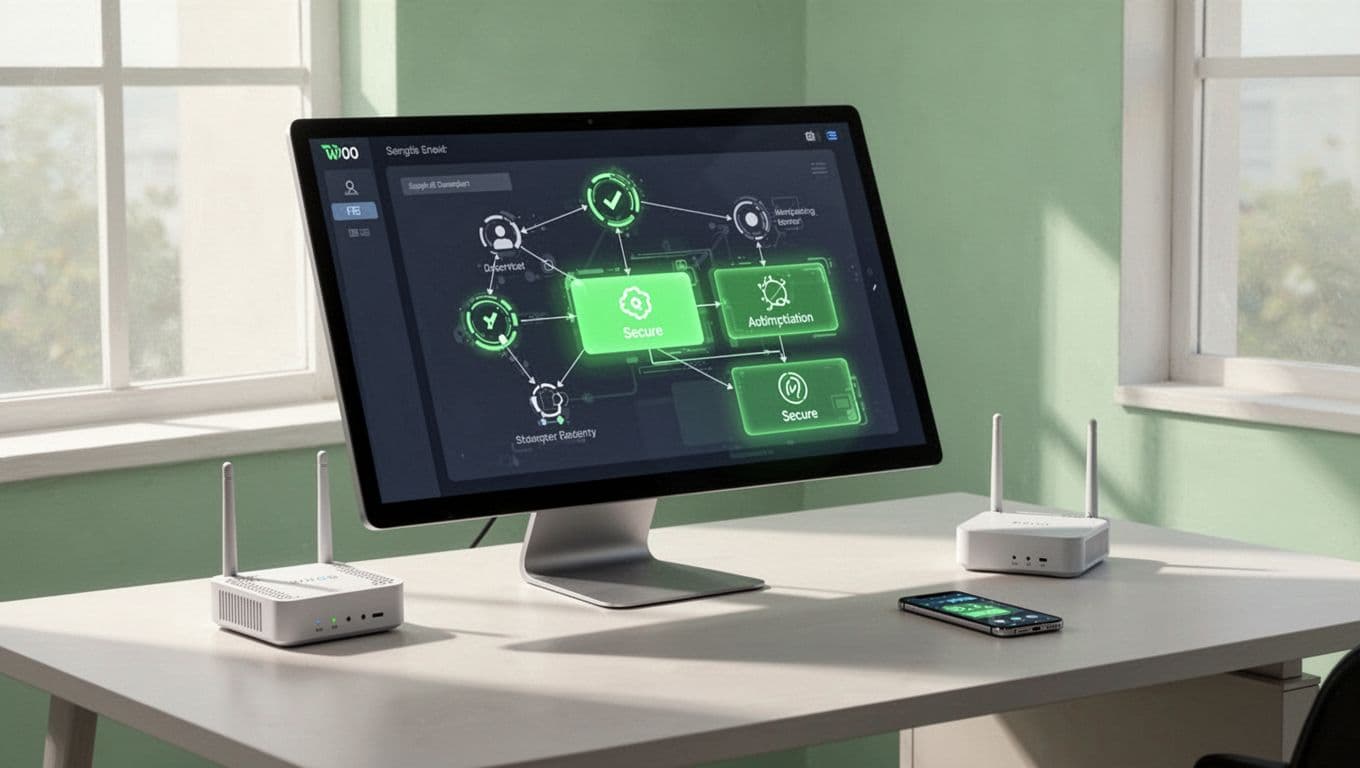
A short rollout works well:
- Inventory every device that joins the home network.
- Replace the ISP router if it has weak admin controls or poor patch support.
- Set a long, unique password for Wi-Fi and the router admin portal.
- Lock firmware updates to a regular schedule, then verify they apply.
- Separate company devices, personal devices, and smart-home gear.
That last step matters because insecure IoT devices often become the pivot point. A printer or camera should never sit on the same trusted path as an executive laptop.
If a leader can open company email from home, the home network belongs in the security model.
Add higher-assurance controls for high-risk leaders
Some executives need more than baseline hygiene. Board members, M&A leaders, legal teams, and public-facing leaders may face stronger targeting, so their home controls should match the risk.
A simple way to separate the two levels is below.
| Area | Baseline control | Higher-assurance control |
|---|---|---|
| Router access | Strong admin password | Managed router with limited admin access |
| Device trust | WPA3 and unique passwords | Device allowlisting and certificate-based access |
| Accounts | MFA for all company apps | Hardware security keys for email and SSO |
| Monitoring | Router alerts and update checks | Managed detection for DNS, device joins, and anomalies |
| Recovery | Self-service reset | Preplanned incident playbook and spare equipment |
Higher-assurance homes often add a dedicated business-grade router, tighter logging, and a separate work network. They may also use managed VPN access, endpoint detection, and stronger approval rules for new devices. These controls are worth the extra effort when the executive is a top-tier target.
Support executives without turning the home into a branch office
Enterprise teams can help without being intrusive. The best programs give executives a secure setup and a clear path for help, then stay out of the way.

A practical support model includes these pieces:
- A standard home security kit for executives, with approved router models and patch settings.
- A privacy-friendly monitoring plan that watches for device changes and suspicious DNS behavior, not personal content.
- Household awareness guidance for spouses and older children, written in plain language.
- A fast support channel for suspicious messages, new device requests, or Wi-Fi resets.
- An incident playbook that covers credential theft, router replacement, and account recovery.
If you need help setting that up across a leadership team, Book a Discovery Call with Bud Consulting.
Make the home network boring
Targeted home Wi-Fi attacks work because the home is busy, shared, and trusted. Once you tighten the router, separate IoT gear, and add stronger controls for high-risk leaders, the attack path gets much shorter.
The goal is not to turn executives into technicians. It is to make the home network hard to abuse, easy to support, and predictable when something goes wrong. That is what real executive home wifi security looks like.




