
table of contents
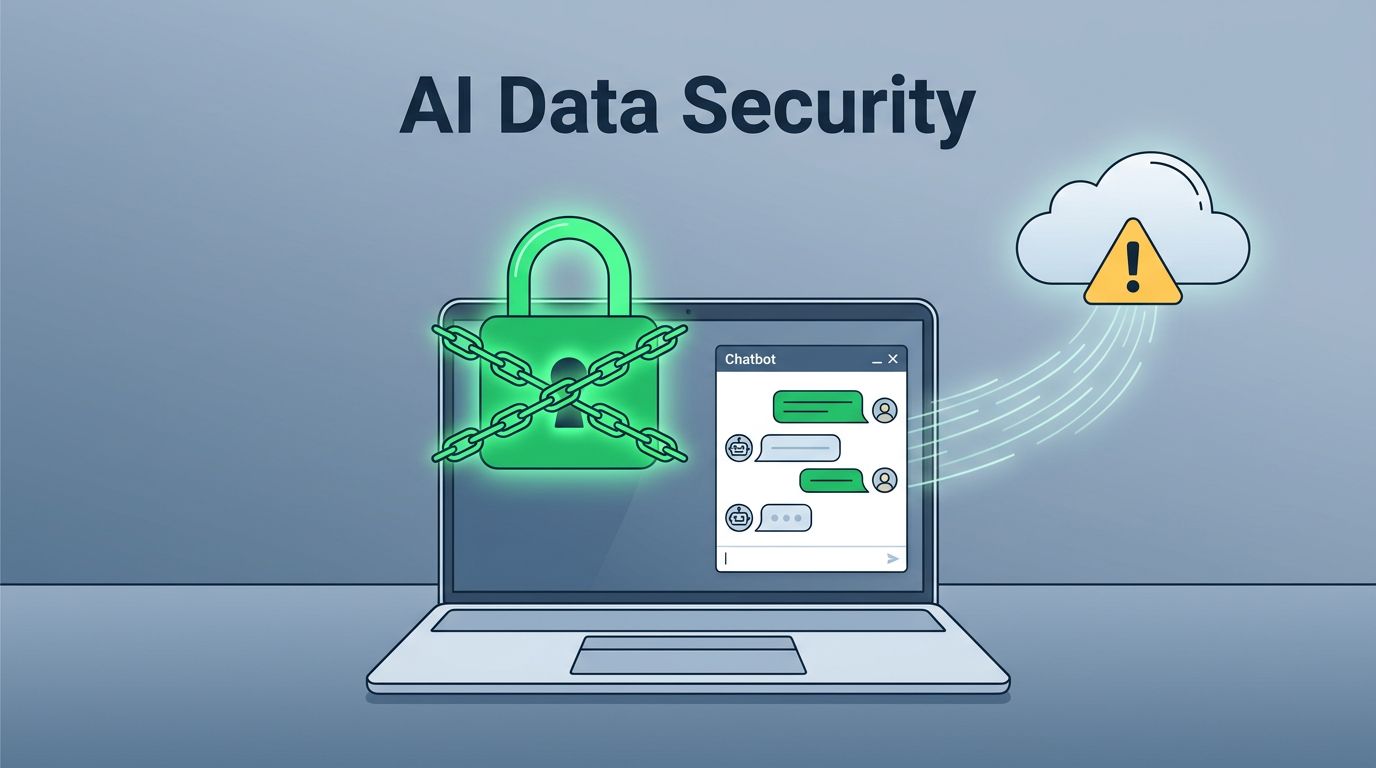
What happens when a well-meaning employee pastes a contract into a personal chatbot? The answer is more exposure than most teams expect.
Personal AI tools can speed up writing, analysis, and support. They can also move company data outside your control in seconds. That is the core problem behind AI data security in 2026. The fix is not a blanket ban. It is a clear policy, safer defaults, and controls that match how people work.
Treat personal AI like an untrusted workspace
When employees use free or personal AI accounts, you lose sight of where the data goes next. Prompts may be stored, reviewed, or reused by the vendor, depending on the product and settings.
In 2026, that risk gets bigger because AI agents and browser extensions can reach into mail, files, and apps. One mistake can spread farther than a single chat window. Recent incidents also show that supply-chain risk matters, because a third-party tool or plugin can create exposure even when the employee thinks they are being careful.
For a solid baseline, see CISA’s AI data security best practices. The guidance focuses on data handling, access limits, and vendor controls.
A prompt is not private just because it feels like a draft.
Treat every prompt as a business record. If the data should stay inside your systems, it should not enter a personal AI tool.

Separate helpful use from risky use
Personal AI is fine for public material, rough ideas, and text that has been sanitized. It is a bad fit for raw records, credentials, and anything tied to a person or client.
A simple policy makes that line obvious. The table below gives teams a practical rule set.
| Department | Safer use | Avoid |
|---|---|---|
| HR | Draft job posts, interview questions, or onboarding notes with no names attached | Pasting resumes, medical notes, performance reviews, or complaints |
| Legal | Summarize public regulations or rewrite generic clauses | Uploading contracts, case files, or client secrets |
| Finance | Create summaries from sanitized numbers or public market data | Sharing payroll, bank data, forecasts, or invoices |
| Engineering | Test ideas with dummy code or public snippets | Copying source code, secrets, or architecture diagrams |
| Customer support | Draft reply templates from redacted tickets | Sharing live tickets or customer PII |
The pattern is easy to explain and hard to forget. If the material would not be safe in a public email, it does not belong in a personal AI tool.
Write a policy people can follow
A strong policy is short enough to read and specific enough to act on. In 2026, that matters because privacy teams now track retention, vendor training terms, and where prompts are stored.
If you need a starting point, review this AI acceptable use policy template and tailor it to your own data classes.
A useful policy should spell out:
- which tools are approved, and whether only company-owned accounts may be used
- what data is banned, with plain examples for customer, HR, legal, and finance data
- when redaction or anonymization is required before a prompt is sent
- whether AI output must be labeled or reviewed before use
- who can approve exceptions, and how long those exceptions last
- how employees should report a mistake or suspected leak
A policy fails when people need a lawyer to understand it.
Use plain words and examples instead. Then connect the policy to SSO, logging, DLP, and short training sessions for managers and staff.

Tailor the rules by department, then roll them out
One rule rarely fits every team. HR can use AI to draft a job posting, but not a candidate file. Legal can rewrite public clauses, but not upload contract drafts. Finance can summarize sanitized numbers, but not payroll or bank info. Engineering can test code patterns with dummy data, but not source code with secrets. Support can draft response templates from redacted tickets, but not paste customer records.
A 30-day rollout keeps the policy usable:
- Inventory the personal AI tools staff already use.
- Map which data classes are allowed, restricted, or banned.
- Publish approved tools and company accounts.
- Add redaction, DLP, and logging where possible.
- Train managers first, then teams, using short examples.
- Review exceptions and incidents every quarter.
That rollout works best when security, legal, HR, and operations agree on the same rules. If your team needs help turning policy into practice, Book a Discovery Call with Bud Consulting.
Keep the controls strong and the work easy
The safest companies do not pretend AI will disappear. They make safe use easier than risky use.
When employees know what to paste, what to avoid, and where to use approved tools, AI data security becomes part of normal work. That protects data without slowing the people who need AI to do their jobs well.




