
table of contents
Emergency access accounts are supposed to save the day when normal admin access fails. In practice, they can fail too. When that happens during an outage, a lockout, or an incident, the recovery plan turns into guesswork.
That’s why weekly manual verification tests matter. They catch drift early, before stale credentials, MFA problems, expired passwords, or missing owners turn a backup account into a dead end.
Weekly testing keeps the control real, not theoretical
Many teams create emergency access accounts and then trust the setup for months. That works until a password expires, an authenticator is replaced, or a policy change blocks sign-in.
Microsoft’s guidance on emergency access accounts in Entra ID reflects a simple truth, these accounts need to stay usable under stress. Usable means more than “exists in the directory.” It means the account can still get you in, right now, with the right approvals and the right fallback path.
Quarterly reviews help with governance. Weekly tests help with survival. They show whether the account still works after routine change, staff turnover, and control drift.
A break-glass account that has not been tested is a promise, not a control.
This matters most when the business is already under pressure. Incident response teams need speed. IT operations need clarity. Leadership needs confidence that a lockout won’t become a prolonged outage.
The failure modes weekly tests expose fast
Untested emergency access accounts often fail for boring reasons. That’s exactly why they are dangerous.
Weekly manual verification surfaces issues that automated checks often miss:
- Stale credentials after a password rotation or vault sync problem.
- MFA failures when a token is lost, replaced, or never registered correctly.
- Locked accounts after repeated failed logins during a dormant period.
- Expired passwords or secrets that no one noticed in the vault.
- Undocumented dependencies such as a shared phone number, a specific admin workstation, or a manual approval step.
- Ownership gaps when no one knows who checks, approves, or updates the account.
The Microsoft Zero Trust workshop guidance also calls out the need for monitoring and testing routines. That is the part many programs treat as optional. It shouldn’t be.
A weekly test also helps you catch process drift. Maybe the password still works, but the recovery runbook no longer matches reality. Maybe the account signs in, but the privilege assignment changed. Maybe the backup method exists, but nobody can explain how to use it under pressure.
A weekly verification workflow that fits real operations
The best process is simple enough to repeat and strict enough to trust. Keep it manual, and keep it short.
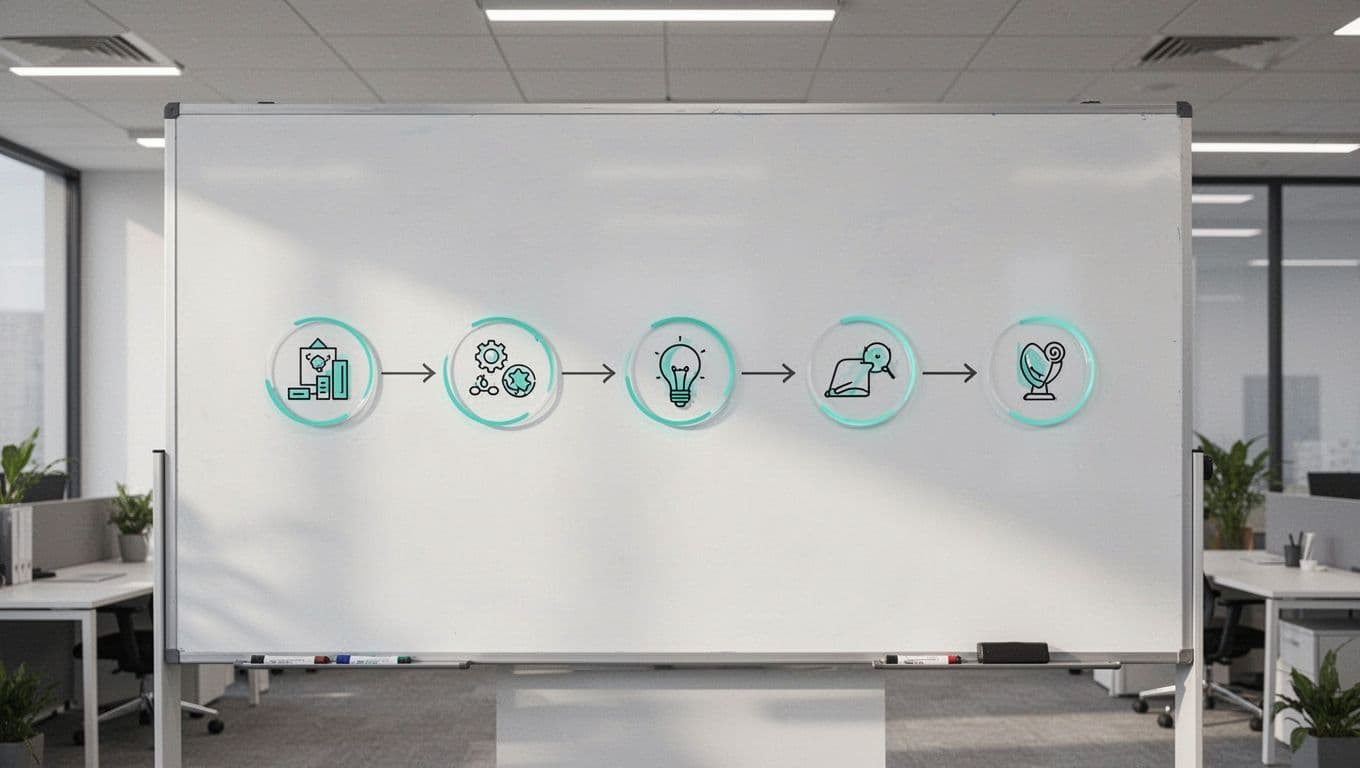
A practical weekly flow looks like this:
- Confirm ownership and approval. Verify who is responsible this week and who can authorize use.
- Check account status. Review password age, MFA state, role assignment, and vault location.
- Perform a controlled sign-in test. Use a clean admin workstation or approved test path.
- Validate recovery access. Make sure the account can reach the systems it is meant to save.
- Record the result. Log pass, fail, and any fix needed, then assign follow-up the same day.
That last step matters more than many teams think. A test without a ticket trail leaves no evidence for audit, incident review, or handoff.
Keep the environment close to real life. If the account is meant for a cloud outage, test it in a way that reflects a cloud outage. If it relies on a sealed password, verify the seal too. Manual checks should confirm both access and the human process around it.
Common mistakes that weaken emergency access testing
The biggest mistake is treating a weekly check like a checkbox. That turns a useful control into theatre.
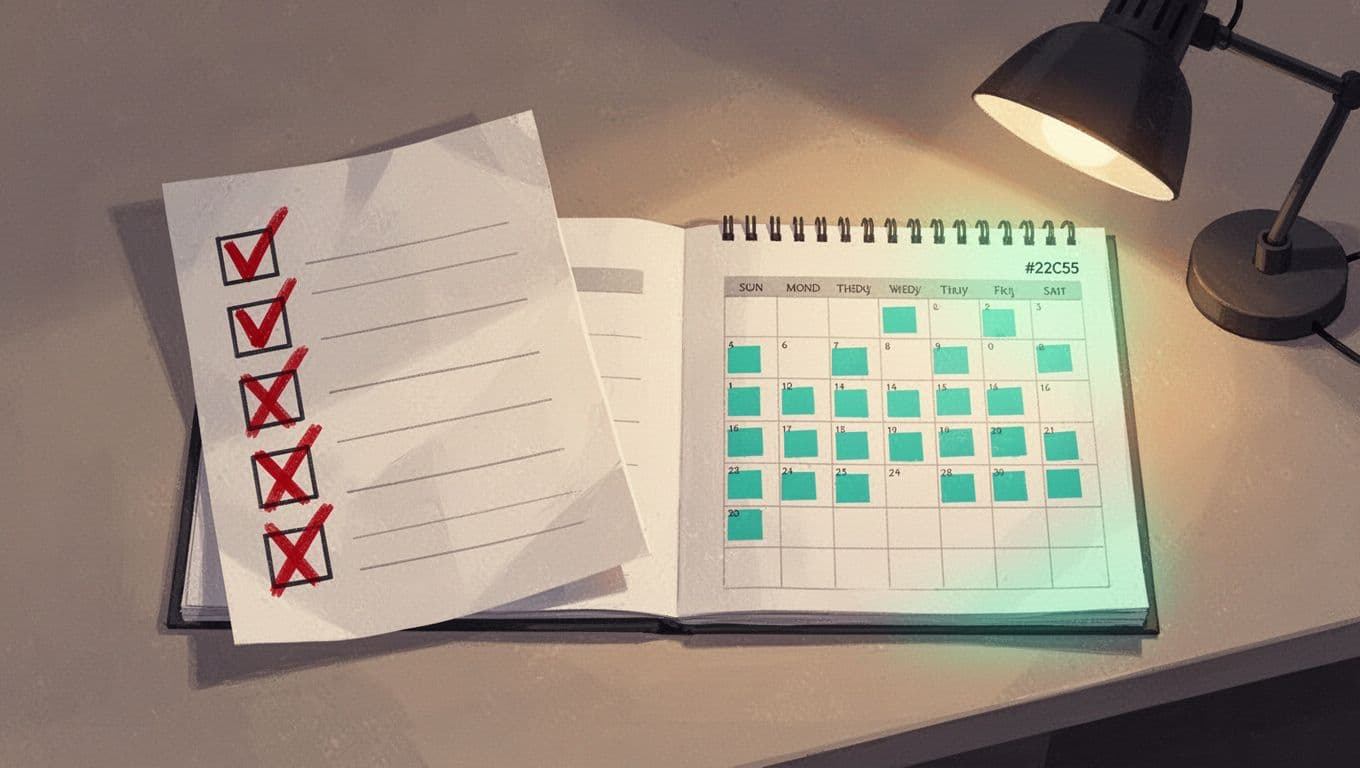
Teams also get tripped up by a few repeat problems:
- Testing only the account record, not the actual sign-in path.
- Using the same person every week, which hides ownership risk.
- Skipping tests when the calendar is busy.
- Failing to update the runbook after a fix.
- Storing the password well, but never checking who can retrieve it.
- Ignoring the second account, even though most guidance expects at least two emergency access accounts.
Another common error is relying on quarterly access reviews alone. Those reviews help with compliance, but they are too slow for a control that protects you during lockout. A break-glass account can drift out of date in a single week. A phone gets replaced. A password expires. A policy changes. The failure shows up on the worst possible day.
Weekly manual verification also reveals ownership gaps. If the person who knows the process leaves, the account may still exist, but the team loses the path to use it safely.
Why this matters for continuity and incident response
Emergency access accounts sit at the point where operations and security meet. When they work, they shorten recovery time and reduce panic. When they fail, they create more delay right when every minute counts.
That is why weekly manual verification is not extra effort. It is part of incident readiness. It proves the account, the process, and the people behind it all still match.
If your team needs a second set of eyes on ownership, runbooks, and test cadence, Book a Discovery Call with Bud Consulting.
A working emergency access account is only useful if it still works when the room is under pressure.




