
table of contents
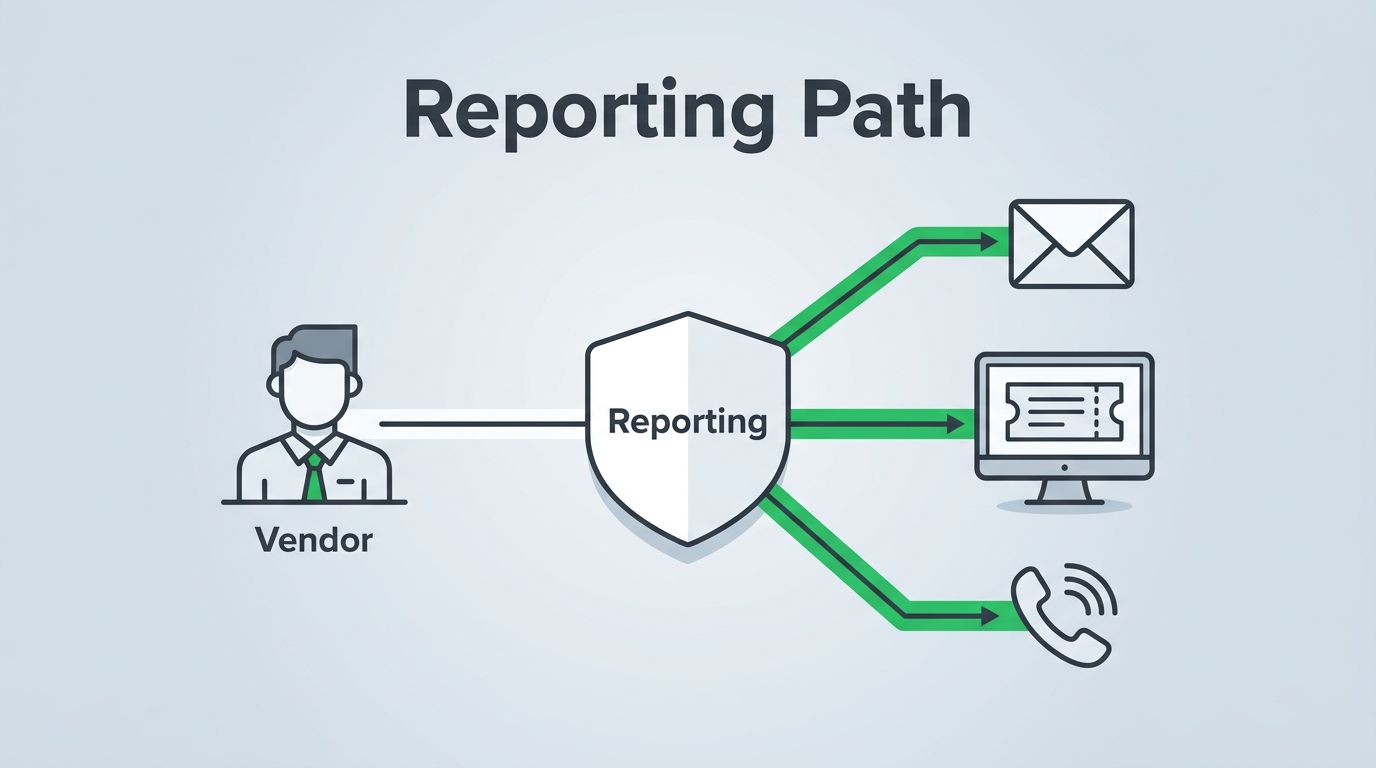
Vendor security issues often stall at the first question, who gets the report? A supplier might spot phishing, a lost device, or an exposed cloud setting, then waste time hunting for the right contact. That delay can turn a manageable event into a harder one.
A clear vendor security reporting path removes the guesswork. It tells external vendors where to report, what to include, and how fast your team will respond. It also keeps security, procurement, privacy, and legal aligned when something real happens.
Choose the right reporting channels
Start with one primary route, then add a backup for urgent cases. Vendors should never wonder whether they should send an email, open a portal ticket, or call after hours.
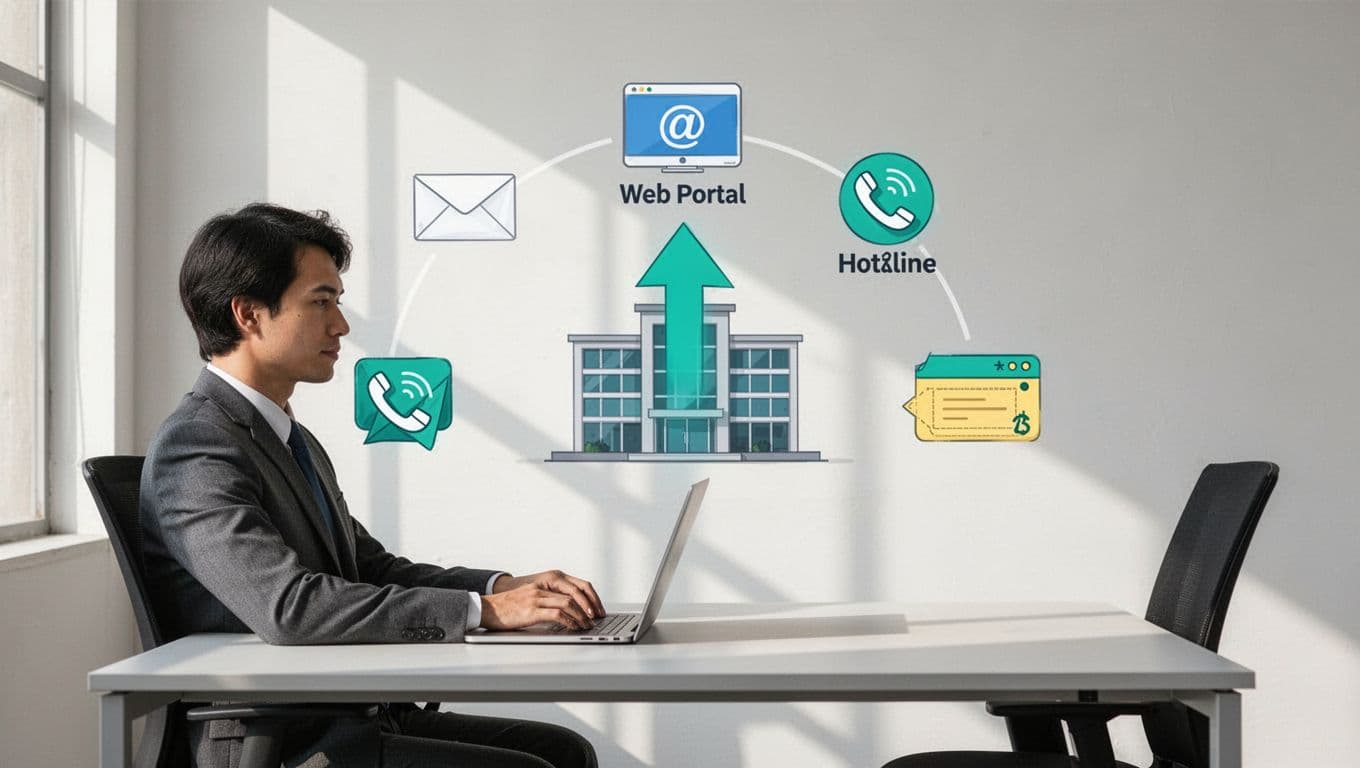
A dedicated inbox works well for low-friction intake. A portal helps when you want structured fields and status tracking. A hotline fits urgent after-hours events, while a ticketing system helps route the issue to the right owner.
| Channel | Best use | Watchout |
|---|---|---|
| Dedicated email | Fast, simple reporting with evidence attached | Needs monitoring, auto-acknowledgment, and backup coverage |
| Portal | Structured intake and tracking | Vendors need easy access and clear instructions |
| Hotline | Urgent, after-hours incidents | Calls still need to be logged in a ticket |
| Ticketing system | Internal triage and assignment | Keep it simple for external users |
Keep the menu small. If you offer too many paths, vendors will pick the easiest one, not the right one. A single published front door, plus a clear backup for urgent cases, usually works best.
Set severity levels and response SLAs
Severity levels turn a vague report into a real decision. NIST’s Incident Response Recommendations and Considerations for Cybersecurity and the IR-6 incident reporting control both stress timely reporting to the right authority. Your scale can stay simple, as long as it triggers action.
Use a short response model that everyone can remember.
| Severity | Example | Response target |
|---|---|---|
| Low | Policy question or minor misconfig | 1 business day |
| Medium | Suspicious email, limited exposure | 4 business hours |
| High | Confirmed malware or sensitive data exposure | 1 hour |
| Critical | Active breach, major outage, regulated data at risk | 15 minutes |
These targets are examples, not universal rules. Adjust them to your risk, contract terms, and support hours. The key is consistency. Every vendor should get the same clock, the same labels, and the same next step.
Ask vendors to include the time of discovery, affected system, screenshots or logs, and who else has seen the issue. That short list cuts down on back-and-forth and helps your triage team move faster.
Put the rules into contracts and onboarding
A good process lives in writing. Add the reporting path to the MSA, DPA, security addendum, or supplier handbook. State what counts as a report, who may send it, and how soon the vendor must notify you.
During onboarding, walk the vendor through the path in plain language. Show them where to send a suspicious event, what the acknowledgment will look like, and when they should expect a reply. That small step matters more than a long policy PDF.
For teams that follow ISO 27001, align vendor reporting with incident records and follow-up actions. ISO 27001 incident management guidance is useful when you want the process to support evidence and review, not just intake.
Third-party risk programs need the same discipline. Third-party incident response best practices show why speed and clear ownership matter as much as the event itself.
If you want help tightening vendor intake, escalation, or the staffing around this process, Book a Discovery Call with Bud Consulting.
Build a vendor security incident workflow your team can repeat
A simple workflow keeps reports moving. The best version feels boring, because every handoff is clear.
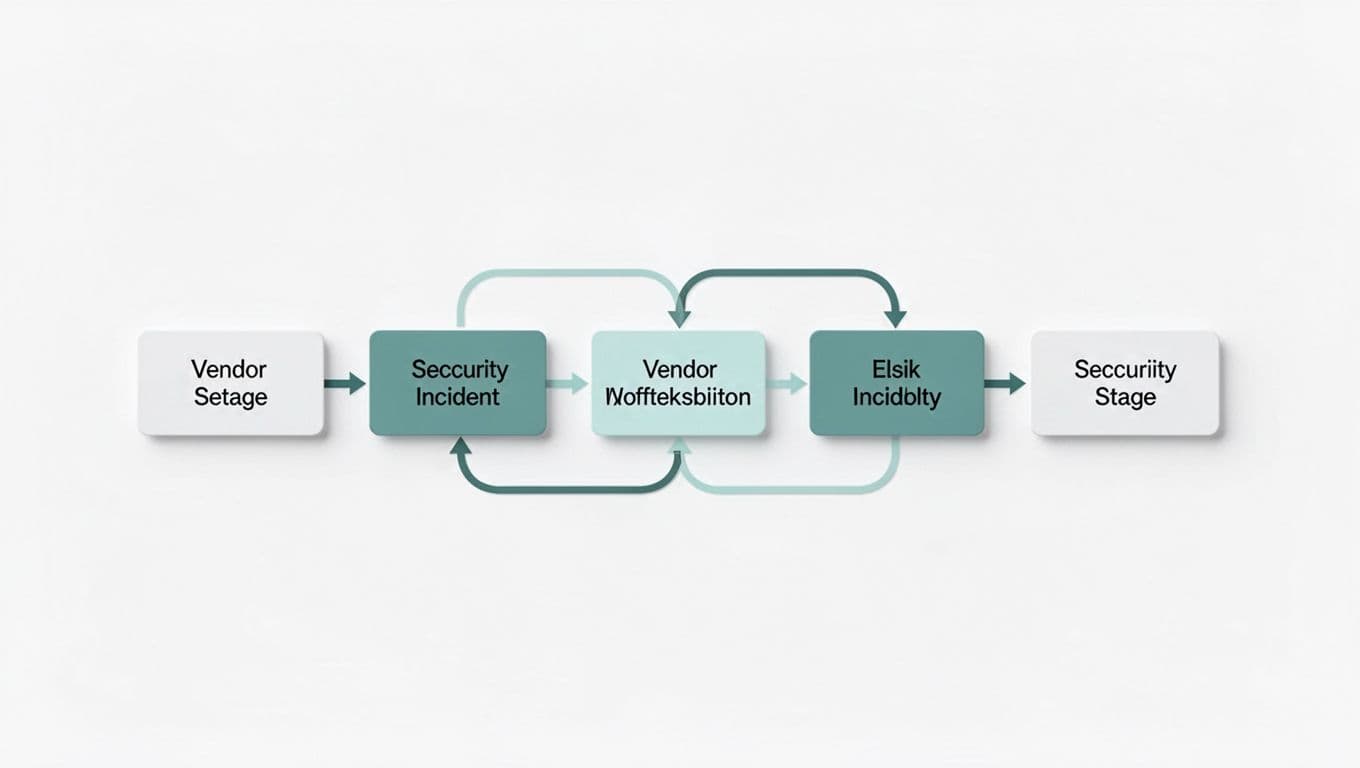
If vendors have to guess where to report, the delay starts before your team sees the issue.
A simple workflow can look like this:
- The vendor spots a security issue and sends it through the approved channel.
- Intake logs the report and sends an acknowledgment within the SLA.
- Security triages the case and assigns a severity level.
- Legal, privacy, procurement, and leadership join if the issue touches regulated data, contracts, or business risk.
- The team resolves the issue, closes the ticket, and captures lessons learned.
This flow works because it separates intake from judgment. The vendor only needs one clear entry point. Your internal team handles the rest.
Keep the process alive with a short checklist
A reporting path loses value if nobody tests it. Use a small checklist and review it on a set schedule.
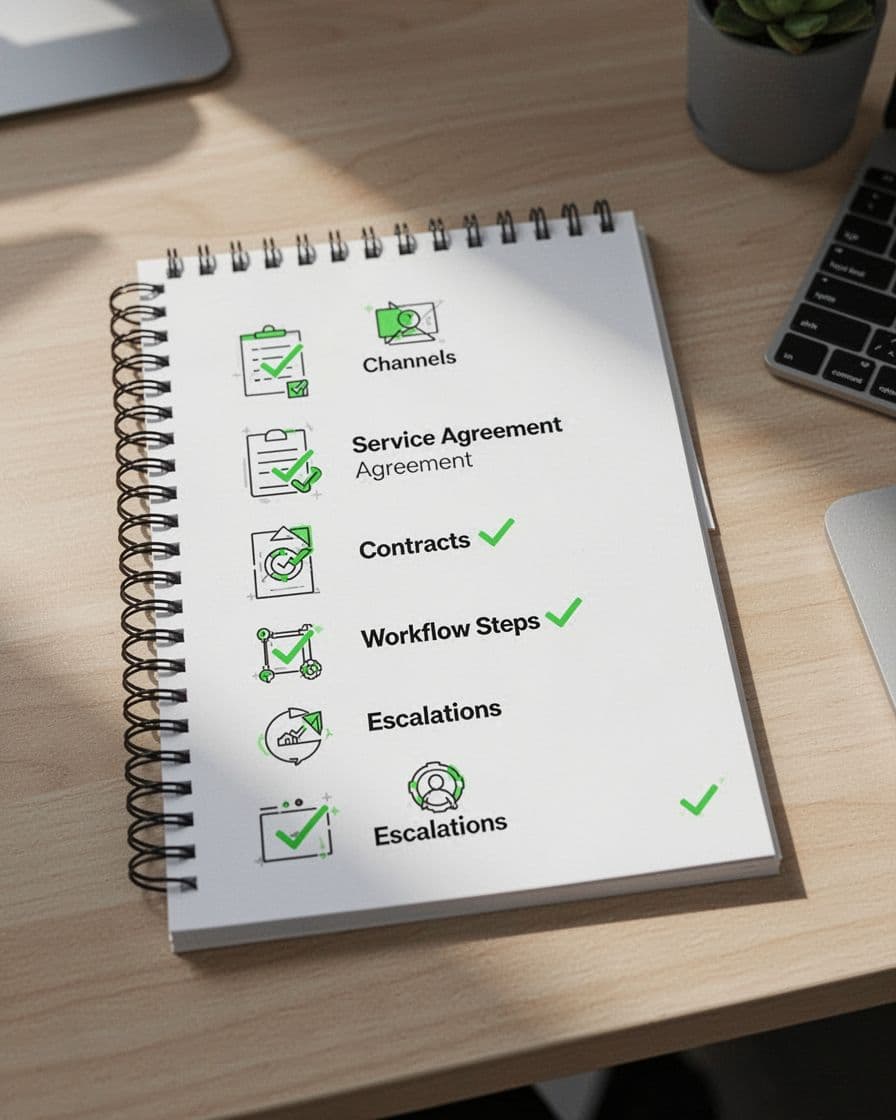
- One primary reporting channel and one backup route are published.
- Severity levels are written in plain language.
- Response SLAs are tied to real owners.
- Contract language matches the onboarding script.
- Escalation to security, legal, privacy, and leadership is documented.
- The process gets tested with a mock vendor report at least twice a year.
A quick drill tells you more than a long policy review. If the report sits in an inbox for hours, or no one knows who owns the next step, the path needs work.
A clear vendor security reporting path gives external partners a map they can follow under pressure. It also gives your team fewer surprises and faster decisions.
When the channel is simple, the SLA is known, and escalation is written down, vendors report sooner and your response gets cleaner. That is how a small process stops small issues from turning into bigger ones.




