
table of contents
Your internal wiki probably helps your team move faster. It also may be one of the least watched places in your environment.
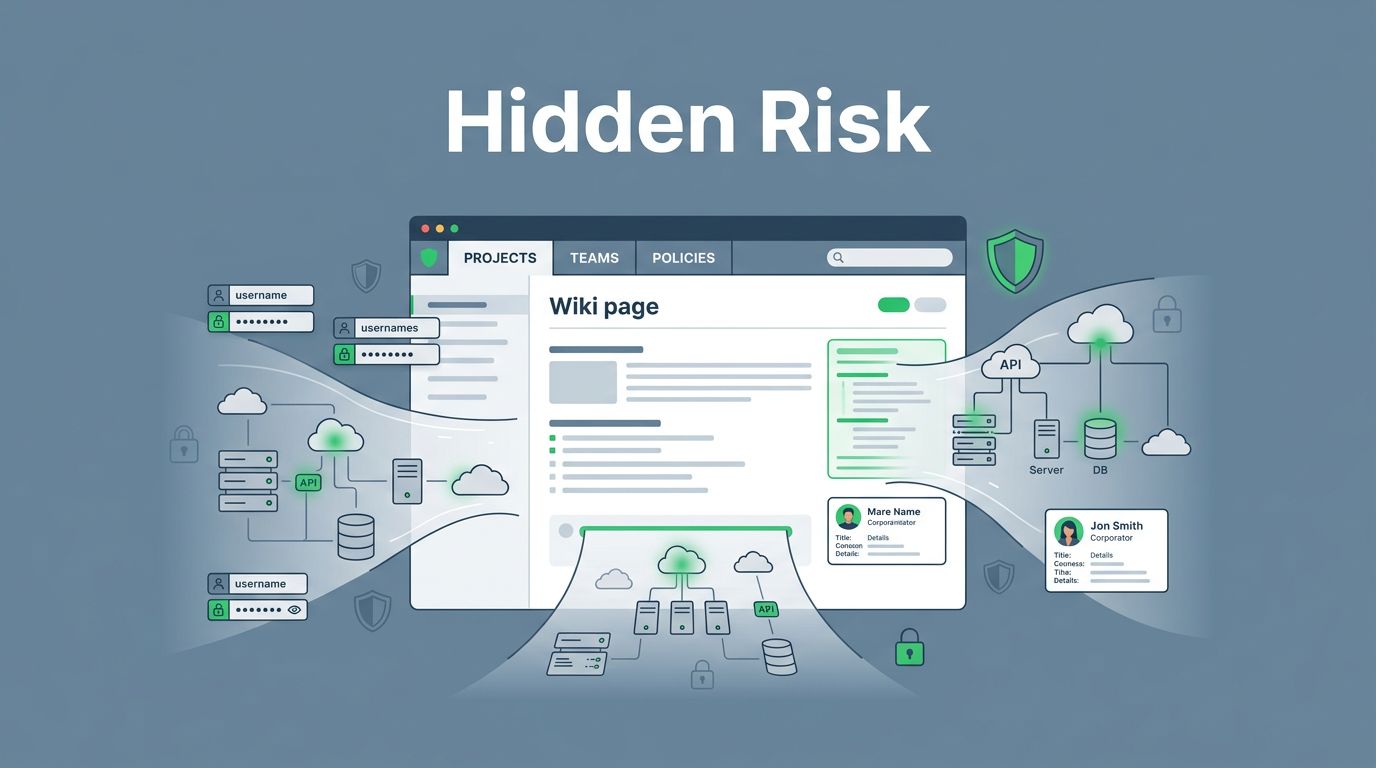
That matters because wikis collect the kind of content attackers love: credentials, architecture diagrams, vendor contacts, incident steps, and customer data references. They also outlive the people who created them, which makes internal wiki security easy to ignore and hard to clean up later.
In 2026, the risk is bigger because wikis sit next to Slack, Teams, Microsoft 365, and AI copilots. Content spreads fast, permissions drift, and old pages stay searchable long after they should have vanished.
Why internal wikis attract more attention than teams expect
A wiki looks harmless on the surface. It feels like a place for notes, runbooks, and onboarding docs.
Inside, though, it often becomes the company memory dump. Teams paste temporary secrets into setup pages. Engineers save architecture diagrams with cloud names and service paths. Ops staff store vendor contacts, incident procedures, and admin steps in one place because it saves time.
That convenience creates a clear target. If an attacker gets one account, the wiki can reveal far more than a shared drive or single app. It can show how systems connect, who to call during a breach, and where sensitive tools sit.
Modern collaboration tools make this worse. A page might be copied into a chat channel, exported to PDF, indexed by search, or shared with a contractor who no longer needs access. Meanwhile, shadow AI tools can ingest content outside approved controls, which adds another path for exposure.
The most dangerous page is often the one nobody thinks is sensitive.
Real-world risks you might overlook
A wiki breach rarely starts with a dramatic hack. More often, it starts with a small oversight.
Here are the pages and patterns that cause trouble most often:
- Exposed credentials: API keys, VPN notes, service account passwords, and bootstrap tokens still show up in docs.
- Architecture diagrams: Network maps can reveal hostnames, cloud accounts, trust zones, and exposed systems.
- Vendor contacts: Procurement notes and support chains help attackers impersonate staff.
- Incident procedures: Response steps can show escalation paths, tooling, and gaps in detection.
- Customer data references: Even partial names, ticket numbers, and case notes can create privacy and compliance risk.
- Orphaned pages: When owners leave, pages stay live with stale permissions and outdated advice.
Security issues also come from the platform itself. The MediaWiki security release FAQ describes past cases where private wiki content could leak through platform behavior and permission bypass paths. The NVD entry for CVE-2023-48241 shows a similar lesson, search features and content discovery can expose more than teams expect.
The pattern is simple. A wiki is useful because people trust it. That same trust makes it a great place to hide risk in plain sight.
Common oversights in internal wiki security
Most teams do not fail because they lack tools. They fail because the wiki grows faster than governance.
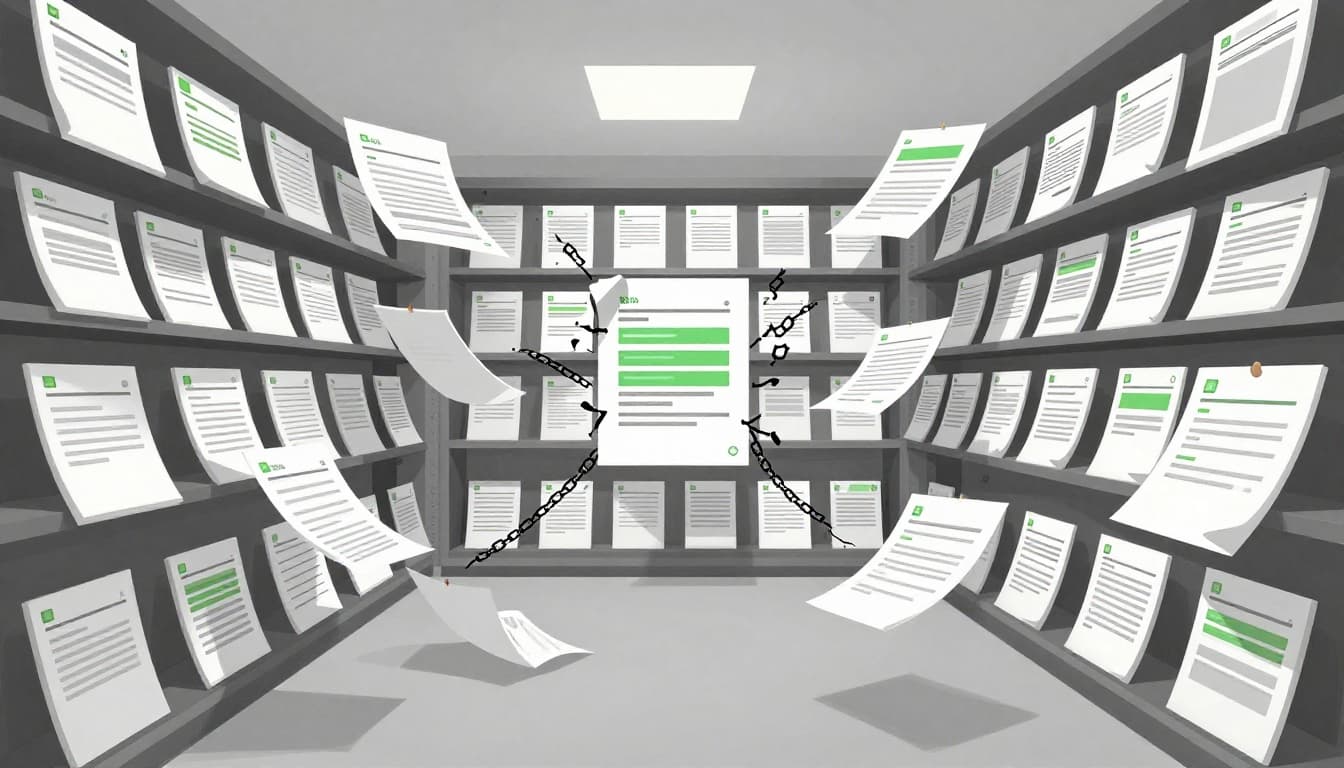
Orphaned pages are a major problem. A page owner changes roles, but the page keeps its old access list. A project ends, but its docs stay live. A contractor leaves, yet their account still has read access to old runbooks.
Permissions also get messy over time. Many teams start with open access, then add exceptions for sensitive pages. Soon there are nested spaces, inherited rights, legacy groups, and special-case sharing links. No one can explain the model anymore.
The XWiki security guide is a good reminder that wiki platforms need active administration, not passive setup. That lesson applies across most modern knowledge bases.
A few modern trends make this harder in 2026. First, teams rely on AI search and content summarizers, which can surface data in new ways. Next, collaboration platforms sync content across devices and guests faster than old permission reviews can keep up. Finally, zero-trust thinking is spreading, so internal content is no longer assumed safe just because it sits behind login.
What strong internal wiki security looks like
A secure wiki program starts with clean boundaries. You need to know what belongs where.
A practical review should cover these areas:
- Audit the whole wiki. Find the spaces, pages, templates, exports, and integrations that hold sensitive content.
- Design permissions by role. Use group-based access, separate edit and read rights, and remove one-off exceptions when you can.
- Classify content clearly. Mark pages as public, internal, confidential, or restricted, then train people to use those labels.
- Set retention rules. Archive or delete stale pages on a schedule, especially incident notes, temporary credentials, and old project docs.
- Train employees on what never belongs in a wiki. Secrets, customer records, and raw incident artifacts need tighter controls.
- Monitor changes and exports. Alert on mass downloads, permission changes, new guests, and edits to high-risk spaces.
The goal is not to make the wiki hard to use. The goal is to make it predictable. People should know what they can store there, who can see it, and how long it stays.
Keep the wiki useful without leaving it exposed
An internal wiki is valuable because it reduces confusion. It becomes a risk when nobody owns its life cycle.
Treat wiki content like any other business asset. Review access, label sensitive material, remove stale pages, and watch for tools that copy data outside approved channels. That approach keeps the knowledge base useful without turning it into a quiet source of exposure.
If your team needs a closer look at wiki risk, Book a Discovery Call with Bud Consulting.




