
table of contents
A project manager can leave with more access than anyone expects. One missing account list, one forgotten vendor portal, or one open approval trail can create risk fast.
What happens next depends on how well the exit was planned. A strong security handover process keeps the project moving, protects sensitive data, and gives the next owner a clean start.
Why the handover matters more than the final status meeting
Project managers sit between teams, systems, vendors, and clients. Because of that, they often hold the keys to more than one part of the project.
That mix creates a blind spot during offboarding. A PM may know who has access to cloud tools, where contract files live, which subcontractor needs approval, and what risks still sit in the log. If that knowledge leaves with them, the project slows down and security gaps grow.
This matters across IT, construction, software, and professional services. In each case, the handover is part security control, part continuity plan, and part accountability record.
Assign ownership before the project manager leaves
The process works best when everyone knows their role before the last day. Waiting until the final week usually means rushed notes and missed items.
Use clear ownership for each step. A simple handoff table helps avoid confusion.
| Role | What they own |
|---|---|
| Departing project manager | Builds the handover pack, lists active access, and flags open risks |
| Incoming PM or interim owner | Reviews the pack, confirms next steps, and accepts open actions |
| PMO or operations lead | Sets deadlines, checks completion, and stores the final record |
| Security, IT, or system admin | Removes access, reviews privileged accounts, and confirms changes |
| Business sponsor | Signs off on exceptions, contracts, and unresolved decisions |
A good rule is simple, no task should have two owners or no owner. If the project has no incoming PM yet, name an interim owner on day one.
If your team needs help tightening this process, Book a Discovery Call with Bud Consulting.

Document the access, files, and decisions that matter
A strong handover packet answers one question well, who can touch what, and why?
Systems and access
Start with every system account tied to the project. That includes email aliases, shared mailboxes, password vaults, admin consoles, cloud portals, ticketing tools, and any emergency access.
List the owner, the access level, the approval path, and the removal date. For privileged accounts, write down whether MFA is on, who can reset it, and how the account is monitored.
Contracts and outside parties
Next, capture the outside relationships that keep the work moving. That covers clients, vendors, subcontractors, consultants, and software providers.
Record contract names, renewal dates, notice periods, billing owners, and approval limits. If a contract has security clauses or special access terms, note those too. In construction, that might include permit files and site access badges. In software, it may include cloud subscriptions, code hosting, and CI/CD tools. In professional services, it often includes client portals and signed scopes.
Project knowledge that lives in someone’s head
Some of the most important risks never sit in a system. They sit in memory.
Document open issues, decision history, key contacts, upcoming milestones, and known blockers. Save the latest risk register, change log, meeting notes, and escalation path. Also note what has already been promised to stakeholders, because promises can create risk when they disappear.
Use a checklist that closes the security gaps
A checklist makes the handover repeatable. It also keeps people from skipping the awkward parts, like access removal and ownership changes.
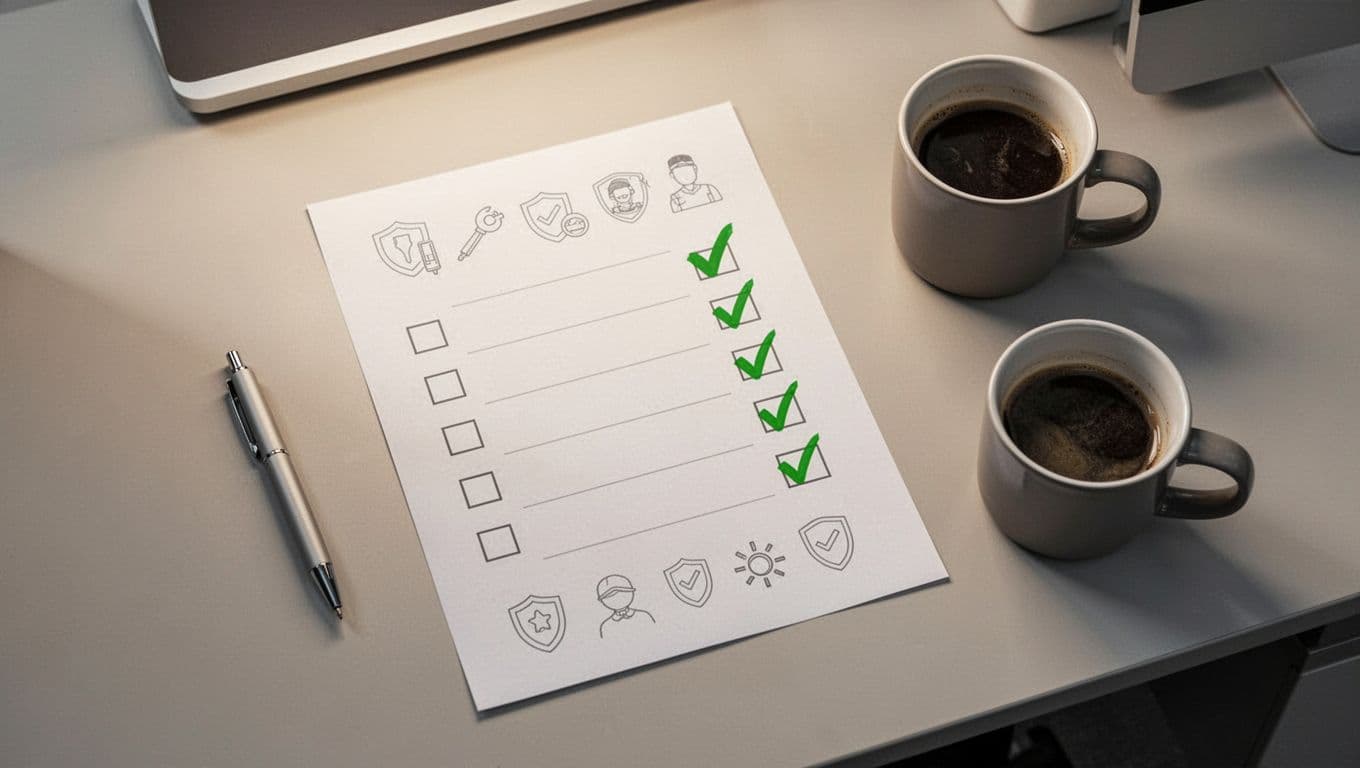
Use a sample security handover checklist like this:
- Confirm every system account tied to the project.
- Review privileged accounts, service accounts, and emergency access.
- Document shared drives, folder owners, and retention rules.
- List SaaS tools, licenses, billing contacts, and admin users.
- Capture vendor, client, and subcontractor contacts.
- Save contracts, renewals, notice periods, and approval rights.
- Record the latest decision log, risk register, and open actions.
- Set the access removal date and the person who will confirm it.
That checklist should live with the project record, not in one person’s inbox. It should also end with sign-off from the departing PM, the receiving owner, and the security or IT reviewer.
Common mistakes that create avoidable risk
Leaving access open too long is one of the easiest mistakes to make. Teams wait for the final day, then discover they missed a shared mailbox, cloud admin role, or vendor login.
Forgetting service accounts is another common gap. These accounts often outlive the PM, yet they can still touch production systems, documents, or payment flows.
Keeping the handover in email threads also causes trouble. Emails get buried, and no one can tell which version is final. A single shared record works better.
Skipping contract and vendor details leaves the new owner guessing. That guesswork slows down renewals, weakens accountability, and can expose the business to missed deadlines.
A solid handover is part file cleanup, part control check, and part memory transfer. When those three pieces stay together, the project does not depend on one person anymore.
A strong security handover process closes access without losing context. That is what protects the project, the team, and the client when a project manager walks out the door.




