
table of contents
Unauthorized posts on a company LinkedIn Page can spread fast. They can confuse customers, damage trust, and create extra work for comms teams. Strong LinkedIn page security starts with simple access rules, not complex tools. LinkedIn’s account security best practices still begin with strong passwords and two-factor authentication, and those basics matter even more when several people manage one Page.
The biggest risk is shared access. When people use the same login, no one owns the risk, and no one knows what happened first. A safer setup uses narrow admin roles, clean offboarding, and a clear response plan for the moment something goes wrong.
Use LinkedIn roles instead of shared logins
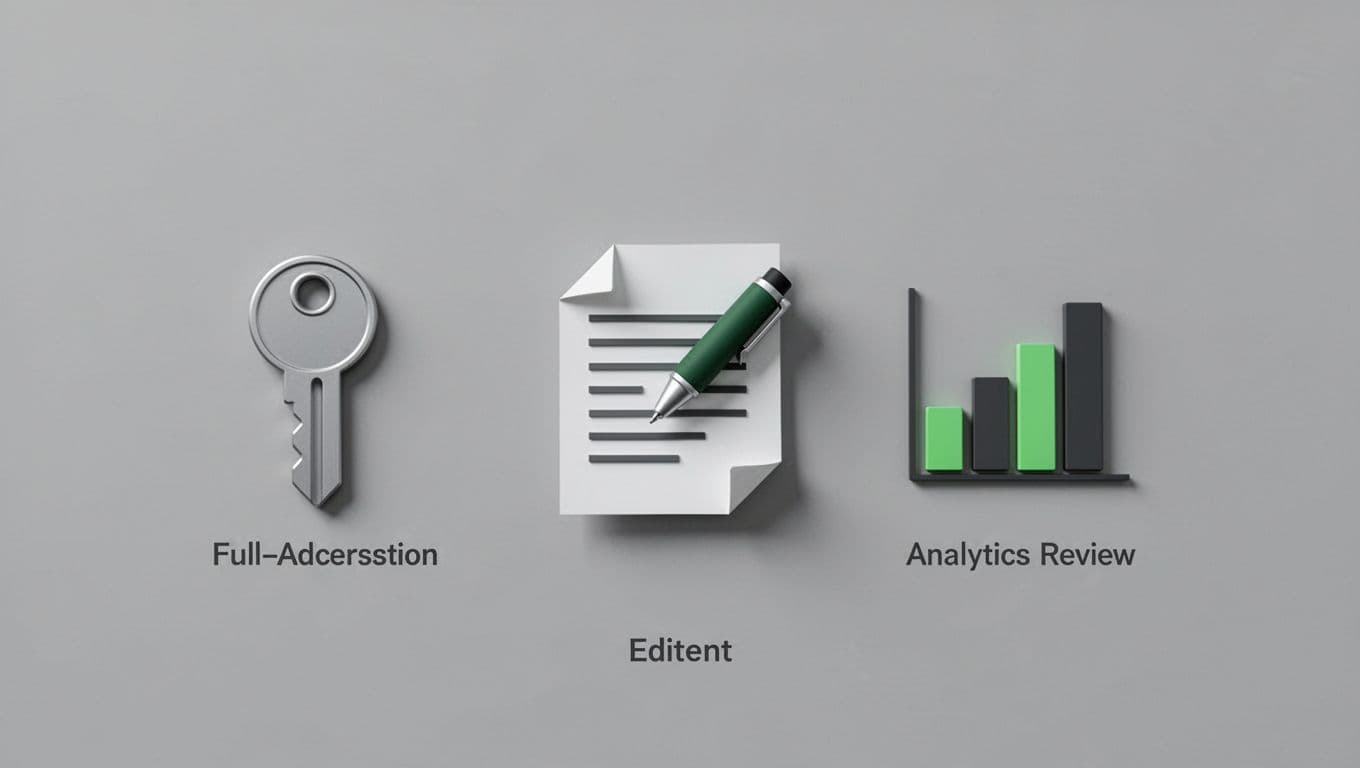
Strong LinkedIn Page security starts with the smallest possible admin circle. As of now, LinkedIn Page settings include roles such as Super Admin, Content Admin, and Analyst, although the exact labels and menu paths can change over time. Check the current Page admin screen before you train a team or document a process.
Keep Super Admin access limited to one or two trusted people. That role can add and remove other admins, so it carries the most risk. Content Admins can publish and edit posts, which is enough for most marketing work. Analysts should read data only. If someone only needs reporting, don’t give them posting rights.
A simple role map helps the whole team understand who can publish and who can’t.
If you want a plain-language look at role-based access, see this guide on admin roles for LinkedIn Pages. The main idea is simple, separate duties so one account can’t do everything. That separation cuts down the damage if a password gets exposed.
LinkedIn also publishes its own security practices, which is useful context for how the platform handles trust and incidents. Still, your internal admin policy decides who gets access and how fast you remove it.
Once the roles are set, remove former employees the same day they leave. If a contractor or agency loses a project, remove that access too. Delayed offboarding is one of the easiest ways unauthorized posting starts.
Build posting habits that stop mistakes before they start
Daily habits matter because most unauthorized posts start with a human error, a reused password, or a rushed approval. LinkedIn’s security practices page explains its broader security program, but your internal habits decide how well the Page holds up under pressure.
Use a short publishing workflow for any post that mentions a product launch, crisis, customer issue, or executive statement. One person can draft it, but another person should review it before it goes live. That second set of eyes catches typos, wrong dates, and tone problems before they reach the public.
A few controls make this process stronger:
- Turn on 2FA for every admin account.
- Use unique passwords and store them in a password manager.
- Publish through one approved workflow, with review on sensitive posts.
- Review admin access every month and after staff changes.
- Use company-owned devices where possible, with screen locks and updated browsers.
If you use a third-party scheduler, give access only to the smallest team needed. Recheck those integrations after a vendor change or a role swap. The goal is boring access, because boring access is usually safe.
If an unauthorized post goes live, move fast
Revoke access first, then investigate from a clean account.
Speed matters more than perfection here. A few minutes of delay can spread the post to followers, employee feeds, or screenshots. Start with the Page, then move to the accounts behind it.
Use this incident checklist:
- Remove or delete the post right away.
- Revoke the suspicious admin’s access and reset any shared credentials tied to the Page.
- Review recent login or admin activity, if the current interface shows it.
- Check whether 2FA is enabled on every Page admin account.
- Tell comms, security, and legal what happened, then log the timeline.
If the post came from a connected tool, pause that tool too. If the account looks compromised, treat it like any other account-takeover event. Confirm who still has access, then rebuild from clean credentials.
Your preventive checklist for the next quarter
A monthly review keeps small mistakes from turning into brand issues. Use this checklist as a standing item for your comms or brand team.
- Limit Super Admins to one or two people.
- Remove old staff and agency users on the same day access ends.
- Turn on 2FA for every admin and backup email account.
- Review Page admins and connected tools once a month.
- Keep a short approval path for crisis, legal, and product posts.
- Store recovery details in a secure internal system, not in chat.
If your team needs help tightening access rules, role design, and response steps, Book a Discovery Call with Bud Consulting.
Unauthorized posting usually comes from weak access control, not bad luck. Narrow roles, 2FA, clean offboarding, and a clear response plan do most of the work.
Treat your LinkedIn Page like any other brand system. When access is tight, the wrong person has a harder time publishing, and your team can respond with less chaos.




