table of contents
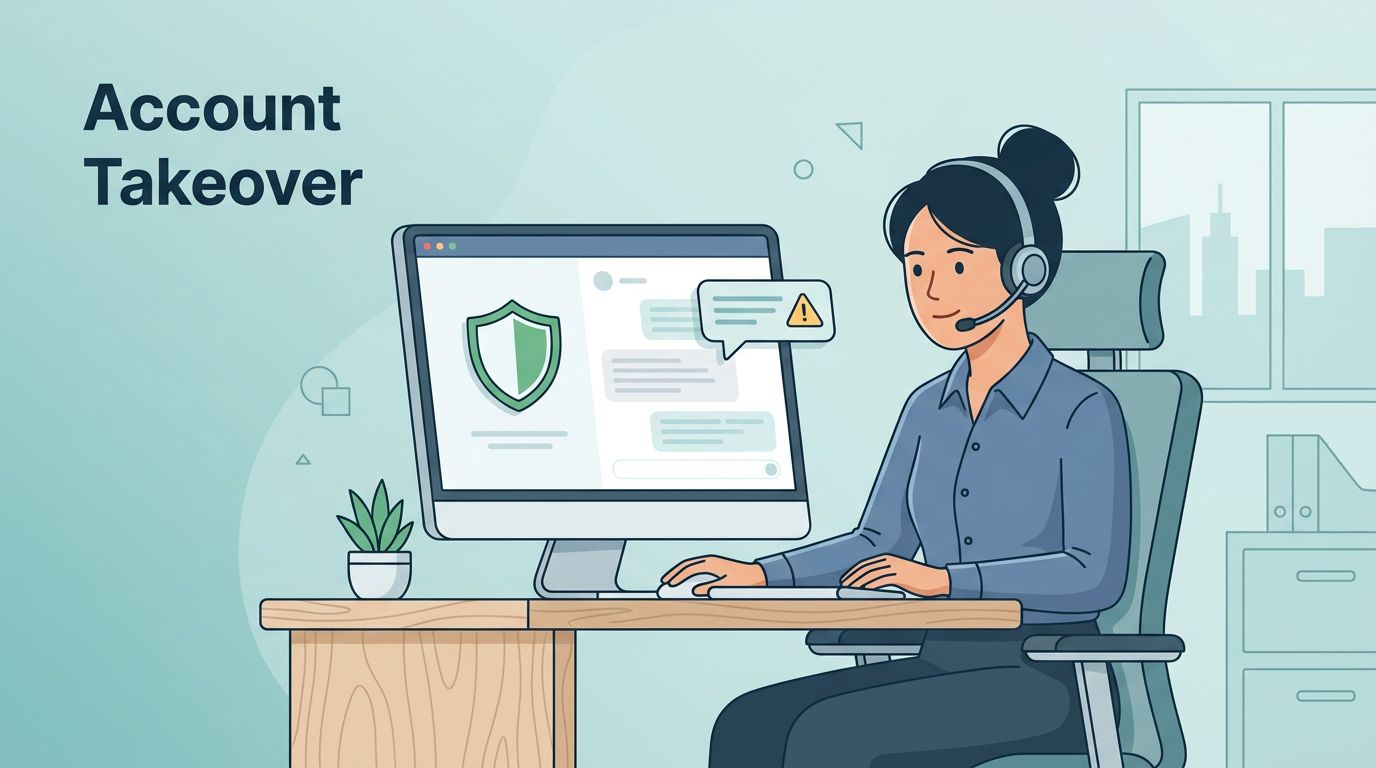
Account takeovers often start in the support queue. A rushed password reset, an MFA recovery request, or a “lost phone” story can be the opening move.
That makes account takeover prevention a frontline skill, not just a security task. Customer support teams need simple habits that slow attackers down without making real customers feel trapped.
Recent data shows the threat is still growing, and support teams are now a common target. The good news is that training can cut risk fast when it fits real workflows.
Spot account takeover risks in support interactions
Attackers rarely sound like attackers. They sound busy, upset, or embarrassed. They may claim they missed a flight, lost access to a phone, or need a reset before payroll closes.
The most common support abuse starts with pressure. A caller wants a password reset, an email swap, a new device approval, or MFA recovery. Sometimes they use stolen facts from a breach. Other times they use voice cloning or a fake chat persona.

Teams should train agents to hear the pattern, not just the words. A useful reference is Trusona’s 2026 guide on social engineering takeovers, which shows how often attackers use recovery flows instead of direct login attacks.
Watch for these red flags:
- urgent requests tied to money, travel, or job access
- a story that changes during the call
- pressure to skip normal checks
- repeated failed verification attempts
- a request that touches email, phone, MFA, or password recovery at once
Most importantly, teach agents that urgency is a clue. It should slow the call, not speed it up.
Build verification procedures that slow attackers down
A strong check process should feel routine. It should also be hard to rush. The goal is to use multiple signals, so a stolen password or leaked address is never enough.
Start with a simple rule set. First, identify the request type. Next, verify using at least two signals. Then, place high-risk changes behind a stronger review step. For example, a password reset may need one flow, while a device change or email update needs another.
| Red flag | What it often means | Agent response |
|---|---|---|
| “My phone is broken, I need MFA reset now” | Recovery abuse attempt | Pause the request and use the full verification path |
| Caller pushes for an exception | Social pressure tactic | Repeat policy, then escalate if pressure continues |
| Details do not match recent account activity | Possible impersonation | Hold the change and send to review |
| Customer refuses normal callbacks or out-of-band checks | Higher risk of fraud | Stop the workflow and notify the next team |
A good support script leaves room for flexibility, but not for shortcuts. If a user wants to change recovery data, ask for proof that fits the risk level. That may include recent order history, a trusted callback, or an authenticated in-app step.
For more on hardening recovery flows, Doppel’s helpdesk abuse guide is useful context. It focuses on the same weak point most attackers target, the moment when support staff can override normal controls.

The takeaway is simple. Verification should feel like a guardrail, not a puzzle. If the process is easy to bypass, an attacker will find the gap.
Give agents a clear escalation playbook
Even strong agents need a clear next step when something feels off. If the call turns suspicious, they should know exactly what to do, and who owns the next decision.
A good escalation playbook keeps everyone aligned across support, security, fraud, and IT. That matters because account takeover cases often cross team lines. Support sees the request. Security sees the risk. Fraud sees the money trail. IT may need to lock down access or review logs.
Urgency is a signal to slow down, not a reason to skip checks.
Use a short sequence:
- Pause any risky change.
- Capture the facts, including time, channel, account, and request type.
- Move the case to the right queue, based on risk and impact.
- Notify security or fraud when the request touches recovery, payout, or admin access.
- Record the outcome so the case can feed future training.
A response guide like NinjaOne’s account takeover playbook can help teams think in terms of detection, containment, and review. Support teams do not need every technical detail, but they do need a shared path when a case looks wrong.
If your team is rebuilding these steps or hiring for the security side of the house, Book a Discovery Call with Bud Consulting when it fits your planning cycle.
Launch training that keeps pace with new tactics
Training fails when it becomes a one-time slide deck. Attackers update their tricks, so your program has to update too.
The best teams use short, repeatable practice. They review real cases, role-play tricky calls, and score how well agents follow the process. They also share examples from security and fraud, so support sees what attackers are trying to do across channels.

A simple training framework works well:
- Review one recent suspicious case each week.
- Run role-play calls for password resets and MFA recovery.
- Test agents on the red flags they should spot.
- Update scripts after policy, fraud rules, or login controls change.
Keep the sessions short. Ten to fifteen minutes is enough if the examples are real. A fake call with a rushed tone teaches more than a long policy memo.
Also, refresh the material often. A deepfake voice scam, a new MFA fatigue trick, or a change in recovery flow can make last quarter’s guidance feel dated. Tactics evolve, so training should evolve with them.
Make account takeover prevention part of daily support work
Strong teams do not treat account takeover as a special event. They treat it as part of every reset, recovery, and exception request. That shift matters because attackers count on speed, pressure, and routine.
When agents know the red flags, follow a firm verification path, and escalate cleanly, support becomes a real control point. That is where account takeover prevention starts to hold up in the real world.