
table of contents
Big projects move fast, and that speed can hide the worst access mistakes. A rushed approval can hand a contractor more access than they need, for longer than they need it.
A solid contractor access audit keeps the work moving without opening the door too wide. That means reviewing cyber access, physical access, approvals, logs, and removal steps before the first badge or login is issued.
Start with a risk map before anyone gets credentials
Before you approve access, map the project scope in plain language. List the systems, sites, data sets, and teams involved. Then group contractors by risk.
A field crew that needs loading dock entry is different from a cloud engineer who can change production settings. So is a vendor who sees public documents versus one who can reach payroll or customer records. The more sensitive the target, the tighter the review.
Put extra weight on privileged access, production systems, regulated data, and off-hours work. Good contracts should also spell out security duties, because access controls work better when the rules are written down first. A contract audit checklist can help with that part of the process.
For a broader view of why third-party exposure matters, see third-party risk management lessons from 2026 incidents. Recent incidents keep showing the same pattern, weak outside access becomes an inside problem.
Review every account, role, and inherited permission
Once the scope is clear, check the actual accounts, not just the request forms. Contractors often inherit more access than anyone expects through group membership, old roles, or shared admin paths.

Look for these common issues:
- Shared logins that hide who did what.
- Stale accounts left over from past projects.
- Group roles that give broader access than the job needs.
- Service accounts tied to a contractor instead of the company.
- Emergency access that never got removed.
If your team runs periodic reviews, compare the contractor roster against the identity provider, VPN, SaaS apps, badge system, and ticket history. That makes it easier to spot ghost accounts and quiet privilege creep. It also gives you clean evidence later, which matters in audits. For a useful reference point on review evidence, user access reviews for SOC 2 shows what auditors expect to see.
Set least privilege, MFA, and expiry dates
The safest contractor access model is simple. Give the smallest role that gets the work done, turn on MFA, and set a hard end date.
Use temporary access wherever possible. If the job lasts two weeks, the access should not last two months. Better yet, use just-in-time elevation for admin work so a contractor can move into a higher role only when needed.
Separate normal user accounts from admin accounts. That keeps routine work away from powerful credentials. It also makes logs easier to read. In addition, require MFA for VPN, cloud consoles, remote desktop, and any internal app that supports it.
Segregation of duties matters here too. The person requesting access should not be the same person approving it. The contractor who builds the system should not be the only one who can change it after go-live.
Temporary access should expire by default, not by memory.
If the project involves IAM, cloud admin rights, or privileged accounts, Book a Discovery Call with Bud Consulting before day one. A small review now is easier than cleaning up a large one later.
Physical security needs the same audit
Cyber access gets attention fast, but physical access can be just as risky. A contractor with the wrong badge, key, or escort rule can reach sensitive rooms without touching a keyboard.
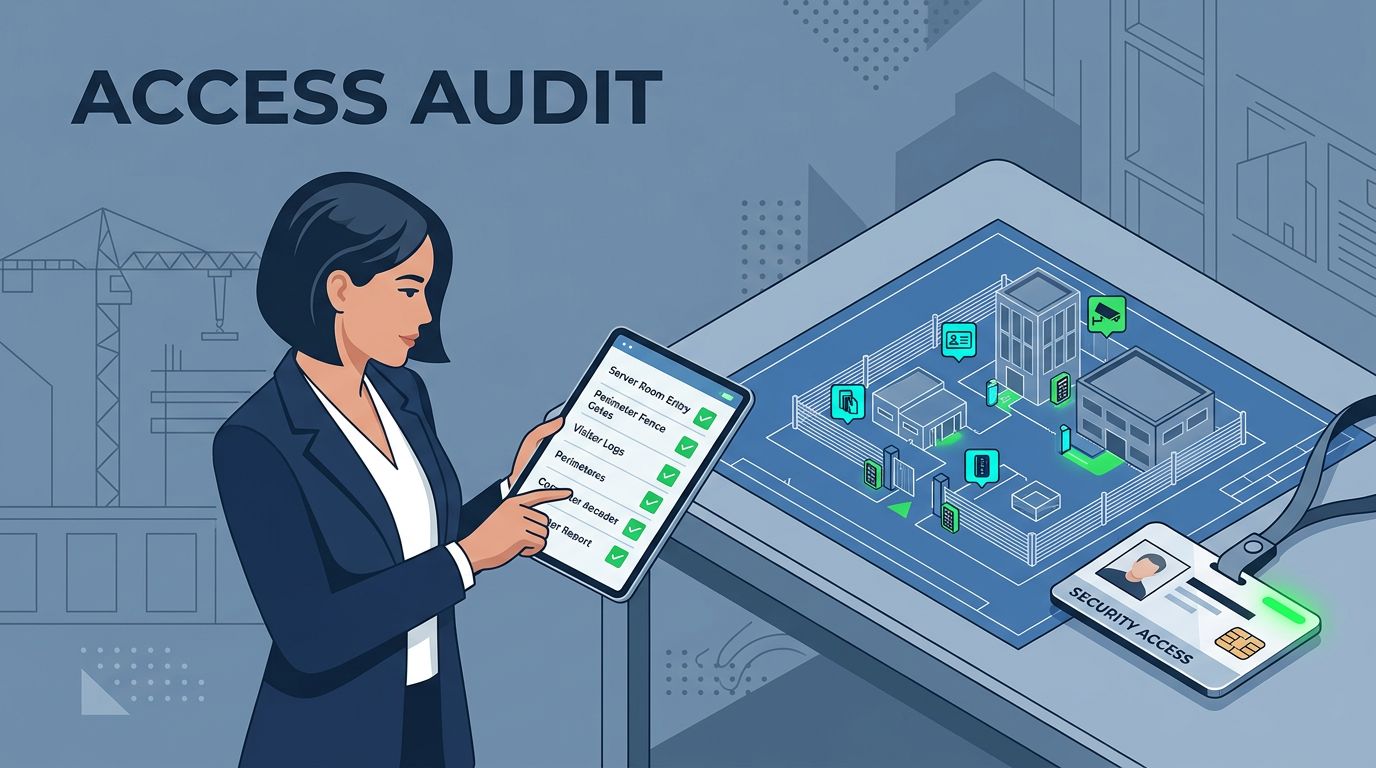
Review badge levels, key issue logs, camera coverage, visitor check-in, escort rules, and delivery access. Temporary badges should expire on schedule. Off-hours entry should have a named approver and a clear reason.
Facilities teams should also check server-room access, tool storage, loading docks, and return of keys or badges at project close. For a practical baseline on site controls, see CISA physical security guidance.
When cyber and physical controls are aligned, the project has fewer blind spots. When they are split, one weak door can undo strong login controls.
What goes wrong when no one reviews access
Skipping the review usually does not create one giant failure. It creates a pile of small ones.
A contractor may keep VPN access after the work ends. Another may share a badge with a teammate to save time. Someone else may get production rights when they only needed read-only access. Each one sounds minor until it touches a live system.

The real damage comes from delay. Teams often discover bad access after work starts, then nobody wants to pause the project. That is how stale accounts stay live, logs go unread, and removal gets pushed to the next phase.
Recent breach reports keep showing how third-party access gaps can spill into operations, customer data, and service outages. The lesson is simple, access review is cheaper before kickoff than after an incident.
Use a concise checklist before kickoff
A short checklist keeps the contractor access audit from becoming a last-minute scramble. Use it before the first login and before the first badge is issued.

- Confirm every contractor, subcontractor, and sponsor by name.
- List the exact systems, sites, and data they need.
- Approve the smallest role that fits the work.
- Require MFA and log all privileged activity.
- Set start and end dates for every temporary account.
- Separate request, approval, and admin duties.
- Issue badges, keys, and escorts with the same expiry logic.
- Test removal, then verify the accounts are gone.
Keep evidence with the approval record. Screenshots, logs, ticket IDs, and badge return records make later review much easier. If a step cannot be traced, it was not really controlled.
A good contractor access audit is less about paperwork and more about discipline. When access starts tight, the project has a cleaner path and fewer surprises. When it ends cleanly, the risk leaves with the contractor instead of staying behind.




