
table of contents
A single public storage link can outlive the change that created it. That happens when a test file, vendor share, or temporary upload stays visible long after the work ends.
The risk grows fast because cloud storage lives in many places at once. You may have buckets in AWS S3, containers in Azure Blob Storage, and objects in Google Cloud Storage, each with its own access path and policy model.
A good audit looks for cloud storage exposure before anyone outside the team finds it. The goal is simple, map every link, check every permission, and remove anything that does not belong.
Start with a complete link inventory
You can’t secure what you can’t see. Begin by listing every public or shareable storage link your teams use, including direct object URLs, bucket or container URLs, and signed links in tickets, chat tools, email, and docs.
That inventory should include the storage owner, business purpose, data type, creation date, expiration date, and where the link appears. A link hidden in an old support thread can be just as risky as one on a website.
Treat link inventory like asset inventory. If the list is stale, the audit is already behind.
Look for links that were created for temporary use. Common examples include proof-of-concept files, marketing assets, software builds, and incident-response attachments. These often stay public because nobody circles back.
For AWS, it helps to cross-check your list against AWS guidance on scanning S3 buckets. For Azure, a practical reference is Azure blob exposure checks. For Google Cloud, review Google Cloud public access prevention before you assume a bucket is private.
Review access at the bucket, container, and object level
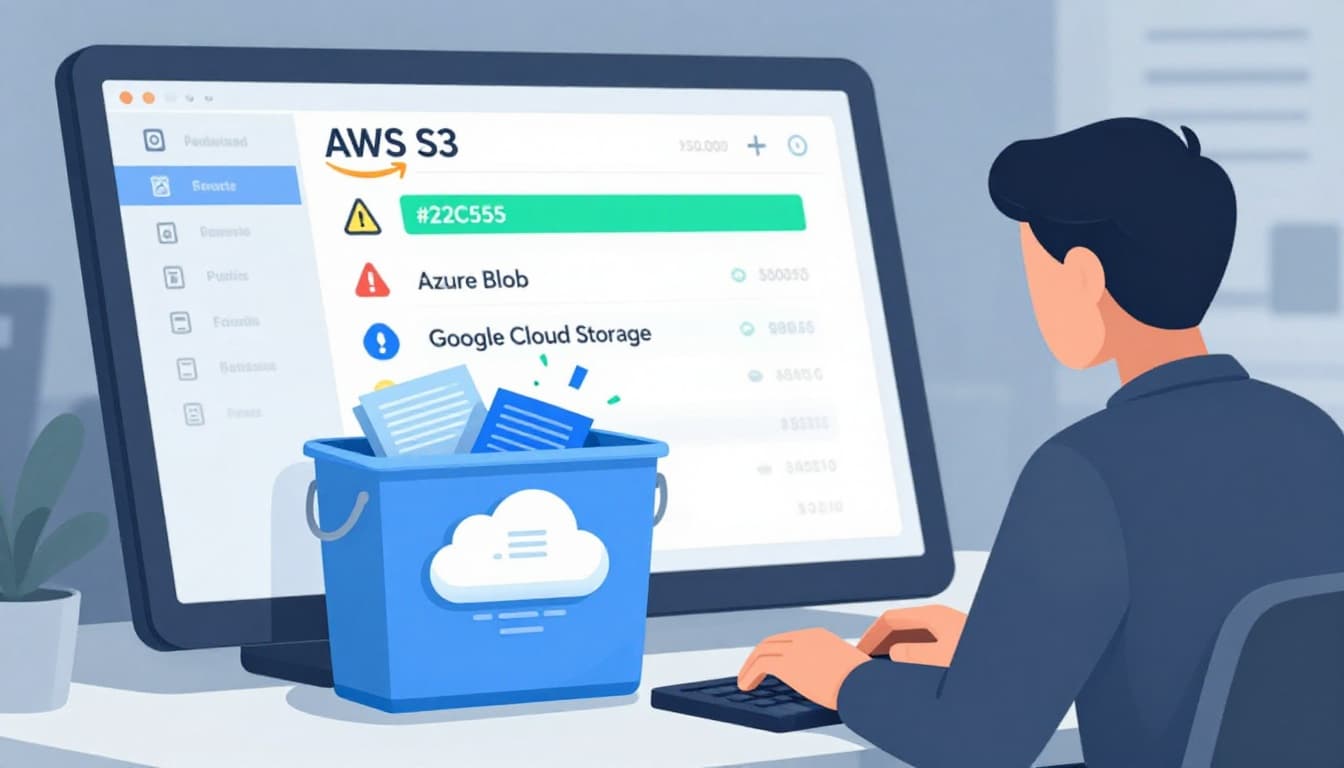
Public exposure often hides in more than one setting. A bucket policy may look safe while an ACL or object-level rule still allows access. That is why you need to review the full chain, not just one control.
Use read-only access for the audit itself. Then check who can read the storage root, who can list objects, and who can fetch individual files. If a link works without authentication, trace it back to the exact policy, ACL, or sharing rule that made it possible.
| Platform | What to verify | Common exposure point |
|---|---|---|
| AWS S3 | Bucket policy, block public access, object ACLs, signed URL scope | AllUsers, public bucket policy, stale presigned URL |
| Azure Blob Storage | Container public access level, storage account settings, SAS token scope | Public container, overly broad SAS token |
| Google Cloud Storage | Bucket IAM, public access prevention, object ACLs | allUsers or allAuthenticatedUsers, disabled prevention |
The table is simple, but the pattern matters. Public access usually comes from one loose setting, then spreads through links and reuse.
Also check whether teams still use object ACLs. Many organizations try to move to policy-only control, but old ACLs can survive in production. In mixed environments, that legacy access is easy to miss.
Check signed URLs and sharing tokens before they expire
Signed URLs and SAS tokens are useful, but they deserve special review. They can escape into tickets, browser history, chat exports, and email threads long after they were meant to die.
A short-lived link is safer than a public bucket, yet it still exposes data for the duration of the token. Therefore, your audit should check token length, permissions, path scope, and expiration. If a token lasts for months, treat it like standing access.
Watch for patterns that widen risk. A download link with write access is a problem. A token that covers an entire bucket when it only needs one object is also a problem. So is a link that keeps working after the owner says the work ended.
This is where ownership matters. The person who creates a link often is not the person who should retire it. Build a process for revoking old tokens when projects close, vendors rotate, or data moves.
Turn on logging and watch for drift
Logs are the fastest way to spot hidden exposure. They show who requested a file, when the request happened, and whether the access came from a browser, API, or automated tool.
At minimum, monitor these signals:
- Anonymous GET or LIST requests against storage endpoints
- Changes to bucket, container, or object policy settings
- Creation of public links or tokens with long expiration windows
- New public access grants, especially outside deployment windows
- Large spikes in download traffic from unknown sources
Keep in mind that cloud consoles and policy names change over time. A review that worked last quarter may not match today’s interface. Use current vendor docs, and re-check your alert logic after major platform updates.
Logging also helps separate real exposure from expected use. Marketing sites, public software assets, and open data sets may be meant for public access. The key is to document that purpose and watch for drift away from it.
Use a cleanup checklist that teams can repeat
A repeatable cleanup process keeps audits from turning into one-time fire drills. Start with the most exposed items, then work down to older links and edge cases.

Use this checklist during remediation:
- Remove public access where it is not required.
- Replace broad links with least-privilege access.
- Shorten signed URL or SAS token lifetimes.
- Delete stale objects, old test buckets, and abandoned containers.
- Confirm logging and alerting are active for the storage account.
- Document approved exceptions with an owner and review date.
- Re-scan after changes to confirm the fix held.
One practical example is a vendor file share that started as a temporary S3 link. If the file still needs to be shared, move it behind a tighter token and a clear owner. If it doesn’t, remove the link and close the bucket policy path that exposed it.
Another example is a public Azure Blob container used for a one-time campaign. Once the campaign ends, switch it back to private, verify the container has no open SAS tokens, and confirm old links no longer resolve.
Keep exposure reviews part of normal operations
Cloud storage exposure is easiest to control when audits are routine. Tie link reviews to deployments, vendor offboarding, project closure, and monthly access checks. That turns a one-off search into a steady habit.
If your team needs a second set of eyes on storage exposure, Book a Discovery Call with Bud Consulting.
The best audits are boring in the right way. They find public links early, remove what doesn’t belong, and leave only the access that was meant to be there.




