
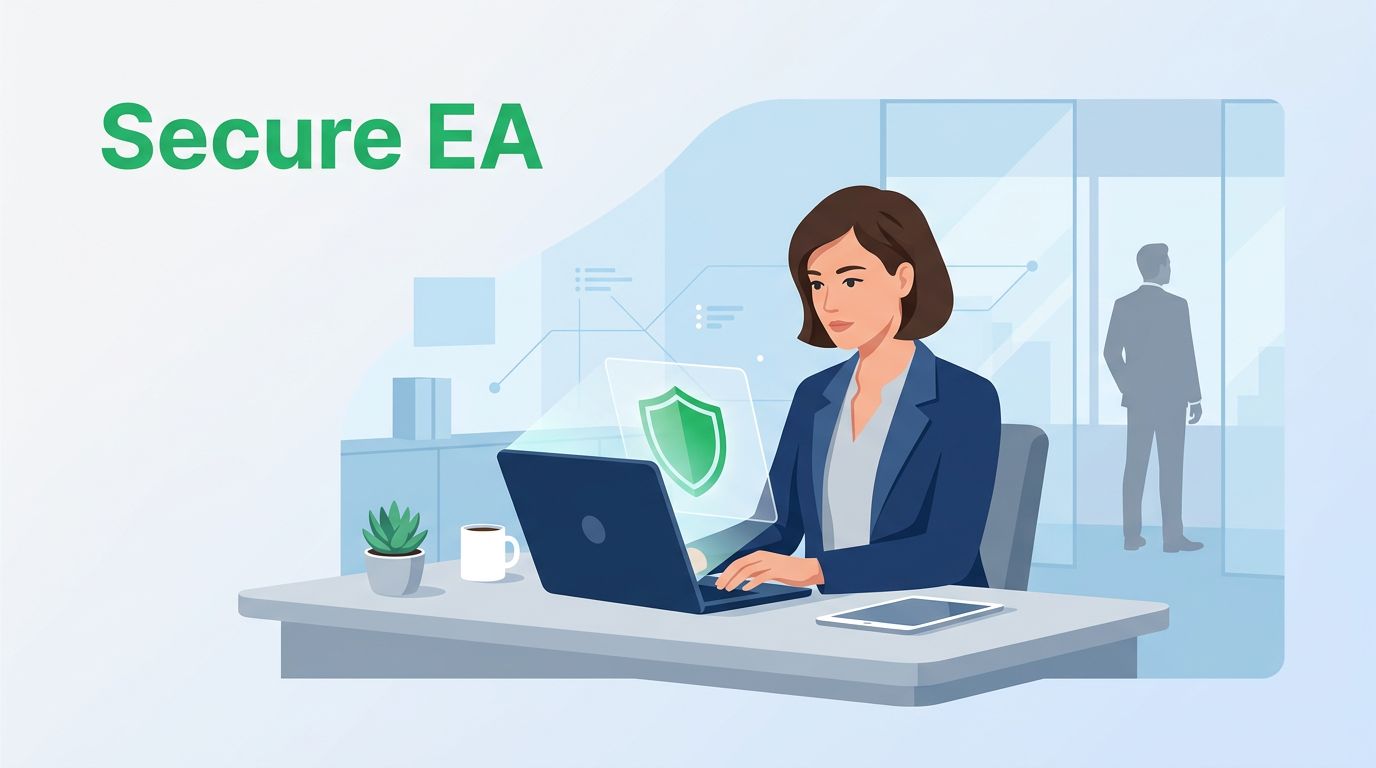
table of contents
Executive assistant impersonation attacks work because they feel routine. A fake boss email, a rushed phone call, or a clean-looking calendar change can push an EA to act fast.
In 2026, attackers can copy voices, mimic writing style, and even fake short video calls. That makes the first minute of a request more important than ever.
The safest teams slow the moment down, verify the sender, and use rules that hold up under pressure.
Why executive assistants are a prime target
Executive assistants sit close to money, time, and information. They manage travel, vendor updates, payment changes, and confidential documents. That makes them a high-value target for executive assistant impersonation.
Attackers do their homework first. They scan LinkedIn posts, press releases, travel updates, and naming patterns. Then they send a request that feels urgent and familiar. A message might ask for a wire transfer, gift cards, a last-minute flight change, or a confidential file sent “right away.”
AI has made the setup cleaner. A recent overview of AI executive impersonation attacks in 2026 shows how voice cloning and AI-written email now sit beside classic business email compromise. The trick is no longer sloppy grammar. It is trust.

If a request asks for speed, privacy, and money, treat it as high risk until you confirm it twice.
Build a verification routine that slows attacks down
The strongest defense is a simple rule: no sensitive request moves forward without callback verification. Use a known number from the company directory or the assistant playbook. Do not call the number in the message. Do not reply to the same thread if the request is financial or unusual.
For payment changes, use secondary approval. One person can spot the request, but a second person should confirm it before money moves. That applies to urgent wires, new vendor bank details, invoice changes, and expensive travel bookings. It also applies to gift card requests, which often arrive with fake urgency.
A quick checklist helps:
- Urgent wire request, stop and verify.
- Gift card purchase, confirm through a known channel.
- Last-minute travel change, check the calendar plus a callback.
- Confidential document sharing, confirm the need and the recipient.
- Fake login reset, ignore the pressure and verify through IT.
Visa’s executive impersonation scam tips gives similar examples, and that is the point. These scams work because they fit normal work.

Tighten access before the request arrives
Verification helps, but access control matters just as much. Give assistants only the access they need. Shared inboxes, calendar tools, and payment systems should not expose more than necessary.
Start with least-privilege access. If an EA manages travel, that does not mean they need vendor banking rights. If they handle calendar invites, that does not mean they should see every finance folder. Separate those duties where you can.
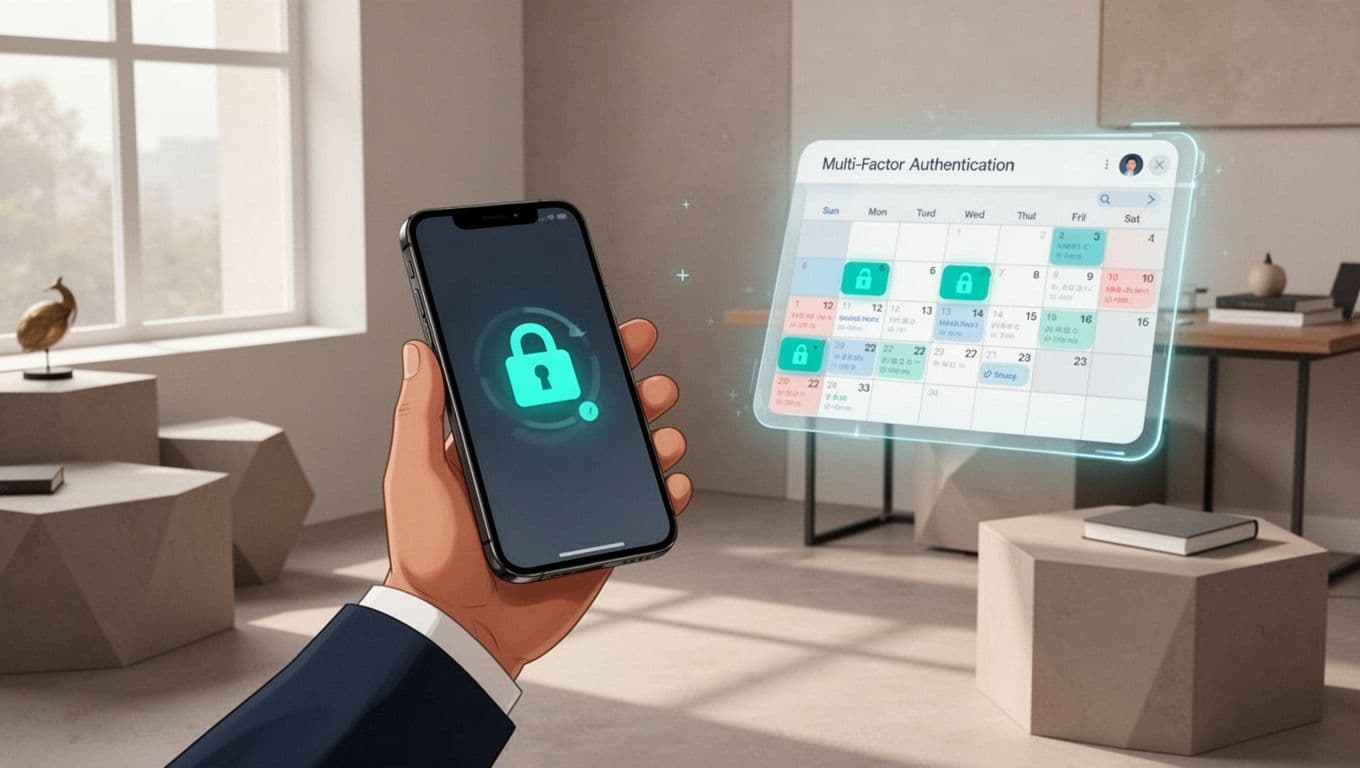
Then clean up email and device habits. Turn on strong MFA, and use phishing-resistant options when your company supports them. Remove old inbox rules that auto-forward mail outside the company. Review delegated access every few months. Watch for lookalike sender names, odd reply-to addresses, and surprise “read receipts” or “reset” messages.
A broader business email compromise prevention guide shows why process and access control belong together. One without the other leaves a gap.
Create escalation rules for the hard calls
Some requests will still feel messy. The executive may be traveling. The caller may sound real. The message may mention a deal that “cannot wait.” That is when the escalation path must be clear.
Use a simple four-step process:
- Pause the action.
- Verify through a known channel.
- Escalate to finance, IT, or security if the request touches money or access.
- Save the message, caller ID, header data, and time.
Practice that process before you need it. Run short drills with fake wire requests, fake login resets, and fake document shares. Include calendar changes and vendor updates too. The goal is muscle memory, not fear.
If your team needs help tightening these controls across assistants, finance, and security, Book a Discovery Call with Bud Consulting.
A convincing voice or polished email can still be fake. The answer is a process that slows the moment, checks the source, and pushes high-risk requests through more than one gate.
When assistants know exactly how to verify, escalate, and refuse pressure, impersonation attacks lose their easiest path.




