
table of contents
Internet-facing remote access tools are useful, and they are easy to lose track of. A VPN gateway, an old RDP host, or a vendor portal can stay online long after the team has moved on.
A solid remote access audit finds those paths, checks who can use them, and trims away unnecessary risk. That matters in 2026, because attackers keep aiming at remote entry points, and April’s patch cycle again showed how fast exposed services can become a problem.
Start with a full inventory of every exposed access path
The audit should begin with discovery, not policy. List every public-facing remote access tool, then prove that each one still has a business need.
That includes VPNs, RDP, SSH, bastion hosts, remote desktop tools, remote support agents, and vendor access portals. External attack surface management tools help here, especially when the estate has grown across cloud and third-party services. A useful overview is external attack surface management platforms.
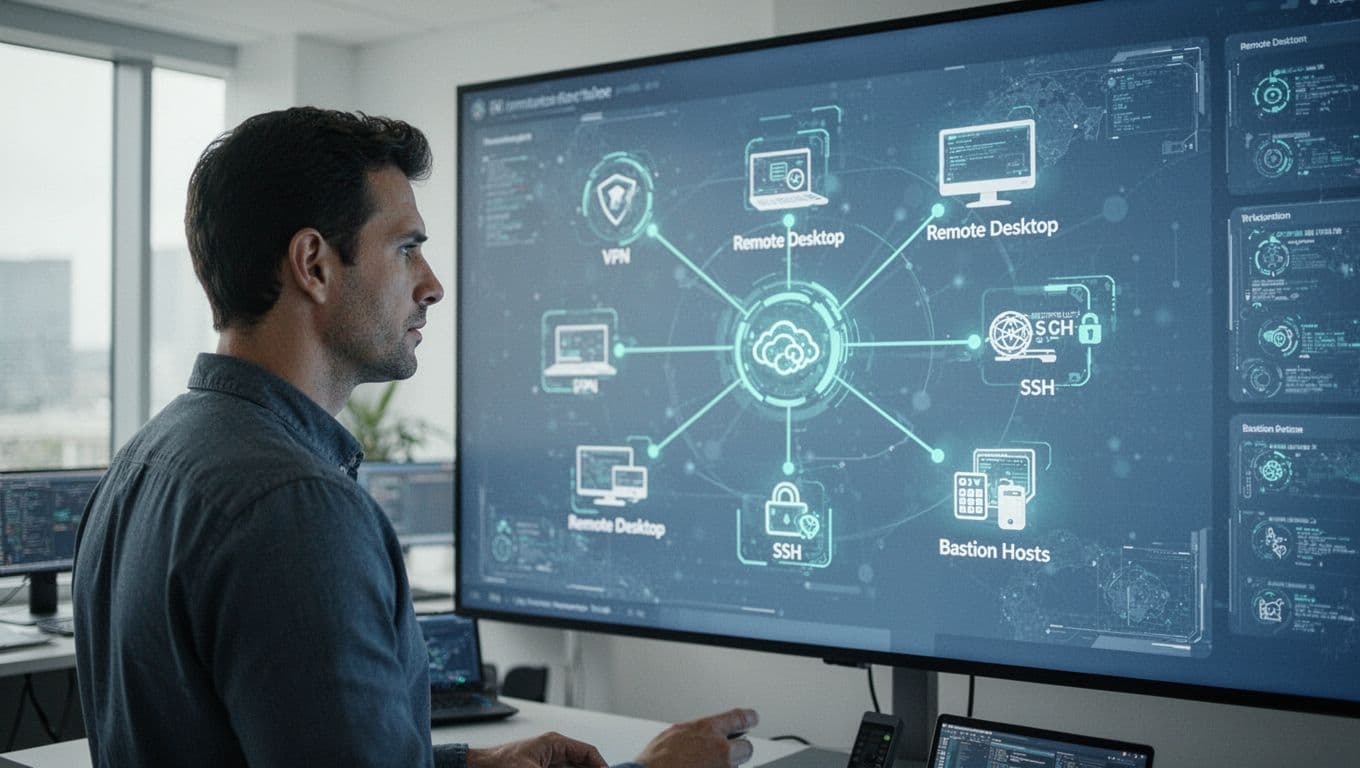
Ask these questions as you build the inventory:
- Which tools answer on public IPs?
- Who owns each service?
- Which tools are approved for employees, contractors, or vendors?
- Which systems are temporary, test-only, or forgotten?
- Which access paths bypass normal identity controls?
If you cannot name the owner of a remote access tool in one minute, treat it as a finding.
If a tool is not in inventory, it is already a risk. Compare the list with firewall rules, DNS, cloud security groups, and remote support licenses. Gaps usually show up in at least one of those places.
Check how each tool is exposed
Once you know what exists, inspect how each service reaches the internet. The safest design is narrow and boring. The risky design is direct, broad, and old.
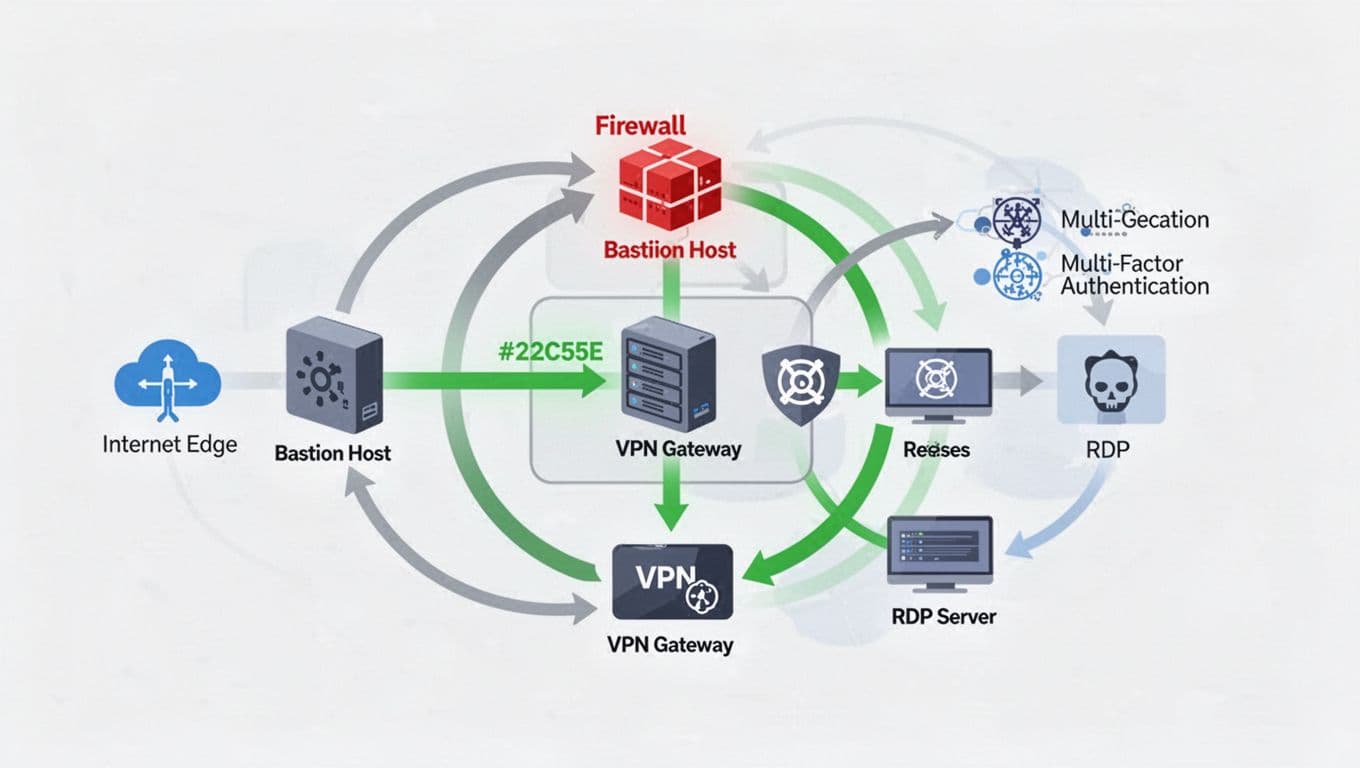
RDP should not sit open to the internet unless there is a strong reason and layered control. SSH should usually land behind a bastion host, not on every server. Remote support agents should require approval, session limits, and clean logging. For RDP-specific hardening, this 2026 audit checklist is a useful reference point.
April 2026 also gave teams another reminder. Microsoft patched 167 flaws, including critical issues in the Windows IKE service and Remote Desktop client. If your remote access stack depends on Windows components, patch timing belongs in the audit.
Watch for these red flags:
- RDP or SSH reachable from anywhere without strong filtering
- VPN appliances running old firmware
- Split tunneling used where it does not belong
- Vendor portals with shared accounts or weak approval steps
Segmentation matters here. Admin access should land in a dedicated zone, with tight firewall rules between the access tier and the target systems. If a single gateway can reach everything, the blast radius is too large.
Review identity, privilege, and PAM
Remote access controls fail fast when identity is loose. Every human user should have a named account. Every admin should use a separate admin account. Every non-human identity should have a clear owner and a reason to exist.
MFA should cover every remote path, not only the main VPN. That includes bastion hosts, vendor portals, remote support tools, and SSH jump points. A good reference for this kind of control set is the 2026 PAM checklist.
Focus on these checks:
- Do contractors and vendors expire on schedule?
- Can anyone use a shared admin login?
- Do privileged sessions need approval or just a password?
- Are emergency accounts excluded from MFA?
- Are service accounts and API keys tied to real owners?
PAM matters when standing privilege lingers. Use just-in-time access where you can. Use session recording for sensitive admin paths. Limit what a vendor can reach, and time-box it. If a support engineer only needs one system for 30 minutes, they should not get a full network view.
A strong audit also tests least privilege in practice. That means checking group membership, local admin rights, remote shell rights, and role mapping in cloud consoles. Paper policy is not enough.
Verify logging, alerting, and session records
A remote access tool that cannot be traced is a blind spot. Logs should cover authentication, session start and stop times, failed logins, privilege changes, and configuration changes. Bastion hosts should log command activity where possible. Remote support tools should keep session records and operator identity.
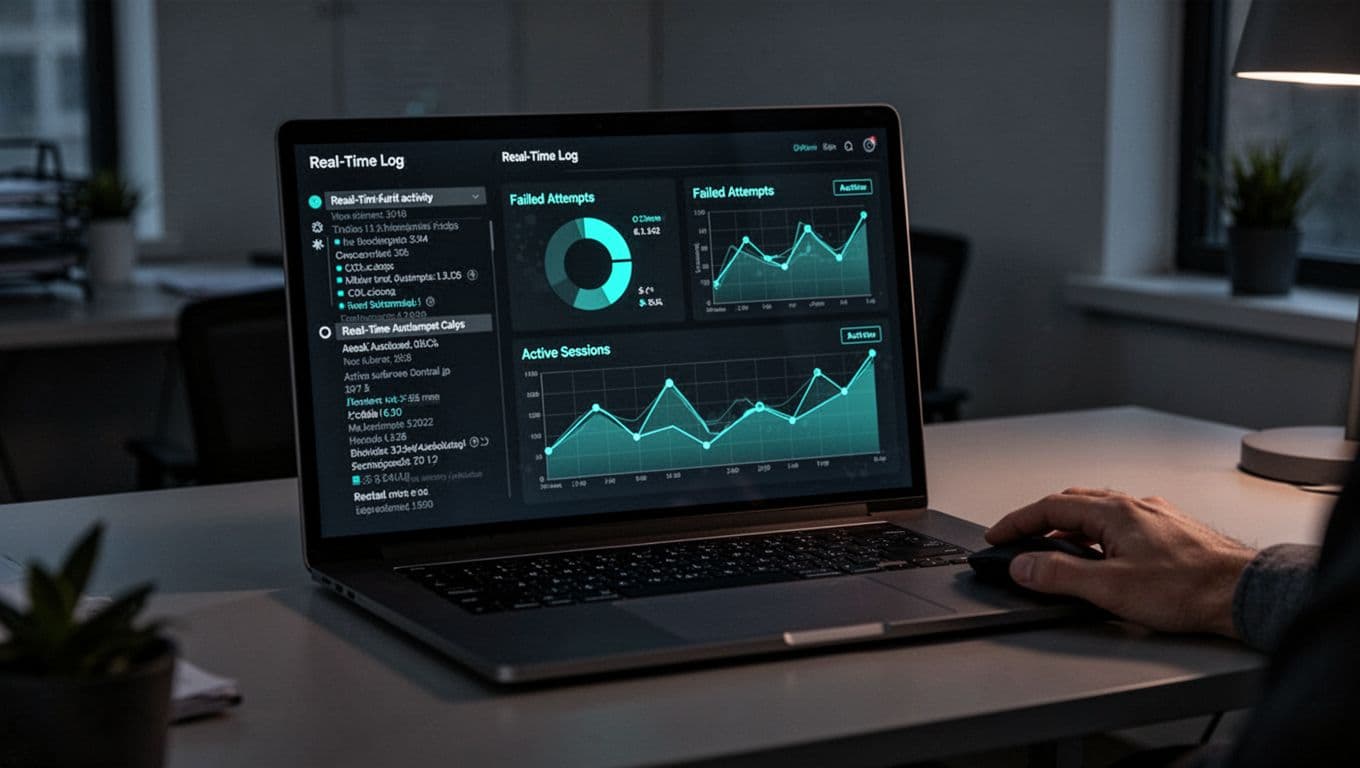
Send those logs to a system your team watches, not just a folder that fills up. Alert on unusual login geos, impossible travel, bursts of failed MFA, new device enrollments, and off-hours admin sessions. Also watch for policy changes on VPNs, SSH keys, and support portals.
Logging only helps when someone can act on it. Test the alert path during the audit. Open a controlled event, then confirm that it reaches the right team with the right context.
Remove what no one uses, then test again
Unused tools are common. Old VPN concentrators, orphaned RDP hosts, stale SSH keys, and forgotten vendor portals all show up in real audits. Secure decommissioning should be part of the process, not an afterthought.
- Confirm the business owner and last known use.
- Notify users, vendors, and service owners.
- Revoke accounts, keys, certificates, tokens, and DNS entries.
- Remove firewall rules, close security groups, and watch for stray traffic.
After that, validate the shutdown. Scan for the old service from outside the network, then check logs for any late use. If traffic still reaches it, something was missed.
If the inventory is messy or the ownership map is unclear, Book a Discovery Call with Bud Consulting to tighten the highest-risk paths first.
A strong remote access audit is less about finding one bad tool and more about shrinking the whole surface. When inventory, segmentation, MFA, PAM, logging, and decommissioning all line up, remote access stops being a soft target. It becomes a controlled path with clear owners and fewer surprises.




