table of contents
Most exit interviews ask why someone is leaving. The better ones reveal where your security process failed.
A departing employee knows which access paths stayed open, which data was easy to copy, and which approvals were unclear. In 2026, that matters more than ever because cloud permissions, shared workspaces, and remote devices can leave hidden gaps after sign-off.
The right cybersecurity exit interview questions turn a routine conversation into a practical control check. Here’s how to ask them without turning the interview into an interrogation.
Why exit interviews matter after the resignation email
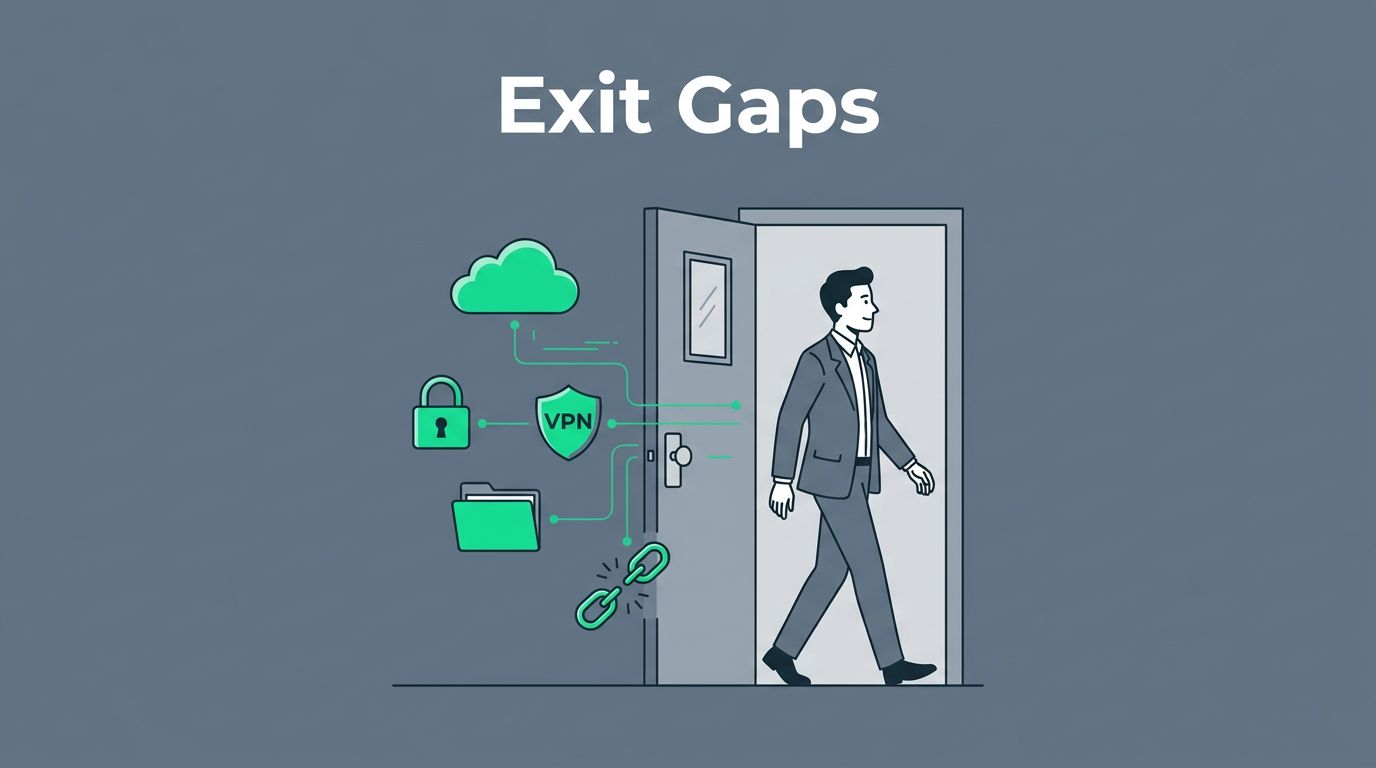
Offboarding is often treated like admin cleanup, but it’s a security event. Blocking a sign-in does not remove every path to SharePoint, SaaS tools, VPN access, or vendor portals.
That’s why the conversation matters. It tells you where policy and reality drifted apart, which is where most risk lives. A practical baseline like Secure offboarding: the essential IT/HR checklist helps teams line up HR, IT, and security before the final day.
If an exit interview doesn’t change a control, it was only a conversation.
In 2026, strong offboarding also follows Zero Trust habits, meaning no lingering trust after departure. MFA, least privilege, and continuous monitoring belong in the same process as the interview. TechTarget’s offboarding cybersecurity best practices is a useful companion when you build that runbook.

Core cybersecurity exit interview questions, grouped by category
The best questions are simple, direct, and tied to real controls. Ask enough to spot process gaps, then stop. You want signal, not a courtroom transcript.
Access and identity
Start with access because identity issues create the biggest cleanup jobs.
- Which systems, apps, or shared spaces did you use that were not part of your normal role?
- Did you ever keep access longer than you should have?
- Were any accounts shared, delegated, or used by the team instead of one person?
Good follow-up prompts include, “Which access path would still work if your password were disabled today?” and “Who else could open that same workspace?” Those questions reveal shared logins, orphaned groups, and old privileges that never expired.
Data and file handling
Next, ask where work actually lived.
- Where did you store files outside the main company system?
- Which folders, links, or exports were easiest to share?
- Did you ever use personal email, messaging, or storage for work?
If someone mentions a side channel, treat it as a gap in data control. Follow up with, “Which files would you need to delete or return before your last day?” That answer helps you tie the interview to retention, deletion, and legal hold rules.
Devices and remote work
Device questions expose gaps that login blocks never see.
- Which devices did you use for work, company or personal?
- Did you sync files to a phone, tablet, or home computer?
- Which devices need to be returned, locked, or wiped?
Remote work adds friction, so be direct. Ask whether the employee ever used home storage, personal backups, or browser-saved credentials. In hybrid teams, those details often explain why device return and wipe steps fail.
Vendors and incidents
Third-party access and small incidents can slip through quietly.
- Which vendor tools or partner portals did you use?
- Did any outside provider still have access tied to your account?
- Did you ever see a control gap, exception, or suspicious action that no one reported?
These questions help you catch shadow access, untracked admin rights, and vendor accounts that outlive the employee. They also surface early warning signs of insider risk, like bypassed approvals or unusual file copying.

What the answers usually tell you
Exit interview answers are more useful when you look for patterns, not one-off stories. A single answer may be harmless. Repeated answers point to process failure.
| Response pattern | Likely gap | What to do next |
|---|---|---|
| “I still used old project spaces” | Role cleanup lagged | Re-check group membership and app entitlements |
| “I used a personal device sometimes” | Device inventory is incomplete | Confirm return, wipe, or remote lock steps |
| “People shared one login” | Identity controls are weak | Replace shared access with named accounts |
| “A contractor still had access” | Vendor review missed a handoff | Trigger a third-party access review |
The 2026 cloud risk story is often about hidden access paths. Nested groups, anonymous links, and stale permissions in tools like SharePoint can survive a basic sign-out. Blocking logins is a start, but it won’t catch everything.
How to document responses and turn them into controls
Write the answers into the offboarding ticket the same day. Capture the system name, the risk hint, and the owner who needs to act. If the note sits in someone’s inbox, the gap stays open.
A simple structure works well:
- record what the employee said
- tag the system or process involved
- assign an owner and due date
- confirm the follow-up in the ticket, HR system, or GRC tool
Then feed the result into the right control area. For IAM, compare answers with active roles, shared mailboxes, group memberships, and dormant accounts. For device return, match the person to the asset list and verify wipe or lock steps.
For data retention, keep only what legal, HR, or business policy requires. TechTarget’s guide to securing sensitive data when offboarding employees is a solid reference for that handoff. For vendor access review, revoke tokens, API keys, and partner permissions tied to the departing worker.
Insider risk teams should get a heads-up when answers point to unusual behavior, such as hidden storage, repeated exceptions, or unapproved access. If your process crosses HR, IT, and security often, Book a Discovery Call with Bud Consulting to map the handoffs and close the gaps.
Make the exit interview part of offboarding, not a side task
The strongest exit interviews do one thing well. They expose where policy, access, and real work drifted apart.
When the answers feed IAM, device return, data retention, vendor review, and insider risk workflows, the interview stops being a courtesy call. It becomes a control point.
That’s the difference between hearing why someone left and learning where the next breach could start.