table of contents
Your team requests a new SaaS tool every week. Vendors pitch solutions daily. Without a solid security intake process, these requests pile up, risks slip through, and compliance suffers. You end up with shadow IT or rushed approvals that expose your organization.
A lightweight security intake process fixes this. It routes requests through quick checks and escalates real threats. Security teams stay efficient. Procurement moves faster. Everyone wins.
This guide walks you through building one. You’ll get practical steps, examples, and tips tailored for 2026 realities like AI-driven threats and zero-trust mandates.
Set Clear Intake Criteria Up Front
Start with criteria that match your risk tolerance. Base them on data handled, access levels, and vendor track record. This keeps evaluations consistent.
For SaaS tools, ask these questions first:
- Does it process customer data (PII, PHI)?
- Will it integrate with core systems like email or HR platforms?
- What’s the vendor’s security posture (SOC 2, ISO 27001)?
Vendors face similar scrutiny. Check contract terms, data residency, and exit strategies. For example, a cloud storage vendor must prove encryption at rest and in transit. Reject if they can’t.
Use a simple scoring system. Assign points for low-risk items (0-3) and high-risk (7-10). Total under 20? Fast-track. Over 40? Full review.
In 2026, factor in AI risks too. Tools with generative models need prompts logged and outputs scanned. This criteria weeds out 70% of requests early, based on common GRC benchmarks.
Pitfall: Don’t treat every tool the same. A marketing analytics app differs from a payroll system. Tailor criteria by business unit.
Design a Simple Intake Form
Forms capture essentials without overwhelming users. Keep it to 10 fields max. Link it to your service portal for easy access.
Core fields include:
| Field | Purpose | Example Options |
|---|---|---|
| Requester Name/Department | Ownership | Dropdown: Sales, Engineering, Finance |
| Tool/Vendor Name | Identification | Free text or search |
| Business Justification | Value | “Reduces reporting time by 50%” |
| Data Classification | Risk flag | Low/Medium/High (PII?) |
| Access Needed | Scope | Read-only; Admin |
| Existing Alternatives | Shadow IT check | “We use Competitor X already?” |
| Vendor Website/POC | Quick lookup | URL |
| Urgency | Triage | Standard (30 days); Critical (72 hours) |
Add a self-attest checkbox: “I’ve checked for alternatives.” This cuts frivolous requests.
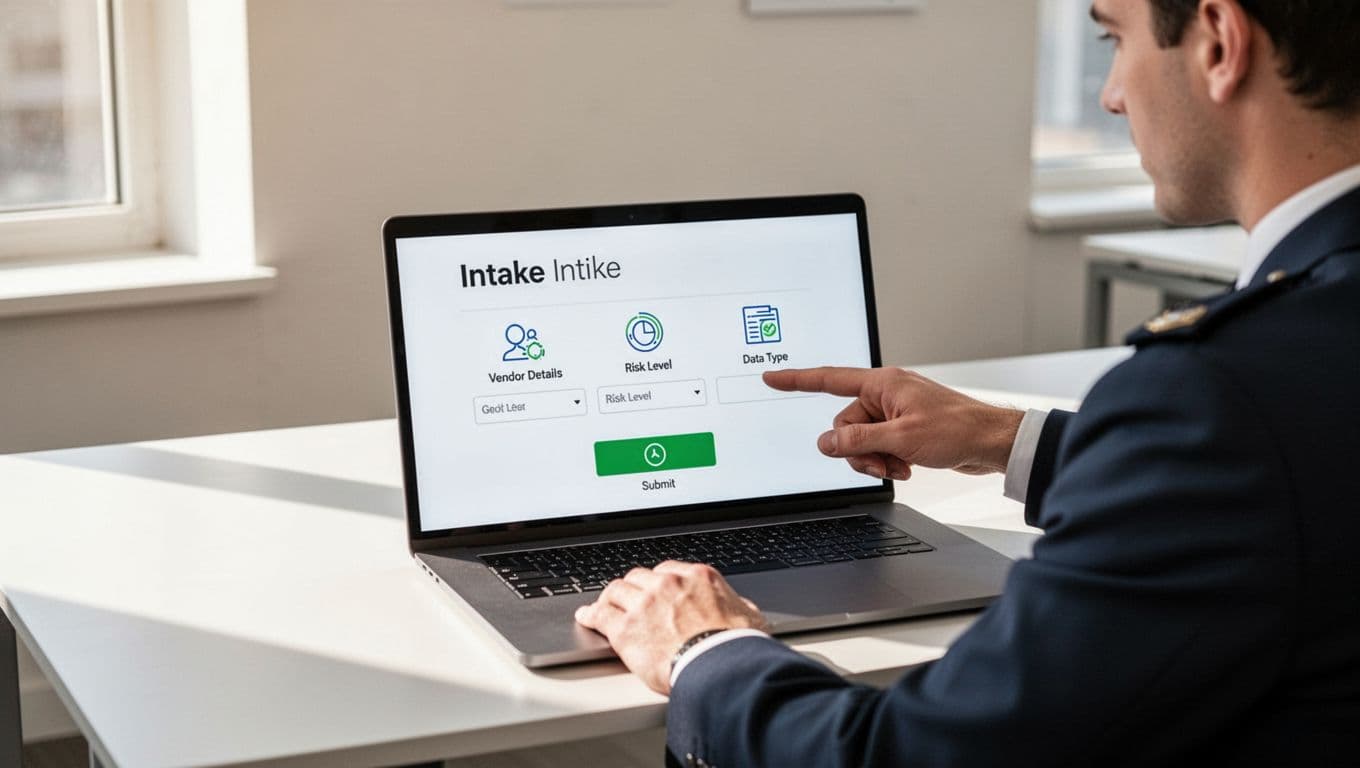
Test the form with a pilot group. Sales loved ours because it took under five minutes. Result? 40% fewer incomplete submissions.
Map Out Your Workflow Stages
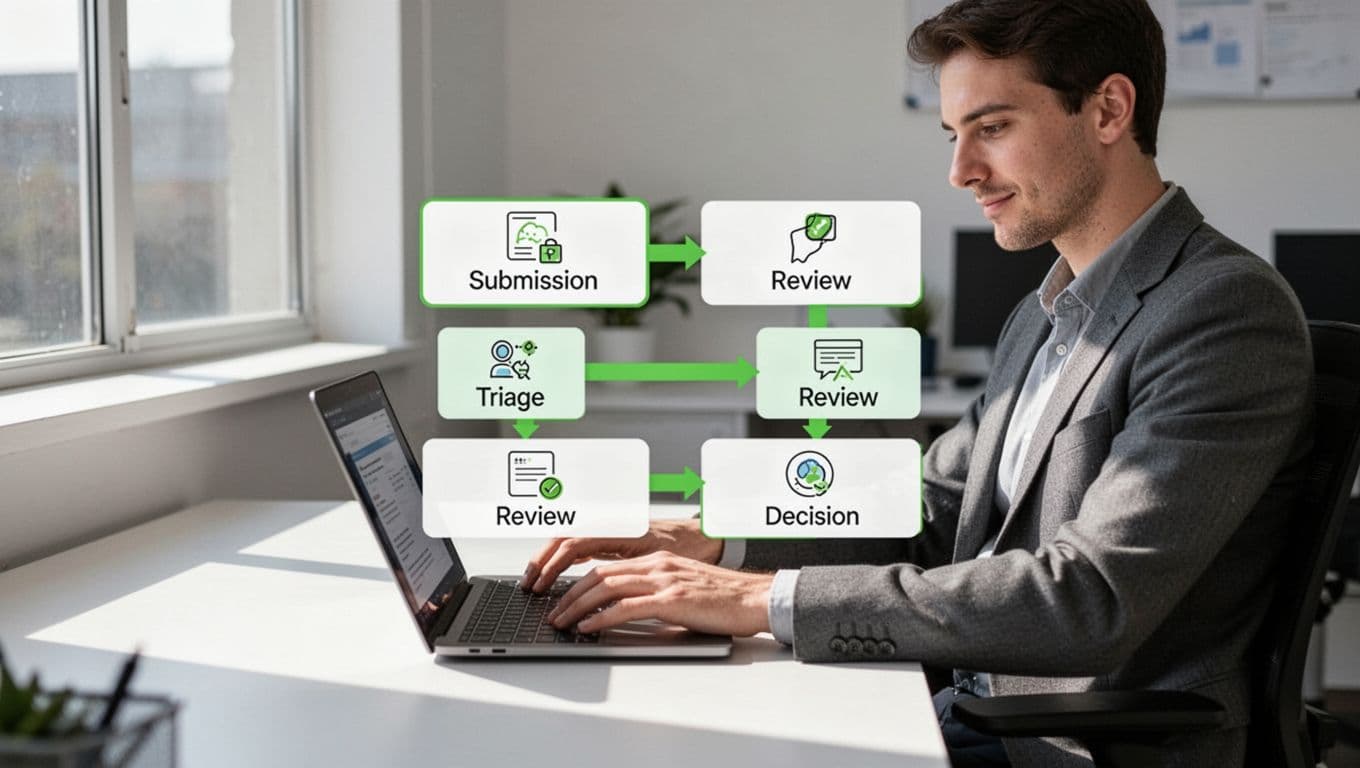
A clear workflow prevents bottlenecks. Break it into four stages: submit, triage, review, decide.
- Submit: Requester fills form. Auto-notifies security intake owner.
- Triage: Analyst scores risk in 24 hours. Low-risk auto-approves with caveats.
- Review: Medium/high-risk loops in experts (legal, IT). Parallel reviews speed it up.
- Decide: Approve, reject, or conditional (e.g., “MFA required”). Close loop with requester.
Set SLAs: 48 hours for triage, five days for full review. Use conditional logic to skip steps.
This setup scales. Startups handle 10 requests monthly; mid-market firms manage 100. Track metrics like cycle time to refine.
Align with Key Teams Early
Security doesn’t operate in a silo. Integrate procurement, legal, privacy, compliance, and IT from day one.
Procurement flags spend thresholds. Legal reviews contracts for indemnity. Privacy checks data processing agreements (DPAs). Compliance maps to regs like GDPR or CCPA. IT handles onboarding to asset inventories.
Hold a kickoff workshop. Define handoffs: Security triages, then pings legal via shared ticket.

One client synced these teams. Approval times dropped 60%. Assign a process owner, like a GRC analyst, to enforce accountability.
Select Tools and Dodge Pitfalls
Pick vendor-neutral tools that fit your scale. Google Forms or Microsoft Forms work for basics. Scale to ticketing like Jira Service Management or ServiceNow.
GRC platforms (e.g., Drata, Vanta) add automation for risk scoring. Vendor portals like OneTrust handle third-parties. Start simple; integrate later.
Common traps:
- Overengineering: Skip custom apps at first. Use spreadsheets if needed.
- No ownership: Always name a security champion per request.
- Uniform scrutiny: Risk-tier everything. Low-risk gets a rubber stamp.
In 2026, automate triage with APIs to vendor security pages. But test manually first.
If gaps persist, Book a Discovery Call with Bud Consulting to assess your setup.
Key Takeaways
A strong security intake process balances speed and safety. Define criteria, build a quick form, map stages, align teams, and choose tools wisely.
You now have the blueprint. Implement it in weeks, not months. Track wins like faster approvals and fewer breaches.
Your organization stays secure as tools multiply. Start today.