table of contents
Attackers scan the internet daily for exposed assets. You might think your firewall blocks them all. But shadow IT, forgotten cloud buckets, and rogue subdomains slip through. Without a solid asset inventory, these blind spots invite breaches.
Teams waste time chasing ghosts. They patch known servers but miss the rest. This guide walks you through building and maintaining an inventory. You’ll discover assets, document details, assign owners, and keep it fresh. Start today to shrink your attack surface.
Discover Your Internet-Facing Assets
First, find everything exposed to the public internet. Start with your known roots like main domains and IP ranges. Then expand to subdomains, cloud endpoints, and services.
Use multiple sources for full coverage. Pull from DNS records to spot hostnames. Check cloud providers like AWS, Azure, or GCP for accounts and instances. Scan certificate transparency logs for issued certs tied to your domains.
External attack surface scans reveal more. Tools query public data on open ports and services. For example, Censys Attack Surface Management scans all 65,536 ports daily across cloud and on-prem setups.
Vulnerability scanners and CMDBs add internal views. Run one-time blasts for baselines, but schedule repeats. Automation catches spin-ups from devs.

This process uncovers surprises. A dev might deploy a test API on a public IP. Or an old VPN lingers with weak auth. Log IPs, hostnames, and ASNs early.
Normalize and Document Asset Details
Raw discovery data gets messy. Normalize it into a consistent format. Dedupe entries by IP or hostname. Standardize fields across sources.
Key fields make your inventory useful. Track hostname, IP address, ASN or cloud account. Note environment like prod, staging, or dev. List exposed ports and services, plus auth methods such as basic auth or OAuth.
Add business context. Tag data sensitivity: public, internal, or PII. Rate criticality on a scale of 1-5 based on impact. Record last validated date for freshness checks.
Here’s a sample structure:
| Field | Example Value | Purpose |
|---|---|---|
| Hostname | api.example.com | Unique identifier |
| IP Address | 192.0.2.1 | Network location |
| Cloud Account | aws-account-123 | Provider context |
| Exposed Ports | 80, 443, 22 | Attack vectors |
| Criticality | High | Prioritization |
This table clarifies ownership later. Enrichment tools map services to software versions. However, manual review fixes false positives.
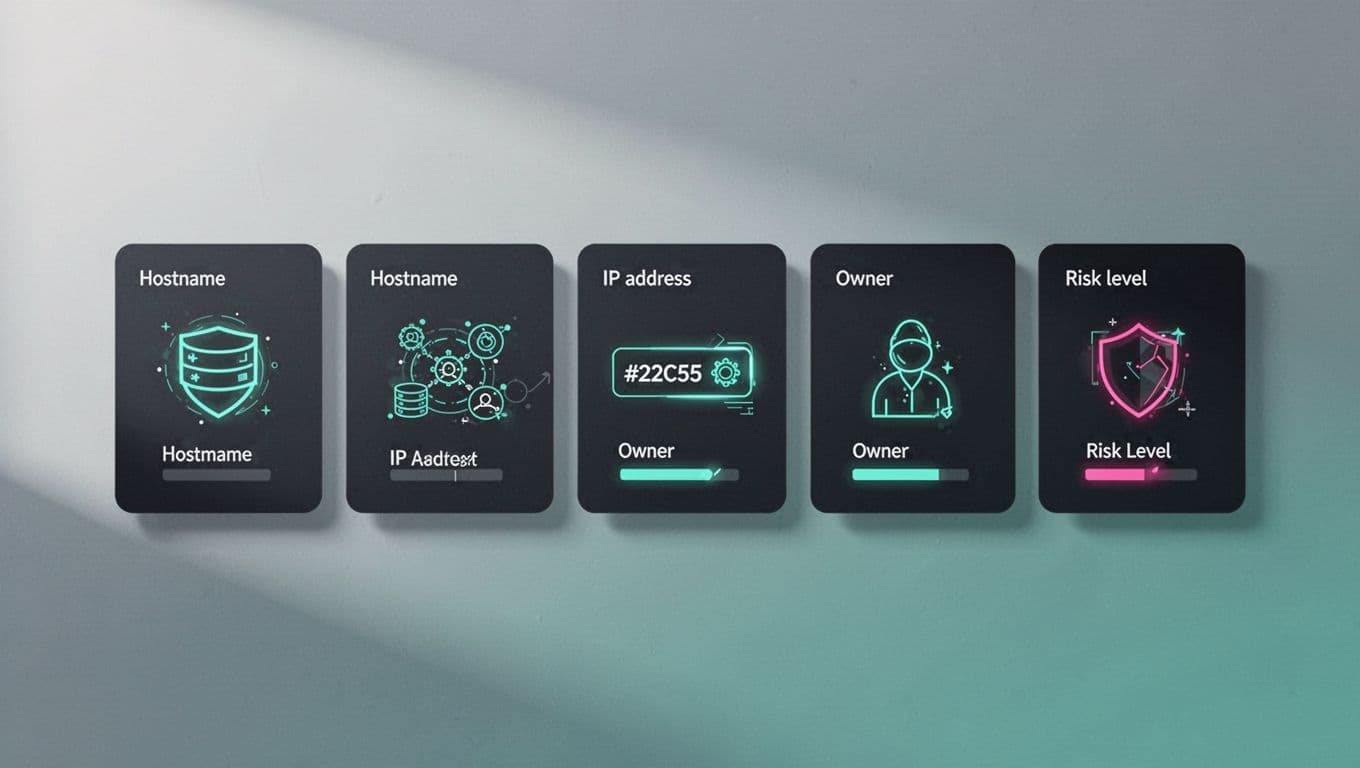
Store in a central repo like a database or CMDB. Export to CSV for quick shares. This step turns chaos into actionable intel.
Assign Owners and Prioritize Risks
Ownership gaps kill response times. Match each asset to a business and technical owner. Query your directory or HR data. Send Slack pings for confirmation.
Business owners know impact. Technical owners handle fixes. Update fields like “business-owner@company.com” and “tech-owner@company.com“.
Prioritize next. Score risks by exposed services, vuln age, and exploit availability. Internet-facing assets get higher weights. Factor data sensitivity and criticality.
Use simple math: Risk = Criticality x Exposure x Vuln Score. Top items first. Weekly reviews adjust for changes.
Tools like EASM platforms automate this. Bitsight’s EASM guide covers multi-cloud prioritization for 2026 enterprises.
Teams act faster with clear owners. One firm cut MTTR by 40% after assignments.
Pick Tools for Ongoing Discovery
Don’t rely on spreadsheets. Choose ASM or EASM tools for scale. They pull from DNS, clouds, and scans continuously.
Compare options: Palo Alto’s ASM comparison lists top 2026 solutions. Look for first-party scanning on non-standard ports.
Integrate with your stack. Cloud connectors sync AWS or Azure every few hours. Vuln scanners feed exposure data.
Open-source works for startups. Warin’s discovery methods detail free subdomain enum and service mapping.
Start small. Pilot one tool, then expand. Budget for 2026 AI features that predict shadow IT.
Maintain a Living Asset Inventory
One-time scans fade fast. Build for continuous updates. Schedule daily pulls from sources. Alert on new assets or drifts.
Run validation loops. Confirm owners quarterly. Rescan ports and services. Update last-validated dates.
Automation closes the loop. Triggers notify owners on high-risk changes. Dashboards show trends like new exposures.
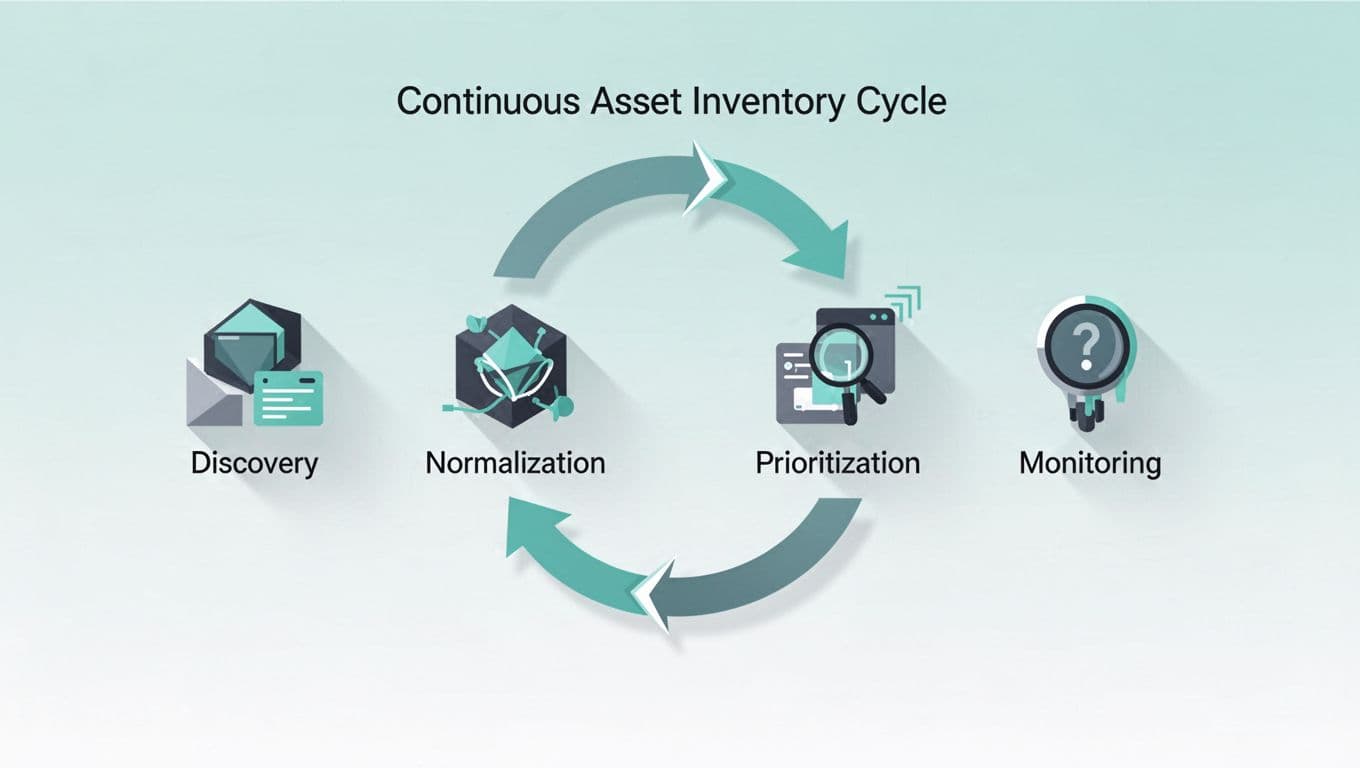
In 2026, weekly checks align with best practices. Immutable logs track changes. This keeps your surface mapped and defenses sharp.
Key Takeaways
A strong asset inventory starts with discovery from DNS, clouds, and scans. Normalize fields like IP, owners, and risks. Assign accountability and prioritize threats.
Automation turns it ongoing. Tools handle the heavy lift, but reviews ensure accuracy.
Your attack surface shrinks as a result. Ready to tackle gaps? Book a Discovery Call with Bud Consulting for tailored advice on teams and tools.
(Word count: 982)