table of contents
Teams often start security risk registers with good intentions. They list threats, score them, and feel productive. Then life happens. The document sits forgotten until an audit forces a scramble.
You know the drill. A security risk register should track threats, owners, and fixes in one spot. But if it’s a chore, no one touches it. This guide shows you how to create one that stays fresh through simple fields, smart scoring, clear roles, and easy updates.
Let’s start with the basics.
Pick Fields That Capture the Essentials
A good security risk register needs fields that matter. Skip fluff. Focus on what drives action.
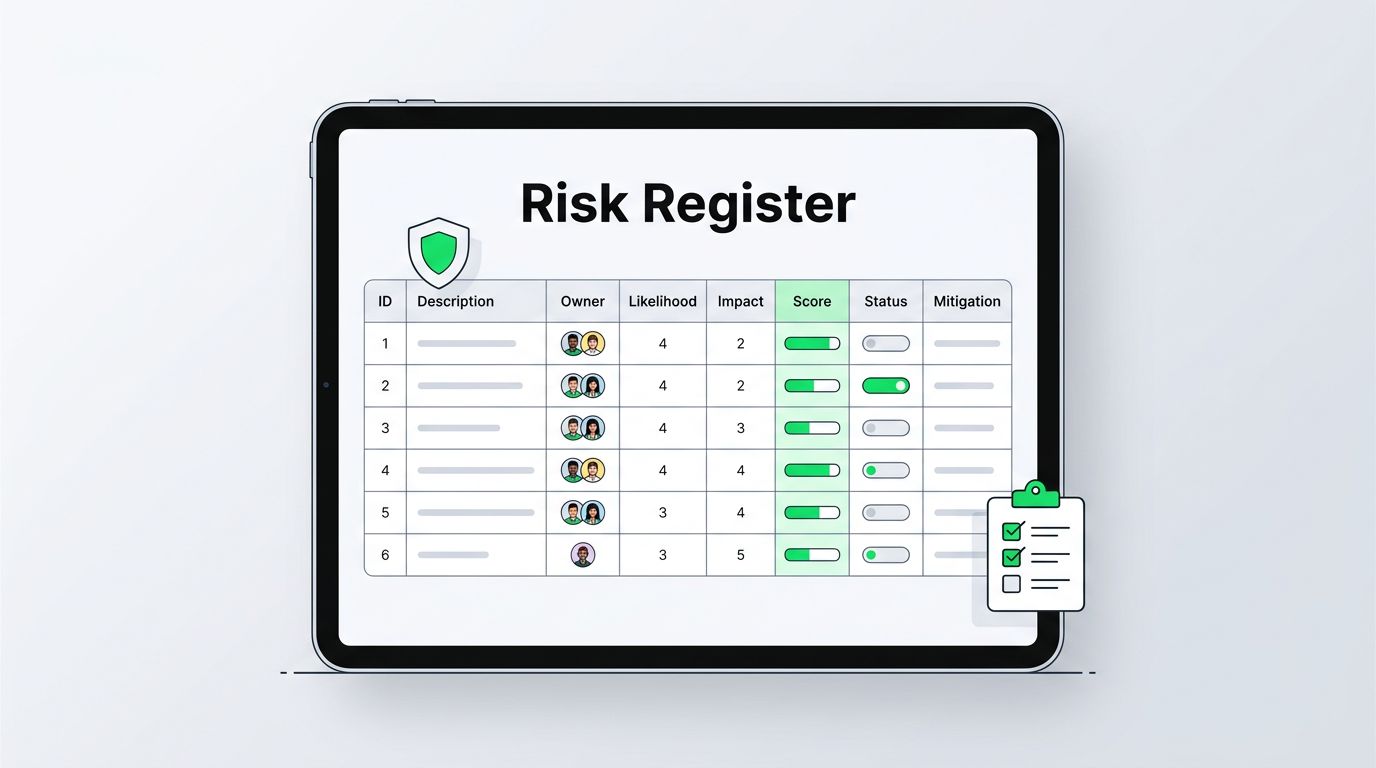
Core columns include risk ID, description, owner, likelihood, impact, score, status, and mitigation plan. Risk ID is a unique number like SR-001 for tracking. Description spells out the threat in plain terms, such as “Unpatched servers expose data to exploits.”
Owner is a person or team name, not a vague department. Likelihood rates chance on a scale from rare to certain. Impact covers business harm like downtime or fines. Score multiplies those ratings. Status tracks open, in progress, or closed. Mitigation lists steps and dates.
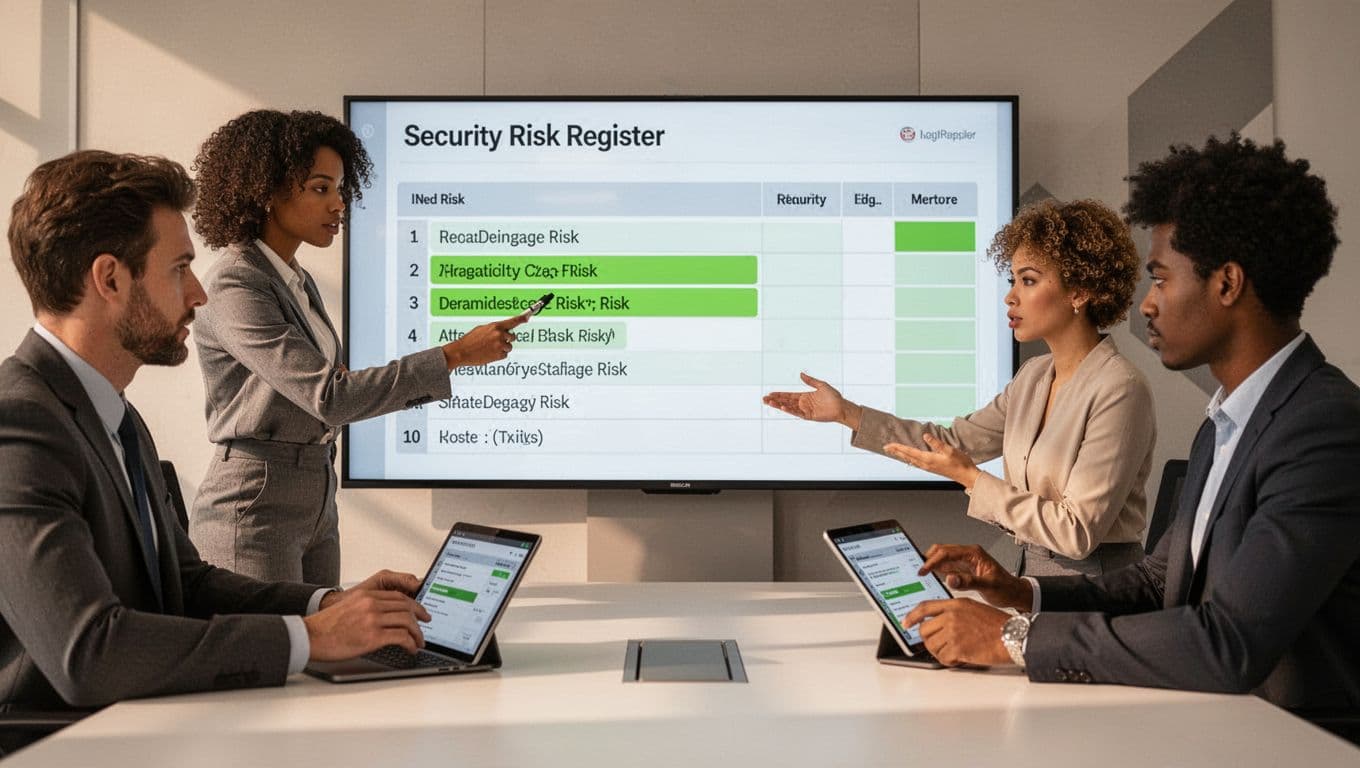
Here’s a visual of those fields in action.
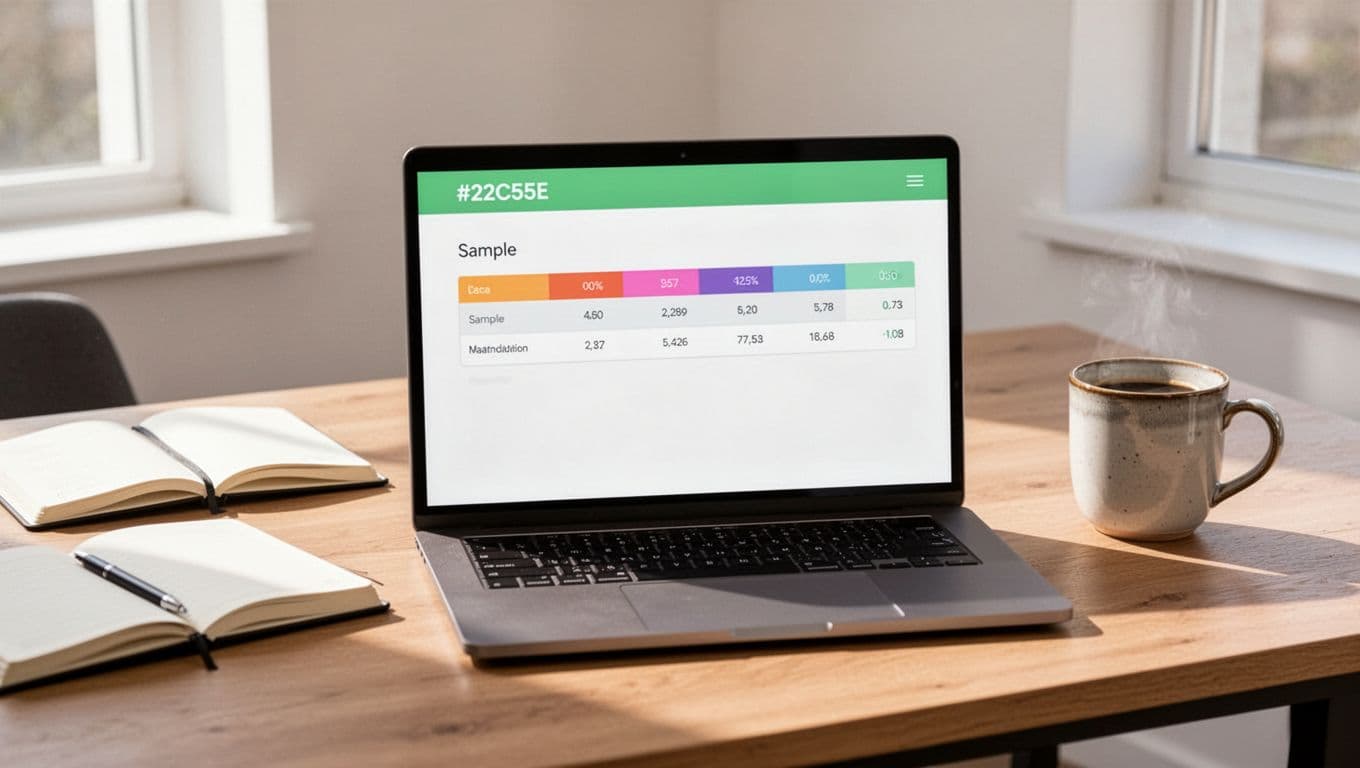
Sample entry: SR-001, “Weak MFA on admin accounts,” owned by IT lead, likelihood medium, impact high, score 12, status in progress, mitigation “Roll out hardware keys by Q2.”
For templates to adapt, check this NIST risk register example or a simple GitHub security risk template. They provide solid starting points.
These fields keep entries concise. Teams fill them fast because each one ties to real work.
Create a Risk Scoring System Everyone Gets
Scoring turns gut feelings into priorities. Without it, everything seems urgent.
Use a 5×5 matrix. Vertical axis is likelihood: very low to very high. Horizontal is impact: negligible to critical. Multiply numbers, say 1-5 each, for a 1-25 score. Color code: green under 5, yellow 6-15, red above.
This setup sorts risks quick. A score of 20 demands attention now. Lower ones wait.
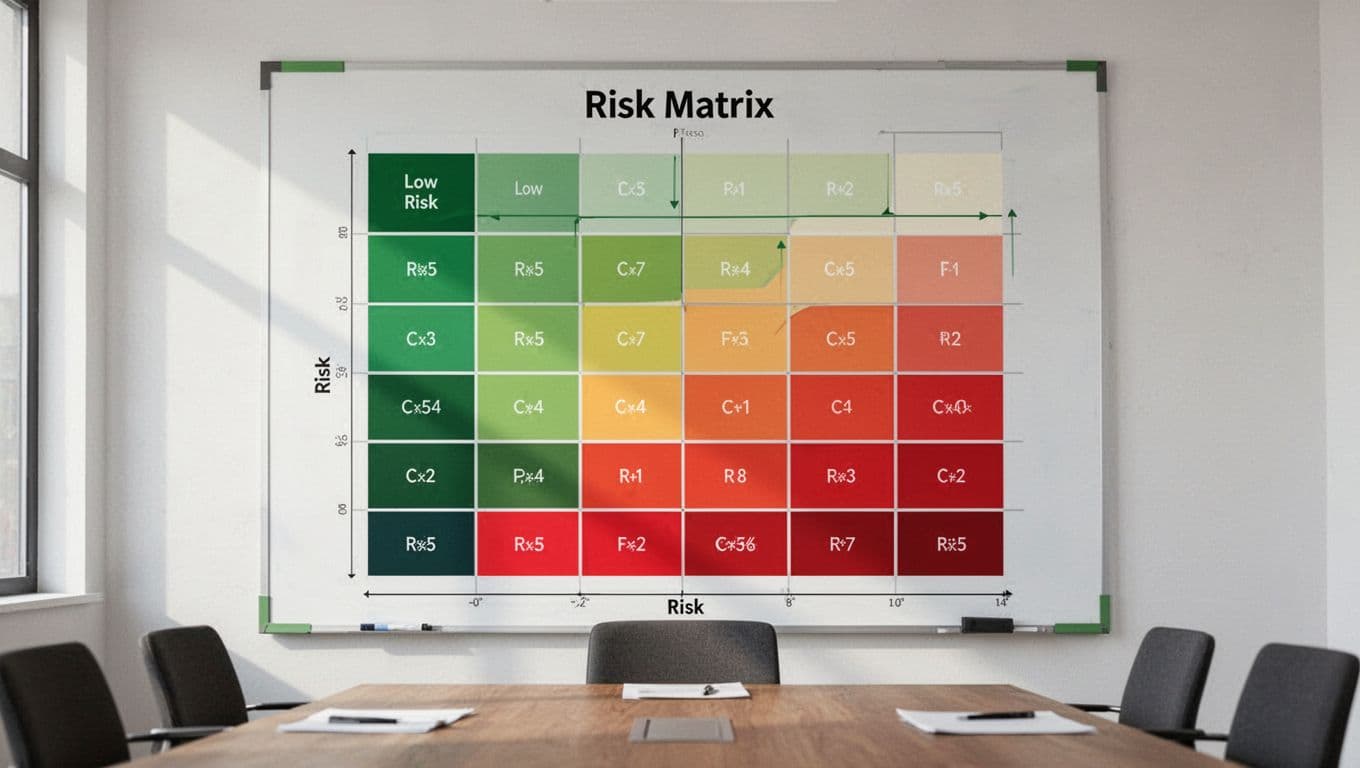
Consider factors like exploit ease for likelihood. For impact, factor revenue loss or regulatory hits. See a cybersecurity risk matrix guide for more examples.
Train teams once. Then scoring becomes habit. It also justifies budgets. Execs see numbers, not opinions.
Assign Owners Who Feel the Heat
No owner means no progress. Pick people close to the risk.
Name individuals first, like “Alex in DevOps.” Teams work if one person leads. Rotate if needed, but keep it clear.
Tie ownership to goals. The cloud team owns misconfigs there. Compliance handles regs. This spreads load.
Document rules upfront. Owners update their rows monthly. They report in standups. Accountability sticks.
If risks cross teams, name a lead and supporters. Everyone knows their part.
Set Up Easy Ways for Teams to Update
Updates die from complexity. Make them part of daily flow.
Use shared tools like Google Sheets or Airtable. Link to Slack for pings. Owners get reminders: “Hey, check SR-005 status.”
Build workflows around sprints. Dev teams log new risks in tickets. Security reviews them weekly.
One trick: Auto-archive closed risks. Keep history, but clean the view. For more on workflows, this risk register maintenance guide covers review cadences well.
Teams stay engaged because updates take minutes, not hours.
Schedule Reviews Without Extra Meetings
Governance keeps the register alive. Set cadences by priority.
High scores get monthly checks. Medium quarterly. Low twice a year. Piggyback on existing meets, like all-hands or board updates.
Appoint a register keeper, maybe you or a deputy. They chase stale entries and run quarterly deep dives.
Track trends. If phishing scores rise, train staff. Use data to shift focus.
Formalize closures. Note why and date. This builds trust for audits.
Light rules work best. Overdo it, and teams tune out.
Key Takeaways for a Register That Lasts
A security risk register thrives on simplicity and rhythm. Define clear fields, score smart, assign real owners, ease updates, and review often. Teams maintain what fits their day.
Start small. Build your version this week. Watch it guide better decisions.
Struggling to roll this out? Book a Discovery Call with Bud Consulting for tailored advice on security processes.
Your risks won’t manage themselves. But this approach makes the job straightforward.