table of contents
SaaS configuration drift sneaks up on teams. One small change here, a forgotten permission there, and suddenly your security posture weakens. You’ve seen it: a vendor update flips a setting, or a new hire grants excess access without telling anyone.
This drift leads to breaches, failed audits, and compliance headaches. In 2026, regulators expect continuous proof of control, not yearly snapshots. You need checklists that catch issues fast.
These practical checklists target key areas like permissions, integrations, and logging. Follow them to spot drift, capture evidence, and stay compliant.
Spot Drift Before It Becomes a Problem
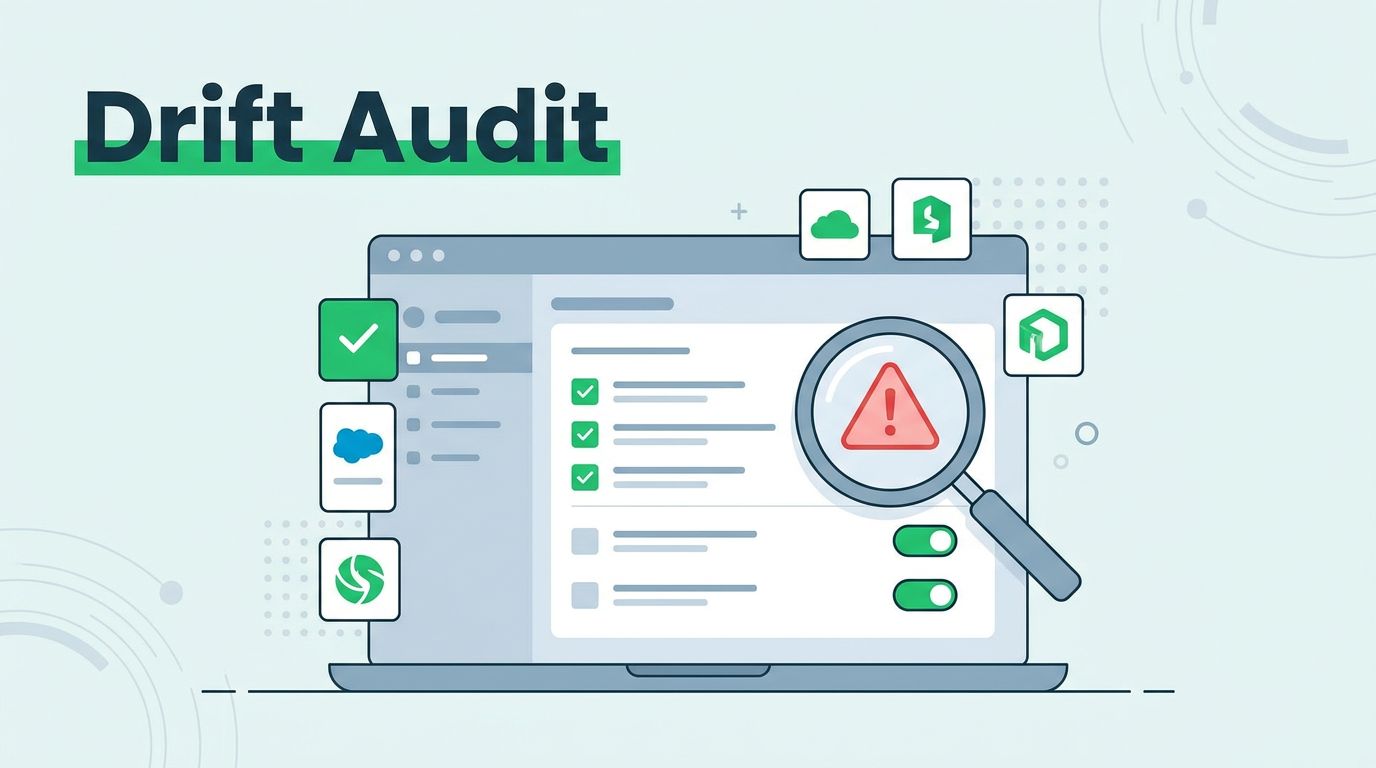
Configuration drift occurs when SaaS settings shift from your secure baseline. Vendor patches, user tweaks, or auto-updates cause it. Without checks, risks grow quietly.
Start with a baseline. Document ideal settings for each app based on CIS controls or NIST guidelines. Compare current states against this reference quarterly at minimum.
Capture screenshots or exports as evidence. Note the date, who made changes, and remediation steps. Tools like SSPM platforms automate this baseline creation.
Red flags include shadow admins or orphaned API keys. Review tenant policies monthly because they affect all users. For example, in Slack, verify if external sharing defaults changed after a feature rollout.
Frequency matters. Daily scans for high-risk apps like email or CRM prevent major slips. Weekly for mid-tier tools. This rhythm keeps operations smooth and auditors happy.
Checklist for Permissions and Access Controls
Permissions drift tops audit findings. Users gain god-mode access over time, or ex-employees linger. Check these items first.
Run a full access review. Export role assignments and scan for over-privileges. Look for custom roles that bypass standard groups.
Verify least privilege. No one needs admin unless proven. Capture before-and-after exports.
Here’s your checklist:
- Confirm admin counts match approved list; flag unknowns.
- Audit shadow admins via service accounts or delegated access.
- Check group memberships; remove inactive users.
- Review app-specific permissions like Google Workspace sharing rules.
- Test role changes; simulate a promotion and revoke extras.
Do this monthly. Evidence: CSV exports timestamped and signed off.
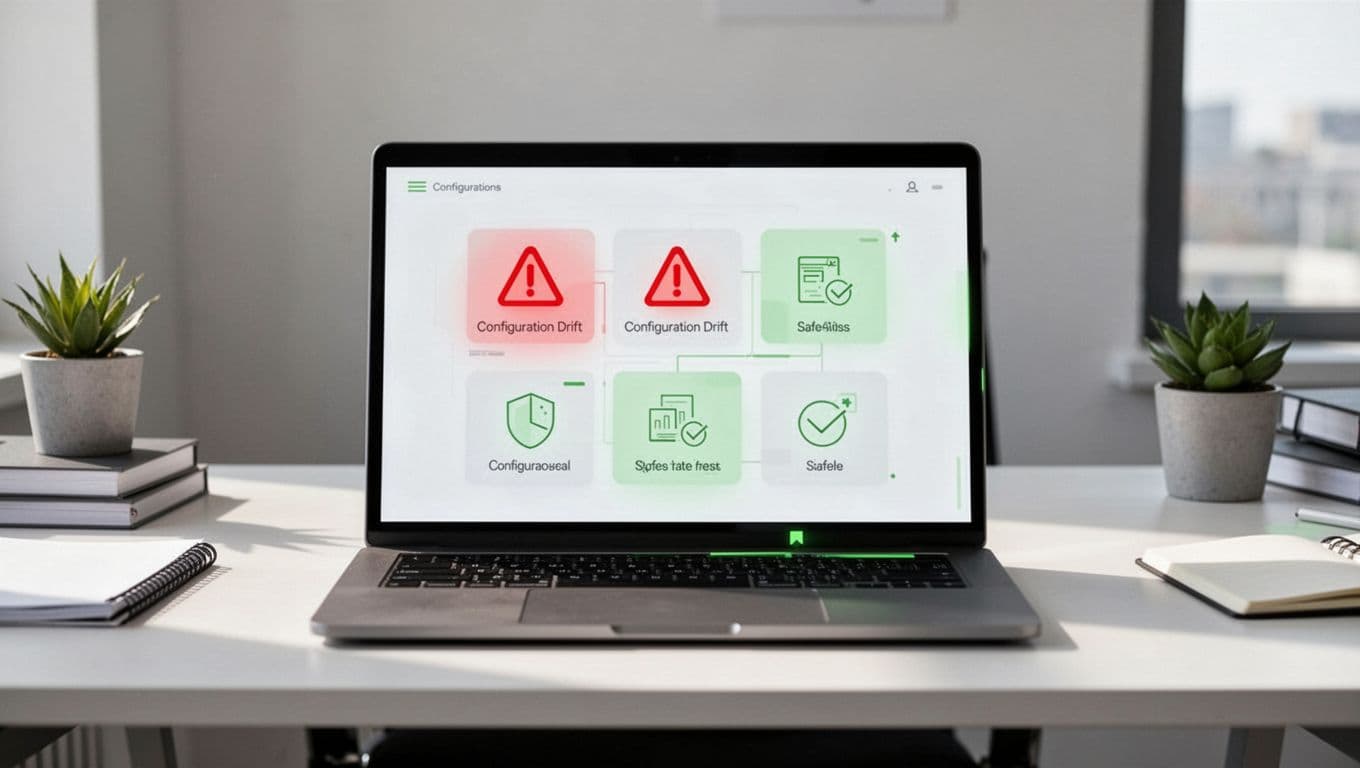
Dashboards highlight drifts with alerts. Set thresholds, like over 10% excess permissions, to trigger reviews. For deeper SSPM tactics, see Valence Security’s SaaS posture checklist.
Checklist for Authentication and SSO Settings
Weak auth invites attacks. Drift here means MFA lapses or SSO misconfigs. Auditors hammer this area.
Enforce MFA everywhere. No exceptions for “convenience.” Check enforcement policies in Okta or Azure AD.
Review session timeouts. Default to 8 hours max; idle at 15 minutes. Test with a low-priv user.
SSO drift checklist:
- Validate IdP mappings; no direct logins allowed.
- Confirm password policies sync (length, complexity).
- Scan for legacy auth methods like basic auth.
- Audit conditional access; block risky IPs.
- Log MFA bypass attempts; investigate zeros.
Bi-weekly reviews suffice because changes cluster around onboarding. Save policy screenshots and login logs as proof.
In 2026, continuous monitoring catches vendor MFA tweaks instantly. Tools flag drifts against your baseline.
Checklist for Integrations and API Management
Integrations multiply drift risks. One rogue OAuth grant exposes data across apps. API tokens compound it.
Inventory all connections. List apps, scopes, and expiry dates. Revoke unused ones.
Check token storage. No hardcoding in repos; use vaults like HashiCorp.
API drift checklist:
- Enumerate OAuth apps; limit scopes to read-only where possible.
- Rotate tokens quarterly; automate reminders.
- Monitor usage logs; flag spikes.
- Verify webhook endpoints; ensure TLS only.
- Audit third-party integrations for permission creep.
Quarterly full scans, plus alerts on new grants. Evidence: Token lists with expiry columns.

Broken links signal drift. For control strategies, check JoSys on monitoring configuration drift.
Checklist for Logging, Data Retention, and Policies
Logging gaps hide incidents. Retention too short erases audit trails. Tenant policies drift with user growth.
Enable full audit logs. Retain 90 days minimum; 365 for compliance.
Data export controls: Block bulk downloads without approval.
Checklist:
- Confirm log forwarding to SIEM; test ingestion.
- Review retention settings; align with regs like SOC 2.
- Audit tenant policies for sharing defaults.
- Check download alerts; enable for >1GB.
- Scan for disabled logging in high-risk apps.
Monthly for logs, bi-annual for retention. Export configs as PDFs.
Vendor updates often reset these. Baseline them post-patch.
How to Automate and Schedule Your Audits
Manual checks scale poorly. Automate with SSPM or custom scripts.
Build policy-as-code. Define baselines in YAML; tools enforce them.
Schedule via cron or workflows:
- Daily: Alert on critical drifts (MFA, admins).
- Weekly: Permission scans.
- Monthly: Full integrations review.
- Quarterly: Deep policy audit.
Integrate with ticketing. Auto-remediate safe fixes, like token expiry.

Start small: Pick three apps, automate one checklist. Scale out. CloudEagle’s 2026 SSPM checklist offers scheduling templates.
Evidence trails prove diligence. Tag findings by control ID (e.g., NIST AC-2).
Conclusion
Regular audits with these checklists lock down SaaS drift. Focus on permissions, auth, integrations, and logs to build resilience. Automation turns checks into habits, not chores.
You’ll pass audits with evidence ready and cut breach risks. Teams sleep better knowing baselines hold.
Need help scaling this? Book a Discovery Call with Bud Consulting to discuss your setup. Stay vigilant.