table of contents
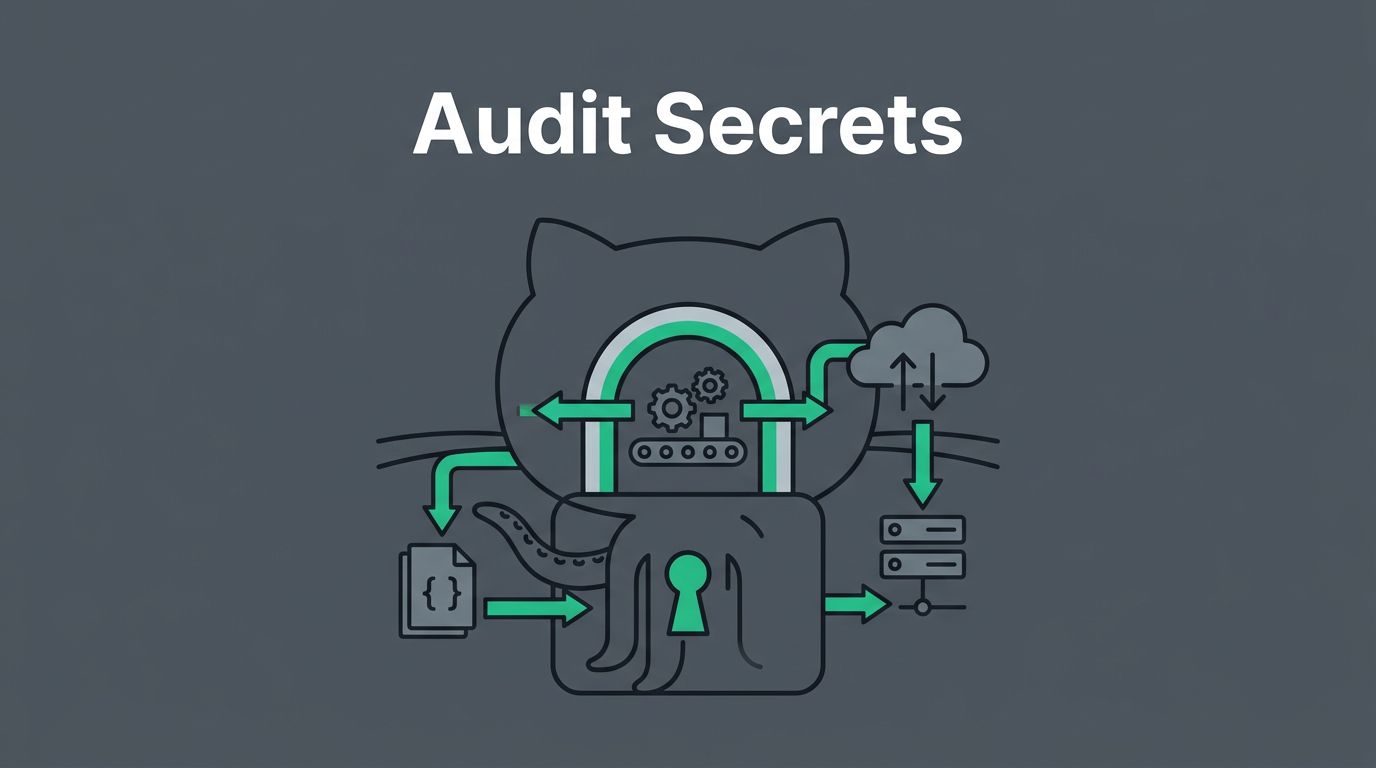
A leaked token in GitHub Actions can do more than expose one repo. It can open release steps, cloud access, and artifacts that other systems trust. A careful GitHub Actions secrets audit looks at where secrets flow, who can trigger them, and which jobs can use them.
If your workflows build, test, deploy, or publish packages, the audit matters even more. One weak workflow can become the easiest path into your software supply chain. The good news is that you can review the highest-risk paths first and shrink the blast radius fast.
Table of contents
- Why GitHub Actions secrets create supply chain risk
- What to inventory first in a secrets audit
- Workflow patterns that deserve extra scrutiny
- Least-privilege settings that shrink blast radius
- Secret rotation, revocation, and cleanup
- Monitoring and audit trails that catch drift
- A practical GitHub Actions secrets audit checklist
- When outside review helps
- Conclusion
- FAQ
Why GitHub Actions secrets create supply chain risk
GitHub Actions is not just CI. It often touches code, builds, deploys, and release assets in one path. That makes secrets more sensitive than they look in the UI.
A secret in a workflow can reach many places. It can go into a shell command, an API call, a cloud login, a Docker push, or a release publish. If an attacker gets control of one workflow run, they may reach everything that secret can touch.
That is why a secrets review has to look at the whole path, not only the secret store. GitHub’s security guides for GitHub Actions are a solid baseline, and the best practices for securing your build system page shows how build trust and workflow trust connect.
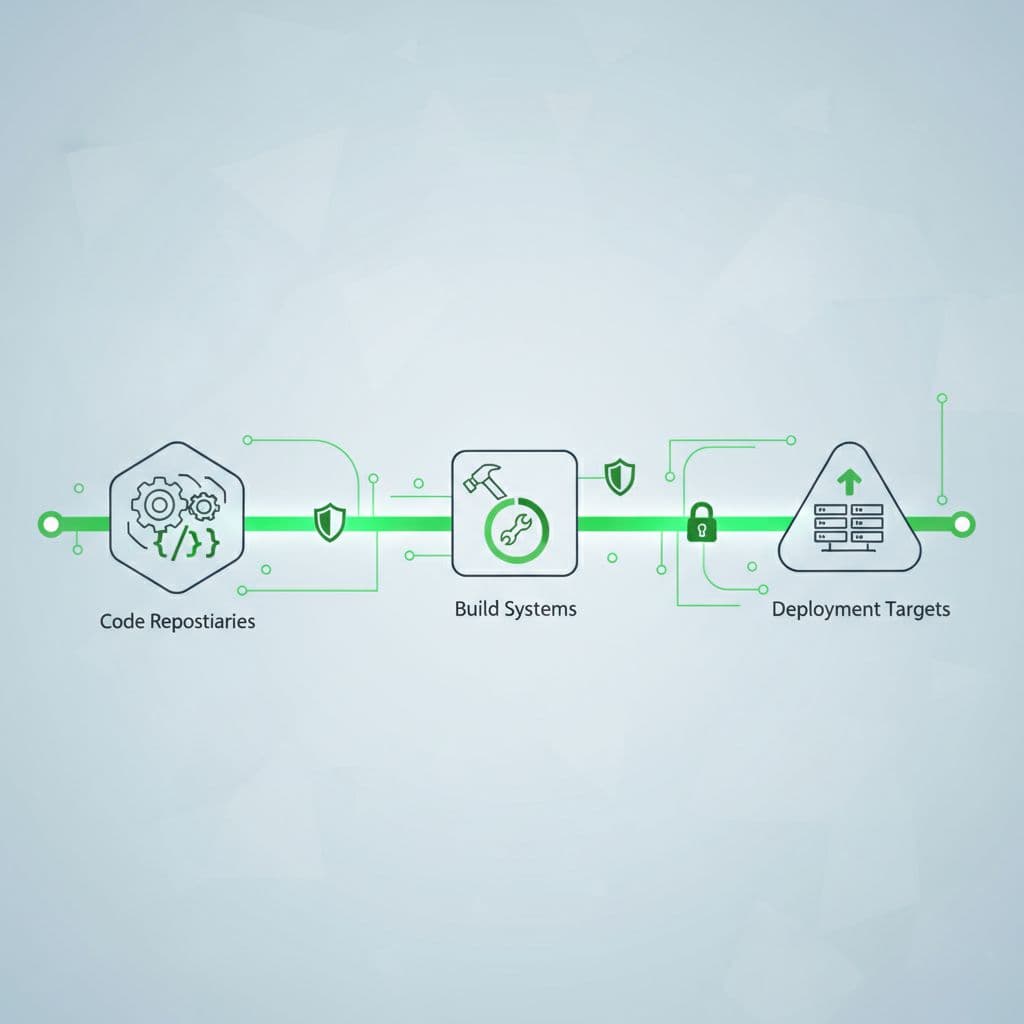
The core risk is simple. If a workflow can accept untrusted input and reach a privileged credential, the workflow becomes part of your attack surface. That includes dependency updates, release jobs, forked pull requests, reusable workflows, and self-hosted runners.
What to inventory first in a secrets audit
Start with the workflows that can do the most damage. Don’t begin with low-risk test jobs. Begin with anything that can deploy, publish, or reach external systems.
A good inventory should include repo secrets, org secrets, environment secrets, reusable workflows, runner pools, and third-party actions. It should also show who owns each workflow and which jobs can call it.
Use this simple priority table to focus your first pass:
| Risk signal | Why it matters | What to check first |
|---|---|---|
pull_request_target | It can run with more access than a normal PR workflow | Confirm it never checks out or runs attacker code |
| Self-hosted runners | They can keep state and widen lateral movement | Review runner isolation, network access, and cleanup |
secrets: inherit | It can pass more secrets than the job needs | Replace it with explicit secret mapping |
| Third-party actions by tag | Tags can change later | Pin every action to a full commit SHA |
| Deployment jobs with write access | Write permissions can alter releases or repo settings | Scope permissions: to the exact job need |
| Artifact or cache uploads | Sensitive files can outlive the run | Block .env, keys, and credential files |
The pattern matters more than any single line. A workflow that uses secrets, a third-party action, and a writable token needs immediate review. That combination creates a wide blast radius.
If a workflow can touch untrusted input and a privileged token, treat it like a release path, not a convenience job.
For each workflow, ask three questions. Who can trigger it? What can it reach? What data can it trust? Those answers tell you where the real risk sits.
Workflow patterns that deserve extra scrutiny
Some workflows deserve a slower and sharper review. The biggest red flag is any job that handles untrusted input and then runs shell commands with access to secrets or write tokens.
pull_request_target is the classic example. It can be useful, but it is dangerous in public repos and forked contribution flows. If that trigger checks out pull request code or passes PR content into a shell command, the workflow can leak secrets or modify repo state.
Watch for these patterns as well:
- PR titles, labels, branch names, or commit messages used in shell commands without validation
- workflows that print environment variables for debugging and forget to remove the step
- release jobs that reuse the same runner or token setup as test jobs
- reusable workflows that accept broad secret access but only use one credential
- third-party actions that are pulled from tags like
v1instead of a pinned SHA
The issue is not just malicious code. It is also accidental trust. A branch name with a quote character can break a script. A label can change the path of a deployment. A build artifact can include a file nobody meant to ship.
GitHub’s secure use reference explains checks around token permissions, pinned actions, and other supply chain controls. That guidance is useful because it forces you to look at the workflow as a trust boundary.
A safe rule helps here. If the workflow handles user-controlled content, keep it away from secrets, write permissions, and deployment steps. Separate the job that validates the input from the job that uses privileged access.
Least-privilege settings that shrink blast radius
Least privilege is the fastest way to cut risk without breaking everything. In GitHub Actions, that means controlling token scope, secret scope, and runner scope at the same time.
Start with the default GITHUB_TOKEN. Set it to read-only unless a job truly needs write access. Then grant write permission only in the specific job that needs it, not across the entire workflow.
Next, use environment protection for production secrets. Approval gates, branch rules, and deployment reviewers keep a broad class of mistakes from reaching sensitive systems. That matters more than storing the secret in a different place.
A few practical rules make this easier:
- Give PR jobs read-only access.
- Give deploy jobs only the permissions they need.
- Keep secrets at the job or environment level when possible.
- Avoid job-wide
env:values for sensitive credentials. - Prefer OIDC for cloud access instead of long-lived keys.
- Separate trusted and untrusted runners.
OIDC is one of the cleanest fixes for supply chain risk. It replaces static cloud keys with short-lived identity tokens. That reduces the chance of a leaked secret lasting for months.
If you manage self-hosted runners, be stricter than you think you need to be. Separate runner pools by trust level. Don’t let a runner that handles untrusted pull requests also handle production deploys. Also review who can register runners and whether the host image is rebuilt often enough.
Use CODEOWNERS for workflow files if your team can support it. GitHub recommends that approach in its build-system guidance, and it gives security teams a simple review gate on .github/workflows changes.
Secret rotation, revocation, and cleanup
Rotation is not a backup plan for bad workflow design, but it still matters. If a secret ever leaks, or if a workflow grows broader access than planned, rotation limits the damage.
Rotate based on exposure, not only on time. A secret should move faster when it touches production, cloud access, package publishing, or signing. If a credential is shared across jobs or reused in other systems, that is a reason to shorten its life.
A clean rotation usually follows three steps:
- Add the new secret or trust method first.
- Update the workflow and confirm the new path works.
- Revoke the old credential and remove any stale references.
This is where many audits fail. The new secret works, but the old one stays live in a reusable workflow, a release script, or a copied environment. Keep a map of where each credential is used so you can remove the old path with confidence.
Also remove what nobody uses. Old repo secrets are easy to forget. So are expired cloud keys, stale package tokens, and test credentials that migrated into production by mistake. If a secret has no owner, no expiry date, and no documented use, it is overdue for deletion.
Monitoring and audit trails that catch drift
A one-time review is useful, but it will drift. Workflows change. Runners get added. Actions update. Secrets get copied into new jobs.
You need signals that catch that drift early. Start with repository and organization audit logs. Watch for workflow file changes, secret creation, runner registration, environment rule edits, and permission changes. Those events tell you when the trust model shifts.
Also monitor the workflow itself. Search for accidental secret output in logs, base64-encoded values, and debug steps that print too much. Masking helps, but it does not protect you from every leak. If a job echoes an API response or writes a credential into an artifact, the mask may not save you.
Review artifacts and caches with the same suspicion. Sensitive files should never be uploaded by default. A broad upload path can capture .env files, signing keys, or tokens left behind by a setup step. Caches can also preserve material that should have died with the job.
For supply chain hygiene, GitHub’s secure use reference is worth keeping close. It ties together token scope, pinned actions, and supply chain checks like Scorecards. Those controls are most valuable when you review them regularly instead of once a year.
A practical GitHub Actions secrets audit checklist
Use this checklist when you want a fast but meaningful review. It works well as a monthly control or a pre-release gate for risky repos.
- List every workflow in scope, including reusable workflows and release workflows.
- Mark the workflows that use secrets, write tokens, self-hosted runners, or third-party actions.
- Confirm the default
GITHUB_TOKENis read-only. - Review every
permissions:block and remove excess access. - Replace action tags with full commit SHA pins.
- Check for
pull_request_targetand other flows that can run on untrusted input. - Verify that PR jobs cannot reach production secrets.
- Search artifacts, caches, and logs for credential spillover.
- Confirm cloud access uses OIDC where possible.
- Rotate or delete stale secrets, then record the owner and next review date.
If a workflow fails any of these checks, treat it as high priority. Fix the access model first, then revisit the content of the job. That order matters because a well-written job is still dangerous if it holds too much power.
When outside review helps
Some teams can run this audit in-house. Others have too many repos, too many reusable workflows, or too many release paths to inspect quickly.
An outside review helps when the same secrets feed several pipelines, when self-hosted runners share trust zones, or when a new CI model is replacing old cloud keys. It also helps when security and platform teams keep seeing the same workflow mistakes in different repos.
If that sounds familiar, Book a Discovery Call with Bud Consulting and pressure-test the workflows that carry the most risk. A short review often finds access paths that internal teams stop seeing because they see them every day.
Conclusion
A strong GitHub Actions secrets audit does not start with secret storage. It starts with trust flow, who can trigger a job, what that job can reach, and how far a leaked credential can travel.
The safest teams reduce access first, then rotate what remains, then watch for drift. That order keeps a small mistake from turning into a supply chain problem.
FAQ
How often should you audit GitHub Actions secrets?
Run a full audit at least quarterly, then repeat it after major workflow changes, secret rotations, runner changes, or release incidents. High-risk repositories may need monthly review.
Is pull_request_target always unsafe?
No, but it needs tight controls. Avoid it for workflows that run untrusted code or reach secrets. For public repos and forked PRs, pull_request is usually the safer default.
Should cloud credentials live in GitHub secrets?
Use OIDC and short-lived cloud tokens when the provider supports it. Static cloud keys should be a fallback, not the main model.
What is the fastest way to lower risk today?
Set GITHUB_TOKEN to read-only, pin all third-party actions to commit SHAs, block secrets from PR jobs, and remove unused credentials. Those four changes cut a lot of common exposure fast.