table of contents
A single rushed reset can undo layers of MFA protection. Attackers know that, which is why MFA reset fraud keeps showing up at help desks, service desks, and MSP support lines.
The weak spot is often not the technology. It’s the moment a support agent feels pressure to help fast and skips one verification step.
Training has to fix that moment. The goal is simple, give agents a repeatable way to slow the request down, verify the caller, and escalate risk without turning every ticket into a debate.
Why MFA reset fraud keeps working
Attackers target resets because they want a shortcut past strong authentication. If they can convince support to re-enroll a device or clear a second factor, they do not need the user’s token at all.
Many teams still treat a reset like a service task instead of a security action. That gap is where fraud slips in. For a useful look at tighter reset controls, see help desk resets as security gatekeepers.
The most common playbook is plain social engineering. The caller says they are locked out before a meeting, traveling, or unable to receive prompts after a lost phone. They may know a few real details from a breach or social media. That is enough to sound convincing.
Support teams need to understand one basic truth: confidence is not identity.
If the request depends on urgency more than proof, treat it as risky.
Train agents to spot pressure, fake urgency, and weak identity clues
Good training starts with pattern recognition. Agents should hear examples, not abstract warnings. Attackers often use the same hooks because they work.
Watch for these red flags:
- Urgency pressure. The caller says they are late for a board meeting, on a flight, or about to miss payroll.
- Borrowed authority. They claim to be a manager, executive, or vendor sponsor who needs an exception.
- Device-loss stories. They say their phone was stolen, broken, wiped, or replaced.
- Oddly complete but shallow details. They know a name and title, but fail on records that should be easy for a real employee.
- Resistance to process. They push back on the callback step, ask for a one-time exception, or try to reroute the agent to a different number.
- Repeated requests. They open several tickets, switch channels, or keep calling until someone says yes.
- Callback phishing setups. They receive a fake IT message that tells them to call a number, which leads to the attacker.
Teams should practice these signs with short scenarios. For example, a caller says, “My phone died at the airport and I need a reset before my meeting.” That may be true. It also matches a classic fraud story.
The right response is steady and boring. That is a good thing.
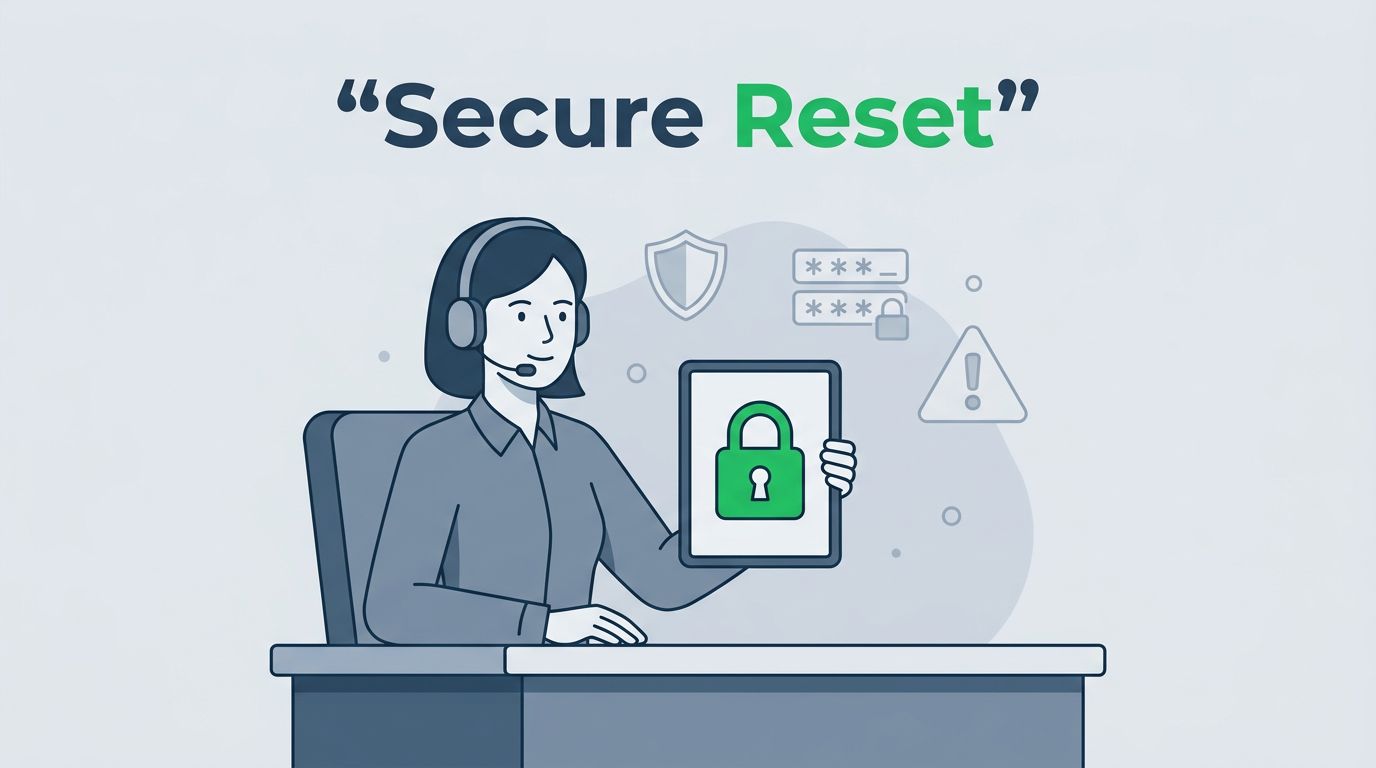
“I can help with the reset, but I need to verify through the approved callback process first.”
That one sentence gives the agent a script they can repeat under pressure. It also keeps the conversation from becoming personal.
Build a verification workflow that attackers hate
Verification works best when it is a workflow, not a memory test. Agents should not invent steps on the fly. They should follow the same path every time.
Out-of-band checks matter because they use a separate channel the attacker is less likely to control. For a solid explanation of this approach, see service desk operators handle resets.

A simple workflow can look like this:
- Open the ticket and check the request source, time, and device details.
- Compare the request to known account history, including prior reset patterns.
- Call back the number on file, not the number the caller gives during the ticket.
- Confirm identity using approved data points that are hard to guess or scrape.
- Require manager approval for high-risk users, such as executives, finance staff, admins, and contractors.
- Complete the reset only after the second verification step passes.
That process slows attackers down. It also helps real users because the rules are clear.
A useful callback script sounds like this:
“I received the request. I need to call the number we have on file, then I’ll continue with the reset if verification passes.”
If the number on file is outdated, the agent should not improvise. The request should move to an approved alternate path.
Set reset rules that leave less room for improvisation
Training fails when policy is loose. If agents can choose their own exceptions, attackers will find the weakest one.
Service desks should define which resets are routine and which are high risk. High-risk cases need extra steps, and those steps should be non-negotiable. That includes resets for privileged users, after-hours requests, device replacements, vendor access, and repeated failures on the same account.
For more on why policy has to shape the process, the help desk as an attack surface is a helpful read.
Use clear rules like these:
- No reset on urgency alone.
- No reset on a phone number or email address that was only provided in the current call.
- No exception without manager approval when the account is sensitive.
- No new MFA device enrollment until the callback check passes.
- No bypass of the ticketing flow, even for executives.
Where possible, move high-risk users to phishing-resistant MFA such as FIDO2 security keys. That reduces the chance that a stolen code or prompt can be reused later.
Training should also teach agents when to stop and escalate. If the caller refuses the callback, seems scripted, or pushes for a policy exception, the agent should hand the case to a manager or security contact.
Document every reset and review the near misses
Fraud grows in silence. Good documentation makes patterns visible.
Every reset ticket should capture the same facts. Keep the record short, but complete. It should show who asked, how they were verified, what channel was used, what approval was given, and who completed the action.
Useful fields include:
- Requester name and account
- Ticket number and time received
- Callback number used
- Verification steps completed
- Manager approval, if needed
- Any exception granted
- Agent name
- Follow-up action, if the request looked suspicious
The record matters even when the reset is denied. A denied request can be a useful warning sign for the SOC, IAM team, or help desk manager.
Near-miss reviews are where training gets better. After a suspicious request, review the ticket, the call recording, and the exact language used by both sides. Ask what clue was missed, what step caused friction, and whether the policy was easy to follow.
The team should also check if the same account was targeted before. A repeat request may point to a wider campaign, not a one-off mistake.
A help desk checklist you can use this week
Use this as a quick operating list for reset calls and tickets:
- Ask for the approved callback path before any MFA reset.
- Verify the caller against records already on file.
- Treat urgency, travel, and device-loss stories as risk signals.
- Escalate requests tied to executives, finance, admins, or contractors.
- Require manager approval when policy says the request is high risk.
- Log every verification step and every exception.
- Send suspicious requests to the security team or IAM owner.
- Review denied requests and near misses during training meetings.
If you want to turn this into a working playbook for your team, Book a Discovery Call with Bud Consulting.
Conclusion
Attackers do not need to beat MFA if they can talk the help desk into resetting it. That is why training has to focus on behavior, not just policy docs.
When agents know the red flags, follow a callback rule, and escalate high-risk requests, MFA reset fraud gets much harder to pull off. The best help desks do not rely on memory or pressure. They rely on a process that is hard to rush and easy to prove.