
table of contents
Automated email sends fast. That speed helps marketing, but it also creates blind spots when data moves across systems.
A CRM sync, a behavior trigger, or an API update can change who gets what and when. Without email workflow security, one bad field mapping or stale permission can turn a routine send into a brand problem.
Security teams need to review these workflows before launch and after every change. The goal is simple, protect customer data, message integrity, and the business itself.
Hidden risks hide in the connections, not the copy
Most teams focus on subject lines and templates. The real exposure often sits in the plumbing behind the send.
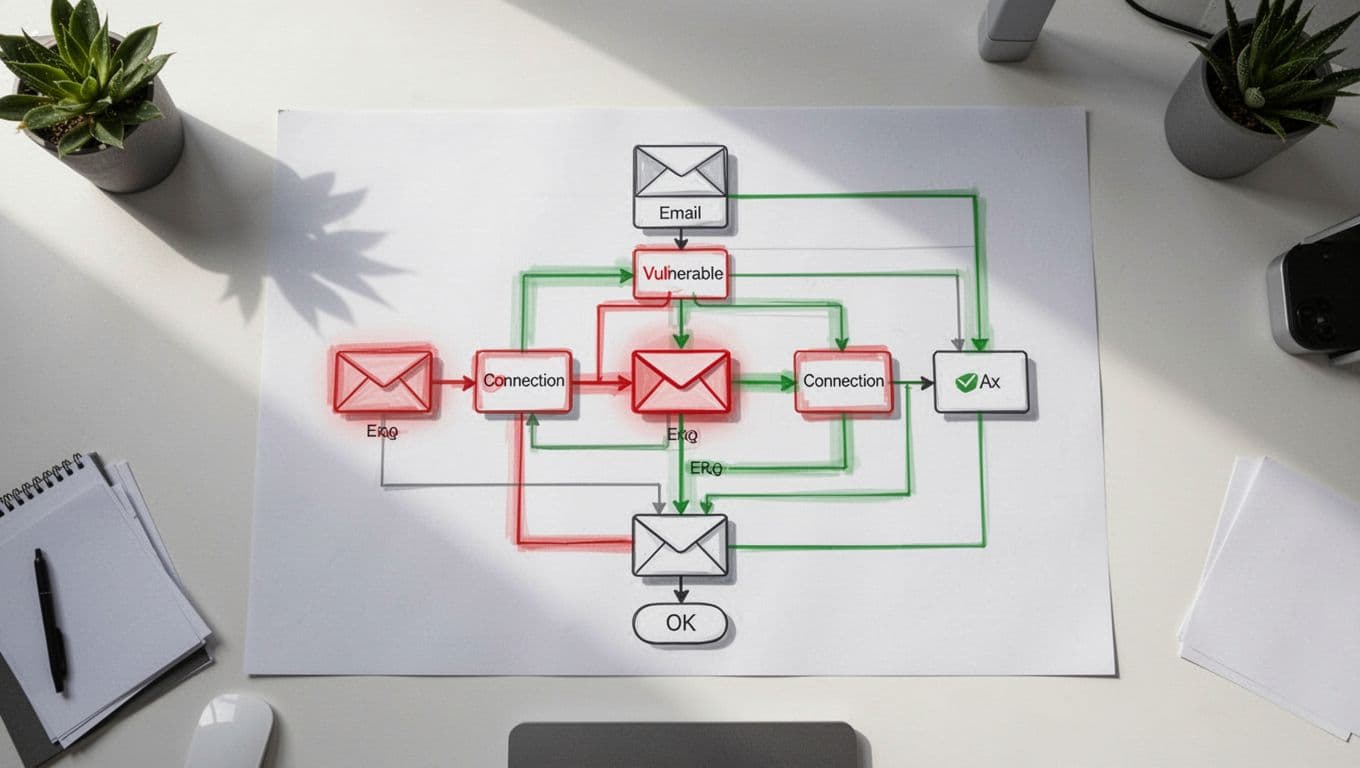
A CRM-to-email platform sync can pull in consent flags, account status, lifecycle stage, and job title. If one field maps wrong, a nurture path can hit the wrong contact or reveal data that should stay inside sales or support. Behavioral triggers add another layer of risk, because a webinar registration, a product page visit, or a lead score threshold can launch a message with no human review.

A workflow can look safe in the builder and still fail after one small data change.
API integrations make this even more important. Enrichment tools, support systems, ad platforms, and webinar tools all feed the same email engine. If one token leaks or one webhook is abused, a malicious change can travel through a trusted path and look normal on the surface.
Workflow reviews catch the problems teams miss
Security review is valuable because it finds issues that don’t show up in campaign QA. A send can render perfectly and still be unsafe.
Role-based access is a common weak spot. A contractor may still have publish rights after a project ends. A junior marketer may be able to edit suppression logic. A RevOps admin may hold an old API key that never got rotated. Those gaps matter because a compromised account can launch branded messages that appear legitimate to customers and to filters.
Recent threat research shows why that matters. Cisco Talos research on workflow automation abuse describes threat actors using trusted automation platforms to deliver phishing content through familiar systems. In other words, attackers like tools that already look approved.
Email workflows also sit inside a broader attack pattern. Microsoft’s April 2026 phishing analysis shows how convincing email can become when attackers hide inside ordinary business communication. That is a clear reminder for marketing teams. A message can follow the right format and still carry the wrong intent.
The business case reaches beyond security
Security teams should care about more than breaches. Automated email workflows touch brand risk, customer trust, compliance exposure, and operational resilience.
A single bad send can damage trust faster than a long incident report can repair it. If customers get the wrong message, the wrong offer, or a message that ignores their preferences, they notice. If a suppression list fails, they notice even faster. Marketing works hard to build credibility, so a broken workflow can undo months of careful work in minutes.
Compliance also lives in these systems. Unsubscribe handling, consent fields, regional rules, and retention settings all depend on clean workflow design. For a plain-English look at the core requirements, see this CAN-SPAM compliance guide for email marketers. Teams running high-volume outbound programs should also compare their setup with a cold email compliance checklist 2026.
Operational resilience matters too. When one workflow fails, the impact is often wider than one campaign. A broken CRM sync can stall lifecycle nurtures. A bad lead score rule can flood sales with low-quality alerts. A stale API connection can stop renewal reminders or route messages to the wrong segment. Those are business problems, not just email problems.
A practical review framework for security and marketing
A good review process should feel routine, not heavy. It should also happen early, before a campaign is live and before the next integration change creates a new risk.

The controls that matter most
- Data paths: Confirm which CRM fields flow into the email platform, and remove anything the campaign does not need.
- Trigger logic: Check behavioral rules, score thresholds, and suppression rules for edge cases.
- Access controls: Limit who can edit templates, publish sends, and manage API keys.
- Authentication and integrations: Review SPF, DKIM, DMARC, service accounts, token rotation, and webhook endpoints.
- Audit trail: Log approvals, changes, and exceptions so you can trace a send later.
That framework works best when security and marketing share ownership. Security should validate the controls. Marketing should explain the business intent. RevOps should confirm the data flow. When those three groups review the same workflow together, they catch issues much earlier.
If your team needs outside help aligning that process, Book a Discovery Call with Bud Consulting can be a practical next step.
Security review belongs before launch
Automated email gets its value from speed. That same speed can hide weak permissions, broken syncs, and risky triggers.
Security review gives teams a clean way to protect brand trust, keep compliance on track, and avoid preventable workflow failures. In email workflow security, the last check before send often matters most.




