
table of contents
Contractor exits often create more risk than teams expect. One missed account, one shared folder, or one forgotten badge can leave a door open for weeks. A solid contractor offboarding checklist closes those gaps before the work relationship ends.
It also keeps legal, IT, security, and operations aligned. That matters even more in 2026, when stale access and missing records still show up in breach reports and audit reviews.
Why contractor offboarding needs its own playbook
Contractors rarely pass through the same HR flow as employees. They may use guest access, vendor-owned devices, personal phones, or project-specific tools. As a result, their offboarding needs broader reach and tighter timing.
Start with least privilege. Give contractors only the access they need, then remove it fast when the work ends. That approach lowers the chance that old permissions hang around after the project closes.
Contract terms matter too. Confidentiality, IP ownership, data return, notice periods, and deletion duties should all map to the offboarding process. A helpful reference is contractor offboarding and IP protection, since access removal and contract terms should move together.
A contractor exit should answer four questions quickly. What can they still reach? What data do they hold? What assets must come back? Who signs off on the closeout?
Build the checklist in the right order
A good process works the same way every time. That keeps people from guessing when a contractor leaves on short notice.
- Confirm the end date, owner, and final deliverables. HR, procurement, the hiring manager, and IT should all use the same date.
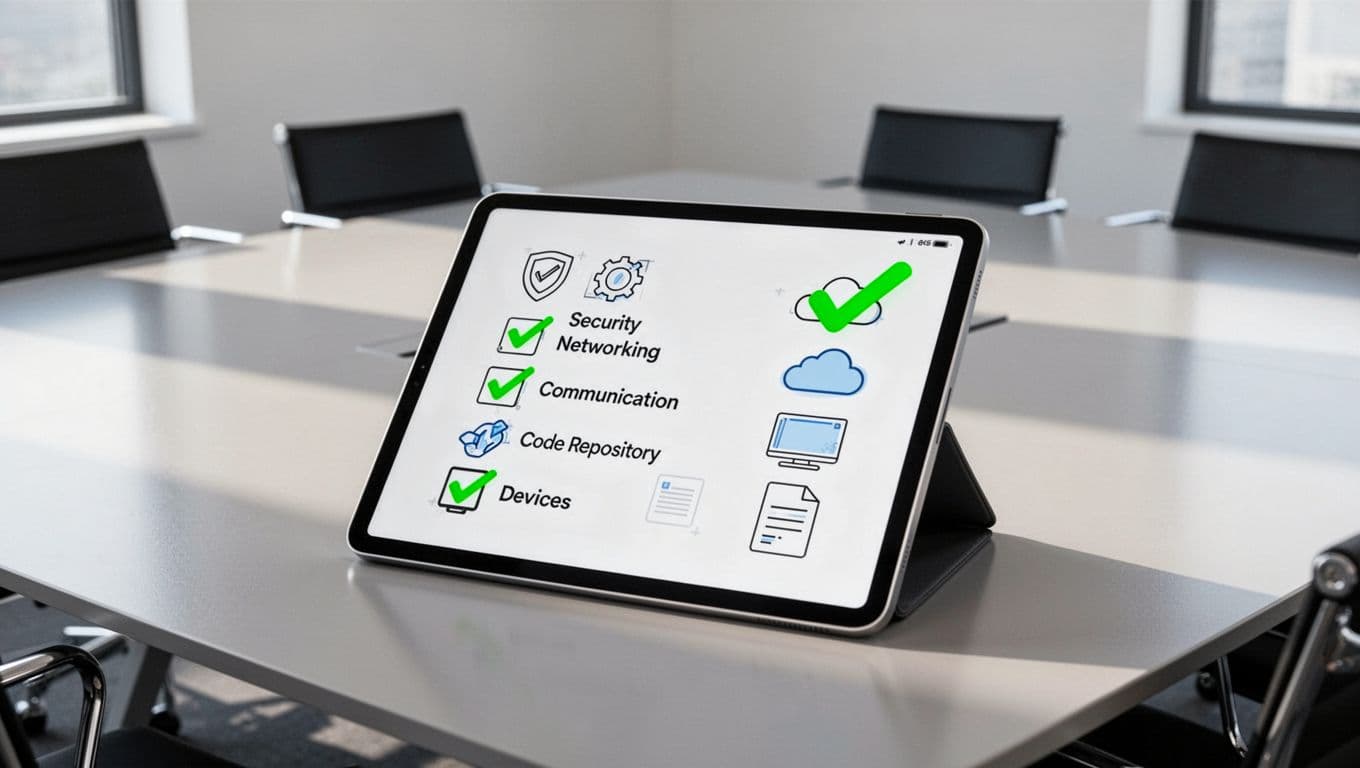
- Map every account and asset before access changes begin. Include SSO, VPN, email, cloud apps, code repositories, project management tools, password managers, shared drives, MDM, badges, and company-owned devices.
- Revoke access on the last working day, or sooner if risk is high. Kill active sessions, tokens, API keys, and shared credentials at the same time.
- Recover work product and handoff notes. Ask for links to open tickets, design files, customer history, and anything needed to keep the project moving.
- Capture proof. Save timestamps, approvals, and device return records in one place.
Teams that want this inside a shared workflow often use a Jira offboarding checklist so HR, IT, Legal, and Security can see the same status.
Revoke access across every system, not just email
Email is only one door. Contractors often touch SSO, chat, file stores, code repos, and a stack of shared tools. If one app stays open, the account can stay useful long after the contract ends.
If you cannot show when access ended, you will struggle to prove it was ended on time.
Use a simple matrix to spot gaps fast.
| System or asset | What to remove or recover | Why it matters |
|---|---|---|
| SSO and identity provider | Disable the account, revoke sessions, remove MFA methods | Stops the fastest path back in |
| VPN | Remove credentials, certificates, and trusted devices | Blocks remote entry |
| Email and chat | Disable mailbox access, stop forwarding, close aliases | Prevents quiet data flow |
| Cloud apps | Remove roles, tokens, guest links, and API keys | Cuts off SaaS access |
| Code repositories | Remove org access, deploy keys, and secrets | Protects source code and pipelines |
| Project tools | Transfer tasks, close boards, archive exports | Keeps work from stalling |
| Password managers | Transfer vault ownership, rotate shared secrets | Stops shared credential reuse |
| Shared drives | Remove permissions, archive needed files | Limits data exposure |
| MDM and devices | Wipe or lock company-owned laptops and phones | Protects stored data |
| Badges and physical access | Deactivate badges, fobs, and door codes | Blocks building entry |
The table shows why SSO alone is not enough. Also check browser sessions, synced folders, and any personal device used for company work. In 2026, those leftovers still cause trouble.
Protect data, knowledge, and IP before the account closes
Access removal helps, but offboarding still fails when the work itself is left behind. Contractor exits should include knowledge transfer, file cleanup, and a clear data retention decision.
Keep what you must retain for legal, tax, or audit reasons. Remove what the contractor should not keep, and confirm that local copies, synced folders, and shared links are closed. If the person worked in code or content, transfer ownership of repositories, documents, and build pipelines before the account disappears.
For teams that want a more operational view, an IT offboarding checklist template can help standardize the handoff.
Confidentiality and IP protection belong in the offboarding script, not in a later email thread. Ask for written confirmation that company data was returned or deleted, then store that record with the contract.
Document every step so audits do not stall
A clean exit needs a clean record. Auditors, clients, and internal reviewers all want the same trail: who approved the offboarding, when access ended, what came back, and whether anything stayed open.
Keep an evidence pack with the basics:
- end date and approver
- account removal timestamps
- device return receipt
- deletion or return acknowledgment
- exception list with due dates
That record helps when a contractor used multiple systems or when a project had a rushed closeout. It also helps security teams spot patterns, like the same tool being missed again and again.
If your offboarding flow keeps breaking because owners are unclear, Book a Discovery Call with Bud Consulting and map the process before the next contractor leaves.
A secure contractor offboarding checklist is about speed, coverage, and proof. Remove access fast, recover assets, protect data, and save the record.
Contractors are different from employees, so the process has to be sharper. When those pieces are in place, the exit is orderly instead of risky.




