
table of contents
Break-glass accounts usually stay quiet until an outage, a lockout, or a bad policy change forces someone to use them. When auditors ask about them, weak controls show up fast.
The hard part is not creating emergency access. The hard part is proving that the accounts are controlled, tested, logged, and reviewed on schedule.
If you wait until fieldwork starts, you are already behind. Start with the account design, then verify the evidence, then fix the gaps before anyone else finds them.
Start with the inventory, ownership, and design
The first review question is simple: do you know exactly which emergency accounts exist? Many teams do not. One stale account, one hidden admin, or one abandoned cloud root path can sink an otherwise solid control set.
Build a current inventory that lists every break-glass account, its purpose, owner, location, and last test date. Keep the list short and clean. If an account is no longer needed, remove it.
For Microsoft Entra ID, Microsoft’s emergency access account guidance is a good baseline. Use cloud-only accounts, keep them out of normal sync paths, and make sure they are still fully monitored. In AWS, the emergency path should be tied to tightly controlled privileged access, with MFA and CloudTrail logging. In Google Cloud, the same idea applies through audited emergency admin access. On-prem Active Directory needs the same discipline, plus offline protection and no dependence on synced credentials.
Ownership matters as much as design. One team should approve the control, another should hold the secret, and a third should review use. That separation keeps a single person from creating, storing, and approving access all at once.
Review the controls auditors will test
A break-glass account is a fire extinguisher, not a spare daily login. It should be hard to reach, easy to justify, and impossible to ignore in logs.
By 2026, phishing-resistant MFA is the safer default for emergency access. FIDO2 keys work well here. SMS does not. If your design keeps one account outside a policy path, document why, then narrow that exception as much as you can.
Vaulting also needs a close look. Store credentials in a privileged access vault or another offline control with dual approval. The person who asks for the secret should not be the only person who can release it. That single detail is one of the clearest signs of good separation of duties.
Rotation is another area auditors check fast. Change passwords or keys after every use, after testing, and after staff changes that affect trust. If the account has not been used in a long time, test it anyway. Stale confidence is worse than no confidence.
One practical benchmark for Entra teams is the review and monitoring pattern described in Altiatech’s emergency access guidance. The details can vary, but the control goals stay the same: controlled access, visible use, and routine validation.
Test the emergency path before fieldwork
Testing should prove the whole path, not just the password. If the login works but the alert never fires, you have a gap. If the alert fires but nobody sees it, you still have a gap.
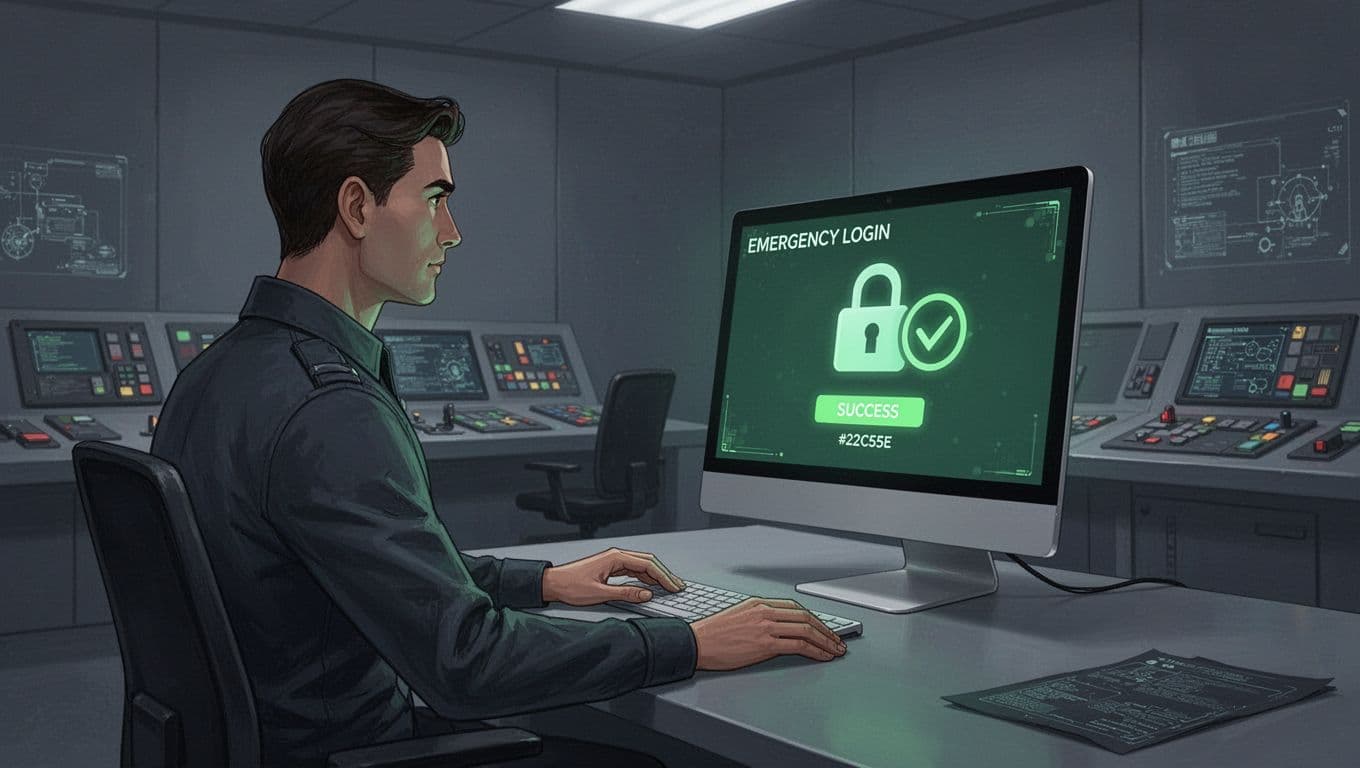
A safe test cycle usually includes four steps:
- Sign in with the actual emergency account from the approved path.
- Confirm that MFA, vault retrieval, and login still work.
- Verify that the sign-in lands in logs and triggers an alert.
- Rotate the secret and file the evidence right away.
Google Cloud’s emergency access procedures follow the same logic, with audit logs and post-use rotation built in. That is the right pattern across platforms, because an emergency account without detection is just a hidden admin account.
If an emergency account can be used, it must also be detectable.
Review the tests quarterly at minimum, and repeat them after major identity changes. A new Conditional Access rule, a federation change, or a vault migration can break emergency access without warning.
Build the auditor packet before anyone asks
When auditors start asking for proof, speed matters. A clean evidence packet saves hours and keeps the story consistent.

Use this checklist to tighten the packet before audit fieldwork starts.
| Audit check | What good looks like | Evidence to keep |
|---|---|---|
| Inventory | Every emergency account is named and owned | Current account list with approval record |
| Purpose | Each account has a clear emergency use case | Access policy or runbook |
| MFA | Phishing-resistant MFA is enabled where possible | MFA registration proof and settings export |
| Vaulting | Secrets are stored under controlled release | Vault policy, release logs, and approver list |
| Logging | All sign-ins and admin actions are captured | Entra sign-in logs, CloudTrail, Cloud Audit Logs, or AD event logs |
| Alerting | Any use creates a high-priority alert | SIEM rule, email alert, or ticket record |
| Testing | Tests happen on schedule and after changes | Test results with timestamps and outcomes |
| Review | Access is rechecked on a fixed cadence | Quarterly review sign-off |
For Microsoft Entra ID and Azure, include sign-in logs and any Sentinel alerts. For AWS, attach CloudTrail evidence and alert records. For Google Cloud, include Cloud Audit Logs. For on-prem Active Directory, keep domain controller events and the review trail. The format can vary, but the evidence needs dates, owners, and outcomes.
Conclusion
Break-glass accounts pass audits when they are boring, documented, and tested. Auditors do not want a clever story. They want proof that the accounts are limited, monitored, and ready without surprise.
If you can show ownership, least privilege, MFA, vaulting, logging, and a recent test, you are in good shape. If one of those pieces is missing, the review is not finished yet.
If your team wants a second set of eyes before fieldwork starts, Book a Discovery Call with Bud Consulting.




