
table of contents
Public login pages draw attackers like magnets. A single weak spot can lead to credential theft or full account takeovers. Recent flaws, such as the WordPress Super Custom Login plugin bypass (CVE-2026-39605), show how fast risks spread.
You manage sites or apps exposed online. Brute force hits, phishing, and credential stuffing target these pages daily. This guide walks you through spotting vulnerabilities. You’ll get a clear process to assess and strengthen defenses.
Start with the basics. Then build to checklists and standards.
Spot Common Threats on Login Pages
Attackers love login pages because they hold the keys to your systems. Brute force tries endless username-password combos. Credential stuffing uses stolen creds from other breaches. Phishing tricks users into fake forms.
Microsoft SharePoint spoofing bugs (CVE-2026-32201) patched this April highlight spoofed interfaces. Attackers mimic trusted logins over networks. No exploit needed; they phish or fake content.
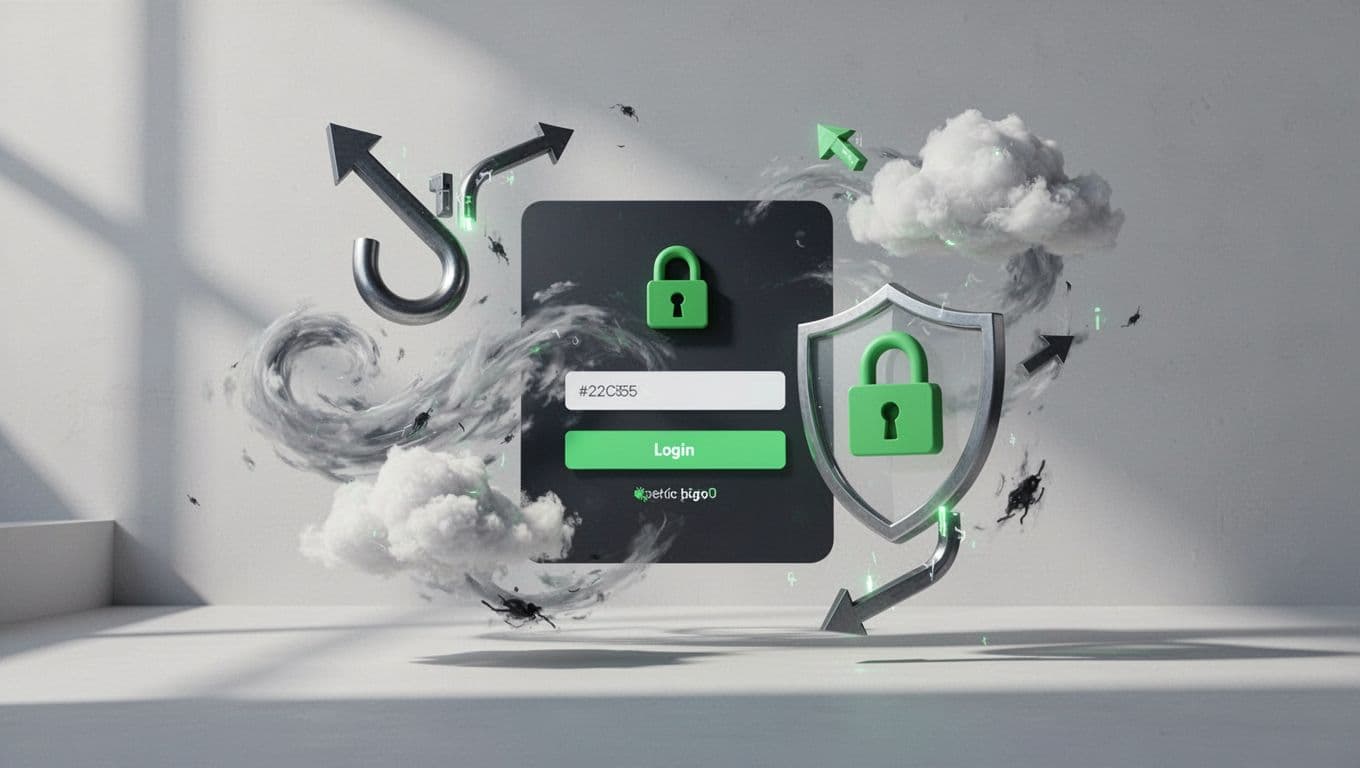
Weak pages amplify these risks. No HTTPS lets sniffers grab creds in transit. Missing rate limits invite automated blasts. Default error messages leak usernames.
Check page sources too. JavaScript flaws or open redirects can chain attacks. Attackers fixate on pre-auth areas because success grants deeper access.
Focus here first. Threats cluster around authentication flows. Spot them early to block breaches.
Run a Step-by-Step Security Review
Assess login pages methodically. Open your browser dev tools. Inspect every element.
First, confirm HTTPS everywhere. Look for the padlock; click it to verify cert chains. No TLS means creds travel plain text. Attackers intercept with ease.
Next, view page source. Hunt for autocomplete on password fields. It stores creds locally, ripe for keyloggers. Check form actions too. They should POST to secure endpoints only.
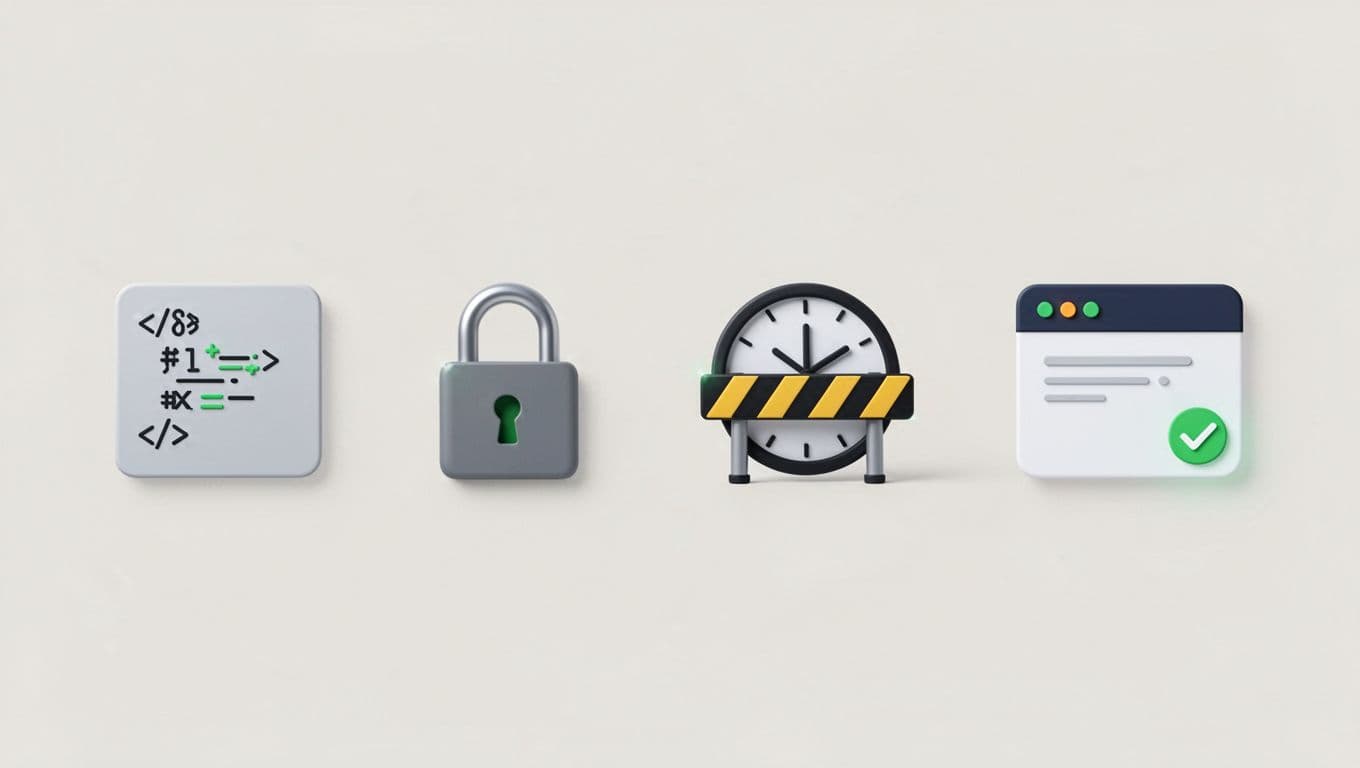
Test rate limiting. Submit wrong creds 5-10 times fast. Delays or locks signal protection. No response? Brute force wins.
Probe for MFA prompts post-fail. Strong sites enforce it. Also, scan headers via tools like Burp or curl. Secure cookies need HttpOnly, Secure flags.
Finally, fuzz inputs. Try SQLi payloads in fields, but ethically. Burp’s scanner flags issues without harm.
Document findings. Rate risks high if multiple fails stack. This process takes 15 minutes per page. Repeat quarterly.
Compare Weak and Strong Login Controls
Spot flaws by contrasting bad and good setups. Weak pages scream vulnerability.
A poor form lacks HTTPS. Password fields autocomplete freely. Errors say “User not found,” confirming valid names. No CAPTCHA after fails.
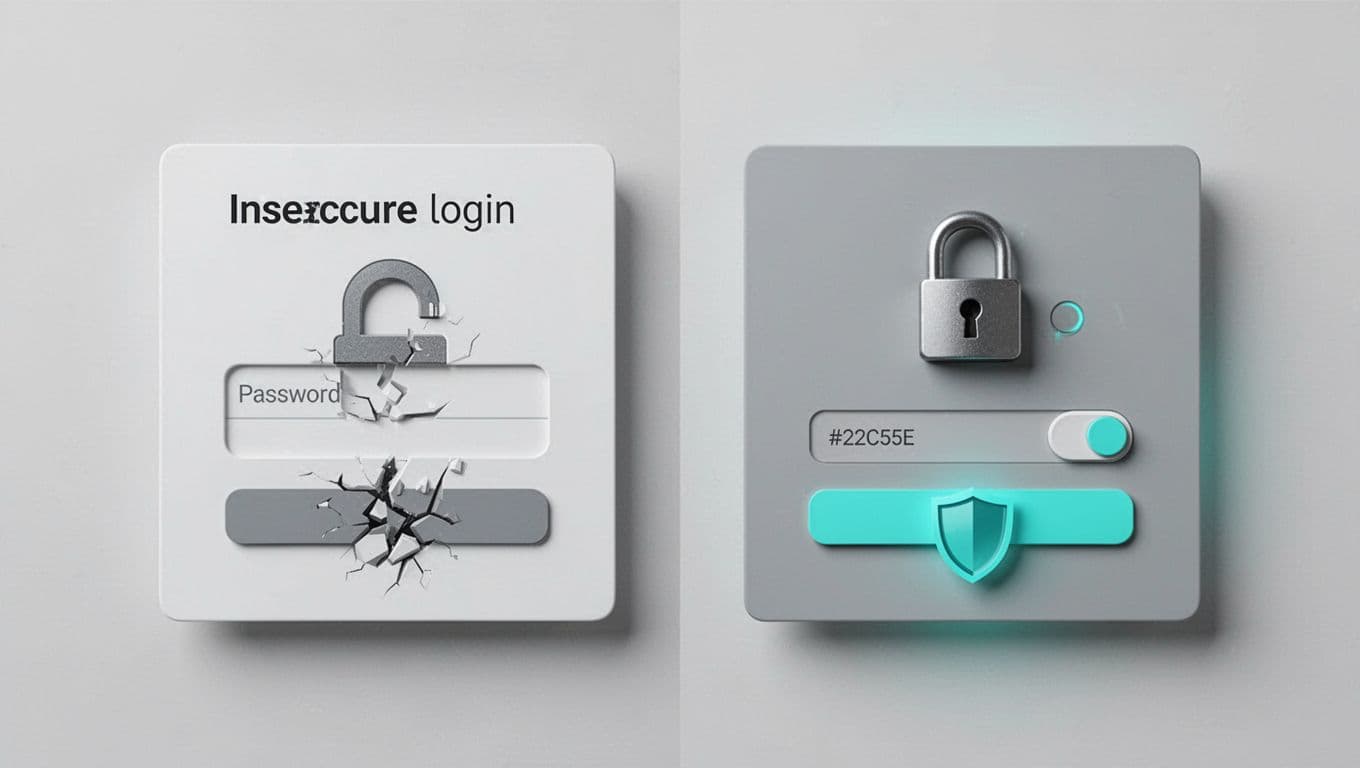
Strong ones flip the script. Full TLS encrypts traffic. Passwords use one-time auth tokens. Generic errors like “Invalid combo” hide info.
| Control | Weak Example | Strong Example |
|---|---|---|
| Transport | HTTP | HTTPS with HSTS |
| Password Field | Autocomplete=on | Autocomplete=off, masked |
| Error Messages | “Bad password” | “Try again” |
| Fail Limits | None | 5 tries, then 30s lock |
| MFA | Optional | Enforced |
Weak setups fall to stuffing in hours. Strong ones hold against most automated hits. Why it matters: NIST SP 800-63B stresses these for authenticator assurance.
Build toward strong. Test iteratively.
Draw from Trusted Standards
Standards guide solid login page security. OWASP leads with practical cheatsheets.
Their Authentication Cheat Sheet mandates TLS for logins. It blocks form hijacks. Also, push long passwords and block brute force via CAPTCHAs or lockdowns.
OWASP’s Brute Force Blocking adds IP limits and unique URLs per user group.
NIST SP 800-63-4 details authenticator levels. Use phishing-resistant MFA like keys over SMS.
CISA pushes MFA everywhere, starting with admins. Their Require MFA guidance favors hardware keys.
Follow these. They evolve with threats. Cross-check your reviews against them.
Quick Reviewer Checklist
Use this list for fast audits. Print it; tick as you go.
- Transport: HTTPS enforced? HSTS header present?
- Form Security: POST only? No autocomplete on passwords?
- Rate Limiting: Locks after 5-10 fails? Delays increase?
- Error Handling: Generic messages? No username leaks?
- MFA: Prompted and required? Phishing-resistant?
- Headers/Cookies: Secure, HttpOnly flags? CSRF tokens?
- Extras: CAPTCHA on fails? Password strength rules?
Miss three or more? Prioritize fixes. Run automated scanners like OWASP ZAP next.
Track changes over time. Strong login page security pays off fast.
Wrap Up
Internet-facing logins demand regular checks. Common threats like brute force and stuffing exploit weak spots. Your reviews spot them before damage hits.
Strong controls from OWASP, NIST, and CISA build real defenses. Use the checklist weekly. Sites stay safer.
Need expert eyes on your attack surface? Book a Discovery Call with Bud Consulting. They vet talent and map exposures.
(Word count: 982)




