
table of contents
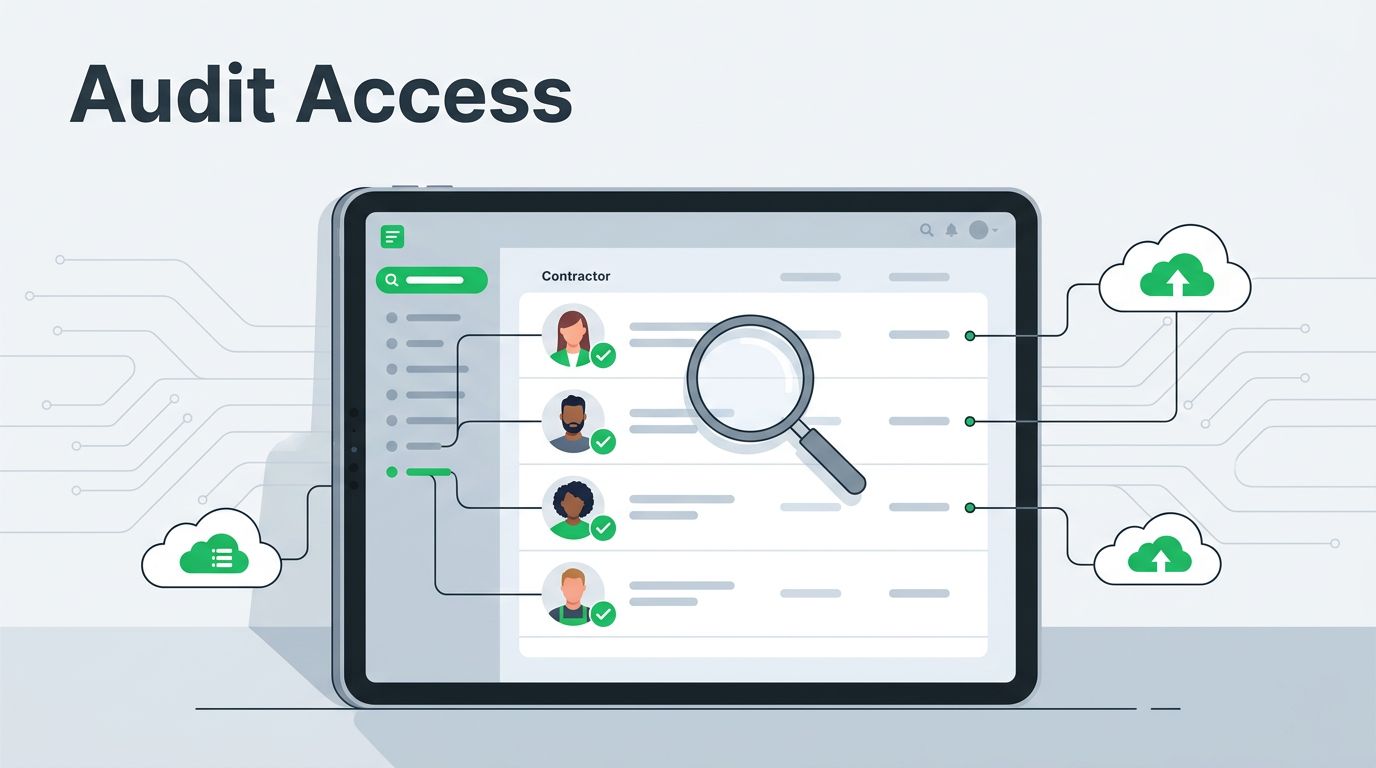
Contractor access tends to grow quietly. One project turns into three systems, and soon a vendor has more access than a full-time admin. A contractor account audit catches that drift before it turns into a cleanup project.
The goal is simple, map every external identity, test the controls around it, and remove anything that no longer matches the work. If you wait until renewal time or offboarding, the gaps are already there. Start with the inventory.
Build a complete contractor inventory
Start with one source of truth. Pull every contractor, vendor user, and temporary admin into the same list, then tag each account by sponsor, system owner, business unit, privilege level, start date, end date, and last sign-in.
Keep external identities separate from employee accounts in Entra, Okta, or your IAM stack. Borrowed employee roles blur accountability, and that makes reviews harder later. A contractor who supports finance should not sit inside the same access group as a help desk temp.
Next, rank the accounts by risk. A contractor in cloud production, payroll, or customer data deserves tighter review than someone with one ticketing app. Compare the inventory against HR records, procurement files, the PAM vault, and the vendor register. When those sources disagree, treat it as an audit finding, not a clerical issue.
For evidence patterns, user access reviews for SOC 2 show the kind of trail auditors expect, current user lists, role mapping, and owner sign-off. The same structure works here, only with tighter expiration rules and stronger revocation steps.
Spot the red flags that matter most
The biggest risks look ordinary until a breach, outage, or audit puts them under a microscope. Shared logins hide the real user. Dormant accounts stay active because no one owns the cleanup. Privileged roles often survive long after the short project ends.
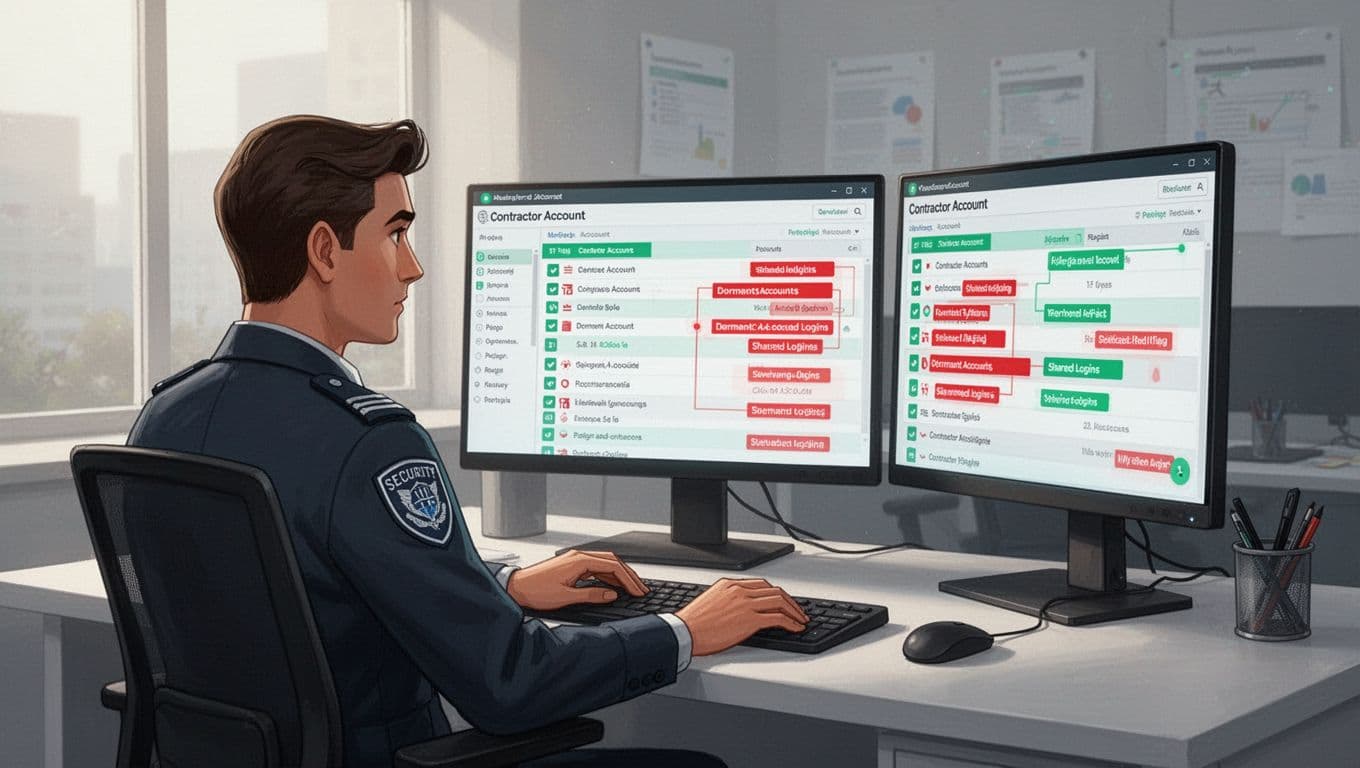
Look for these red flags during every contractor account audit:
- Shared or generic logins with no named owner.
- Accounts with no sign-in for 30 to 60 days, but active tokens or API keys.
- Privileged roles that never expire.
- Access that still matches an old project, not the current contract.
- Contractors who can approve their own changes or payments.
- MFA missing on remote, admin, or SaaS access.
- Session logs missing for privileged work.
AWS IAM best practices also recommend checking cross-account exposure before you widen it. That matters when one role can touch more data than the contractor needs.
If a shared account is unavoidable for a short window, wrap it in a vault, require named checkout, and log every action. Otherwise, you lose attribution, and offboarding becomes guesswork.
If one person cannot explain why access exists, the account is not ready to grow.
Review access with a repeatable process
Use the same sequence every time, so the review is repeatable and defensible. First, match each account to a live contract, approval ticket, or purchase order. Next, confirm the job still needs the same systems. Then compare the granted rights to the approved scope.
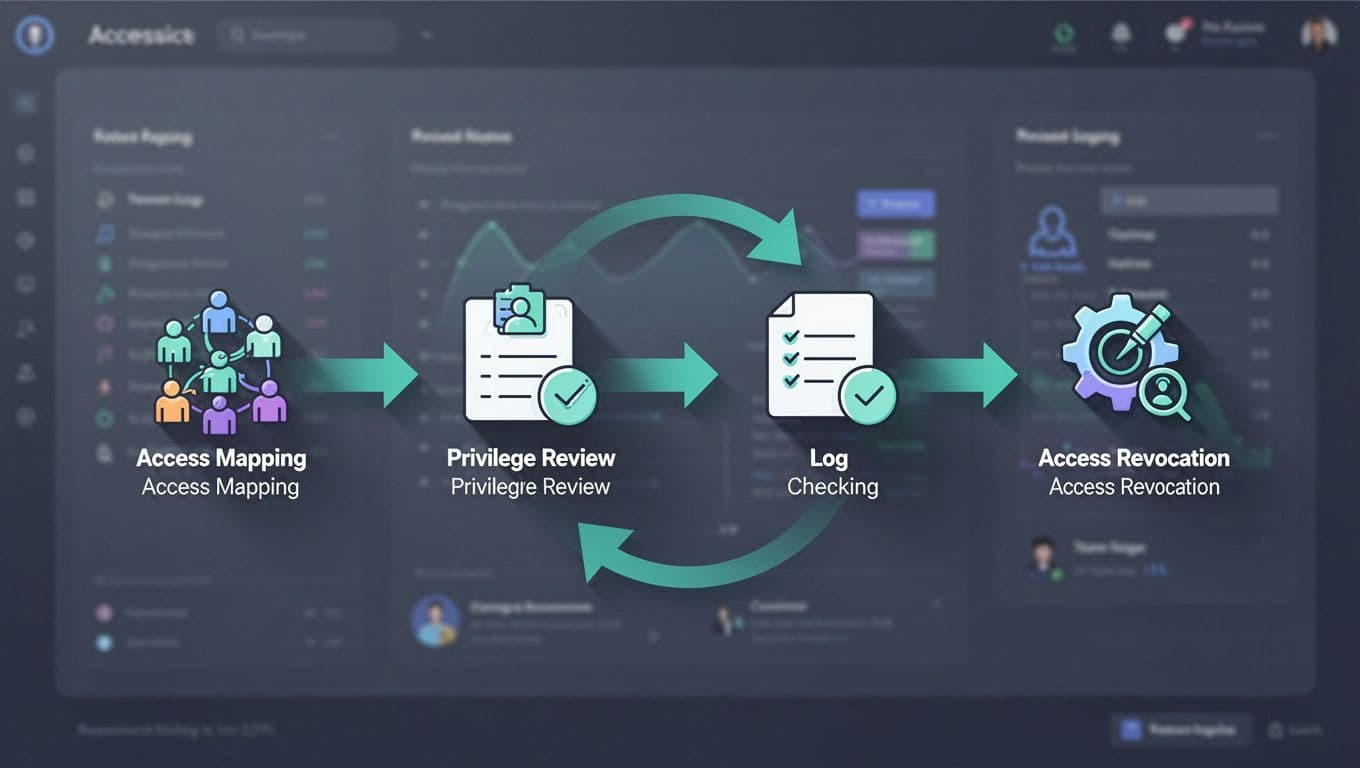
In 2026, good practice is to combine MFA, conditional access, just-in-time admin, and session recording for anything privileged. A contractor who only needs read access should not inherit a standing admin role because “that’s how the last project worked”. For cloud systems, preview cross-account exposure before you expand permissions, and use short sign-in windows that match the contract period.
Conditional access for contractors is useful when you want access to stop cleanly without manual cleanup.
- Match the account to a current business need.
- Verify the access scope against the role and contract.
- Check privileged rights, MFA, device posture, and sign-in limits.
- Review logs or recordings for admin activity.
- Remove anything with no owner, no approval, or no end date.
For example, a data migration contractor may need read-only access to one storage bucket for two weeks. If the audit shows write access, key access, and a global admin role, the account is already too broad.
If your team needs help connecting IAM, PAM, and vendor controls, Book a Discovery Call with Bud Consulting.
Use this contractor account audit checklist
Turn the review into a standard checklist, then use it at onboarding, renewal, and offboarding. Keep it inside third-party governance, not in a spreadsheet that only one person owns.

- Every contractor has a named sponsor, a business purpose, and an end date.
- Access is limited to approved systems, roles, and data.
- Privileged access is time-limited, approved, and recorded.
- Shared accounts are removed or fully attributed.
- Segregation of duties is checked for finance, code, and production work.
- Dormant accounts, stale groups, and old API keys are disabled.
- Device checks, MFA, and sign-in limits are active for remote access.
- Offboarding removes SSO, VPN, cloud, SaaS, and local access the same day.
- Quarterly reviews have sign-off from the system owner and sponsor.
This checklist gives auditors evidence and operators a fast way to spot drift before it spreads. It also shows whether contractor governance is a real process or just a loose habit.
Conclusion
Contractor access rarely grows because of one huge mistake. It grows through small approvals that never get rechecked. A disciplined contractor account audit keeps every external identity tied to a real owner, a real purpose, and a real end date.
If the answer to “why does this account exist?” takes more than a few seconds, the access is already too loose. Tight reviews now save you from messy cleanup later.




