
table of contents
File uploads seem simple. Users pick a file, hit submit, and your app stores it. But attackers love these features. They turn them into doors for malware, server takeovers, or storage overloads.
You handle security testing or development. You know weak uploads lead to real breaches. This guide shows you how to spot risks safely. You’ll get practical steps for web apps and APIs, plus fixes to recommend.
Start with a solid setup. Then probe common weaknesses step by step.
Set Up Your Testing Environment
Get your tools ready first. Use a proxy like Burp Suite or OWASP ZAP to intercept traffic. These catch requests before they hit the server.
Pick a safe target. Test your own app, a lab like PortSwigger’s Web Security Academy, or a staging environment. Never probe live sites without permission. Legal testing keeps you out of trouble.
Map the upload flow. Note the endpoint, like POST /api/upload. Check accepted types, such as images or PDFs. Record normal behavior with a valid file. Does it save to /uploads/photo.jpg? What’s the response code?
Install helpers. Grab EICAR test file for malware scans; it’s harmless but flags as suspicious. Use ffuf for fuzzing filenames or extensions.
Set limits early. Block tests that could crash servers, like massive files. Start small. This baseline helps you spot odd responses later.
Test Basic Bypass Techniques
Attackers try tricks to slip past filters. Focus on these first.
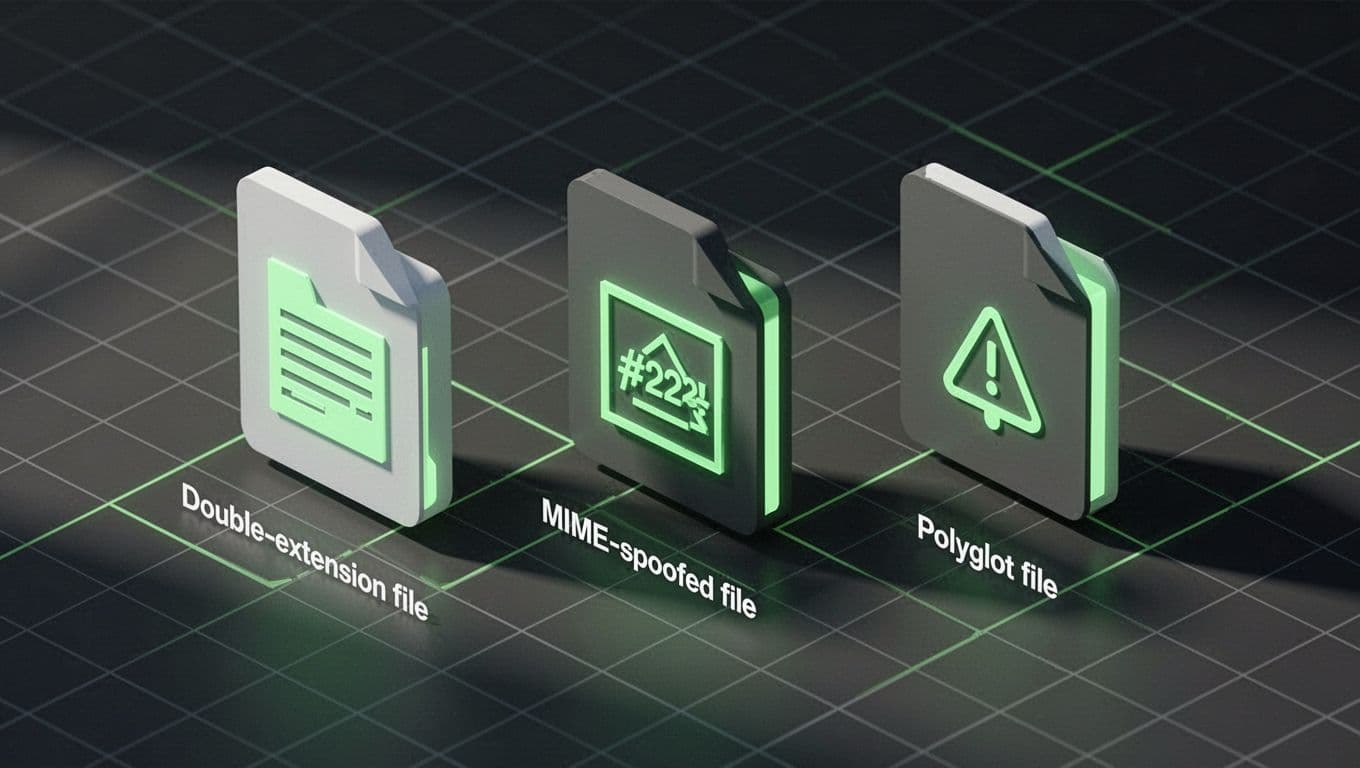
Try double extensions. Upload shell.php.jpg. Servers might strip .jpg and run the PHP. Check if it executes by accessing the stored file.
Next, MIME spoofing. Set Content-Type to image/jpeg but send PHP code. Tools like Burp let you edit headers. See if the app trusts client MIME over content.
Polyglot files mix formats. Craft a JPEG with PHP at the end. Valid image parsers read the start; code runs if processed as script.
Test null bytes too, like file.php%00.jpg. Old parsers truncate at %00.
Fuzz with tools. Send .phtml, .php5, or case variants like .PHP. Note successes.
Defend with server-side checks. Use file signatures, not just extensions. The OWASP File Upload Cheat Sheet lists magic bytes for JPEG (FF D8) or PDF (%PDF).
Always validate content. Libraries like Python’s magic or ClamAV help. Reject mismatches.
Spot Storage and Access Abuses
Uploads hit storage next. Test for path traversal in filenames. Try ../../etc/passwd.png. Does it write outside /uploads?
Check size limits. Send 10GB files or archive bombs, zipped data that explodes to terabytes. Apps crash or fill disks.
Public URLs expose files. After upload, probe direct access like site.com/uploads/shell.php. Block with auth or random names.
IDOR risks follow. Upload as user A, access via user B’s ID. Test /files/{id}/photo.jpg.
Presigned URLs in S3 or similar? Abuse by sharing links or exceeding scopes.
Store safely. Use unique IDs, not originals. Isolate dirs with permissions. Scan storage regularly.
Probe Processing and Delivery Risks
Apps process uploads. Images resize with ImageMagick? Test parser bugs like old delegate issues.
Macros in Office files run code. PDFs embed exploits. Always scan with antivirus.
Malware delivery hides in legit files. EICAR tests scans; real payloads need VirusTotal for confirmation, but don’t deploy live malware.
For APIs, check rate limits. Bots upload junk to burn resources.
Recommend content scanners. Integrate MetaDefender or ClamAV. Validate post-process too.
File Upload Security Testing Checklist
Use this table for quick audits. Run each check in order.
| Test Area | Action | Expected Result | Fix if Fails |
|---|---|---|---|
| Extension Check | Upload .php.jpg, .phtml | Reject all | Whitelist extensions; check signatures |
| MIME Validation | Spoof Content-Type: image/jpeg with PHP | Reject based on content | Server-side MIME from bytes |
| Size Limits | 1GB+ file, ZIP bomb | Block over limit | Enforce client/server sizes |
| Path Traversal | ../../etc/passwd | No write outside dir | Sanitize filenames; use hashes |
| Access Control | Direct URL to upload; IDOR via IDs | 403 or auth required | Random names; bucket policies |
| Malware Scan | EICAR test file | Detected and quarantined | Integrate AV scanner |
| Parser Safety | Polyglot JPEG+PHP; oversized images | Safe process or reject | Update libs; validate metadata |

Adapt for your stack. Automate in CI with scripts.
Key Takeaways
File upload security testing spots weak spots before attackers do. You now have steps to baseline, bypass checks, storage issues, processing risks, and a checklist.
Strong validation layers block most threats. Pair client checks with server signatures, scans, and safe storage.
Bud Consulting helps teams build these defenses. Book a Discovery Call with Bud Consulting to assess your flows.
Test often. Secure uploads protect your app.




