
table of contents
Public cloud storage buckets sit wide open more often than you think. In early 2026 alone, misconfigured setups exposed millions of records across AWS S3, Google Cloud Storage, and Azure Blob services. Hackers grabbed sensitive data from overlooked assets, proving simple errors still cause big breaches.
You handle cloud admin or security duties, so you know the stakes. One public bucket can leak customer info, financials, or IP. This guide walks you through a full public file storage audit. You’ll spot risks, check if they’re real threats, and fix them without breaking legit access.
Start with the basics to build your audit process.
Why Run Public Storage Audits Regularly
Breaches from exposed storage keep happening. A January 2026 incident dumped 149 million records because of a misconfigured cloud database. Stats show 70% of cloud resources face public exposure, and 84% of organizations ignore stale public assets.
These risks hit all platforms. AWS S3 buckets often go public via broad policies. Azure Blobs suffer from shared access signatures without HTTPS limits. Google Cloud Storage deals with legacy ACLs that override IAM.
Audits catch this early. They follow least privilege rules and cut breach chances by spotting issues before attackers do. Run them monthly, especially after dev changes or new buckets.
Tools like AWS Config or Google Cloud Security Command Center speed things up. For platform tips, check Google’s access control best practices.
Step-by-Step Guide to Auditing Storage
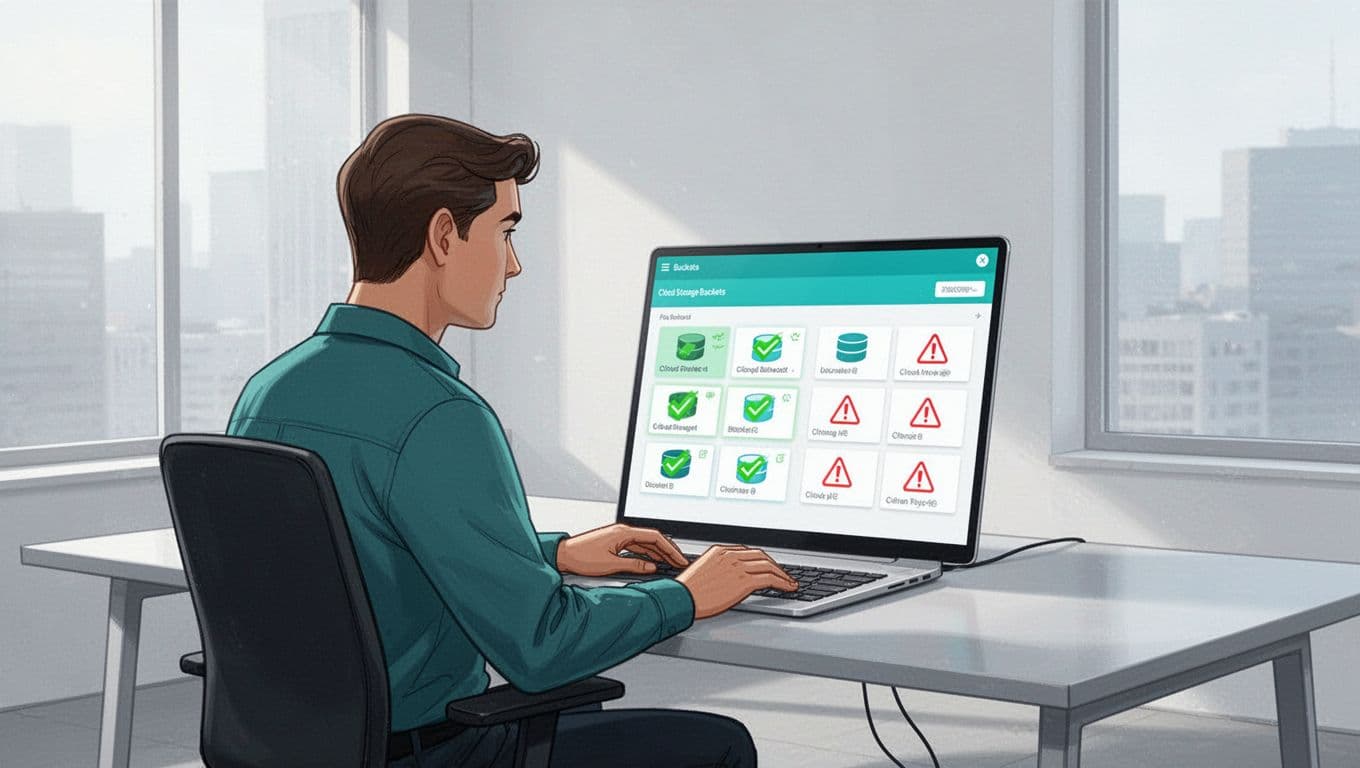
List all your storage first. On AWS, use aws s3api list-buckets. Azure runs az storage account list. Google Cloud uses gsutil ls.
Check each for public access. AWS has Block Public Access settings; turn them on if off. Azure requires private endpoints by default. Google enforces public access prevention at the bucket level.
Next, review policies and ACLs. Look for "Principal": "*" in JSON policies. Test with curl: curl https://your-bucket.s3.amazonaws.com/testfile. A 200 response means exposure.
Validate intent. Public read access might suit static sites. Query teams: Is this bucket for public assets? Log access patterns to confirm.
Assess contents. Download samples or use scanners to classify data. Tools like TruffleHog find secrets in objects.
Prioritize high-risk finds, like PII in open buckets. Document everything in a spreadsheet: bucket name, exposure type, data sensitivity.
Spot Common Causes of Public Exposure
Overly broad ACLs top the list. They grant read to Everyone, even on private buckets. Inherited permissions from parent folders amplify this.
Misconfigured bucket policies allow global access. Public links or signed URLs without expiry create backdoors. Stale shared folders linger after projects end.
Lack of data classification hides risks. Teams upload sensitive files without tags.
For S3 specifics, enable server access logging on every bucket. It tracks requests and reveals odd patterns. Azure logs show auth methods like anonymous access.
Google docs cover public access prevention to block accidental publics.
Use a checklist:
- Scan for public ACLs.
- Audit policies for wildcards.
- Hunt expired shares.
- Tag and classify data.
Fix one cause at a time to avoid overwhelm.
Evaluate Risks and Business Impact
Not all exposures equal breaches. First, gauge data sensitivity. Does it hold SSNs, API keys, or just public images?
Map to compliance needs. GDPR flags personal data; PCI covers cards. Calculate blast radius: How many users affected?
Test exploitability. Run aws s3 ls s3://bucket --no-sign-request. If it lists, anyone can enumerate.
Score impacts: High if customer data leaks; medium for internal docs. Factor in business effects, like fines or downtime.
Recent stats: 31% of cloud breaches stem from misconfigs. Prioritize by severity to focus efforts.
Remediate Exposures Without Breaking Access
Lock it down fast but smart. Set Block Public Access to full on AWS and equivalents elsewhere.
Update policies to least privilege. Replace "Principal": "*" with specific IAM roles. Use uniform bucket-level access on Google Cloud.
For intentional publics, like websites, create dedicated buckets with exact permissions.
Migrate data if needed. Enable versioning and MFA delete first.
Test changes in staging. Verify apps still pull files.

See Azure Blob security recommendations for SAS and logging tweaks. Roll out via IaC like Terraform for consistency.
Set Up Continuous Monitoring and Compliance
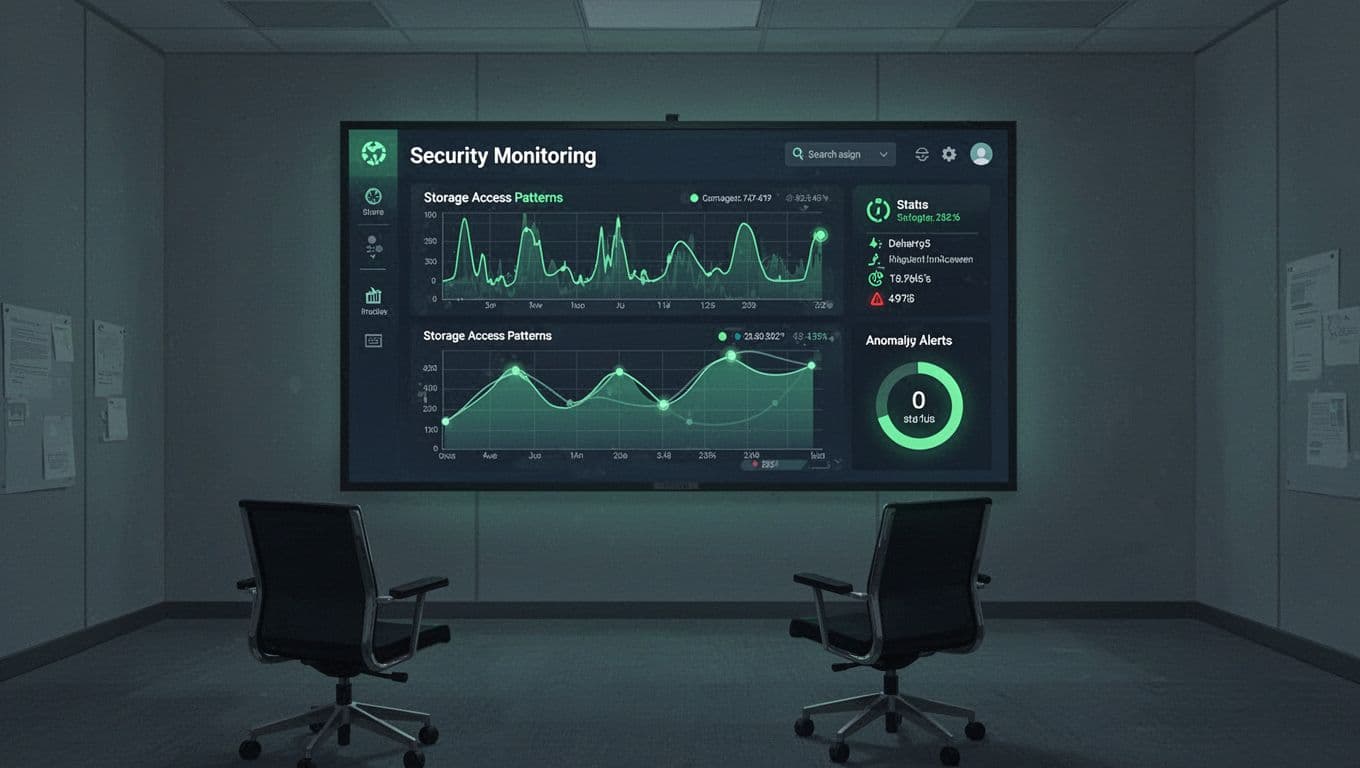
Audits once won’t cut it. Enable CloudTrail on AWS, equivalent logs on Azure and Google.
Set alerts for public bucket creation. Use CSPM tools like Prisma Cloud for scans.
Automate with AWS Config rules or Azure Policy. Tag resources and scan for untagged publics.
Review quarterly. Train teams on risks.
For S3 hardening checklists, this guide covers logging and encryption.
If gaps persist, book a discovery call with Bud Consulting for expert help.
Key Takeaways for Safer Storage
Regular public file storage audits stop leaks before they grow. Focus on discovery, validation, fixes, and monitoring to apply least privilege everywhere.
You’ve got the steps now. Run your first audit this week. It protects data and builds compliance confidence.
Small habits yield big wins against common pitfalls.




