
table of contents
You prep a deck full of exposure data. Executives nod, then ask, “So what does this mean for us?” Their eyes glaze over at terms like CVSS scores or exploit windows. You lose them fast.
The fix starts with business talk, not tech specs. They want to know if risks drop, costs stay low, and operations run smooth. This guide shows you how. You’ll learn KPIs that stick, visuals that pop, and phrases that land.
Let’s start with what grabs their attention.
Know What Executives Prioritize
Executives focus on outcomes. They care about money, reputation, and uptime. Skip raw vulnerability counts. Those bore everyone.
Instead, frame exposure trends around protection gaps that matter. Ask yourself: Does this trend hit revenue? Does it slow production? Tie data to those stakes.
For example, say your scans found 500 flaws last quarter. Don’t list them. Note that 20% were in customer apps. A breach there could cost $2 million in fines and lost trust.
Common mistake: Overloading slides with numbers. Boards tune out. Keep it to three key points per page. Use stories from recent breaches in your industry. That wakes them up.
Trends beat snapshots. Show if exposure falls over six months. They see progress, not problems. This builds trust.
One solid approach comes from CRF’s tips on risk talks. Translate tech risks to dollars and downtime. It works every time.
Pick KPIs That Show Clear Progress
Choose three to five metrics. Make them trend-focused and simple. Executives track direction, not details.
Start with remediation time for high-risk exposures. Track average days to fix critical issues. Aim under 14 days, per CISA guidelines. A downward line means your team acts fast.
Next, percentage of assets with open exposures. Count only those attackers could hit. If it drops from 15% to 8%, that’s a win. Pair it with patch rates.
Add attack surface reduction. Measure exposed ports or apps over time. Fewer means less chance for trouble.
Avoid these traps: Raw alert volumes or total vulns. They fluctuate and confuse. Focus on validated risks that link to business.
Hive Pro suggests tracking exposure windows by asset type. It shows if you close gaps before threats strike. Boards love that proof.
Present targets too. Say, “We hit 90% remediation this quarter, beating our 85% goal.” They grasp success right away.
Choose Visuals That Tell the Story
Charts must scan in seconds. Use lines for trends, bars for comparisons. No pie charts; they muddle data.
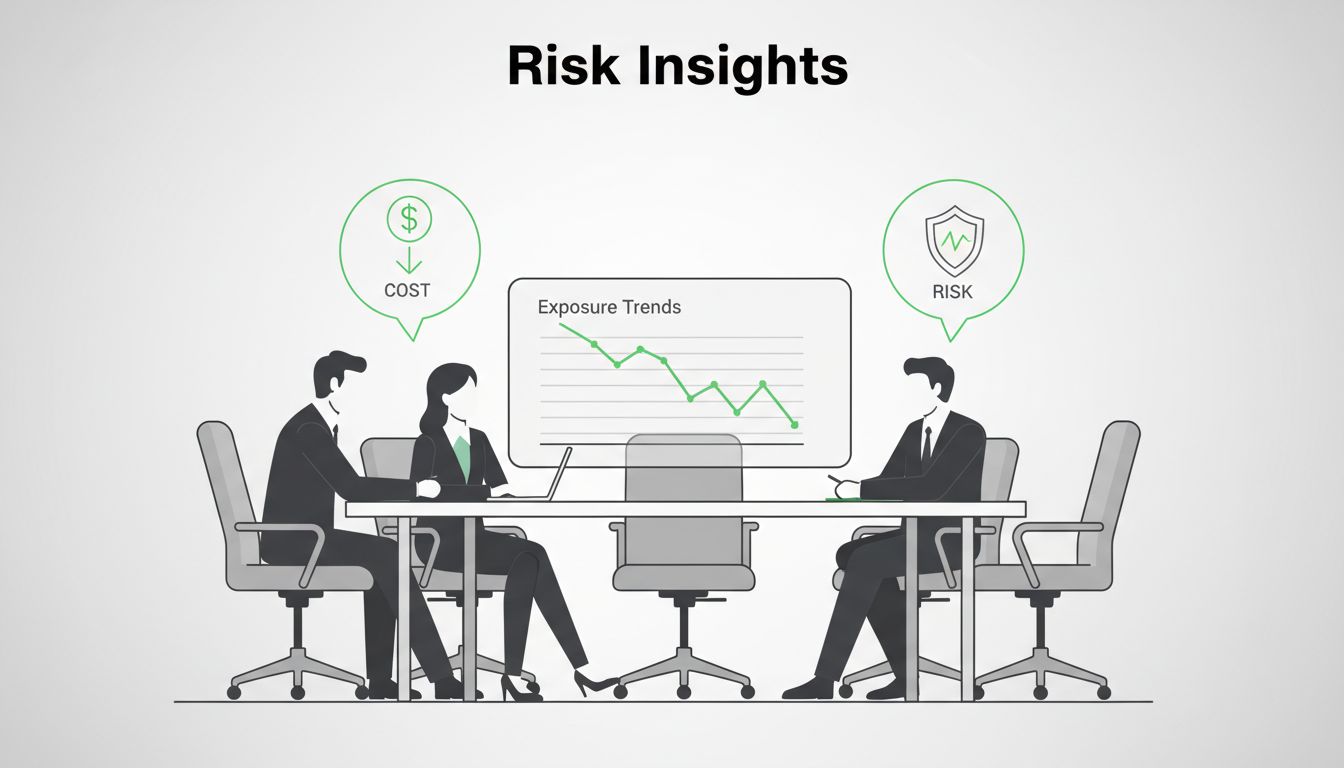
A simple line graph shines. Plot exposure count or risk score monthly. Green for downtrends, red for up. Label axes clear: “Months” and “Open High-Risk Exposures.”

Keep backgrounds white. One accent color draws the eye. Add arrows for big shifts. “See how we cut risks 40% after patching?”
TechTarget notes key metrics like vulnerability escape rates work in trends. Plot them simple. Execs get the story fast.
Test visuals on a colleague. If they explain it back right, it’s good. Tools like Excel or Tableau make this easy. Update quarterly.
Link Trends to Business Risks and Wins
Trends alone fall flat. Connect them to dollars and operations. That’s the hook.
If exposures drop 25%, say: “This saves $500K in potential breach costs.” Base it on insurance quotes or past incidents.
Use icons for impact. A shield for fewer risks, dollar for savings, arrow for speed gains.

BlueRadius recommends tracking risk exposure changes financially. Show progress toward your risk limit. Highlight wins like “Controls cut downtime risk by 30%.”
For upsides, note efficiency. Faster fixes free staff for projects. “We remediated quicker, so devs deploy 10% faster.”
Mistake to dodge: Vague terms like “high risk.” Quantify: “This equals one week of lost sales.” Always recommend next steps, like budget for tools.
Signisys pushes trends over snapshots for directors. It proves investments pay off.
Prepare Your Delivery
Practice makes it smooth. Stand tall, speak slow. Use plain words.
Open with the headline: “Our exposure trends improved 20% this quarter, cutting breach odds.” Then show the chart.
Pause after visuals. Ask, “Does this match what you see in operations?” It pulls them in.
Frame metrics business-first. Instead of “MTTR is 10 days,” say, “We fix critical issues in 10 days, half the industry average.”

Axonius advises framing metrics for non-tech leaders. Answer: How safe are we? Is it getting better? What now?
End strong. “Approve this tool, and we drop risks another 15%.” They act on clear asks.
Rehearse twice. Time it under 15 minutes. Questions follow.
Key Takeaways
Clear exposure trends win budgets and buy-in. Pick simple KPIs, sharp visuals, and business ties. Practice delivery that sticks.
You now have tools to skip jargon and show real value. Execs will thank you.
Need tailored reports or team help? Book a Discovery Call with Bud Consulting.




