
table of contents
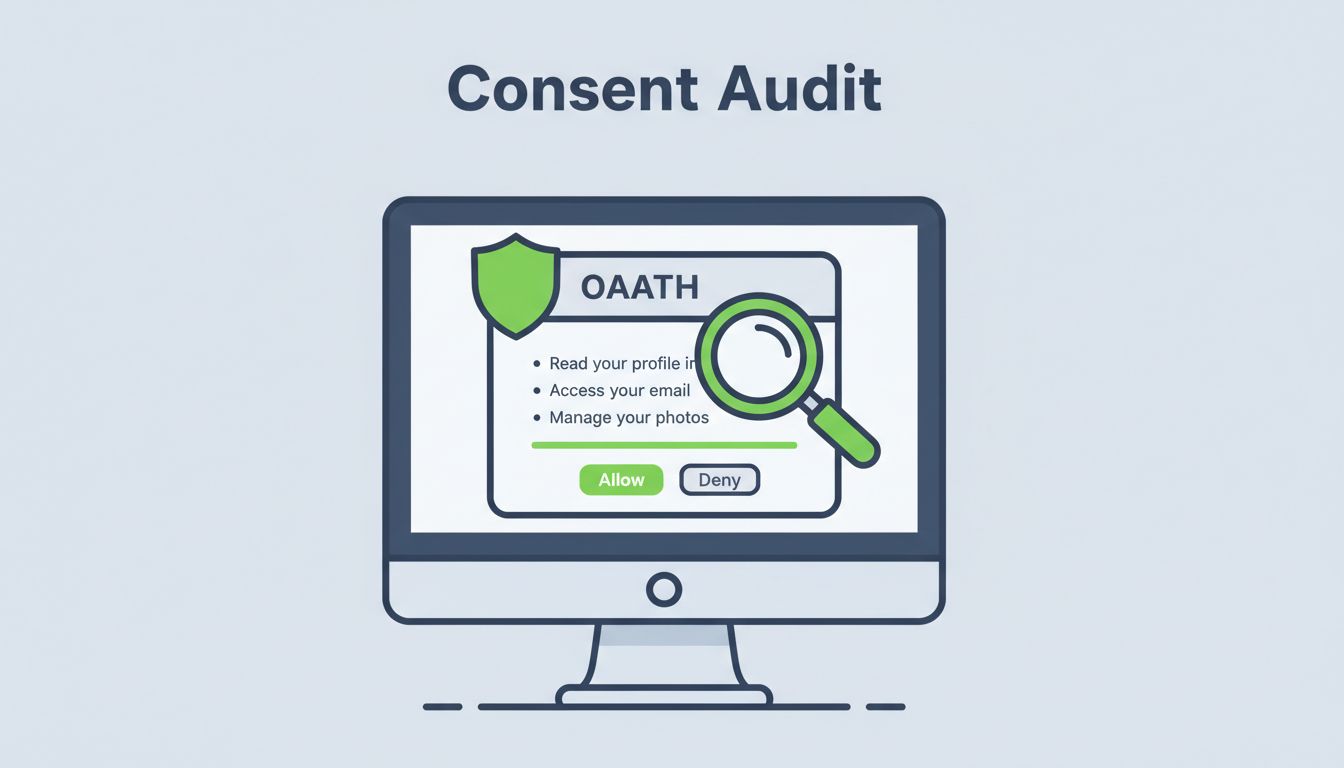
Users click “approve” on OAuth prompts every day. Those choices grant apps access to email, files, or directories. One bad approval lets attackers read mailboxes or steal data without passwords.
Attackers love this. They send phishing links to fake consent screens. Malicious apps then grab offline access or directory read/write scopes. In 2026, with OAuth 2.1 pushing PKCE and tighter rules, audits help you stay ahead.
You can cut these risks. Start by reviewing prompts yourself. This guide shows you how.
Why Regular OAuth Consent Audits Protect Your Data
OAuth lets apps access resources without sharing passwords. Consent prompts list scopes like “read mailbox” or “access files.” Users often approve without checking.
Risks pile up fast. Overbroad scopes give apps more power than needed. For example, a simple calendar tool might request full directory write access. Attackers abuse this in consent phishing. They trick users into granting tokens for malicious apps. Those tokens let hackers pivot to other services.
Old grants linger too. Unused apps keep access after employees leave. Quarterly reviews catch them. Tools like Microsoft Purview log these events. Check for illicit consent grants in Microsoft 365 weekly if you have many apps.
In 2026, Google auto-deletes inactive clients after six months. Still, proactive audits matter. They enforce least privilege. Apps get only what they need. As a result, breaches drop.
Focus on high-impact scopes first. Mailbox read access exposes emails. File access across drives hits shared data. Offline access means long-term tokens. Revoke them if unused.
Spot Common Risky Permissions in Consent Screens
Look at the prompt closely. Does it ask for mailbox read access? That pulls all emails, attachments included. Attackers export them for phishing or extortion.
Offline access is another red flag. It issues refresh tokens that work forever. No re-prompt needed. Pair it with directory read/write, and apps control users or groups.
File access often covers shared drives. A productivity app might scan every document. Broad profile collection grabs contacts, photos, everything.
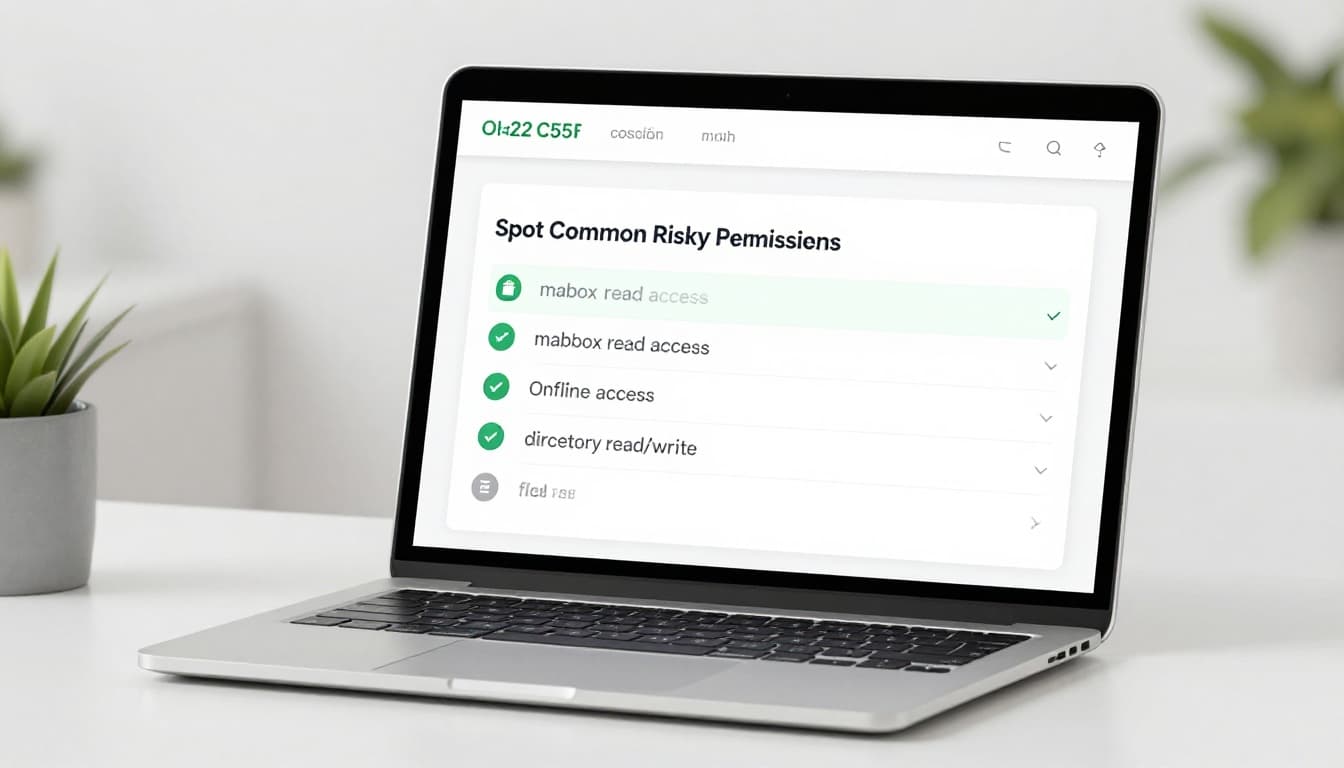
These permissions sound helpful. But they expose too much. OAuth consent phishing bypasses MFA. Users approve without knowing.
Test prompts yourself. Forward a real one to your team. Ask: Does this match the app’s job? Flag anything overbroad.
Run Your OAuth Consent Audit Step by Step
Start audits now. Use platform tools like Entra ID or Google Workspace admin consoles.
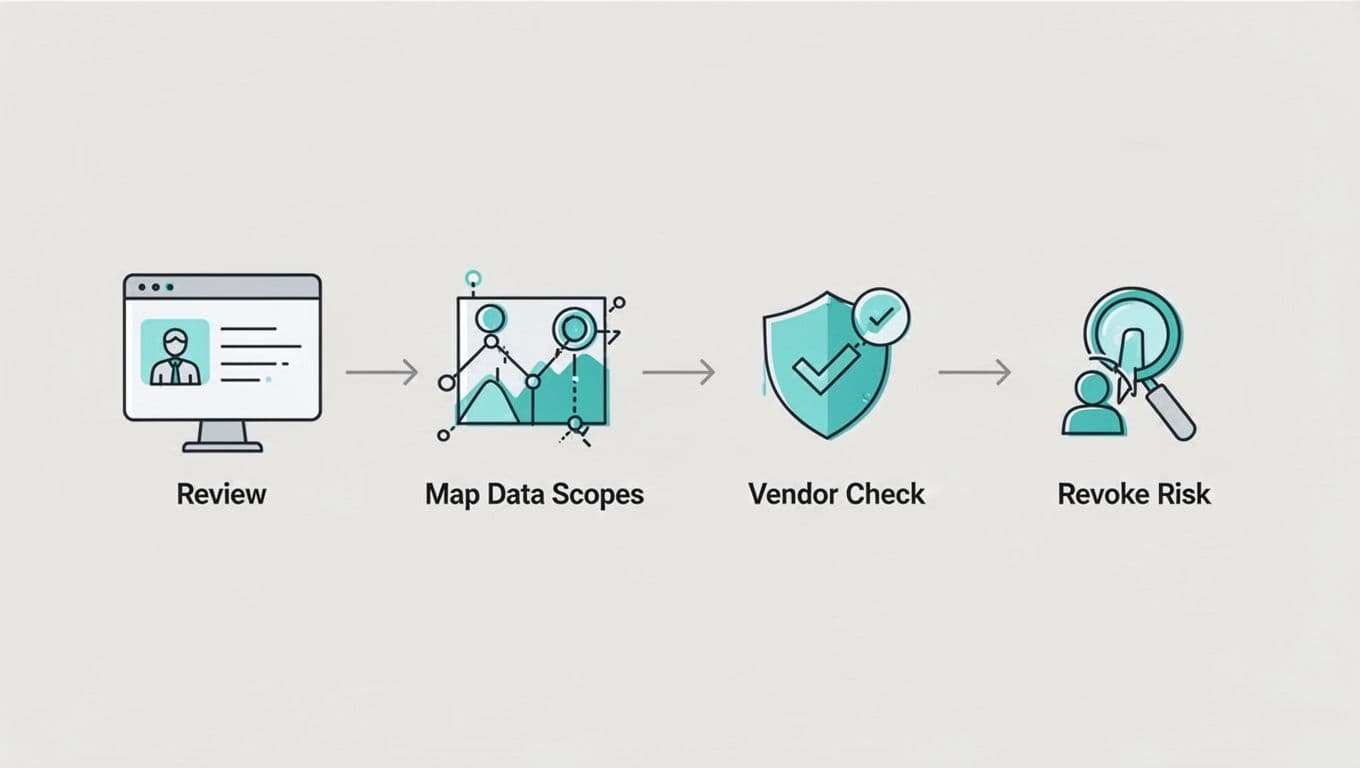
First, list all apps. Export consent grants. Note scopes, users, and dates.
Next, map scopes to data. “Mail.Read” means inbox access. Check if the app needs it.
Then, verify vendors. Search their site. Look for verified publisher badges.
Finally, decide and act. Revoke if risky. Document why.
Here’s a quick checklist:
| Step | Action | Tool/Example |
|---|---|---|
| 1. Export grants | Pull audit logs | Entra ID, Google Admin |
| 2. Review scopes | Match to needs | Mail.Read? Files.ReadWrite.All? |
| 3. Check vendor | Verified status | Publisher domain match |
| 4. Revoke/approve | Act and log | Bulk revoke unused |
| 5. Re-audit | Quarterly | Set calendar reminders |
Follow this every three months. It spots issues early.
Map Requested Scopes to Actual Data Exposure
Scopes define access. But prompts hide real impact.
“User.Read.All” pulls every profile. Combine with offline access, and data flows endlessly.
Directory read/write lets apps add users or reset passwords. File scopes hit OneDrive or Google Drive shares.
Test in a sandbox. Grant minimal scopes first. Monitor logs for overreach. OAuth security best practices stress this.
Business owners justify scopes. Security signs off. No match? Deny.
Verify Vendor Legitimacy Before Approving
Not all apps are safe. Check the publisher URL. Does it match a known company?
Look for verified badges in Microsoft or Google. Search for reviews or breaches.
Stop OAuth abuse with controls like app allowlists. Block untrusted ones.
Cross-check scopes. A note-taking app shouldn’t need admin directory access.
Remediation Steps and Ongoing Governance
Found a risky grant? Revoke it fast. Use admin consoles for bulk actions.
Disable sign-ins if needed. Reset tokens. Hunt for related activity.
For governance, enable admin consent workflows. Users request; you approve.
Set alerts for new grants or risky scopes. Quarterly audits become routine.
Use consent phishing defenses. Train teams on prompts.
Book a Discovery Call with Bud Consulting to build your IAM skills.
Key Takeaways
OAuth consent audits catch overbroad access before harm hits. Review prompts, map scopes, check vendors, and revoke risks.
You now have steps and a checklist. Run one this week. Data stays safe.
Breaches from bad consents drop. Your team works secure. Start today.




