
table of contents
Attackers scan the internet daily for open management interfaces. In April 2026 alone, breaches hit companies like TriZetto and Booking.com, often through weak admin access points. You manage servers, cloud setups, or apps, so these risks hit close to home.
Exposed admin dashboards give full control if found. They lead to data theft or server takeovers. Check your own assets now. This guide shows you how, step by step.
Why Admin Exposures Still Cause Breaches
Hackers love easy targets. Shodan shows over 380,000 public Kubernetes dashboards online. Many lack logins, so attackers grab cluster control fast.
Recent attacks prove it. The Handala group used exposed Microsoft Intune portals to own Active Directory. Kubernetes exploits jumped 282% yearly, per Unit 42 reports. Attackers probe ports like 6443, test anonymous access, then escalate.
Your setups face the same threats. Forgotten staging sites or cloud consoles sit public by default. One slip means ransomware or credential dumps. Start by listing all your internet-facing hosts.
Paths Attackers Probe First
Admin panels hide behind standard URLs. WordPress uses /wp-admin. Drupal hits /user/login. Custom apps often pick /admin or /dashboard.
Check these common ones on your domains:
| Path Example | Common Platforms |
|---|---|
| /admin | Custom CMS, Drupal |
| /wp-admin | WordPress |
| /administrator | Joomla |
| /phpmyadmin | Databases |
| /dashboard/ | Kubernetes, Traefik |
A full list appears in this GitHub security paths file. Attackers automate scans across these.
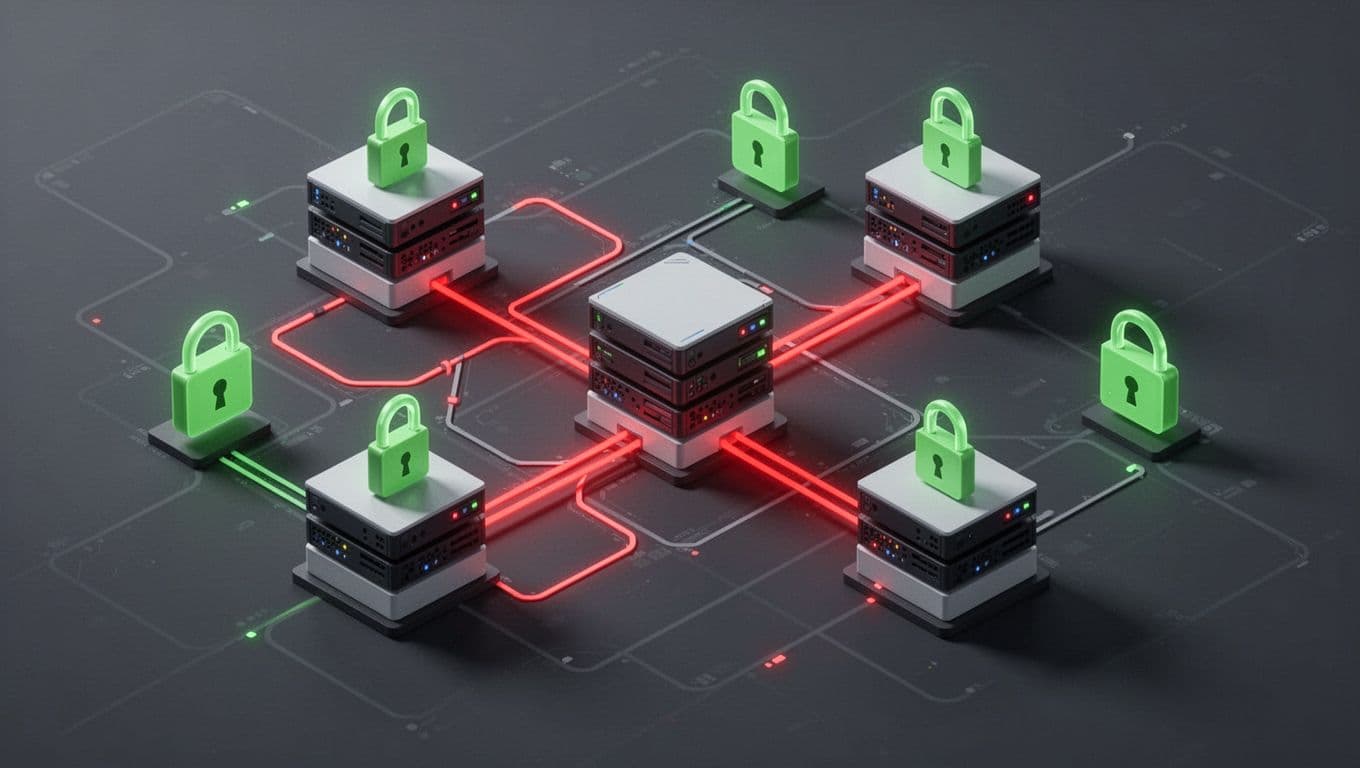
Self-hosted tools add risks. Jenkins at /jenkins or GitLab at /admin expose pipelines. Cloud like AWS has forgotten S3 buckets with console links. Staging environments mirror prod but skip security.
Google indexes them too. Search “inurl:wp-admin” and see public logins. Block bots with robots.txt, but scan first.
Step-by-Step Guide to Scan Your Assets
Use authorized tools on your own networks. Start manual, then automate.
- Inventory hosts. List all public IPs and domains with
digor AWS/GCP consoles. - Port scan basics. Run
nmap -sV -p 80,443,8080,6443 yourdomain.comfor web services. - Probe paths. Tools like Admin-Scanner fetch wordlists and test /admin variants. Set threads low to avoid noise:
./scan.py -site yoursite.com -t 1. - Check Kubernetes. Use
kubectl get svc -n kube-systemfor dashboard services. Scan external IPs. - Verify responses. Look for 200 OK on logins, not 404s. Test default creds only on your test setups.
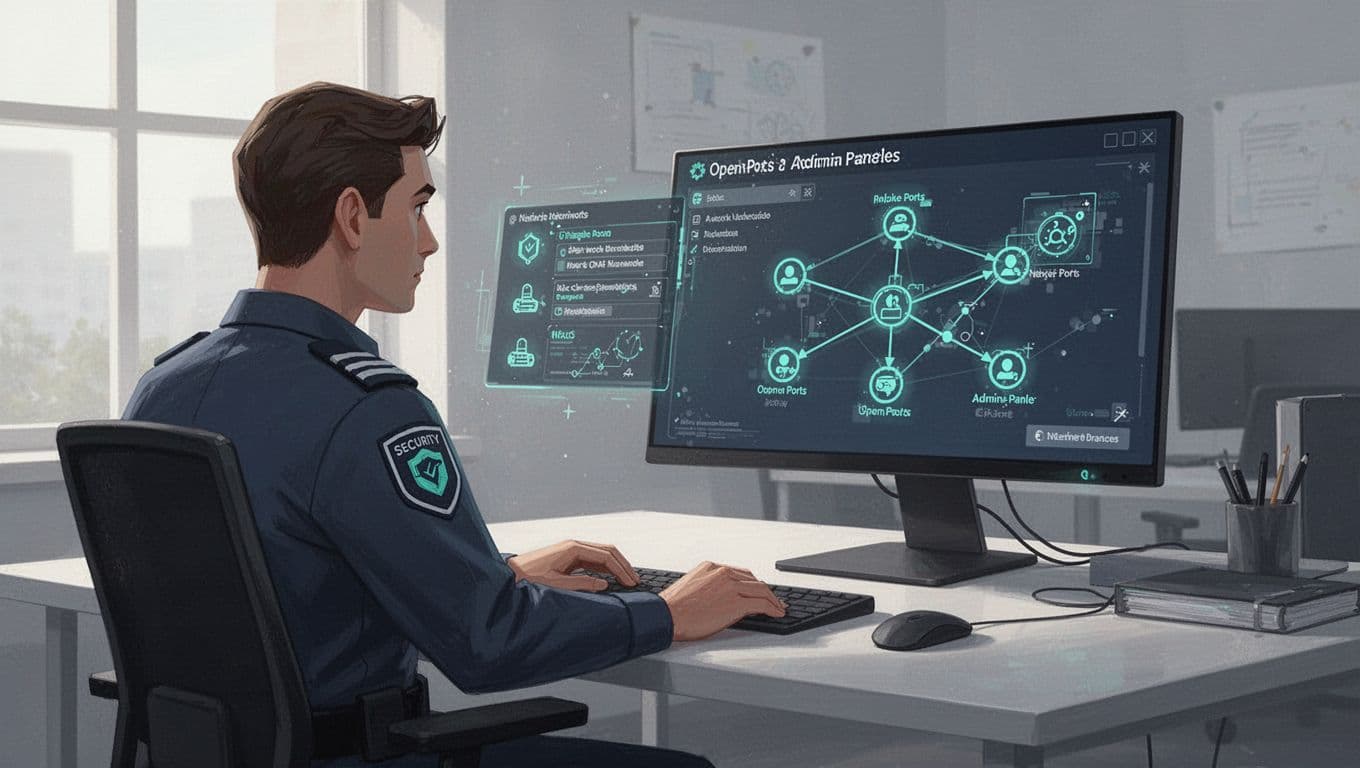
Frame scans as validation. Tools like ShadowGate output JSON for reports. Run weekly on prod mirrors.
Lock Down Found Exposures
Fix fast after scans. Remove internet access first.
IP allowlisting blocks outsiders. Nginx config: allow your.ip; deny all; before location /admin.
Force VPN or zero-trust. Tools like Cloudflare Access gate panels. No public exposure.
Add MFA and SSO. Okta or Azure AD federate logins. Kubernetes needs RBAC: bind read-only roles, no cluster-admin.
For K8s dashboards, follow OWASP Kubernetes cheat sheet. Use NetworkPolicies to limit traffic. Deploy behind Ingress with auth.
Self-hosted SaaS? Rename paths or use plugins. WordPress hides /wp-admin with filters.
| Fix | When to Use |
|---|---|
| IP Whitelist | Internal teams |
| VPN/Zero-Trust | Remote access |
| MFA/SSO | All logins |
| No Public Exposure | Prod always |
Audit configs. Disable unused like Traefik dashboard’s insecure mode.
Build Ongoing Monitoring
One scan won’t cut it. Assets change with deploys.
Set alerts with tools like Datadog or Prometheus. Watch for new 200s on admin paths.
Automated scanners run daily. Trickest modules check panels and defaults on your ranges.
Cloud native helps. AWS GuardDuty flags console logins. GCP Security Command Center scans buckets.
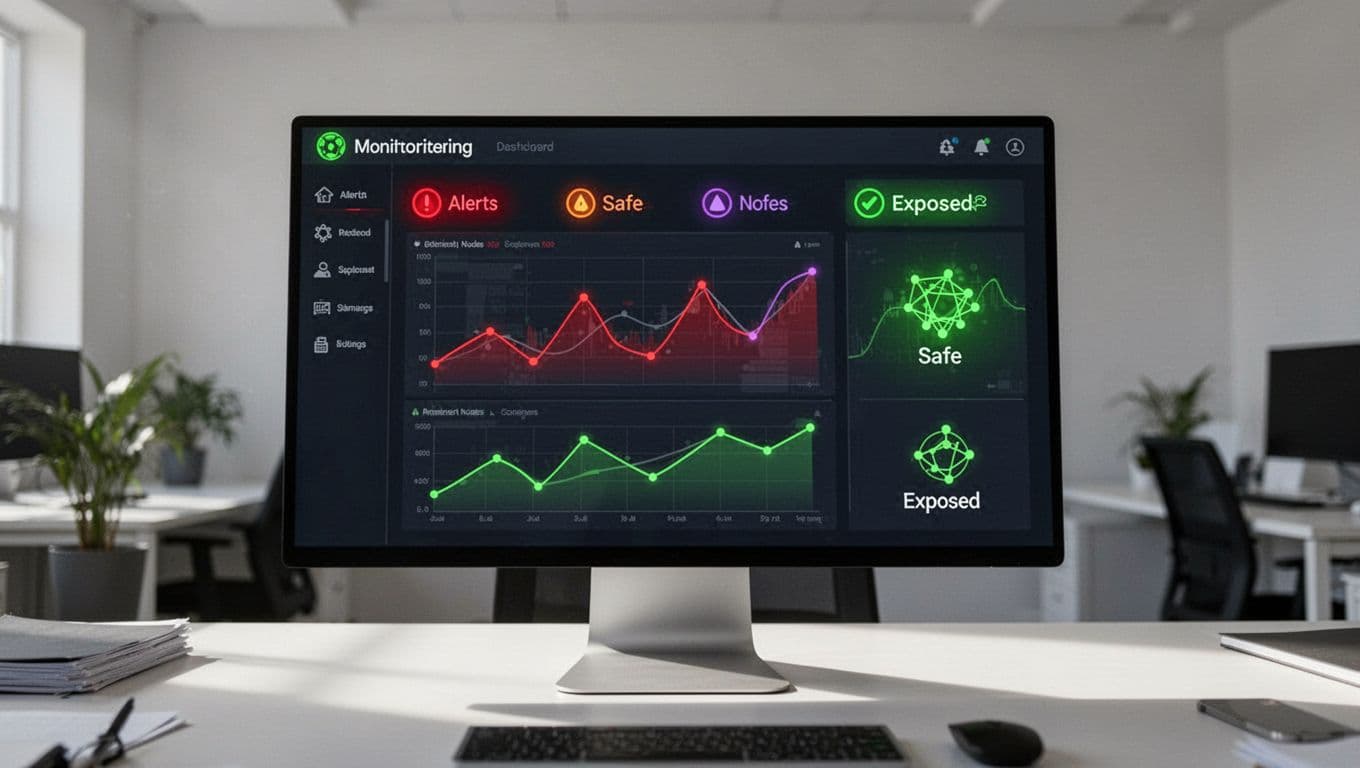
Shodan monitors public changes. Subscribe to your domains.
Key Takeaways
Exposed admin panels fuel 2026 breaches. Scan paths like /admin, secure with VPN and MFA, monitor always.
You beat attackers by acting first. Your networks stay safe.
Book a Discovery Call with Bud Consulting to review your attack surface.




