
table of contents
Remote contractors boost your team’s output. You hire freelancers for quick marketing projects or offshore developers for app builds. But granting them access often means risking your network. Old VPNs give them too much reach.
Zero-trust access fixes that. It checks every request, no matter the source. You verify identity and device before allowing entry. This approach suits small teams and growing businesses alike.
Let’s walk through the setup. You’ll learn tools, steps, and checklists to keep things tight.
Grasp Zero-Trust Basics for Contractors
Zero trust starts with one rule: trust nothing. Verify everything. For contractors, this means checking who they are, what device they use, and why they need access each time.
Contractors differ from full-time staff. A freelance designer needs your design tool for two weeks. An agency tester accesses staging servers briefly. Offshore devs handle code repos from varying locations. Temp IT support troubleshoots endpoints without seeing customer data. Match access to these roles.
In 2026, threats come from AI-driven attacks and stolen credentials. Regulations like NIST push continuous checks. Use identity-first security. Pair it with device posture scans. This blocks risky laptops or odd login spots.
Least privilege limits damage. Give just enough access for the job. Tools monitor behavior too. Spot unusual file downloads fast.
Phased rollout works best. Start with high-value apps. Expand later. This cuts risk without big disruptions.
Pick Tools That Fit Your Needs
Select categories over single products. Focus on what matches your scale.
Identity providers (IdPs) handle verification. Look for passkey support and adaptive MFA. They score risk in real time, like unusual login times.
Zero Trust Network Access (ZTNA) replaces VPNs. It hides apps behind gateways. Contractors reach only approved resources. Check for easy integration with your cloud setup.
MDM or UEM tools check devices. Ensure OS updates, encryption, and antivirus run. No compliant device gets in.
PAM covers privileged accounts. Contractors rarely need admin rights. Use it for just-in-time elevation.
MFA stays essential. Go beyond SMS with biometrics or hardware keys.
Evaluate on these criteria: setup time under a week, contractor self-onboarding, audit logs, and API support for automation. Test free tiers first.
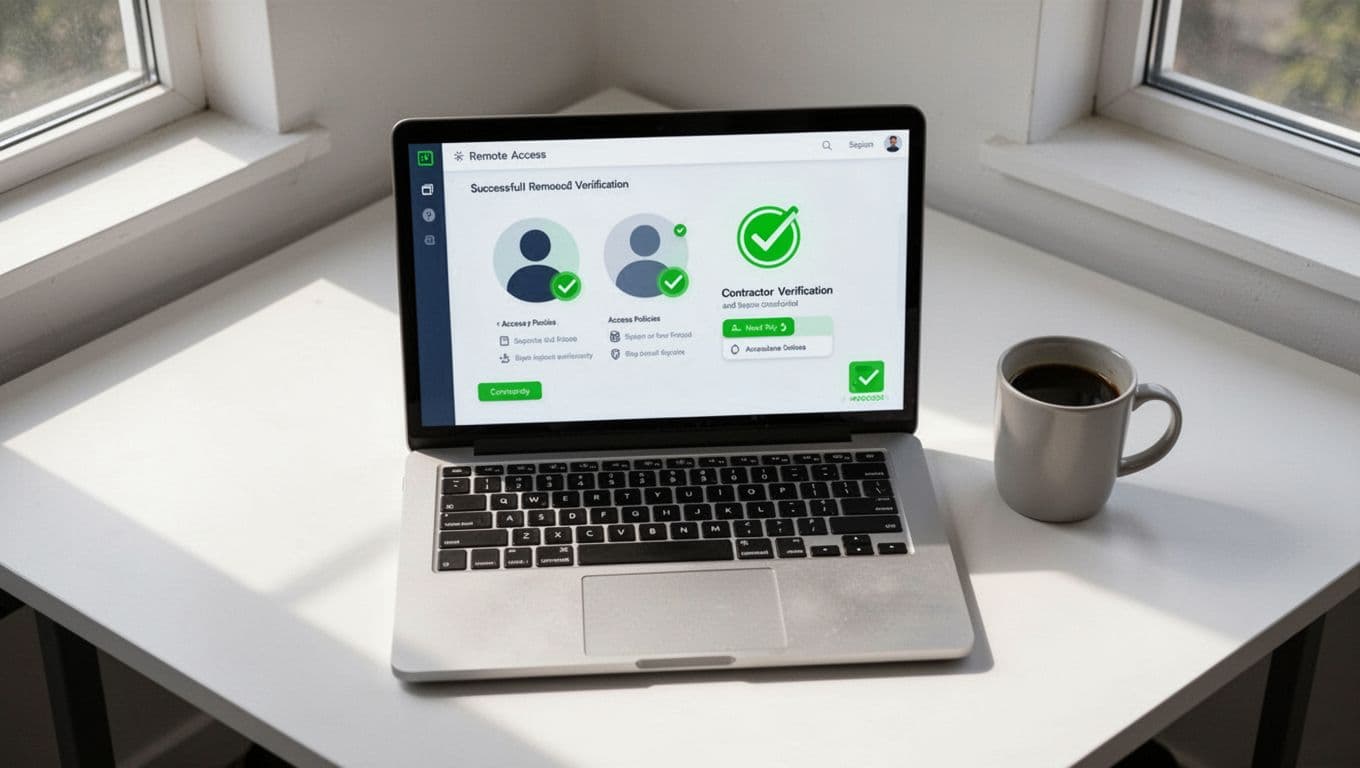
A Cloudflare guide on contractor access outlines ZTNA perks. It stresses micro-perimeters around apps.
Follow These Implementation Steps
Map your resources first. List apps contractors touch, like GitHub or Salesforce. Note sponsors and timelines.
Next, integrate identity. Connect your IdP to ZTNA. Set policies: MFA plus device check required.
Define roles. Freelancers get read-only on shared drives. Agencies see project folders only.
Test with a pilot group. Onboard one offshore dev. Watch logs for issues.
Roll out in phases. High-risk first, like dev tools. Then marketing apps.
Here’s a short checklist:
- Inventory apps and users.
- Set MFA and posture policies.
- Configure ZTNA gateways.
- Test access for one contractor type.
- Train your team on approvals.
- Monitor first week, tweak as needed.
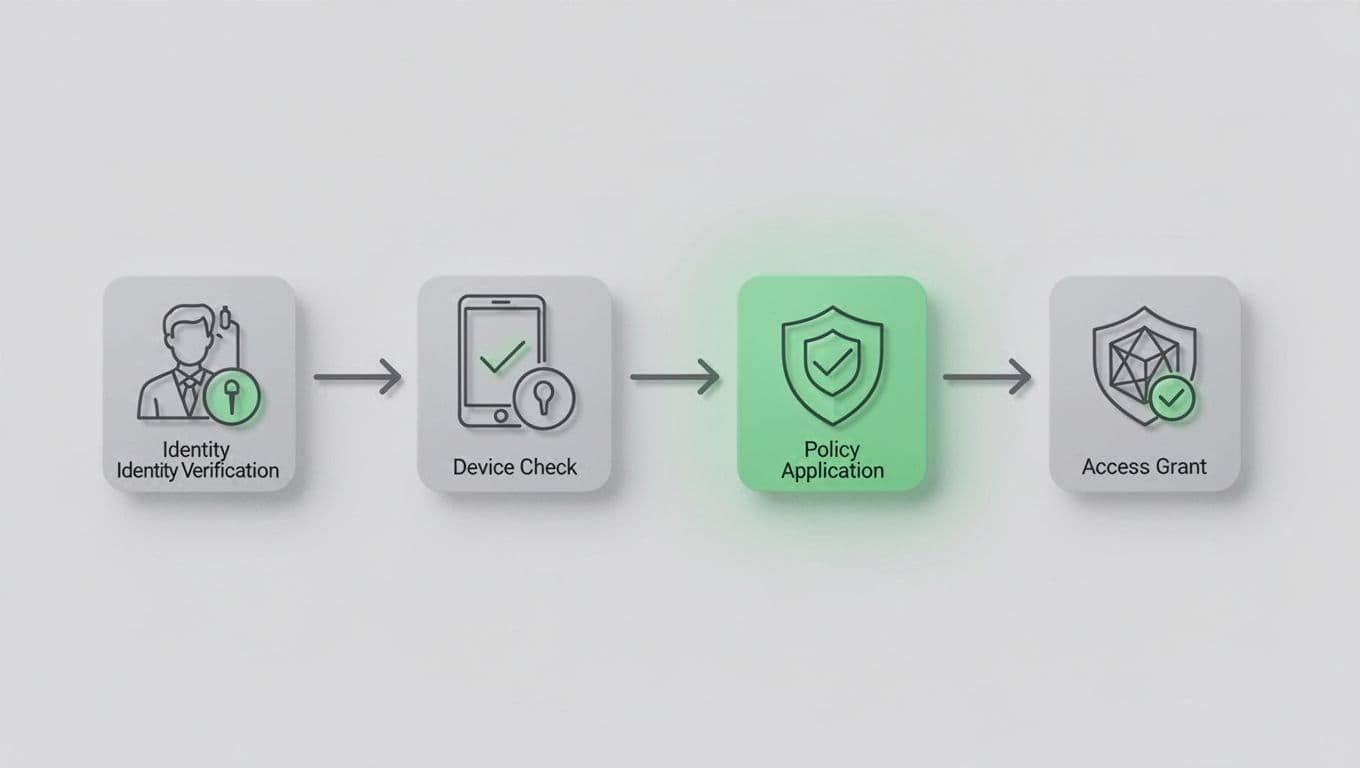
For details, see this remote contractor security guide. It covers device health rules.
Automation shines here. Use APIs to provision access on contract sign. Revoke at end dates.
Tackle Real-World Contractor Scenarios
Freelancers often work solo. Grant short-term app access via ZTNA. Auto-expire after 30 days.
Agencies send teams. Use group policies. One sponsor approves the whole crew.
Offshore developers face time zones. Continuous auth watches for anomalies, like logins from new IPs.
Temp IT support needs endpoints. PAM gives temporary admin, logged fully.
In each case, context matters. Location, time, and behavior trigger rechecks. This keeps access tight without slowing work.
A Zscaler article on third-party access maps dependencies well. Start there for your audit.
Plan Secure Offboarding
Offboarding prevents ghost access. Contractors leave mid-project or contracts end. Act fast.
Revoke IdP sessions first. Kill active tokens. Remove app accounts via SCIM.
Check devices. Wipe company data if issued. Scan for leaks.
Audit logs. Review their actions post-revoke.
Concise checklist:
- Disable IdP account.
- Revoke MFA and sessions.
- Remove app/group access.
- Recover data/assets.
- Log and notify compliance.

This offboarding checklist adds forensic steps. Use it for vendors too.
Set expiration rules upfront. No manual chasing needed.
Key Takeaways
Zero-trust access secures remote contractors without complexity. Verify identity, devices, and context every time. Start small with ZTNA and MFA. Use checklists for onboarding and offboarding.
Your network stays safe. Contractors work freely. Risks drop.
Need help with IAM specialists? Book a Discovery Call with Bud Consulting. They vet talent for setups like this.




