table of contents
You release a mobile app, but hackers spot exposed APIs before users do. Recent scans show 94% of Android apps send data over unencrypted HTTP. This leaves logins, payments, and health info wide open.
As a security engineer or DevSecOps lead, you need scans that catch these exposures fast. They prevent breaches during development or post-release assessments. This checklist focuses on actionable checks tied to real risks.
Let’s break down the steps you run today.
Spot Common Mobile App Exposure Risks
Exposures start with poor network calls and leaky endpoints. For instance, apps often hit APIs without proper auth, spilling user data.
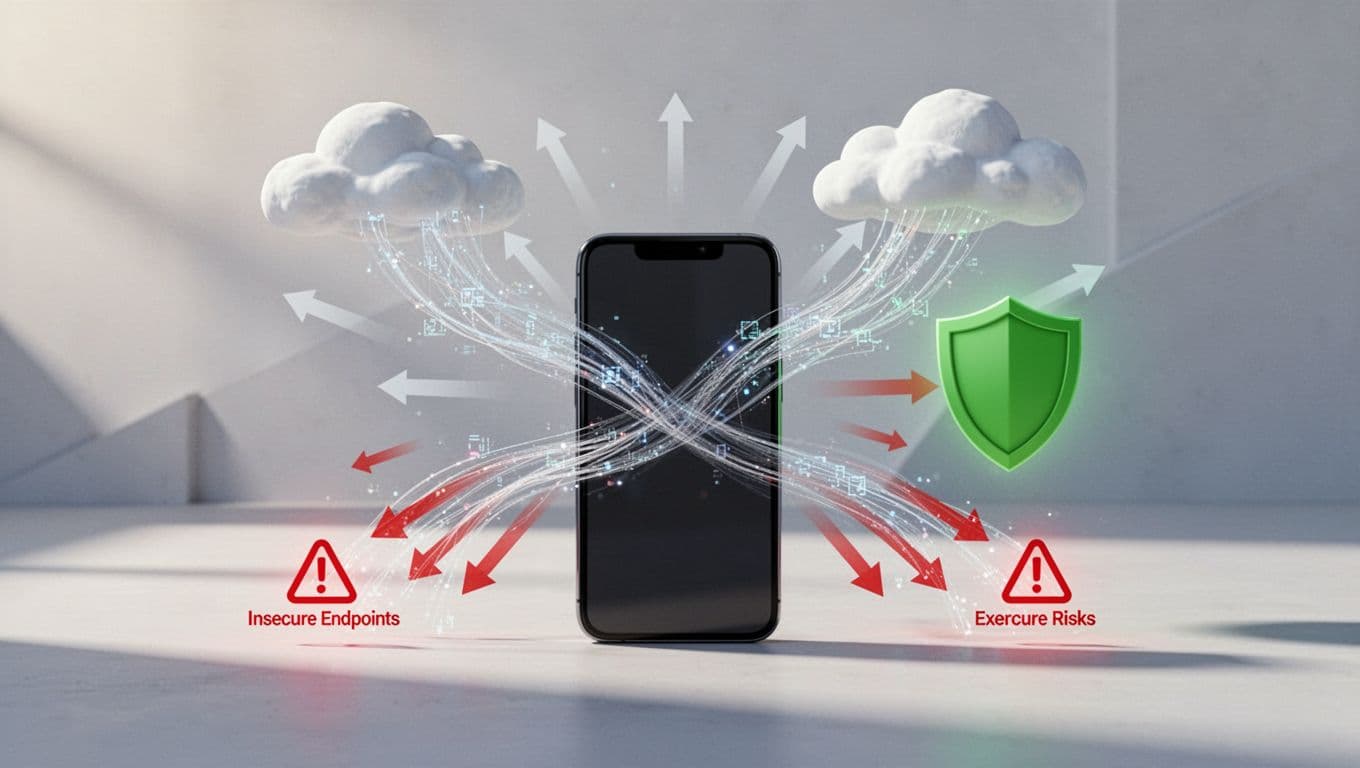
Phones leak to clouds via open ports or weak crypto. Quokka’s 2026 report flags hardcoded AWS keys in 50+ apps. Third-party libs carry CVEs from 2009. AI features add prompt injection risks.
Why check these? Attackers chain them into exploits. Over half of firms face exposed devices to known chains.
Start with static tools like MobSF. Upload APKs or IPAs. It flags secrets and bad configs. Then proxy traffic with mitmproxy. Confirm no HTTP fallbacks.
Remediate by enforcing TLS 1.3 and pinning certs. Scan deps weekly for vulns.
Core Checks for Mobile App Exposure Scans
You sit down for a scan session. Focus on network diagrams and runtime flows.

First, verify HTTPS everywhere. Route traffic through Charles Proxy. Block non-HTTPS calls. Most apps fail here.
Next, probe APIs for broken auth. Change user IDs in requests. Does it leak others’ data? Test token reuse on expired sessions.
Check local storage. Android SharedPreferences often hold plaintext tokens. iOS Keychain needs proper access groups.
Use DAST in CI/CD. Tools like OWASP ZAP catch excessive data exposure.
Common fix: Add object-level auth per OWASP API Top 10. Rotate keys dynamically.
Run on real devices. Emulators miss Keystore or Secure Enclave.
Secure Network and API Endpoints
APIs drive most exposures. Verify inventory first. List all endpoints. Hunt deprecated ones or debug paths.
Test for improper auth. Replay requests without tokens. Check rate limits.
In 2026, OAuth 2.0 with short-lived tokens rules. Add anomaly detection via gateways.
For mobile-specific: Pin certs against MITM. Block cleartext in network_security_config.xml on Android.
Why matters: APIs return more data than apps show. One flaw hits all users.
Remedy with runtime checks. Detect root/jailbreak. Block on bad Wi-Fi.
Reference OWASP Mobile Top 10 for prevalence data.
Protect Data Storage and Runtime
Data rests on devices, but backups and IPC leak it. Scan for keyboard caches, logs, screenshots.
Use AES-256 with device keys. Avoid SQLCipher misconfigs.
Runtime: Enable RASP. Detect debuggers, hooks. Check binary integrity on launch.
MASVS-STORAGE flags most fails. Test IPC: Can other apps read your files?
Fix: Strong obfuscation. OTA updates for quick patches.
iOS focuses on enterprise hardening. Android blocks sideloads.
Follow OWASP MASVS for Standards
MASVS sets the baseline. It dropped old levels for testing profiles in recent updates.
Cover five areas: storage, platform, code, resilience, privacy.
Use the MAS Checklist with MASTG tests. MobSF maps to controls.
For APIs, MASVS-PLATFORM demands secure comms. Test per MASTG cases.
Teams run automated scans per build. Manual before releases. Quarterly full reviews for high-risk apps.
This aligns with 2026 trends: Embed in DevSecOps, use SBOMs.
Quick-Start Checklist Summary
Print this for assessments. Tick as you go.
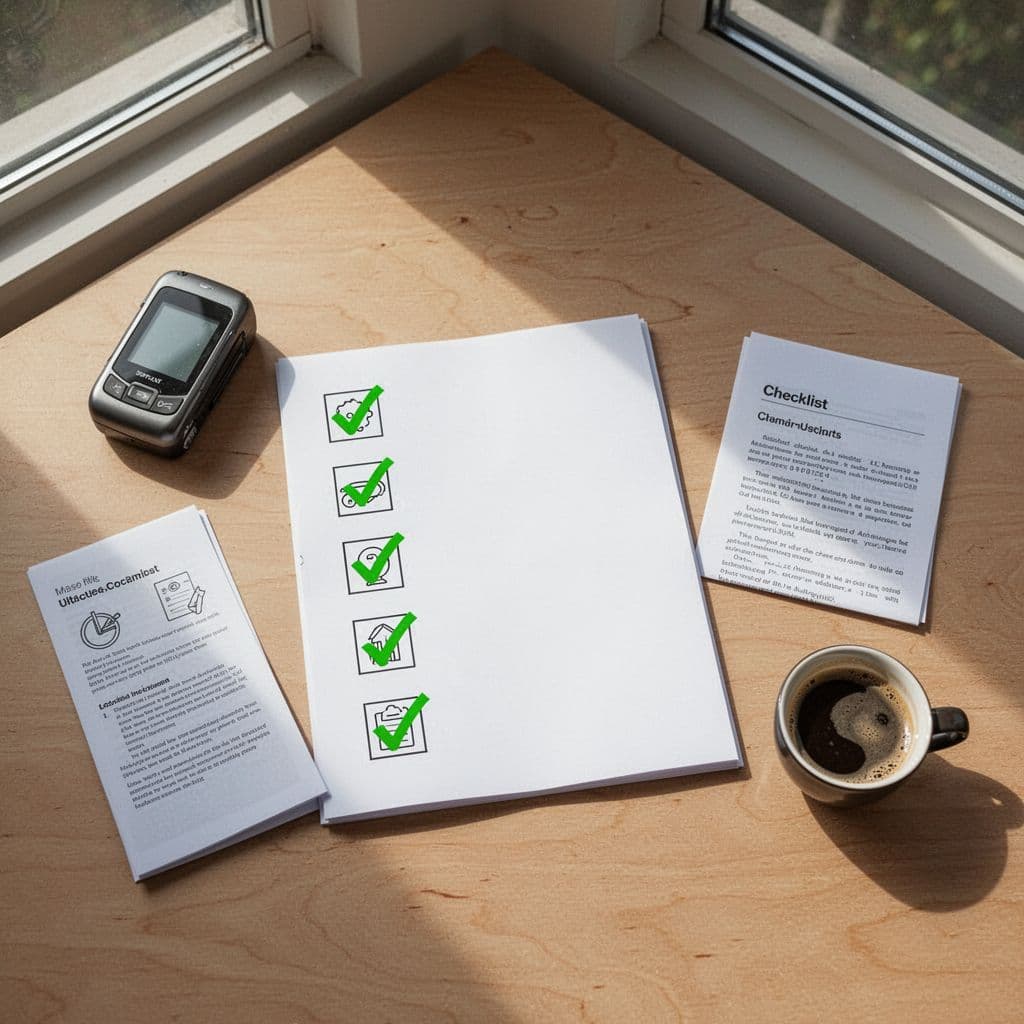
- Proxy traffic: All HTTPS? No fallbacks.
- API auth: Object-level checks pass? Tokens expire fast?
- Storage: Encrypted? No IPC leaks?
- Runtime: Root detection? Integrity verified?
- Deps: No high CVEs? Secrets scrubbed?
- MASVS map: Controls tested via MASTG?
Rerun on updates. Automate where possible.
If gaps persist, book a discovery call with Bud Consulting for expert scans.
Key Takeaways
Scans catch 94% unencrypted traffic and API flaws before breaches hit. Run them per build and quarterly.
You now have checks tied to MASVS. Prioritize networks and storage. Real devices seal the deal.
Strong apps build trust. Start today.