table of contents
Admin impersonation looks harmless until it crosses a tenant boundary. One weak check can turn a support shortcut into unauthorized access, data exposure, or a noisy audit trail.
If your SaaS lets admins step into a customer account, test that path like an attack surface. You need to prove who can start it, what they can touch, how long it lasts, and what gets recorded.
The safest admin impersonation testing treats every hop as a privilege change. Start with the abuse paths first, then pressure-test the controls that should stop them.
Map the abuse paths before you write a single test
Admin impersonation can mean different things in different products. In one app, it lets support view a tenant dashboard. In another, it lets an operator act on behalf of a user, approve changes, or export data.
That difference matters. A view-only session has a smaller blast radius than a full-action session, but both can leak tenant data if the guardrails are weak. Your tests should cover the exact permissions model, not a generic “impersonate” label.
A solid reference for implementation patterns is Curity’s impersonation implementation guide. If your stack splits a central admin console from tenant apps, compare the behavior with multi-tenant SaaS permission patterns so you don’t miss edge cases between contexts.
Treat the feature as a temporary privilege grant. That means testing RBAC, ABAC, just-in-time access, reason capture, notification rules, and rollback together.
Build a test matrix around the controls that matter
Use a small matrix that pairs each control with a hostile test. That keeps the review focused and makes failures easy to reproduce.
| Control area | Positive test | Negative or abuse test | Expected result |
|---|---|---|---|
| RBAC and ABAC | Approved support admin starts impersonation for the right tenant | Same admin tries a tenant outside their scope or outside policy conditions | Request is blocked, and the denial is logged |
| Tenant boundary enforcement | Admin can view only the target tenant’s data | Admin tries to open another tenant in a new tab, API call, or signed URL | Cross-tenant access fails every time |
| Consent and notification | Target user, tenant owner, or internal approver gets the expected notice | Impersonation starts without required approval or consent trail | Session does not start, or policy blocks the missing step |
| Reason capture | Admin enters a valid reason tied to a ticket or incident | Reason is blank, vague, or reused from another case | System rejects the start or marks it invalid |
| Audit logging | Start, stop, and action events appear in the log stream | Admin clears cookies, rotates devices, or opens a second browser | Logs still tie the session back to the same admin and target |
| Session expiry and revocation | Time-boxed session ends on schedule | Admin keeps using a stale session after expiry or revoke | Session dies immediately, with no reuse |
| Rate limiting and JIT access | Approved session starts inside a valid window | Script fires repeated start, extend, or revoke calls | The system throttles requests and raises an alert |
A good matrix forces each control to prove its job under stress. If one row fails, the feature is too easy to abuse.
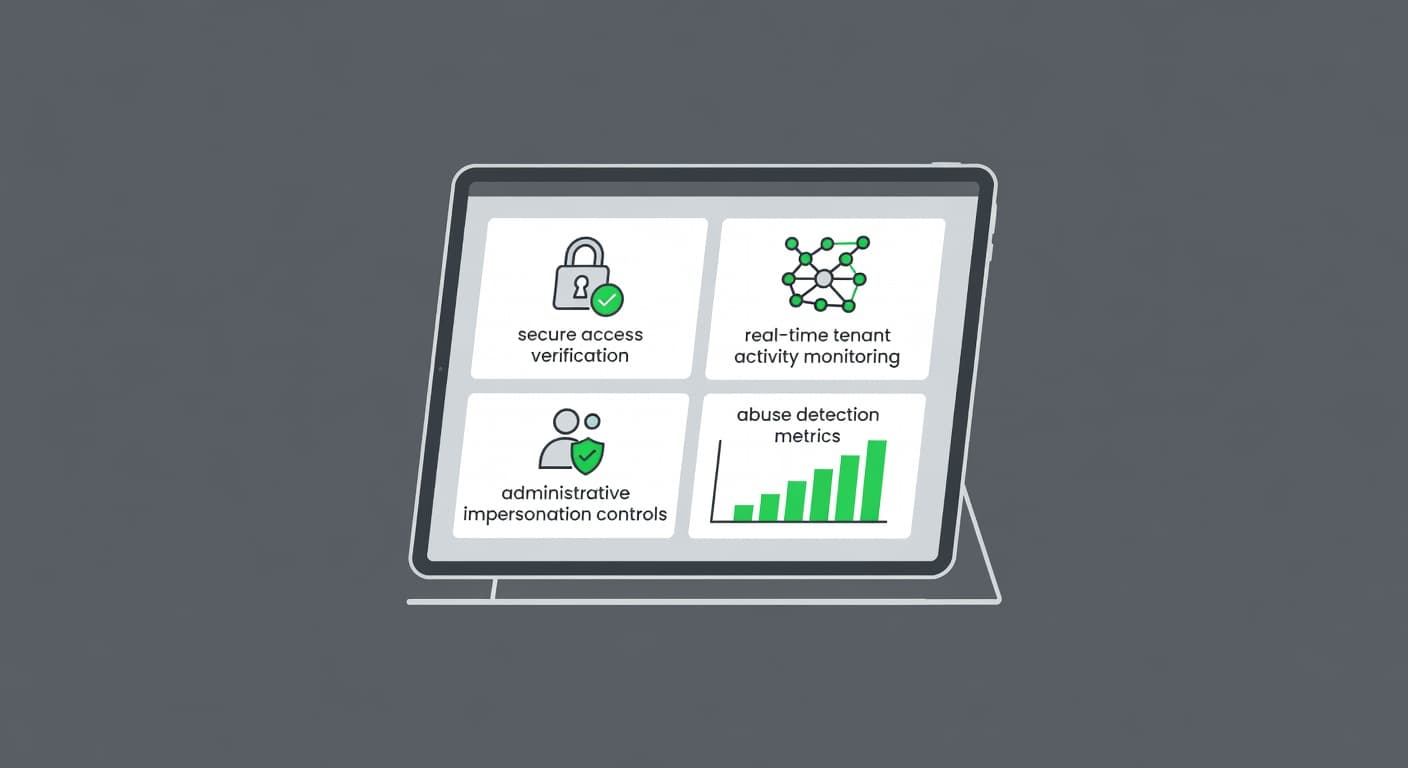
Step-by-step test cases that catch tenant abuse
Use these test cases in a staging environment with realistic tenant data. Keep one test tenant with low-risk fixtures and another with a different role mix.
- Start with the right role. Sign in as an admin who should be allowed to impersonate. Confirm that the start button or API call appears only for that role.
- Try a blocked role. Repeat the same action as a support user, junior admin, or service account. The request should fail fast, and the reason should point to RBAC or ABAC policy.
- Test tenant scoping. Pick a target tenant outside the admin’s assignment. The system should reject the request before any session is created.
- Check the reason field. Submit a valid ticket reference, then submit an empty reason, a copied reason, and a one-word reason. Only the approved format should pass.
- Verify notification behavior. Start a session that should trigger consent or notice. Confirm the right party receives the alert, and confirm the payload names the admin, target, and time.
- Move through allowed and blocked actions. View records, then try edits, exports, billing changes, or user role changes. The session should only allow the scope the policy grants.
- Inspect logs during the session. Confirm the audit trail captures admin identity, target identity, tenant ID, IP address, device or browser fingerprint, start time, and end time.
- Expire and revoke the session. Let the time-box run out, then try to keep using the session cookie, token, or signed URL. Do the same after manual revocation. Both attempts should fail.
- Retry from a second device. Start impersonation on one browser, then reuse the session on another device or network. The system should block reuse if your policy binds the session.
- Test request bursts. Fire repeated start and extend calls. Rate limiting should slow the burst, and alerts should fire if the pattern looks abusive.
If the product has a break-glass path, test that too. Break-glass access should be easier to detect, not easier to hide.
Abuse scenarios to simulate on purpose
Real attackers rarely use the path you expect. They look for weak edges and stale state.
- A support admin opens a tenant, exports customer data, and then tries to pivot into another tenant through a stale tab. The second tenant should never open.
- A privileged user starts impersonation on a trusted laptop, then loses access approval. The active session should die as soon as revocation hits.
- An operator with partial rights tries to impersonate a higher-privilege tenant owner. ABAC should block the target, even if the role seems valid.
- A script sends many impersonation requests in a short burst. Rate limits should hold, and security telemetry should show the pattern.
- A user claims they approved access, but the audit trail has no notice, reason, or approval event. That gap should fail release, because it hides the chain of custody.
These cases show whether your controls still work when the session state gets messy.
A tester’s checklist before sign-off
Keep this runbook linked to your internal RBAC test plan, audit-log review guide, and tenant-isolation checklist. The final review should cover these points:
- Only approved roles can start impersonation.
- JIT access windows expire on time.
- The target tenant and target user stay fixed for the whole session.
- Reason capture is required and tied to a ticket or incident.
- Consent or notification fires when policy says it should.
- Audit logs include admin ID, target ID, tenant ID, IP, device, timestamp, and action history.
- Replays, stale tokens, and reused signed URLs fail.
- Rate limits stop start, extend, and revoke spam.
- Revocation clears the session everywhere.
- Rollback restores the previous view and access context.
A pass on this checklist means the feature can survive normal use and hostile probing. A gap in any line means the session can become a covert data path.
Conclusion
Admin impersonation is useful, but it has to behave like a controlled privilege grant. If your tests only cover the happy path, you have not tested tenant abuse at all.
Focus on boundaries, time limits, logs, and revocation first. When those controls hold under pressure, the feature becomes support tooling instead of a quiet security risk.
If your team wants help reviewing impersonation controls or tenant boundary checks, Book a Discovery Call with Bud Consulting.
FAQ
What should audit logs capture for admin impersonation?
At minimum, log the admin identity, target identity, tenant ID, timestamp, IP address, device or browser details, reason, and every sensitive action taken. If your logs do not let you reconstruct the full session, they are too thin.
Should impersonation sessions notify the target user?
Yes, when your policy allows it or requires it. Notification reduces stealth and gives the tenant a chance to spot abuse, but the message should stay clear and useful.
How do you test rollback and revocation?
Revoke the session while it is active, then try to use the same browser, token, and signed URL again. Each retry should fail, and the system should clear any cached access state across services.
How do you test just-in-time access for impersonation?
Approve access for a short window, wait for that window to close, and then repeat the same request. The system should block the late request, even if the admin still has a valid login session.